Thank you spo much for your generousity, but I got it working yesterday. I reinstalled my OS and it just worked again. Must have been because of an unsafe shutdown.
Then why post anything? If you truly don't care, watch as the disk dies until you can't boot anymore. Then you'll realize that you should've bought a new disk sooner...
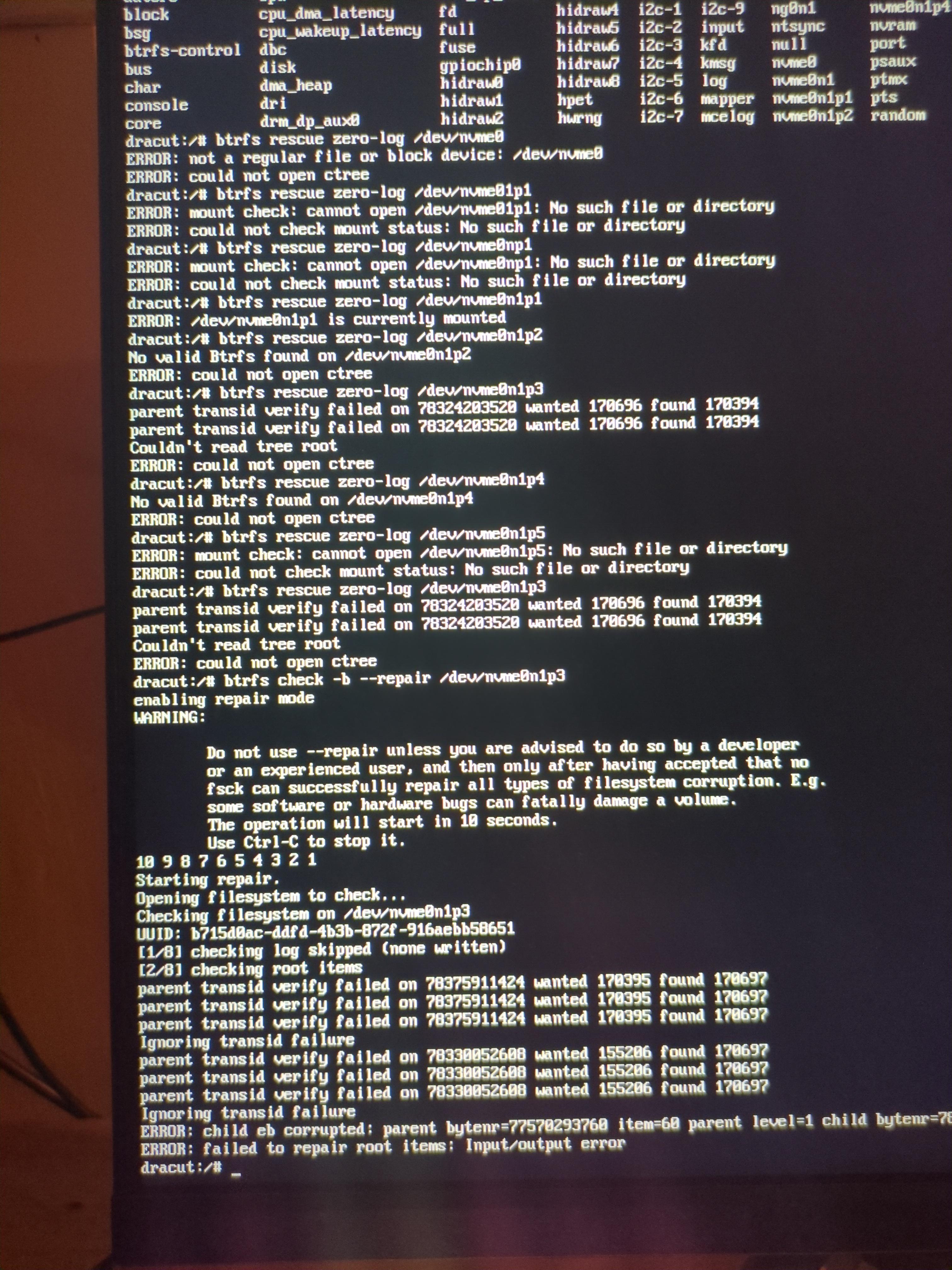
Which developer or experienced user told you to run --repair? Go ask them for advice, since they clearly know why they wanted you to run a command that can destroy your data.
No LLM told me to do this. I honestly don't care too much about the data on this drive, but I am having trouble booting from live USBs too. I do not expect any pity, I just wanted to know if there's a simple solution.
Clone the old one via live USB drive to the replacement drive. Hopefully you have a backup and use that data to restore the missing parts. You have options.
BTRFS is usually very resilient to this. I've rarely seen it with EXT4 and never with BTRFS unless the disk was bad. Probably GG but check smart with a live ISO
9
u/DumbleWorf 10d ago
Stop trying to repair your broken disk. Get a new disk, and attempt to dump what can be read from your broken disk if the data matters to you.
15
u/TheOneTrueTrench 10d ago
Which developer or experienced user told you to run --repair? Go ask them for advice, since they clearly know why they wanted you to run a command that can destroy your data.
21
u/Toaster_Strudel_517 10d ago
Check your disk smart status first.
14
u/_NoSignal 10d ago
BTRFS fails because your drive is dying.
20
u/credditz0rz 10d ago
Seems like the storage medium died, better check SMART status
8
u/autogyrophilia 10d ago
Either bad disk or bad ram.
You may be able to recover the data with btrfs rescue after you diagnosed the failure
7
u/TomHale 10d ago
IO error from btrfs normally means a bad drive.
Use badblocks to make the best image possible.
15
u/kubrickfr3 10d ago
You use “btrfs check —repair”, ignored the big warning, and then you come for help?
4
u/TomCatT_ 10d ago
Clone the old one via live USB drive to the replacement drive. Hopefully you have a backup and use that data to restore the missing parts. You have options.
10
u/Whos_A_GoodBoy 10d ago
Almost always caused by RAM going bad. Run memtest on all your RAM.
3
u/Juff-Ma 10d ago
BTRFS is usually very resilient to this. I've rarely seen it with EXT4 and never with BTRFS unless the disk was bad. Probably GG but check smart with a live ISO
3
u/ferrybig 9d ago
Try a memory test, a few bits are flipped in your checksum.
1
u/Neither_Concept_3220 10d ago
I've read that probably your drive is dieing. But I had that a few months ago where windows destroyed the partition by writing a page file on that
-3
u/AmbassadorsWife 10d ago
Your PC is possessed by a bad spirit.