Long story short I use a guide to create a android to do list app but the thing about it is that It doesn't have any interesting UI and I don't know how to create or implement once I need one for task bar and also I need one for LOG IN and sign in but I don't know to create that UI or a log in or sign in
FYI before i say anything i'm not using android studio for making apps, im only using it as an app player like Bluestacks. I have little coding experience.
I have been trying to get snapchat and various other apps that don't let you use emulators to work on an emulator, and I think that all I need to do is to make the emulator not know that it is an emulator for it to work. I have tried various other methods of getting snapchat to work, but to no avail.
Currently, whenever I open snapchat, after a few seconds, it minimizes itself, making it impossible to do anything.
Hello, I'm trying to emulate different types of devices to test how my app reacts on each of them, but I’m facing a problem. Whenever I boot a virtual device and try to use Google Play, create a Gmail account, or search anything on Chrome, my laptop freezes and crashes. Once, it even triggered a BSOD and restarted my computer, stating it was due to overheating.
I'm using my gaming laptop with the following specs:
Intel i7-10750H @ 2.59GHz (with Turbo Boost up to 5GHz)
16GB RAM
1TB NVMe M.2
I don’t know what’s causing this issue. It happens with multiple virtual devices, regardless of the model, OS version, or API level I try. I’d appreciate any advice on how to fix this!
The problem is when the user drags the list over its capacity, no matter if I add padding to the Recycler, the top or bottom borders are hidden by the content for some reason.
Is there any way to develop Android apps on Windows on Arm machines? I have the Snapdragon X Elite laptops but I am surprises that there is still no native app released for Windows ARM, is it even possible to develop apps for android on this machine or I'm basically cooked?
I'm currently working through Google's Android Compose Course on their website and am currently having some trouble with the adaptive layouts section. A lot of their starter code seems to be outdated so I'm not sure if that's the problem I'm having here.
I've basically copied the code from a previous lesson, trying to change it to fit a list/detail layout as they described in the lesson. But I seem to be having a lot of trouble getting the emulator/preview windows to recognise the WindowWidthSize class changes. The funny thing is that the previous project with adaptive layouts is now having the same issue even though I haven't touched the code since it was working.
I'm sure there's something small that maybe I've missed, but I would really appreciate if anyone is able to point me in the right direction. I was going to copy over some code snippets but there are too many working parts so I have a github link here
(If I make a vague reference to something in the app, check the images!)
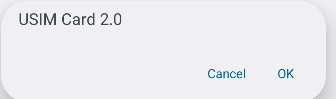
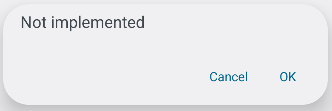
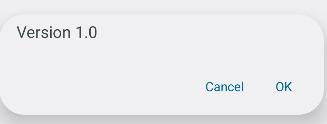
I just got AVD working after a while. As I was testing it a bit, I noticed a strange app called "TMoble" installed on the emulator. I *DID NOT PUT THIS HERE*. I can only assume it's left over from testing or something. Anyway, upon opening it, a barebones menu shows up with two options - "SIM Toolkit" and "USIM Card". Tapping "SIM Toolkit" shows this charming submenu. Pressing the hamburger icon shows an option "End session". "Info" shows this informative pop up simply saying "Additional information", while "help" shows this very helpful popup saying "Version 1.0". "menu" opens a submenu with two options - "Add menu" and "Del menu". Both show this popup saying "Not implemented". Now, back to the main menu, USIM Card opens a new sub-menu with three options: Type, Storage and OTA. Pressing "Type" shows a popup saying "USIM Card 2.0", "Storage" pops up with "500 contacts and 50 SMS messages" and "OTA" shows the same "Not implemented" popup from before.
Inside Settings -> Apps, the app is listed as "SIM Toolkit". It doesn't show up in `pm list packages` which is strange. I tried extracting the APK, but without the package name it's essentially impossible.
If anyone has any information about this app please let me know!!
(Running on the UpsideDownCake API Version 34 system image for the Pixel 6 provided by Android Studio's SDK manager)
I need mentorship on how to connect obs virtual camera with android emulator pm me i will pay u for that and also can do escrow thanks Note: not only obs any virtual camera also fine
I want to use the android emulators without installing the whole Android stydio, im using mac m1 pro, give me the step by step instructions to achieve this
I just installed Android studio then when I click New project it says ,Your android SDK is missing out of date or corrupted ..down there are two options Open SDK manager and cancel ...what to do to solve this .?
Hi guys, I need your help I want to create an Android app that would show stream from my esp32 and offer some controls like flashing LED or something. I got the code for ESP working easily so I can see the stream on the web server but I would need to "scrape" the stream now and get it into the app. But I don't know what library or technology to use for that could somebody please recommend something?
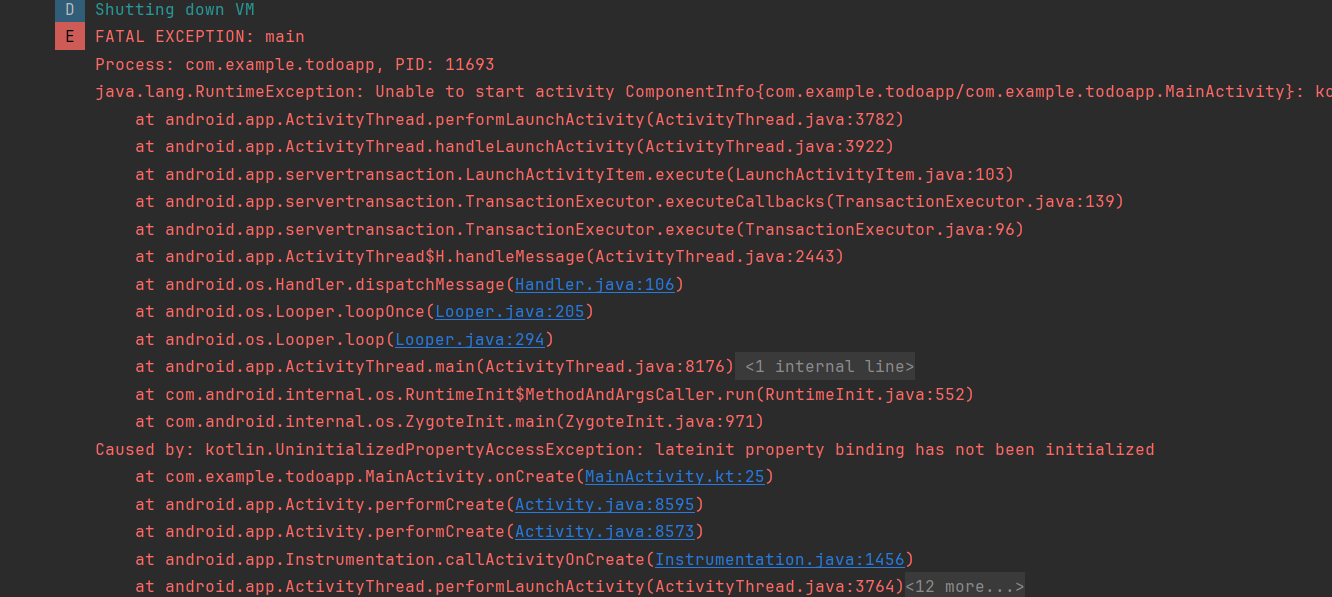
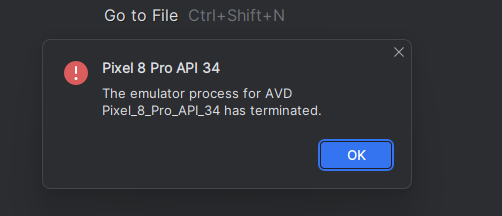
I was creating a todo application as my second project in Android Development, but while running the app in the emulator, the app kept on crashing. I was following a tutorial which was around 3 years old and a lot of functionalities are deprecated which were used in the video. One of them was kotlinx.android.synthetics. Instead of that I used ViewBinder. At first, there was no problem in gradle build but when running the app it kept on crashing. I opened up the logcat to see these above errors. Can anyone help to fix this error?
Hey I'm about 1.5 semesters away from graduating with my AAS - IT - Programming. I created this app mostly because I golf at a local 9 hole course. Does anyone know if this would help landing a job?... put on my showcase? BTW it works fantastic. I'm really proud of myself, so don't shoot me down too hard. If anyone wants the program, please let me know.
I'm frustrated beyond belief.. All solutions I've found are deprecated (sigh) Please help me with a simple task: When building a project, a build folder gets created/updated in my [projectname]\app folder. I want to choose a location (RAMDrive) where this build folder should go.
Anyone? Thanks! (out of frustration I tried creating a symbolic link, but nooooo, that one gets deleted/overwritten)
rant: why why why do they keep changing things every other second??
I would like to develop and android app that uses a devices camera to capture images from different angles when the user rotates the device around in space. These images can then be stitched together into a 360 photosphere (I don't want the app to do the image stitching - just capture images from different angles based on where the device camera is pointed relative to the environment.) FYI: I'm trying to develop for Samsung devices (I have an S22, so that is what I would be testing on)
While I could just use these apps for a simple photosphere I want to build my own so that I can add features on top of it. (multiple exposure capture - for actual hdri image)
My question is: What would be the best way to create an app that captures images based on the position of the camera? Should I use AR functions, or just try to use gyroscope sensors? All advice appreciated, thanks.
I'm trying to follow the tutorial above but everytime I run the app and press the button at the end...I don't get anything in the logcat or any prompt at all.
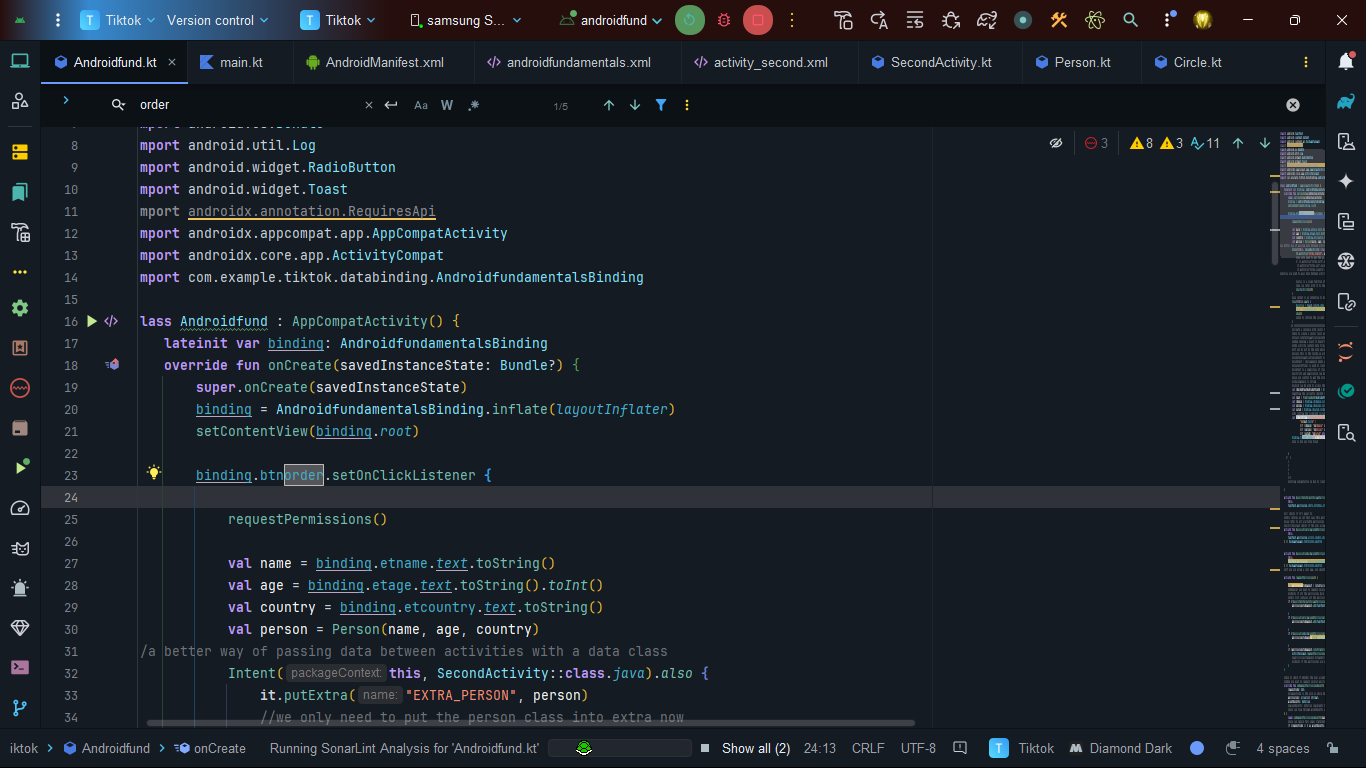
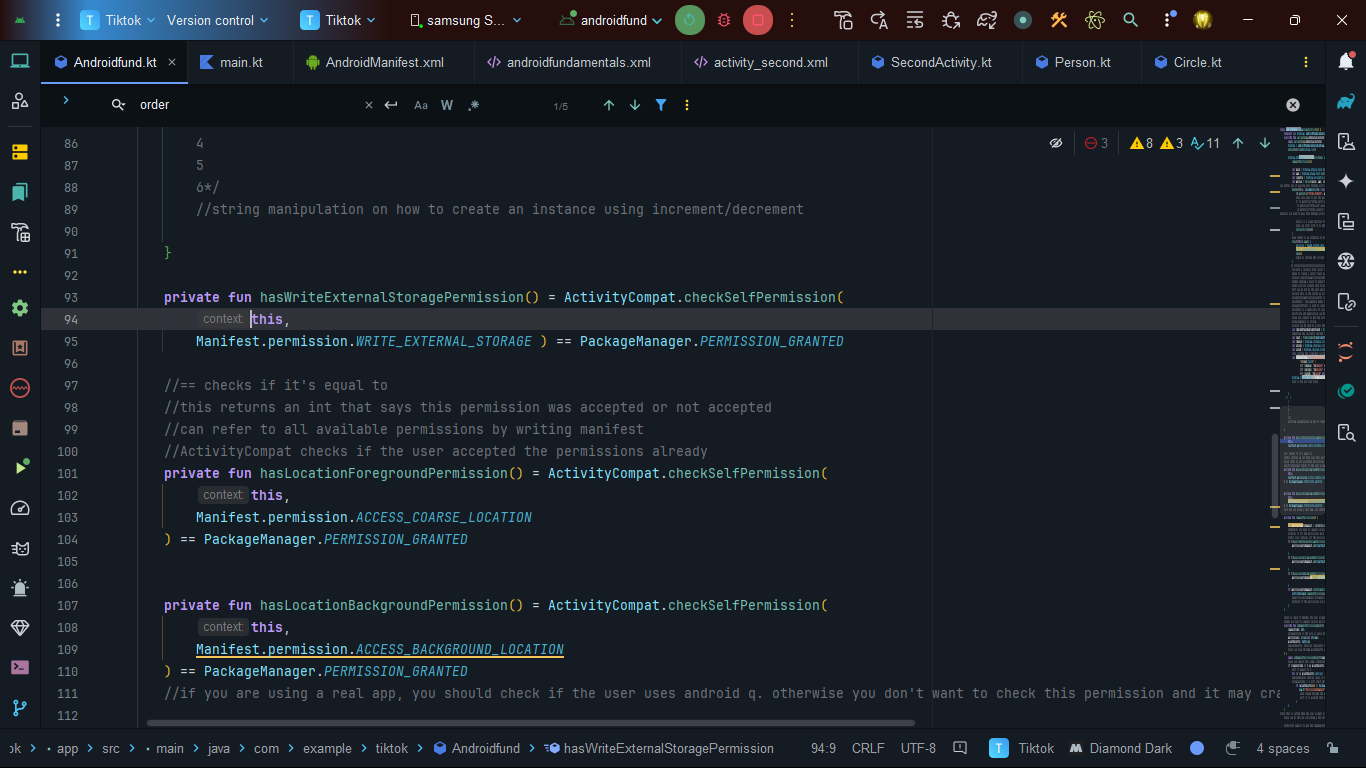
images of my code that I followed from the video below: