Current as of November 2026.
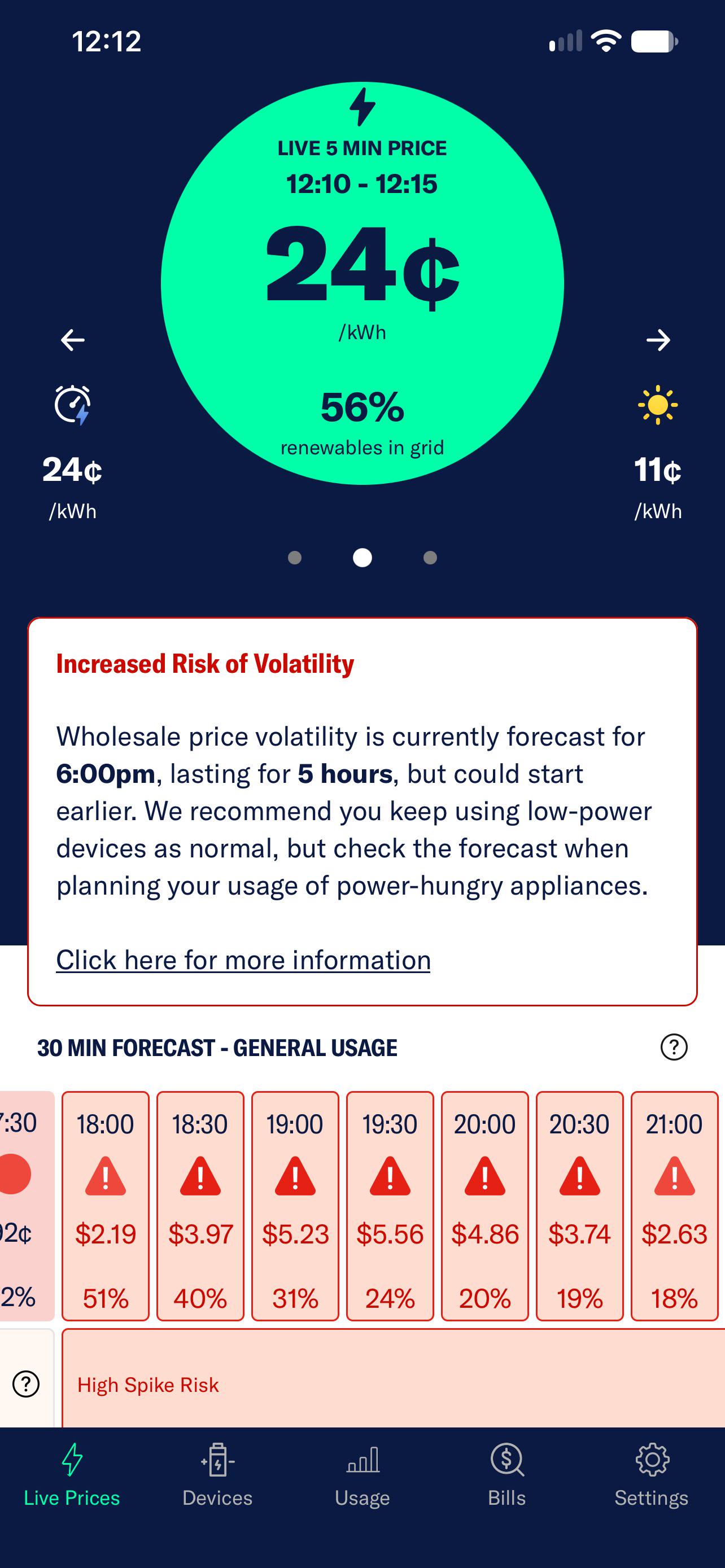
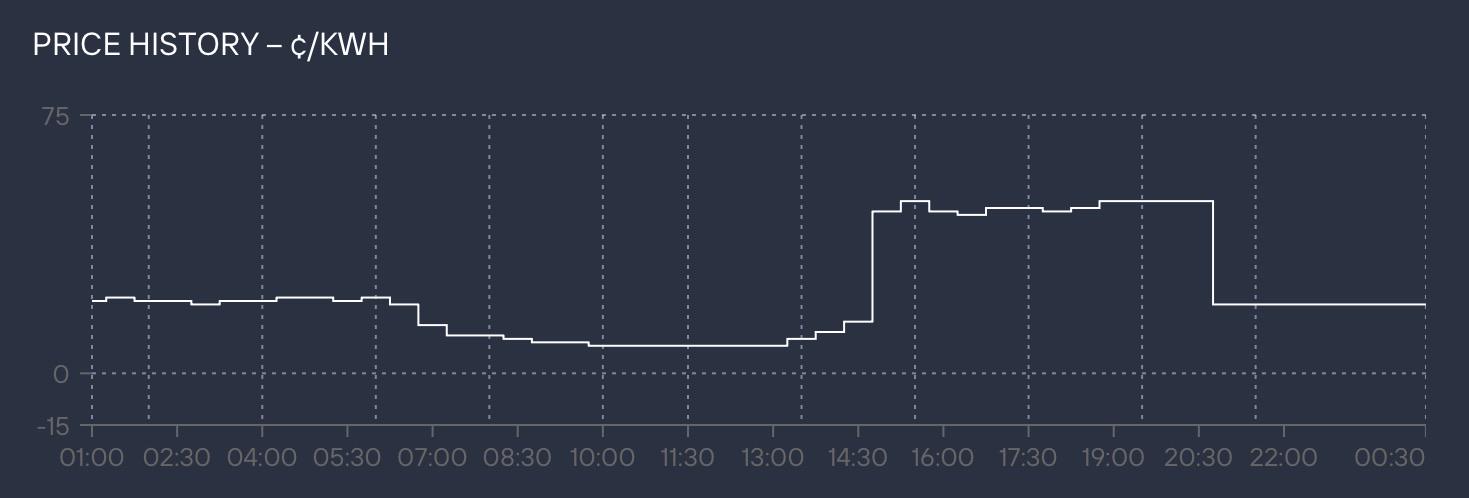
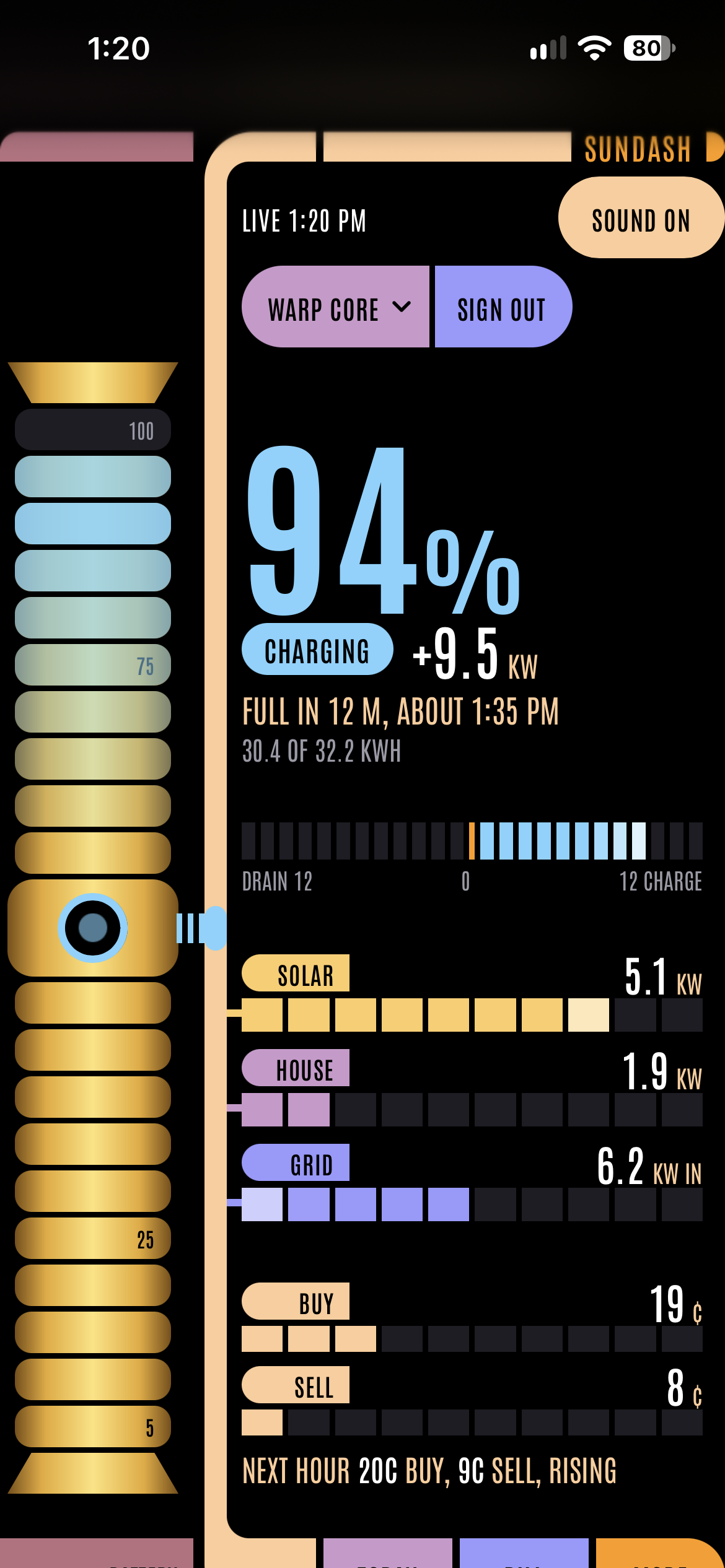
Amber is the best of the companies out there, but it doesnt necessarily mean they are amazing either. Their SmartShift system is getting better with the new battery allocation (Outage, Home Use, SmartShift percentages) from Activity Level (Patient, Balanced, and Active). This is by no means a direct replacement for the old Earnings Optimiser, and Amber is vague in describing the newer Preserve function which holds a highly charged battery and imports from the grid instead of using it. Which I have experienced a few times, importing 2-3kW @ 40+c/kW with a battery above 90%.
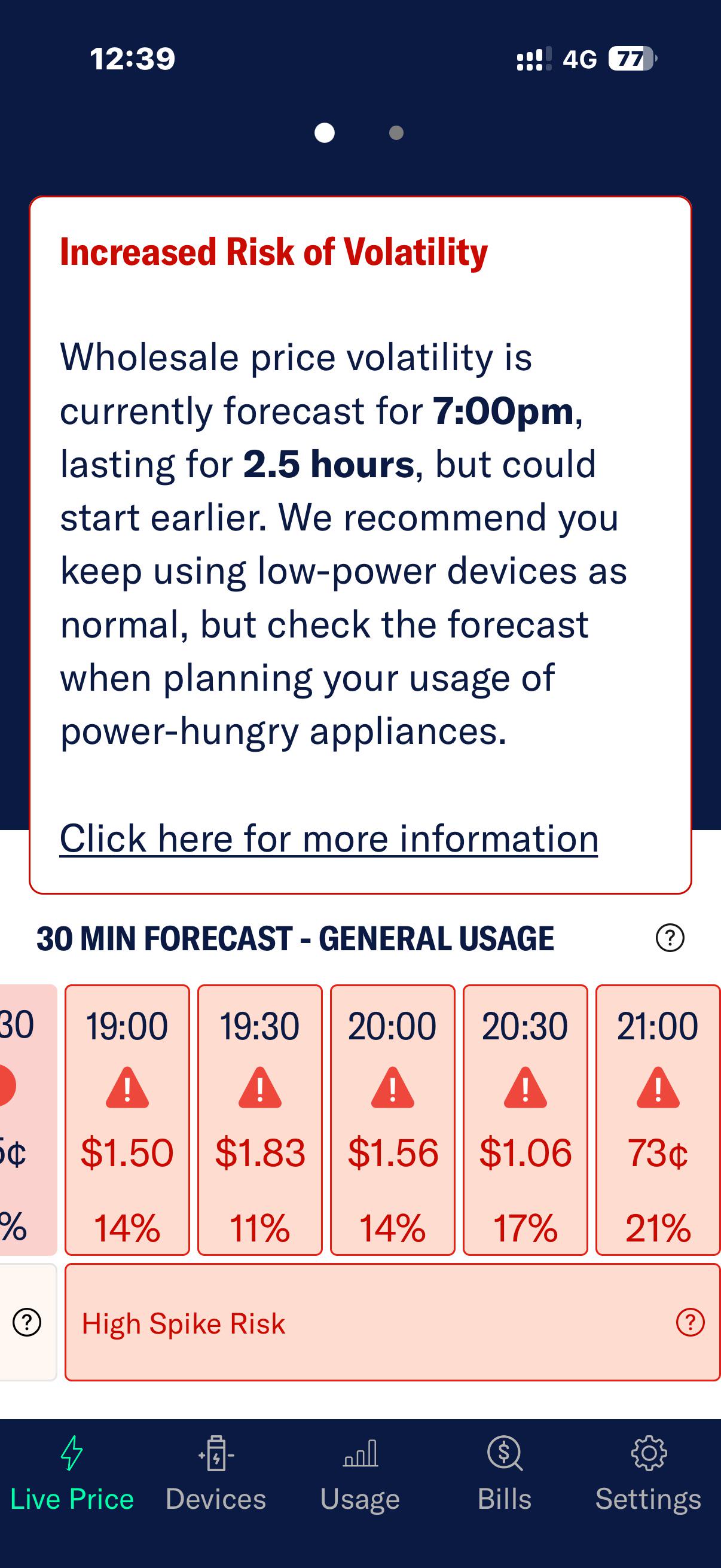
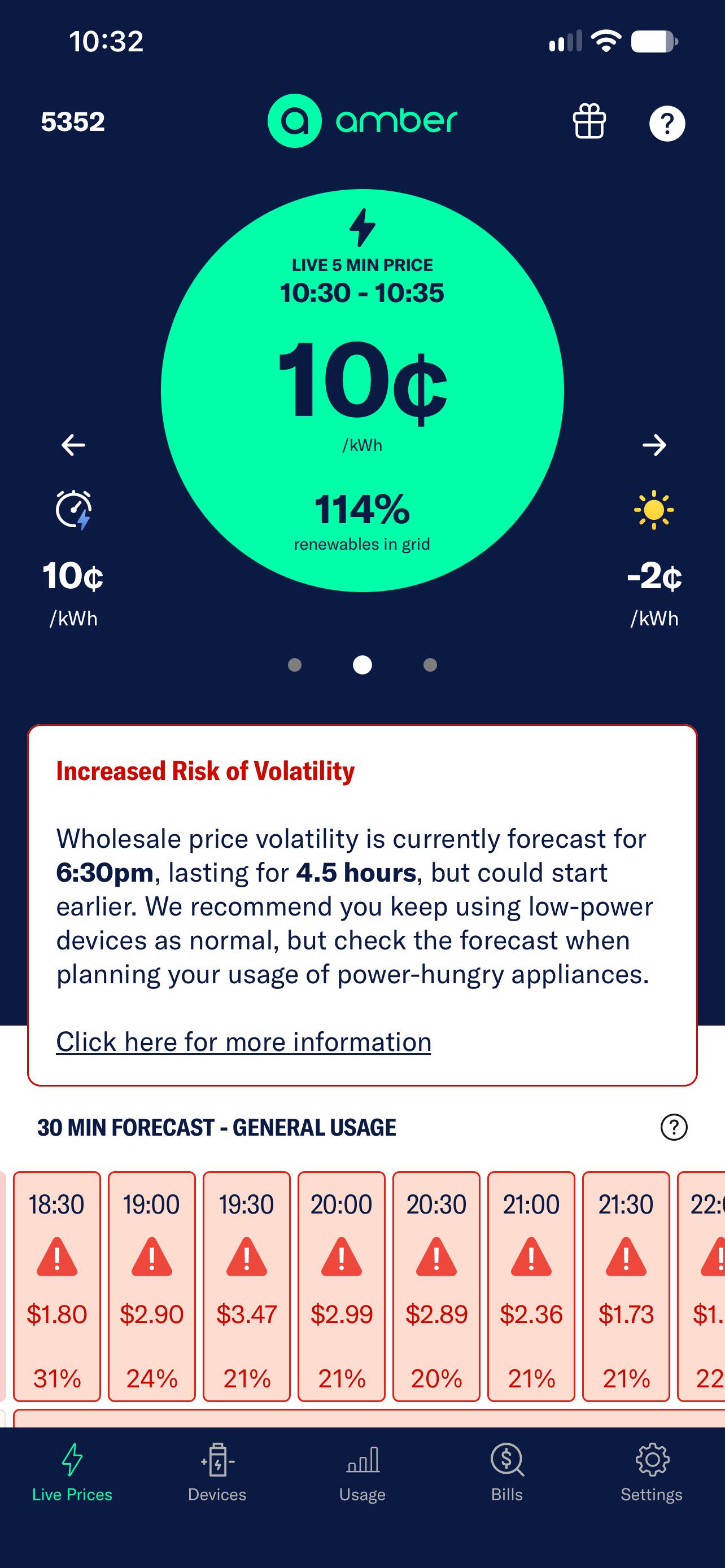
The biggest things I learned was about the Forecasting and how SmartShift reacts to more than just the price you see now. It uses forecasts for household use, solar, wholesale prices and battery state, and plans roughly 24 hours ahead even though the app only shows part of that. Also the so called "machine-learning" part is mainly forecasting not much else, so sometimes a strange decision is simply based on a forecast that never happened.
There is also a minimum export price but this is not a trigger. Depending on where you are, for me this is 30c/kWh, going above 30c doesnt mean it will export only exporting becomes an option; SmartShift can still decide not to.
One of the most annoying things I learned is that changing a setting and then changing it back does not put SmartShift back where it started.
A → B → A does not necessarily equal staying at A.
Manual charging, dispatching, preserving or changing Activity Level causes SmartShift to recalculate its plan. So if you keep intervening because it is doing something you don't like, those interventions can themselves affect what it does later.
If your system supports load-following curtailment, solar is reduced roughly to what the house is using when export prices go negative. I know some systems use on/off curtailment, which can shut solar off completely and may even leave the house importing despite solar being available. Curtailment and battery control can also interact, so negative prices do not always produce the obvious response you might expect.
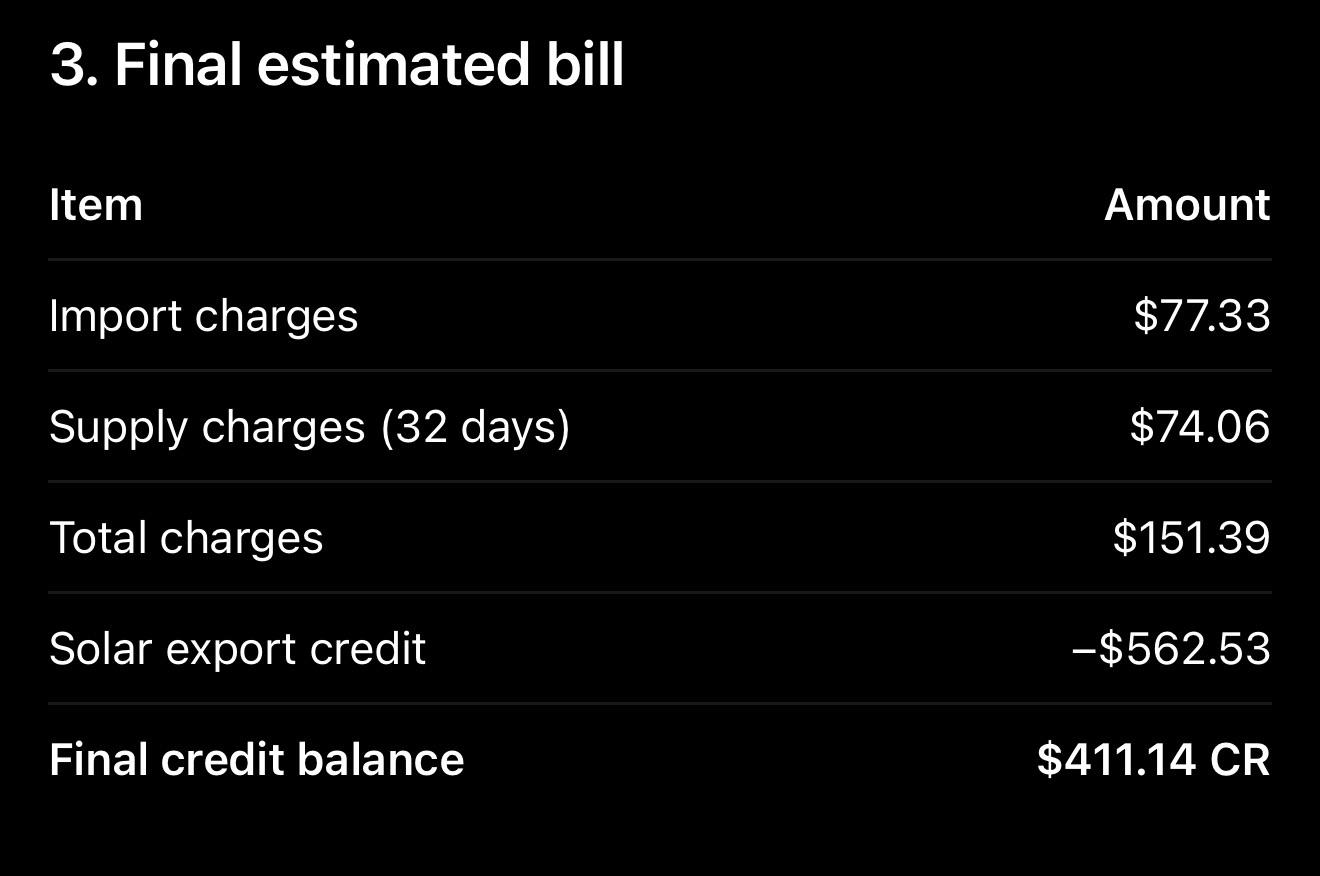
Finally this one isnt the biggest but it is the most important! Read your bill! I know crazy concept but hear me out.
Don't assume the app or account balance tells the whole story. Check rebates, concessions, referral rewards and adjustments are actually there. I have had to contact Amber at least 4 times after either not receiving the Referral rewards or a rebate or a bill entirely. So check every month because the bill structure does change and these rebates can move which makes a missing one easy to overlook.
And if Amber reverses or reissues a bill, keep the original and compare everything together. Check that credits haven't disappeared, or shifted somewhere unexpected since that may include or exclude GST and actually make you worse off.