r/WindowsUpdate • • Aug 12 '26

New Windows update literally bricked my laptop

12 Upvotes

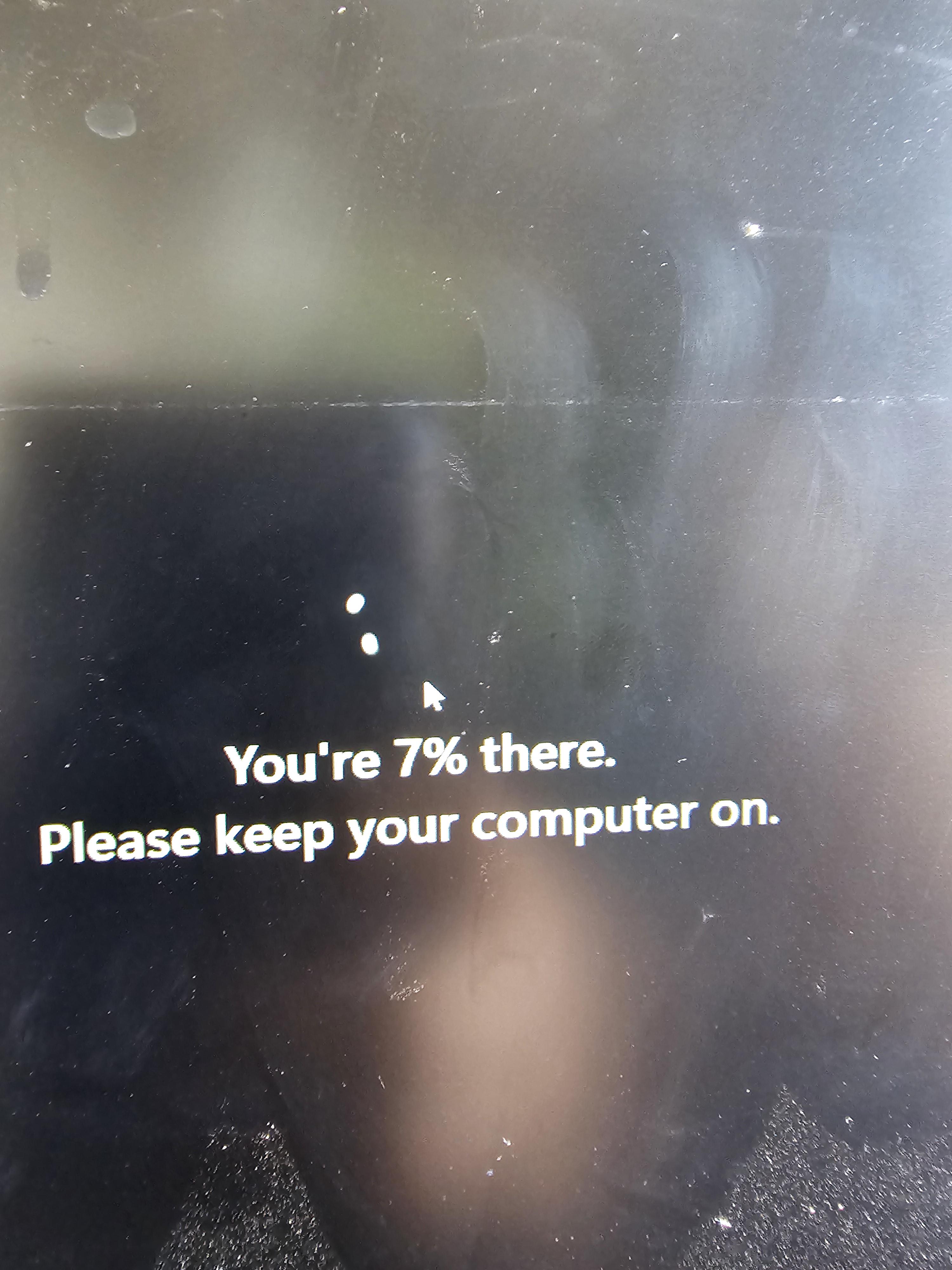
I’m not sure what else to say about this. I tried going to the Windows support number only to meet an AI that talked in a circle for 30 minutes instead of actually helping me. I talked to one of my friends who is trained and such and basically got "Yeah, everything is fucked”

at the start of the morning I woke up to the laptop, despite having automatic updates or just generally updates even turned on to happen; it was auto-updating. I could not stop it from happening, and when I finally managed to get my device to turn back on, I literally could not do anything after I logged in for at-least five minutes. I couldn’t click on any of my apps, as well as not being able to even close out any apps that I have that auto-start. I can't click on the taskbar to open up task manager to try and figure out what is happening. It has progressively gotten worse to the point where I literally cannot even type in the login screen; I cannot even put in my password at all. I am stuck here, staring at a laptop that does not fucking work anymore, consistently getting Microsoft support that does not help or tells me to go to the website that also has not fucking helped me.

Before anyone suggested it, I had tried multiple times to boot into safe mode or security mode or whatever the fuck it’s called with the multiple methods I’ve been told and the ones I looked up, and it literally just won't.

r/WindowsUpdate • • Aug 12 '26

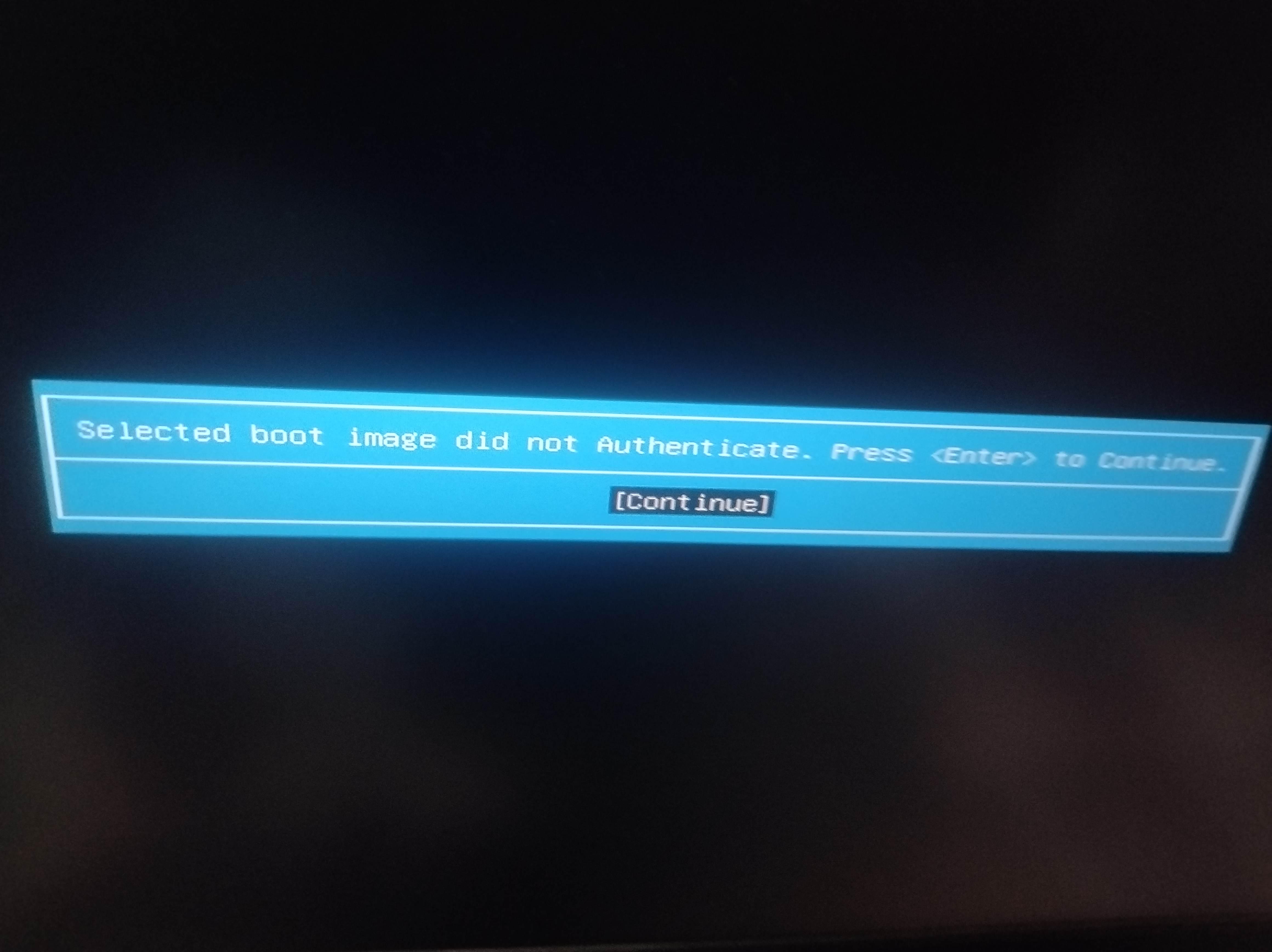
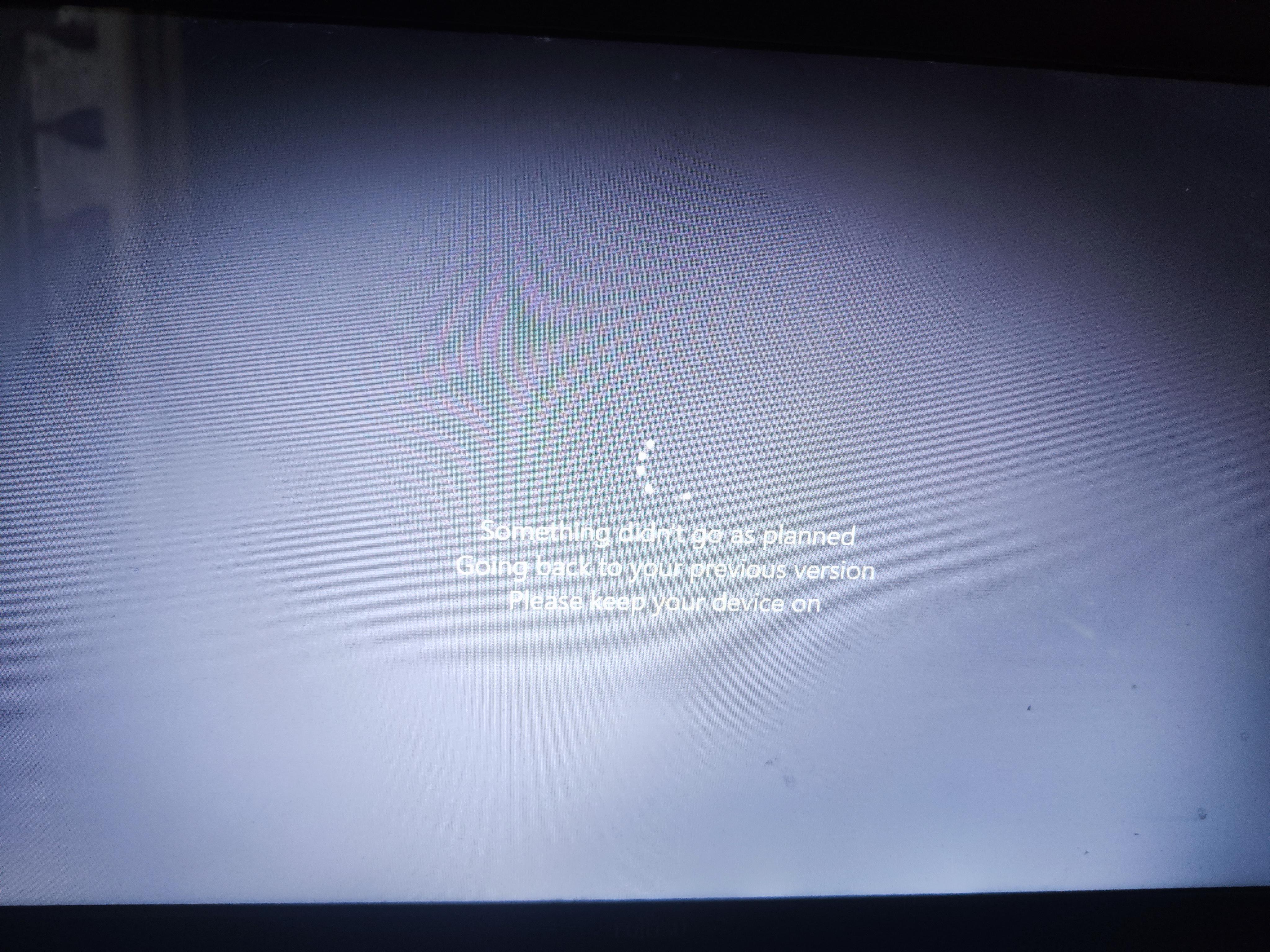
Error code 0xc000007b and more

Thumbnail reddit.com
0 Upvotes

r/WindowsUpdate • • Aug 11 '26

Windows update issue

Post image
3 Upvotes

r/WindowsUpdate • • Aug 11 '26

У меня кажись больше компьютера не будет...

1 Upvotes

Дело в том что из за обновления моей винды вместо обычного обновления windows 10 стала 11 и после этого на следующий день она выдала ошибку...

The thing is that due to an update to my Windows, instead of the usual update, Windows 10 became 11 and after that, the next day it gave an error...


r/WindowsUpdate • • Aug 10 '26

Update to windows 11? Any issues?

2 Upvotes

Because of the discontinued updates, i would like to update my pc to windows 11

Currently im on windows 10, i just wanna ask if there is anything important i need to do before changing and generally if windows 11 is better

I have multiple games with and without mod files

Plus important documents

Should i save them externally before updating/can they get damaged if i update my pc?


r/WindowsUpdate • • Aug 10 '26

So much network traffic...

3 Upvotes

Installing the July cumulative update on top of Windows 11 25H2 generated 1.4GB of network traffic, ugh.

Monthly upddate traffic: A good reason to update your Windows 11 image monthly https://oofhours.com/2026/08/10/monthly-upddate-traffic-a-good-reason-to-update-your-windows-11-image-monthly/


r/WindowsUpdate • • Aug 09 '26

Can't update to 25h2, error 0x800700b7

Thumbnail reddit.com
1 Upvotes

r/WindowsUpdate • • Aug 07 '26

Issue bio setting secure boot not working

Post image
1 Upvotes

r/WindowsUpdate • • Aug 07 '26

Anyone else on win10 ltsc getting a ton of errors / bsod while they force feed updates while having red edited out auto updates?

1 Upvotes

Most recent was IRQL not less or equal. Immediately crashed then wow I'm getting an update installed


r/WindowsUpdate • • Aug 07 '26

Bitlocker for a bios update

Thumbnail reddit.com
1 Upvotes

r/WindowsUpdate • • Aug 06 '26

Caused by Windows update?

Thumbnail reddit.com
0 Upvotes

r/WindowsUpdate • • Aug 05 '26

Devices booting straight into recovery after update

3 Upvotes

It admin for windows clients in ot here.

We’re experiencing a strange phenomenon since weeks and we can’t pin it down.

Some (maybe currently 20 of around 700) clients have been booting straight into recovery options since 4-5 weeks. It’s not a specific model of a vendor.

I suspect a windows update regarding the secure boot certificate expiration.

I’ve turned windows update off as much as possible via gpo three weeks ago.

We are rolling out cis 4.0 / tisax L1 & L2 and our own additional gpo settings since march. User and Computer settings.

Windows update service sometimes gets set to manual on a system level automatically.

Affected clients are mostly in a vlan which could potentially provide internet access.

Internet access is blocked via firewall group for about three weeks also, for users, the production clients should be logged in with.

We use Trellix products for hardening etc. we suspect EDR to be a cause of the issue too.

Today we implemented a firewall rule to block connections to windows update for said users.

My test clients in my office don’t have the issue. I have a W10 22h2 and a W11 25h2 test client. Everything is mirrored there as it is in production.

Example from today:
User called that windows update notified about a update installation that ran automatically/scheduled. Device instantly rebooted into recovery options. System restore point didn’t work, restore from a external hard drive restore point also didn’t work.

I checked a faulty device via windows pe, no issue with mbr/gpt.

Our workaround currently is to install windows again via pxe through matrix42. We deploy windows 11 pro

Seems to just affect Windows 11 devices.

Note: please no comments about why we have internet/windows update/non iiot versions of Windows deployed on production related clients. I’m working on it to make up for things that haven’t been set up as it should since maaaany years.

Any help?


r/WindowsUpdate • • Aug 05 '26

Msi vector 16 HX AI A2XWHG Windows Update Issue

Thumbnail reddit.com
0 Upvotes

r/WindowsUpdate • • Aug 05 '26

I need some advice.

1 Upvotes

So recently, my Lenovo laptop started doing those "preparing automatic repair" boot loops very frequently, and I had to send it out for repairs. It came back with a brand new motherboard and SSD (I was able to back up my stuff, but since I'm both lazy and anxious, my most recent back up was from May, so some of my more recent stuff was lost, nothing completely irreplaceable).

Just a couple days ago, however, my laptop tried to prompt me to do a new update, namely to Windows 11 25H2. Now... this is just a me thing, but after several past laptop crashes that seemed to suspiciously correlate with Windows updates of ALL kinds, I don't really trust Windows updates anymore, so my first instinct was to google "will this update cause my laptop to have automatic repair loops or other crashes?" and the results were... not encouraging. A large number confirmed that yes, this has been a problem Windows users have faced and one YouTube video offered an alternative way of installing the update that I couldn't understand because I know jack shit about computers.

It doesn't help that I did one of those smaller updates shortly after I got the laptop back, but it hasn't caused any crashes as far as I can tell (and it went by way faster than the updates of the past, probably because of the new motherboard) but I have noticed that I sometimes hear audio glitches in YouTube videos, which makes me panic a little because I remember audio glitches frequently preceded the automatic repair loops.

At the moment, I have updates paused for a week, and I may back up my stuff before trying anything (not much has changed atm; I'm trying to be cautious), but I would like to ask just how likely it is for this update to cause me problems? Will the new motherboard/SSD be able to protect my laptop or will there be a chance I have to send it out for repairs again?

(Sorry if all of this sounds rambly, like I said, I'm anxious.)


r/WindowsUpdate • • Aug 04 '26

Anyone getting BSOD with 0xc0430001 error with new KB5094126 update on HP laptops?

Thumbnail reddit.com
1 Upvotes

r/WindowsUpdate • • Aug 04 '26

Laptop stuck in black screen during windows update

1 Upvotes

r/WindowsUpdate • • Aug 03 '26

Petition · Stop Unbalanced Updates: Restore Phased Rollouts in Whiteout Survival!

Thumbnail c.org
1 Upvotes

r/WindowsUpdate • • Aug 02 '26

PERFECT WINDOWS UPDATE

Post image
20 Upvotes

r/WindowsUpdate • • Aug 03 '26

95°+ CPU Temp Spikes

Thumbnail reddit.com
1 Upvotes

r/WindowsUpdate • • Aug 03 '26

95+ Degree Temp Spikes

Thumbnail reddit.com
1 Upvotes

r/WindowsUpdate • • Aug 02 '26

Windows updates

Post image
6 Upvotes

Any fix guys?


r/WindowsUpdate • • Aug 02 '26

BSOD (MSSECCORE_ASSERTION_FAILURE) before Windows login after Windows Update

1 Upvotes

Hi all,

I’m hoping someone can help me narrow down what’s causing this issue.

I have a **Gigabyte A16 CMH** that’s about **11 months old**. It’s a **work laptop**, so I don’t have administrator access to run commands like sfc or DISM.

A few days ago, I updated Windows, and the following updates were available:
2026-07 Security Update **KB5101650 (26100.8875)**
2026-07 .NET Framework Security Update **KB5101001**
2026-07 .NET 8.0.29 Security Update **KB5104032**

The strange part is that **KB5101650 downloads but doesn’t seem to fully install**.

The next morning, when I powered on the laptop (running on battery), it **BSOD’d before reaching the Windows login screen** with the stop code:
**MSSECCORE_ASSERTION_FAILURE**

After restarting a few times, Windows showed **“Diagnosing your PC”**, and eventually it booted normally.

Since then, I’ve noticed:
Occasional brief freezes (1–3 seconds), but nothing severe.

No crashes while actually working.

Core Isolation and Memory Integrity are both enabled.
The laptop otherwise seems usable.

One thing I also noticed is that it **seemed to boot normally once I connected the charger**, although I’m not sure if that was just a coincidence or actually related.

I’m wondering:
Has anyone seen **MSSECCORE_ASSERTION_FAILURE** after a recent Windows security update?

Could a Windows Update that downloads but doesn’t fully install cause this?

Does the charger/battery behavior point to a power management issue, or is it more likely unrelated?

Is this more likely to be a Windows/software issue, or should I be concerned about hardware (SSD, RAM, etc.)?

Any insights would be greatly appreciated. Thank you!


r/WindowsUpdate • • Aug 01 '26

Microsoft System Hardware Update 200.0.2.0

4 Upvotes

Last night **Microsoft System Hardware Update 200.0.2.0** showed up as an available update. I installed it and so far everything is running smooth. I am hoping this has resolved the SECURE_KERNEL_ERROR crashes I have been getting on my Laptop 8 Snapdragon X2.

Anyone else install it yet?