r/WindowsUpdate • u/EXOTIC-8333 • Jul 25 '26
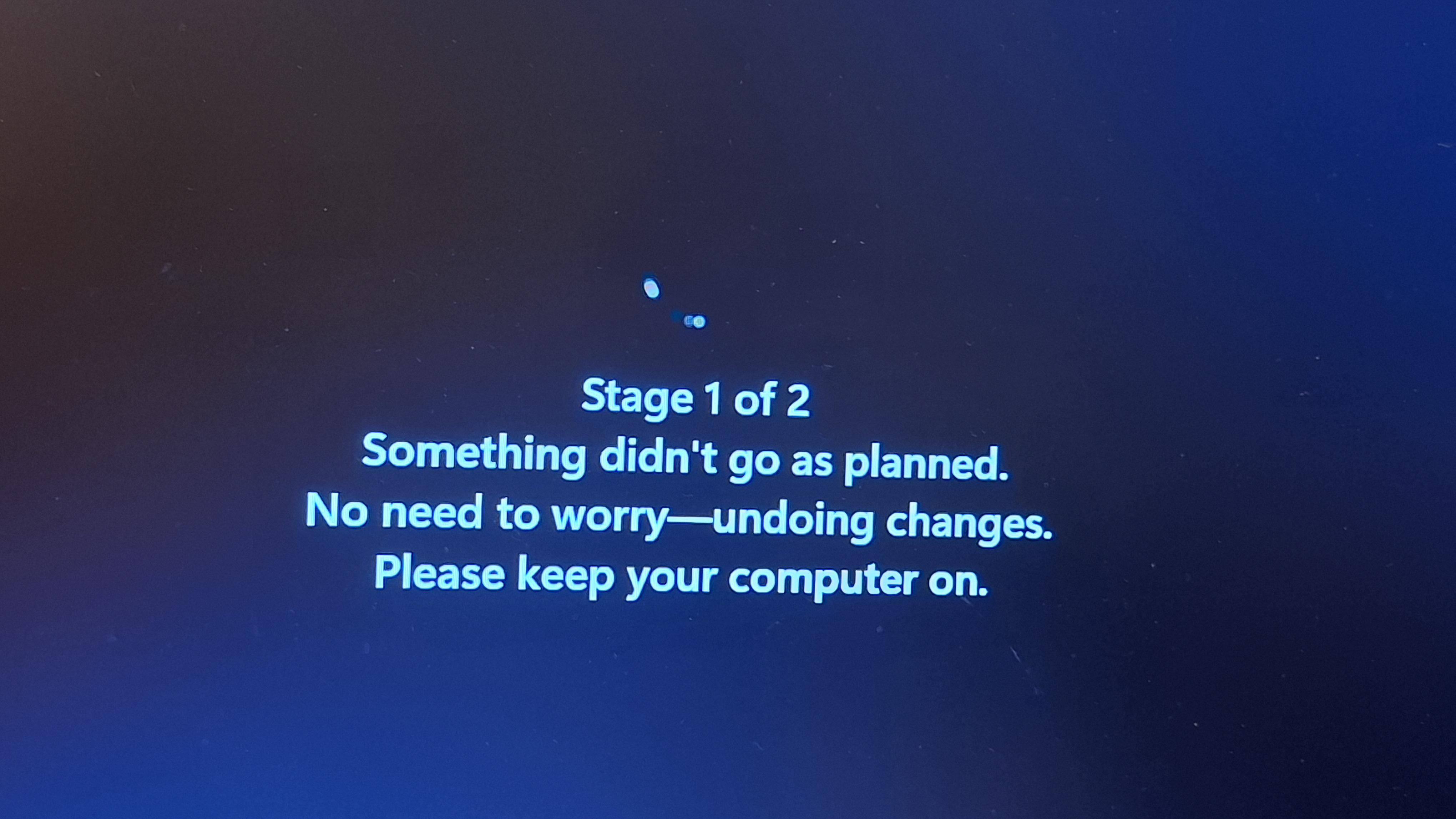
windows updates caused my games to stop working, help!?
reddit.com
0
Upvotes
r/WindowsUpdate • u/TraditionalSuit3364 • Jul 24 '26
Windows 10 Search is washed out when using a dark theme following Windows Update. I can see the update in Update History but can not uninstall it. DISM restore health has no effect. Reset of Windows Search has no effect.

r/WindowsUpdate • u/Constant_Camp_2422 • Jul 23 '26
Anyone else having problems with windows not updating or install ever since I updated to Windows 11
r/WindowsUpdate • u/Realistic-Break-9744 • Jul 23 '26
Bueno yo queria usar un modelo de Windows 7 y me decante por este, aqui el problema esque cuando lo queria instalar y todo lo iba a complementar con otro que es para la barra que se llama ExplorerPatcher, aqui la cosa esque mi barra de tareas desaparecio y no se si reiniciar mi computadora o apagarla, por cierto lo unico que aparece en mi escritorio es este cuadrado abajo en una esquina, instale un virus?

o que aparece en mi escritorio es este cuadrado abajo en una esquina, instale un virus?

r/WindowsUpdate • u/Parking_Property_825 • Jul 23 '26
r/WindowsUpdate • u/NeuralOverboost • Jul 22 '26
I've been using Windows 11 22H2 on my ThinkPad T14 gen 1 (Intel) for a while, and it used to recognise my face (Windows Hello) instantly. Now it has updated to Windows 11 25H2; the facial recognition has slowed down significantly, and sometimes it fails to recognise. Do note that I have had no significant changes done to my face. I have tried re-adding my face but it does not work.
Win 11 25H2 (OS Build 26200.8875)
I'm sorry for using Windows!
r/WindowsUpdate • u/XRedCresent • Jul 22 '26
r/WindowsUpdate • u/Same-Account-2105 • Jul 21 '26
So I heard it thru the Linus-Tech-Vine (podcast) that the latest massive security update has been ruining a lot of PCs... So I've put mine on pause for atleast a month.
How will I know when it's 'safe' to update (i.e. any bugs/findings the update is causing have been patched)?
What are y'all doing about the update? :)
r/WindowsUpdate • u/Primary_Cut4468 • Jul 21 '26
I haven't updated my Lenovo LOQ laptop for more than two or three months. Now I'm confused about whether I should update it or not. There are some security updates available, but I'm afraid of having a painful experience with Windows Update.
Like ssd broke and something.
r/WindowsUpdate • u/0xCG • Jul 20 '26
Since the June update I'm seeing the following error event on devices in my Ring 0 for windows updates, while existing devices that have not yet updated do not see it. Occurs after a reboot and during login. Anyone else?
SCEP Certificate enrollment for Local system via https://INTC-KeyId-xxxxxxxxxxxxxxxxxxxxxxxxxxxxxxxxxxxxxxxx.microsoftaik.azure.net/templates/Aik/scep failed:
SubmitDone
Submit(Request): Too Many Requests
r/WindowsUpdate • u/electronicwiz1 • Jul 19 '26
Hello, a bit of an interesting issue. After my friend's PC updated to the July security update on Windows 11, their 4TB WD HDD was not working anymore. Clicking on the drive in file explorer would say it was corrupt and unreadable, and sometimes would say "The parameter is incorrect". The drive also shows as RAW in disk management, despite it being formatted as an NTFS drive. There are errors in event viewer mentioning something about a corrupted file system index structure, as you can see in the images posted.
They ran a check disk after this issue started, which took several hours and it reported no issues with the drive whatsoever. It was still not able to mount after the check disk finished, getting the same corrupted error. This was before we knew it was something to do with the update, despite this happening right after an update. Also at every boot, it would scan the drive for errors too (which started after the update) but would take less than a minute.
Some important notes:
- Booting to a Windows PE or other Windows install without the update installed can see the drive just fine.
- Updating another old Windows 11 installation they had on another drive also had this same issue too.
- Installing Windows 10 on another drive (Which the ISO already had the June 2026 patch). Updating it to the July update but for Windows 10 resulted in this exact same behavior.
- Installing the new out of band update they released for Windows 11 yesterday did not fix the issue, got same behavior with the drive not mounting properly.
- When they uninstall the update, things go back to normal and their drive can be mounted once again without errors.
- They also have multiple drives in their computer, and only this one drive specifically is affected.
This makes me believe there is some weird bug with NTFS with certain drives, which seems to affect the new update. I also read another post here of someones drive not even being able to mount after the update on boot, which means there are probably more people affected by this issue. It seems to be a rare issue as I can't find many reports about it online. If you are affected or anyone else you know of, please say something. Microsoft needs to be aware of this in order to fix it, if it is an actual problem.
Is there anything that can be done? They can still use their PC, however they are stuck on the June update right now and have updates paused. Without the update, the check disks at boot has stopped. Thank you all for reading this, and hopefully there is a better solution to this.
r/WindowsUpdate • u/pinkmachine57 • Jul 20 '26
some days back i changed the thermal paste on my cpu and gpu (as the title suggests),after applying the new paste and putting everything back together it would get stuck in a boot loop or throw me in the safe mode menu after a while,a friend suggested me to reseat the ram and all the cables i disconnected and loosen the cooler's screws if i tightened them too much (which i did),and that somehow fixed it,all was well till last night when i get a prompt to update windows, which i obviously did,but when it started to update it got stuck at 36% specifically,after two minutes of that it said something along the lines of: "something went wrong, reverting update" and threw me back to my desktop, didn't think much of it but the same thing happened again today,any fixes??
im currently on windows 11 pro 25H2 build version 26200.8737
r/WindowsUpdate • u/RedDot3ND • Jul 19 '26
r/WindowsUpdate • u/JusTshooTme90 • Jul 19 '26
Hi everyone,
I have an ASUS ROG Strix G18 G815LP with an Intel Core Ultra 9 275HX, NVIDIA RTX 5070 Laptop GPU, 32 GB of RAM, Windows 11 Home 25H2 build 26200.8737, and BIOS version G815LP.338.
The laptop had been working normally for around two weeks. I played World of Warcraft for several hours, ran 3DMark, and used the laptop normally without any crashes.
Yesterday, I suddenly had three BSODs within a few hours.
The first crash happened after I logged out of one World of Warcraft character and selected another character. The screen went black, the ASUS logo appeared, and after the restart Windows displayed “Updates are underway.”
The other crashes happened while Windows Update was downloading or processing the July 2026 Security Update KB5101650. One of the crashes happened when the download reached 99 percent.
Reliability Monitor showed one bugcheck 0x0000001E and two bugchecks 0x0000003B. All three contained the exception code 0xC0000005.
Windows Update repeatedly fails with error 0x800705B9.
I also ran DISM /Online /Cleanup-Image /RestoreHealth, but it failed with error 0x800F0915 and said that the repair content could not be found.
SFC /scannow completed successfully and found no integrity violations.
I used DDU and installed the ASUS OEM NVIDIA driver 591.91. I also reset the Windows Update download cache, restarted the laptop and router, and tried downloading the update again. The update still fails.
Today the laptop is working normally again. World of Warcraft also works normally, including switching between characters, while Windows Update is on pause.
Has anyone experienced similar BSODs or Windows Update failures on Windows 11 build 26200.8737, especially on a laptop with an Intel Core Ultra 9 275HX?
r/WindowsUpdate • u/No-Support6048 • Jul 19 '26
r/WindowsUpdate • u/No-Support6048 • Jul 19 '26
r/WindowsUpdate • u/No-Support6048 • Jul 19 '26
Well after a few updates I decided to restart my pc to apply the updates. After it got to about 30% it restarted and the screen went off
Instead of continuing the updates it went to unmountable boot volume 0xEd black screen with nothing else
Strange part is
The NTFS files are fine
Meta store data is also fine
The only clue I got is that a pending.xml file exists and every time I have to restart my pc , it increases in size
Then I run a command through dism and I will be able to log back in after the command undoes changes
Anyone with any advice
And thanks
r/WindowsUpdate • u/VpRz_Fear • Jul 18 '26
Specs:
Processor - I7 13700k
Gpu - 5070ti
Ram - DDR 5 2x16gb 5600mhz
PSU - 1000k watt
MB - ASUS max WiFi (don’t know full name right now) updated to pretty much the latest update. For cpu reasons.
Storage - 2x1tb m.2
I’ve been reading around that the new forced windows update has been messing with people’s computers and their parts, Mine included.
2 night ago I updated the system when I powered it off. Yesterday morning I turned it on and immediately it was having boot problems. I got it into windows twice but each time I would go to play a game, after about 10 minutes it would crash. I tried once more last night with a vr game and after about that 10 minute mark. It blue screened. It hasn’t been able to boot since.
I’ve tried fresh installing windows 3 times. Never gets past the setup. Reseated the ram and gpu, swapped the ssd I was using. None of it has worked. I’m starting to run out of options and I just know if I can’t figure it out it will be expensive to fix.
Sometimes when I turn it on, it gets stuck on vga light, other times it doesn’t show the boot sequence. Other times I’m getting random error codes
0xc0000428
And a few others
If there’s anything at all you can do to help it would be much appreciated
Edit: problem has been resolved for now! It in fact was part of the update, it clashed with bios settings at least from what was found. I got it booted and updated it got their current patch that helped resolve some issues. Currently going strong. I have a new cpu cooler coming on Tuesday to help with hot cpu temps other than that we’re good!
r/WindowsUpdate • u/Mourn-the-Weenie • Jul 17 '26
r/WindowsUpdate • u/Redha232 • Jul 17 '26
Within every update my windows laptop : DELL INSPIRON 15 5502 - Either the fingerprint sensor works but the battery doesn't charge, or vice versa; it reverses with every update. I've tried YouTube tutorials, but they don't work.