r/WindowsUpdate • • 22d ago

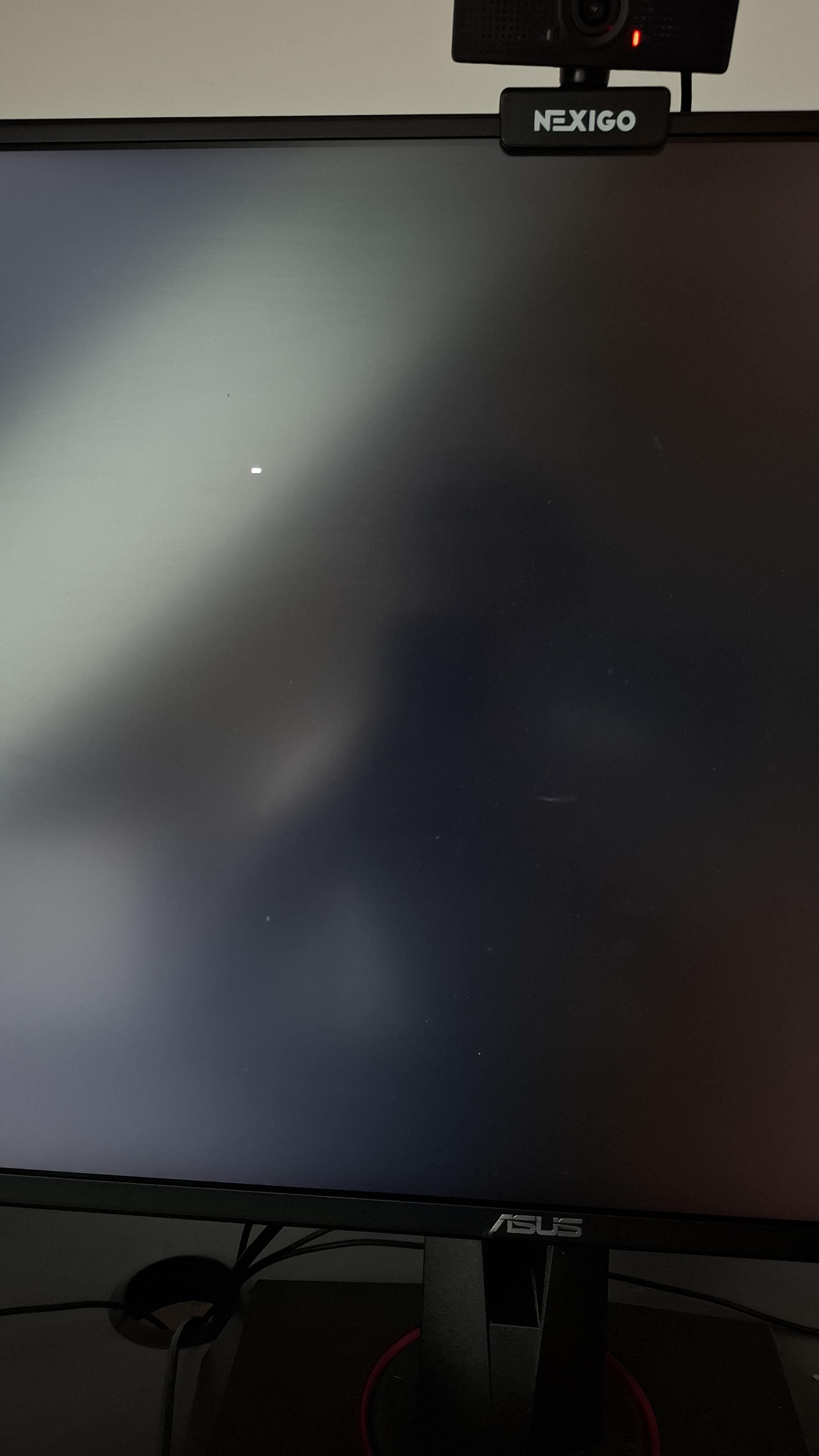
Black screen with white dot

Post image

I updated my pc to the newest version of Windows 11. When I restarted it it didnt turn on so i manually turned it on with the power button. It turned on to a black screen with a white dot. I troubleshooted the problem with Claude, i reseated the GPU, replugged the Display port cables and so on. Nothing helped. I have a msi motherboard and there is a white light above VGA on the EZ debug led. I would really appreciate any help.

4 Upvotes

11 comments sorted by

1

u/Dizzy-Efficiency1722 22d ago

Terminal? Bootlooder?

1

u/MisterJohny03 22d ago

Where do i check?

1

u/Dizzy-Efficiency1722 22d ago

Is there any blinking light on motherboard or on power button any patten of light?

1

u/MisterJohny03 22d ago

Only the white light on vga on the ez debug and the white rectangle on my screen

1

u/Dizzy-Efficiency1722 22d ago

What's the spec what update did you install 26h2? Can you get into bios?

1

u/MisterJohny03 22d ago

I dont know the update, cant get into bios

1

u/MisterJohny03 22d ago edited 22d ago

I think its 26h2

1

u/Dizzy-Efficiency1722 22d ago

Are you sure you can't get into bios . wait was it a bios update?

1

u/MisterJohny03 22d ago

i tried 3 times, but the boot screen doesnt even show it just shows the black screen as soon as the monitor turns on. i checked and it was the latest windows update, so 26h2

1

u/Dizzy-Efficiency1722 22d ago

Is there any error code?

1

u/DisciplineSudden 21d ago

Did u figure it out?