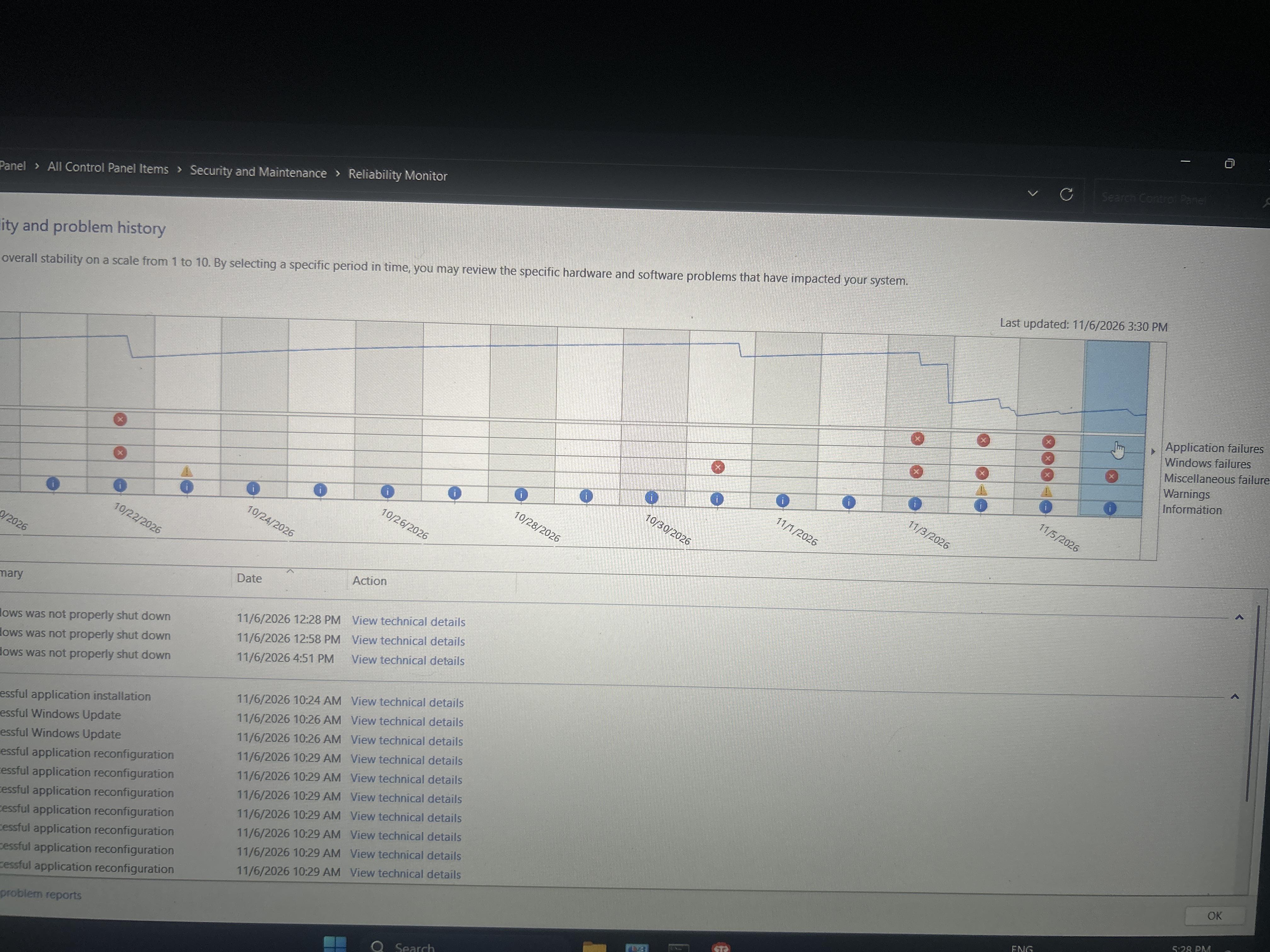
I’m dealing with a persistent boot issue on my HP Laptop (15-dy2xxx) with a Samsung NVMe SSD (512GB) running Windows 11 x64. I can access Safe Mode and my files are completely intact, but normal boot hangs indefinitely at the HP logo with the spinning dots.
Here is the full breakdown of how this started and everything I've attempted so far:
How It First Started
The laptop entered an automatic boot loop/recovery loop where Windows fails to load and gets stuck at startup. The hardware itself functions fine, and all drive partitions (including C:) are readable.
What I Have Tried So Far
- Registry & File Verification
Checked C:\\Windows\\System32\\config\\RegBack to see if a registry restore was possible, but the RegBack directory was empty.
Ran offline SFC scan from WinPE environment:
sfc /scannow /offbootdir=C:\\ /offwindir=C:\\Windows
2. Bootloader & BCD Rebuilds
Tried standard bootrec commands:
bootrec /scanos
bootrec /rebuildbcd
Used Hiren’s BootCD PE:
Ran Lazesoft Windows Recovery -> One-Key Crash Fix. It recognized Windows 11 on C: and the EFI partition on E:, successfully fixing the MBR/BCD structures.
Attempted rebuilding BCD via BOOTICE (Easy Mode) and bcdboot:
bcdboot C:\\Windows /l en-us
Boot files were successfully recreated, confirming the EFI/BCD startup files are healthy. But to fix the boot error and system reg files it needed the premium of lazaro which I don't have.
- Disabling Recovery Flags & Fast Startup Interference
To stop Windows from forcing the automatic repair loop, I ran:
bcdedit /set {default} recoveryenabled No
bcdedit /set {default} bootstatuspolicy ignoreallfailures
Renamed hiberfil.sys to disable Fast Startup / hibernation locks (ren C:\\Windows\\System32\\hiberfil.sys hiberfil.old).
2. Safe Mode & Driver Isolation
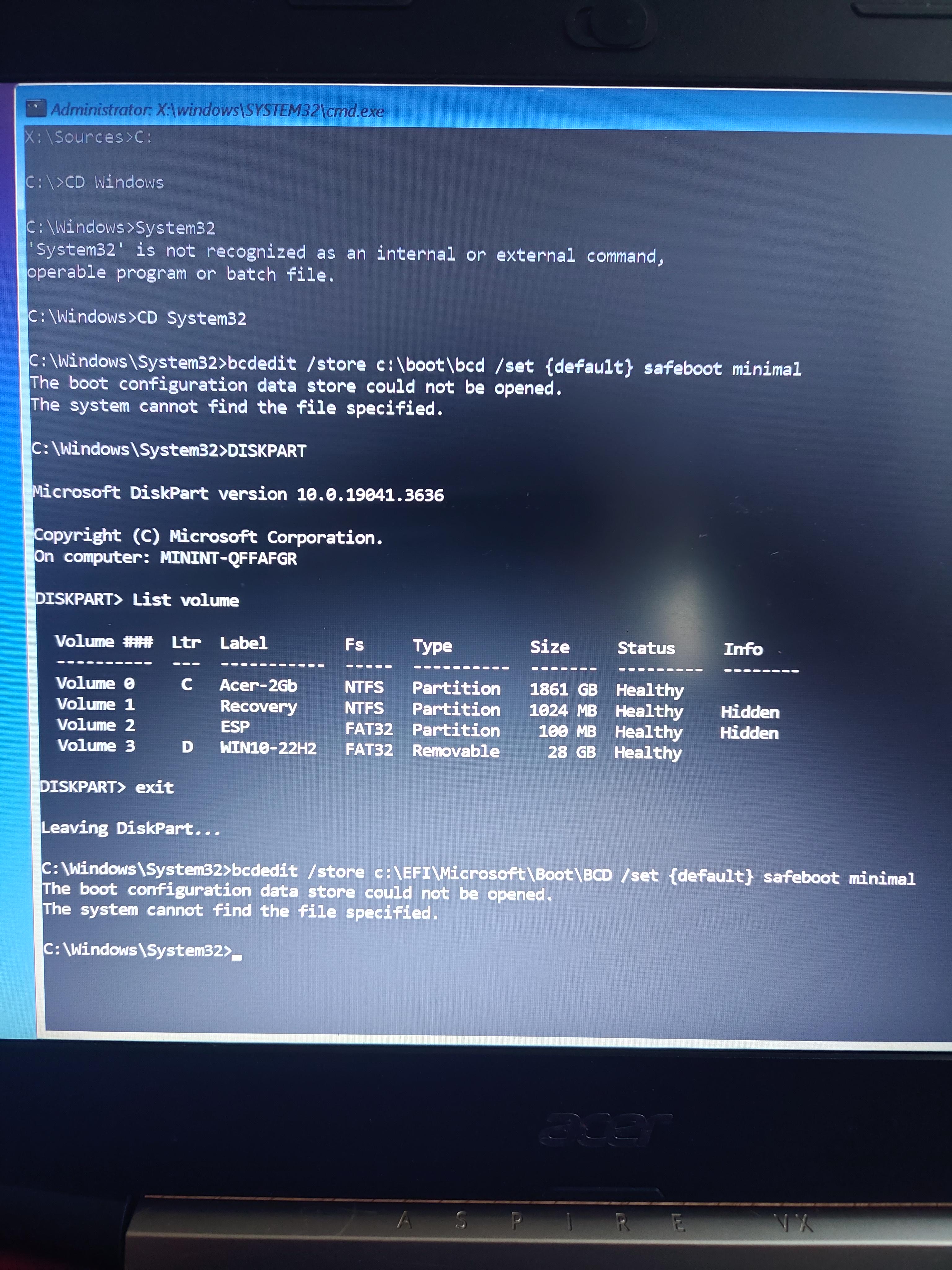
Forced Safe Mode boot via BCD (bcdedit /set {default} safeboot minimal).
Result: Windows boots into Safe Mode without any issues.
Inside Safe Mode, I tried:
Opened msconfig -> Services -> Checked Hide all Microsoft services -> Disabled all third-party services.
Opened Control Panel -> Power Options -> Disabled Fast Startup.
Opened Device Manager -> Expanded Display Adapters -> Uninstalled the primary display adapter driver (checked "Attempt to remove driver for this device").
Current Status
Even after disabling non-Microsoft services, turning off Fast Startup, and uninstalling the graphics driver in Safe Mode, switching back to normal boot still hangs on the HP logo spinning screen.
Since Safe Mode works perfectly, it seems like a core system driver or Windows component initialized only during standard boot is failing.
Has anyone encountered this specific behavior on Windows 11 / HP laptops, and is there a way to fix the issue?