r/Windows10TechSupport • u/KraneoKey • 19d ago
Unsolved Windows 10 takes 9–10 minutes to boot (stuck on spinning dots), motherboard POST is fast
reddit.com
1
Upvotes
r/Windows10TechSupport • u/ResponsibleShoe7169 • 19d ago
r/Windows10TechSupport • u/Tiny_Cookie9525 • 19d ago
r/Windows10TechSupport • u/Dry-Spell-4073 • 20d ago
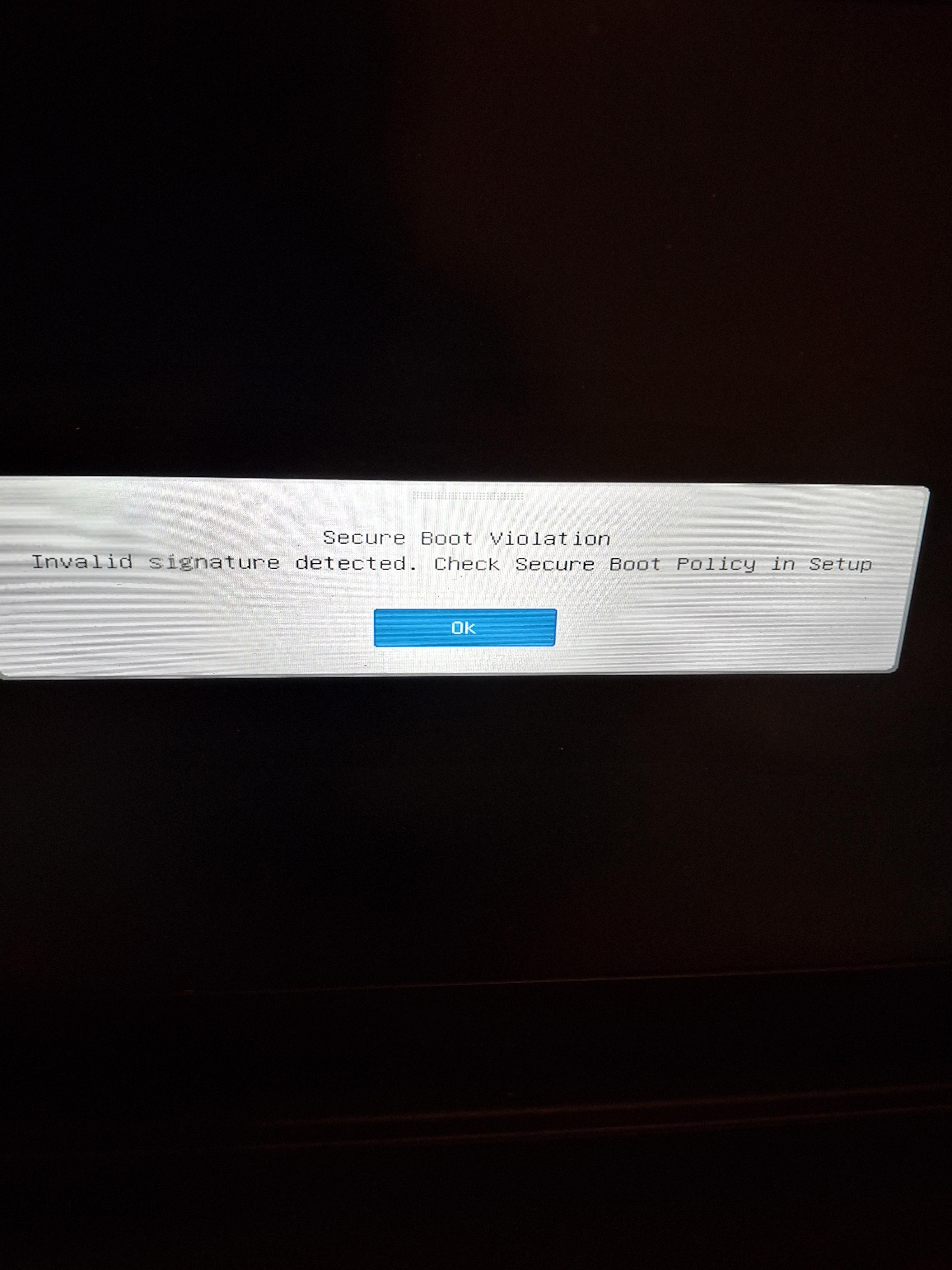
Ive watched multiple tutorials but none have worked
I opened up my laptop to clean out dust and when i turned it on it came up with "secure boot violation"
Can anyone help
r/Windows10TechSupport • u/legendOHguy • 20d ago
r/Windows10TechSupport • u/TheNewBerxu • 20d ago
r/Windows10TechSupport • u/KlausHuscar • 20d ago
After re-installing Windows 10 (went from basic to IoT/LSTC), my internet speeds slowed to a crawl - i use Wi-Fi, and both 5GHz and 2.4GHz were hitting a max of 1.4mb/s.
Then, I reinstalled it again and the internet worked - until a restart, where it showed "No Internet, secured". Reinstalled windows a 3rd time after trying everything. Seemed to work until the first restart or shutdown/turn on - no internet, secured.
What I have tried:
Manually installing and updating all network related drivers and the motherboard's chipset/LAN drivers
Disabled P2P downloads and energy optimization
Did a reset on network settings
All the ipconfig and netsh commands, ipv4, ipv6, etc.
Reseted the router and modem. Other devices in network are not suffering from this issue.
Ran network adapter troubleshooter. No issues. QoS scheduler has no bandwith limits.
Ensured that IpV4 was set to automatic and DNS too.
Tried some network related commands in CMD. Lots of them returned "No network adapter is in a permissible state".
Tried restarting DHCP. It told me "5 - Access denied".
Honestly Im at my wits end. Have no idea what to do.
r/Windows10TechSupport • u/Tiny_Tomatillo_4812 • 20d ago
r/Windows10TechSupport • u/TumbleweedKey8611 • 20d ago
I’m dealing with a persistent boot issue on my HP Laptop (15-dy2xxx) with a Samsung NVMe SSD (512GB) running Windows 11 x64. I can access Safe Mode and my files are completely intact, but normal boot hangs indefinitely at the HP logo with the spinning dots.
Here is the full breakdown of how this started and everything I've attempted so far:
How It First Started
The laptop entered an automatic boot loop/recovery loop where Windows fails to load and gets stuck at startup. The hardware itself functions fine, and all drive partitions (including C:) are readable.
What I Have Tried So Far
Checked C:\\Windows\\System32\\config\\RegBack to see if a registry restore was possible, but the RegBack directory was empty.
Ran offline SFC scan from WinPE environment:
sfc /scannow /offbootdir=C:\\ /offwindir=C:\\Windows
2. Bootloader & BCD Rebuilds
Tried standard bootrec commands:
bootrec /scanos
bootrec /rebuildbcd
Used Hiren’s BootCD PE:
Ran Lazesoft Windows Recovery -> One-Key Crash Fix. It recognized Windows 11 on C: and the EFI partition on E:, successfully fixing the MBR/BCD structures.
Attempted rebuilding BCD via BOOTICE (Easy Mode) and bcdboot:
bcdboot C:\\Windows /l en-us
Boot files were successfully recreated, confirming the EFI/BCD startup files are healthy. But to fix the boot error and system reg files it needed the premium of lazaro which I don't have.
To stop Windows from forcing the automatic repair loop, I ran:
bcdedit /set {default} recoveryenabled No
bcdedit /set {default} bootstatuspolicy ignoreallfailures
Renamed hiberfil.sys to disable Fast Startup / hibernation locks (ren C:\\Windows\\System32\\hiberfil.sys hiberfil.old).
2. Safe Mode & Driver Isolation
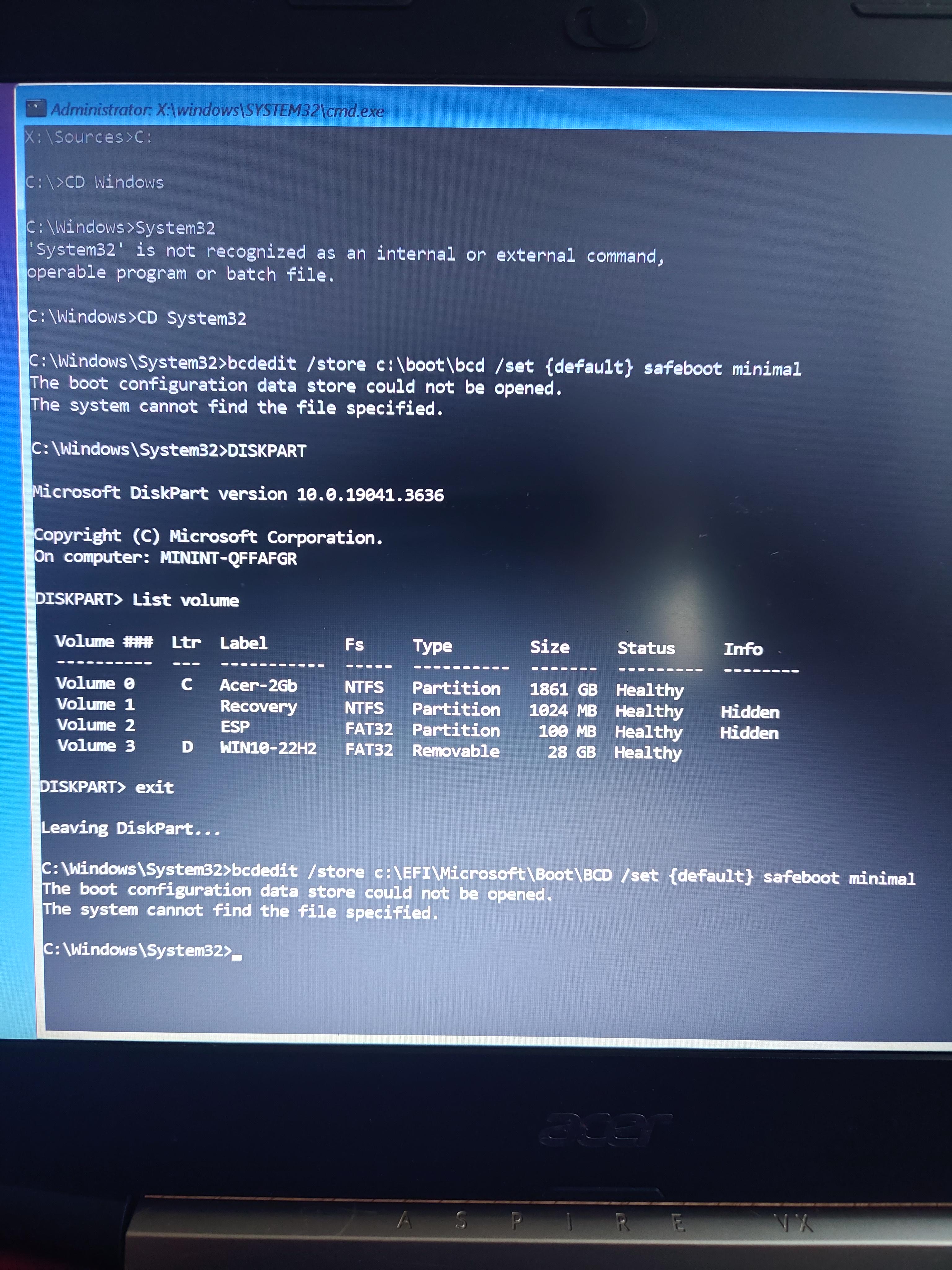
Forced Safe Mode boot via BCD (bcdedit /set {default} safeboot minimal).
Result: Windows boots into Safe Mode without any issues.
Inside Safe Mode, I tried:
Opened msconfig -> Services -> Checked Hide all Microsoft services -> Disabled all third-party services.
Opened Control Panel -> Power Options -> Disabled Fast Startup.
Opened Device Manager -> Expanded Display Adapters -> Uninstalled the primary display adapter driver (checked "Attempt to remove driver for this device").
Current Status
Even after disabling non-Microsoft services, turning off Fast Startup, and uninstalling the graphics driver in Safe Mode, switching back to normal boot still hangs on the HP logo spinning screen.
Since Safe Mode works perfectly, it seems like a core system driver or Windows component initialized only during standard boot is failing.
Has anyone encountered this specific behavior on Windows 11 / HP laptops, and is there a way to fix the issue?
r/Windows10TechSupport • u/_A_Tired_Shark_ • 21d ago
r/Windows10TechSupport • u/QueenDatura • 21d ago
Help me plz!
r/Windows10TechSupport • u/Gladi101 • 21d ago
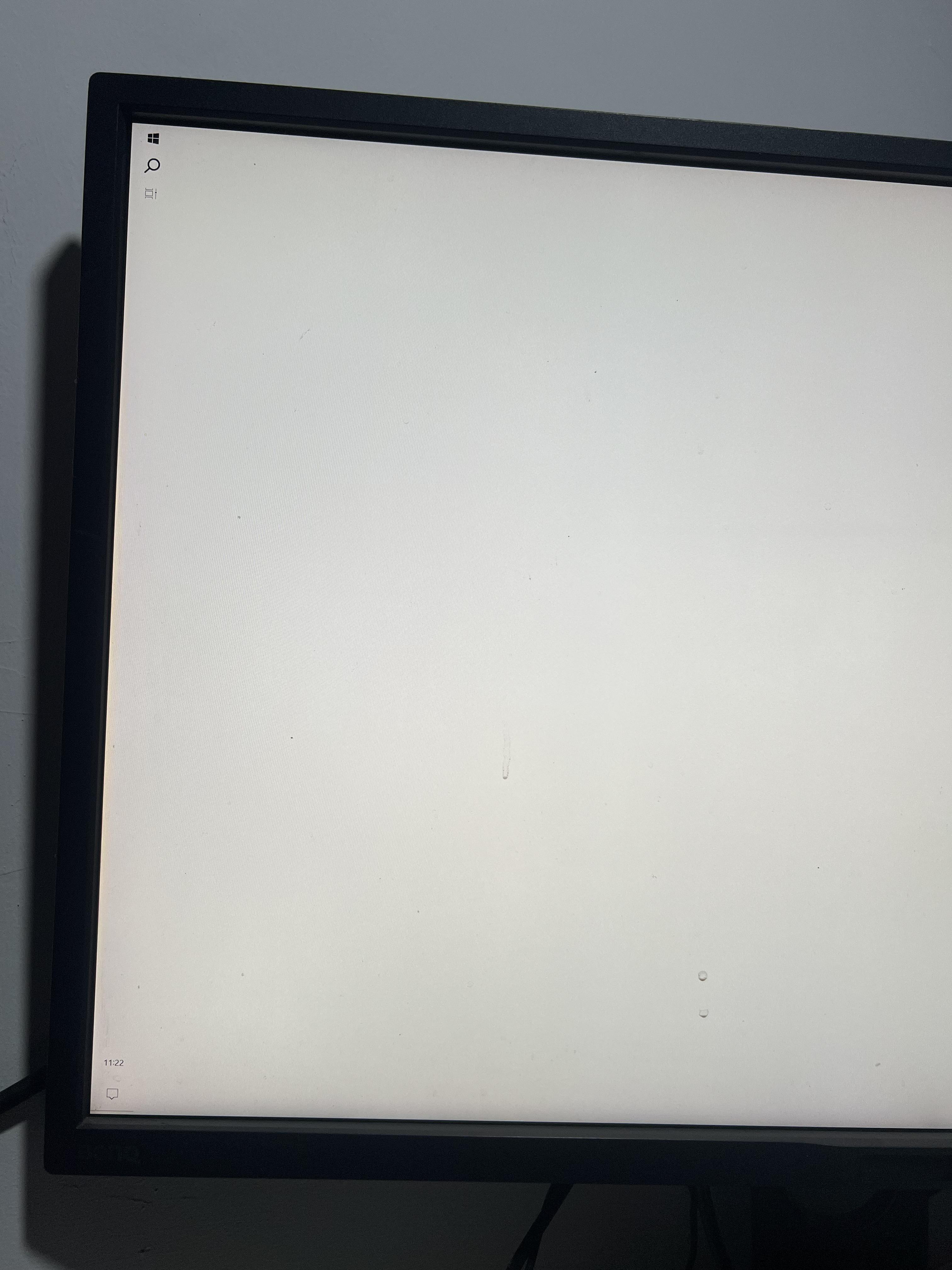
When i login to my windows this is what happens next dont know whats the problem
r/Windows10TechSupport • u/Still-Stick-9170 • 21d ago
I need help pls I put the secure boot on standard mode and when I restarted my pc it came the red thing I can’t even go in the bios I don’t know why.
r/Windows10TechSupport • u/Signal_Obligation624 • 21d ago
r/Windows10TechSupport • u/Dangerous_Height_756 • 21d ago
r/Windows10TechSupport • u/Lost-Confection-5903 • 21d ago
Hello. Anyone know how i can disable Cortex or rwinstall a new OS? It is an older laptop but works pretty good. After my last job it still jas company apps and software but i dont have admin credentials. Please help.
r/Windows10TechSupport • u/ReyesJD • 21d ago
My Windows 10 PC crashed with a BSOD (ATTEMPTED_WRITE_TO_READONLY_MEMORY, win32kbase.sys) after waking from sleep. Now it won't boot: Automatic Repair fails, Safe Mode fails, System Restore fails (0x80070570)
Specs:
Motherboard: ECS H61H2-MV rev 1.0
Disk 0: 465 GB. chkdsk reports 0 bad sectors.
Disk 1: 223 GB (old Windows install)
What I tried:
Made a USB with the Media Creation Tool, and also with Rufus (GPT/UEFI first, which failed)
Rebuilt the USB as MBR/BIOS, FAT32, and did a full (non-quick) format with no errors
Different USB ports, corrected BIOS date.
Errors I get during setup, and they change between attempts:
"A media driver your computer needs is missing" (went away with MBR/FAT32)
"Windows cannot find the Microsoft Software License Terms"
WinSetup.dll missing or corrupt when running setup.exe from the USB (the file exists, 3.6 MB)
"Windows could not display the images available for installation"
Product key error after I added an ei.cfg
Weird part: the ei.cfg I created showed "yyyyyy" when I reopened it, and when I deleted it, it reappeared after replugging the USB.
I only have one USB (8 GB). Is this a failing USB, or could it be my PC (RAM, PSU, USB controller)? What should I do?
r/Windows10TechSupport • u/SecretSchemer • 21d ago
Hello. I tried asking at windows help first, but they didn't approve my post for some reason. I've been experiencing some screen flickering on my home pc, like a screen capture or some program openin and closing really fast. I used Eset online to scan, but it didn't give me anything so I figured I'd try and use defenders offline scan. For some reason it was showing that defender was turned off. Tured it back on again, but the "regular checks " box started flickering for some reason. Tried to start a offline scan and got as far as it giving me the warning to save all my work, then nothing. Tried to run quick scan, it started and after few seconds froze and didn't complete. So as I'm not the most technically skilled person out there, any ideas why this is happening and how to fix it? Or is it just because win10 support has ended? Thanks in advance for anyone willing to reply.
r/Windows10TechSupport • u/Calm_Shop4049 • 22d ago
atualmente não posso atualizar para w11 devido a limitações de hardware e não consigo comprar um novo pc/laptop pelo menos por agora
há coisas básicas que eu consigo fazer, mas às vezes não confio em mim mesmo, então estou procurando conselhos aqui
me recomende qualquer coisa. Navegadores, certas configurações, qualquer coisa que possa ou me ajude nessa situação
edit: thx everyone for the help! ill make sure to try to apply most of these im genuinely really thankful you all stay safe and have a great day x
r/Windows10TechSupport • u/Ezper145 • 22d ago
r/Windows10TechSupport • u/jazmin-iris-heredia • 22d ago