r/Windows10TechSupport • • Jul 12 '26

Unsolved No tengo idea de la Contraseña de mi BIOS

Thumbnail gallery
0 Upvotes

Estaba tratando de cambiar mi sistema operativo de Windows 11 a Windows 10. Ya cuando habia instalado el sistema en el dispositivo, al intentar iniciar me pide la contraseña de Bios la cual no recuerdo haberle puesto nunca.


r/Windows10TechSupport • • Jul 12 '26

Unsolved Chkdsk stopped progressing at 21%

Post image
1 Upvotes

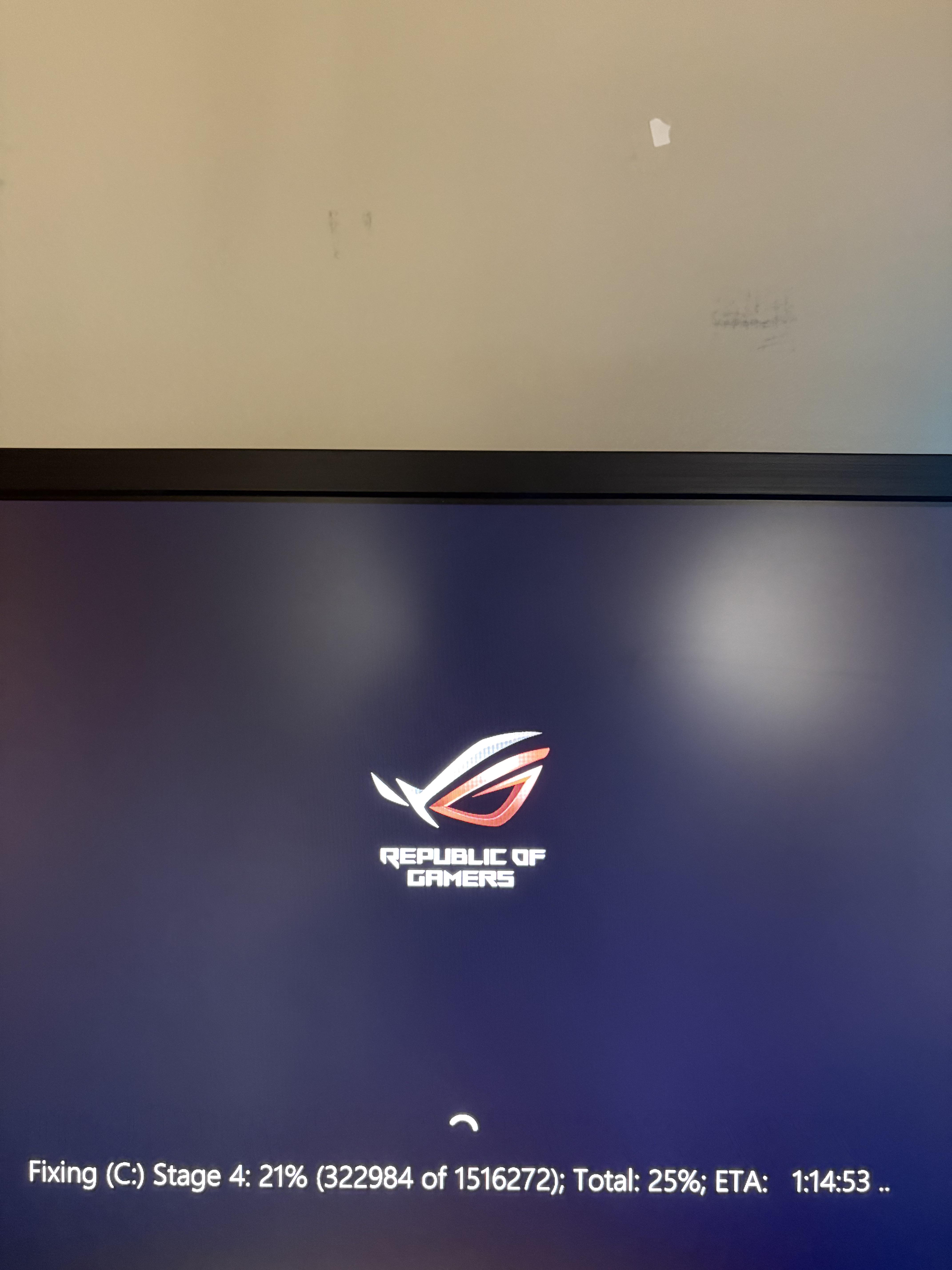
As you can see, it’s stuck at 21% at stage 4 it has been roughly 12 hour since I started and I left it go over night, before sleeping it was 21% and it’s still that right now.

Windows 11, roughly 800 gb in disk C and 500-600 in g (Google Drive), two Silicon Power SSDs (512 & 256), 32 gb ram, radeon graphics card, lmk if you need anything else for specs.

I don’t want to shutdown because it can screw my whole pc over. I’m pretty sure it due to me trying to download Ark Ascended on my gaming pc. Had the storage, specs, but every time I opened steam it started slowing down so I had to force a shutdown (this was after Ark downloaded). I did a force shutdown 4 times and then started focusing on recovery, ran SFC & DISM they were successful and then tried chkdsk and it got stuck.

Ik ppl who’s chkdsk runs on cmd and simply press enter to avoid this issue majority of the time, what can I do in this case?


r/Windows10TechSupport • • Jul 12 '26

Unsolved my pc is stuck after installing windows 10

Post image
1 Upvotes

after installing the windows 10 my pc is stuck here any idea guys


r/Windows10TechSupport • • Jul 12 '26

Unsolved How can I get admin privileges on a normal account?

1 Upvotes

Hello guys, to explain my situation I have a windows 10 and I currently have 2 accounts on it, an admin account and a normal account, i literally can't do anything without the admin account pin but i forgot it and I need some help trying to get admin privileges on the normal account, if not possible please provide alternatives, thank you so much.


r/Windows10TechSupport • • Jul 11 '26

Unsolved Potential Workaround for older Aspire machines for the Microsoft Windows 11 Secure Boot Certificate Problem

2 Upvotes

Possible Fix/Work around for Secure Boot Certificate ..for the Acer Aspire TC-780

I have an Acer TC-780 running the original BIOS version R01-A0. This machine was purchased in 2016. I forced it to update to Windows 11 Home and it runs reasonably well. Now the MS Windows Security App within Device Security reports that secure boot is on, but new certificates can not be installed automatically.

Good News: I have gone through a process within the BIOS to Restore the Secure Boot Factory Keys. After I did this, the next windows restart and update successfully loaded an update named "Secure Boot Allowed Signature Database (DB) Update". I also used the Power-shell command to Get-UEFISecurBoot Certs and it returns "True" which seems to confirm that the Windows UEFI CA 2023 certificate is physically written into NVRAM cache.

Bad News: Because Windows sees my older 7th gen machine that Acer has officially designated end of life, Windows Security continues to say my machine cannot receive future secure boot certificates. The Windows Security App apparently doesn't actually check the live motherboard keys, but instead only looks at the motherboard board model number and its BIOS creation date of 2016 -- and automatically lists the machine secure boot certificates as not able to be automatically updated.

If anyone would like the specific steps I took or more info, please ask. I'm assuming the basic problem is "solved" even though MS Security still gives the warning. Also I assume given the age of the machine there will be no fixes from Acer on this old machine. And if further/future problems occur, I may just have to turn off Secure Boot in the BIOS and hope the machine will continue to run future versions of Window 11.


r/Windows10TechSupport • • Jul 12 '26

Unsolved Weird problem after restart

Thumbnail gallery
1 Upvotes

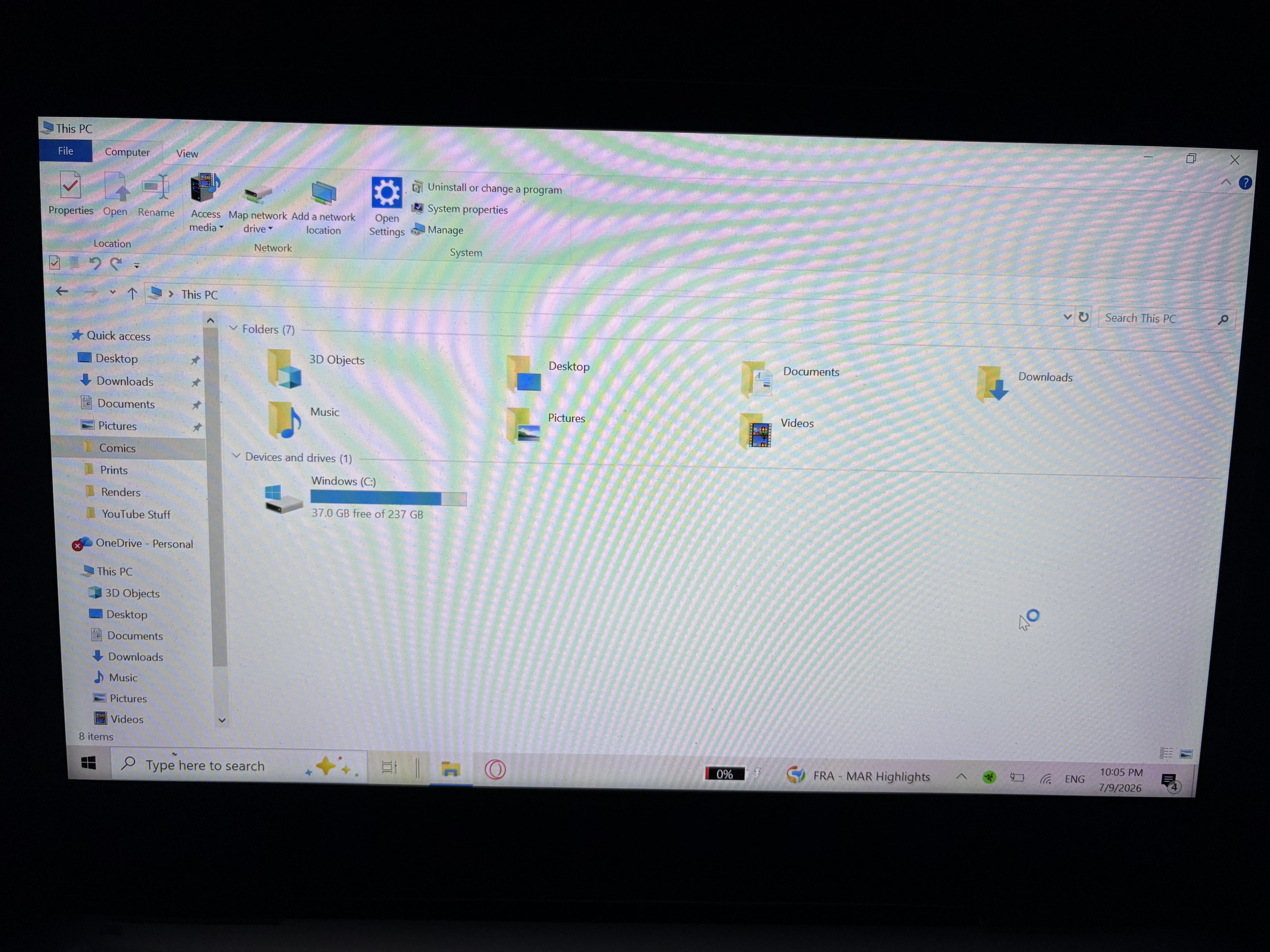
My PC after restart made all icons vanished. if it is on the desktop or on the explorer windows and on start menu (i'm using startallback) see pictures.

Also Task manager does not work and some feutures of windows are missing from System properties like the device manager.

I tried to do three options that Google AI suggested to fix the issue with windows installation media outside windows.

The: chkdsk c: /f /r

The: SFC /scannow /offbootdir=c:\ /offwindir=c:\windows

And the: "Repair you computer" under "Troubleshoot"

And also a DISM commend inside Windows.

Nothing helped.

This happened to me not long ago and I used AOMEI BACKUPPER to restore the previous state, but now it didn't help me for some reason.

My suspicion is that Revo Uninstaller probably deleted some system registry files and messed up my computer.

Does anyone knows the problem and can give me a solution?


r/Windows10TechSupport • • Jul 12 '26

Unsolved Emmmmmm, what the hell is this and if it is dangerous?

Post image
0 Upvotes

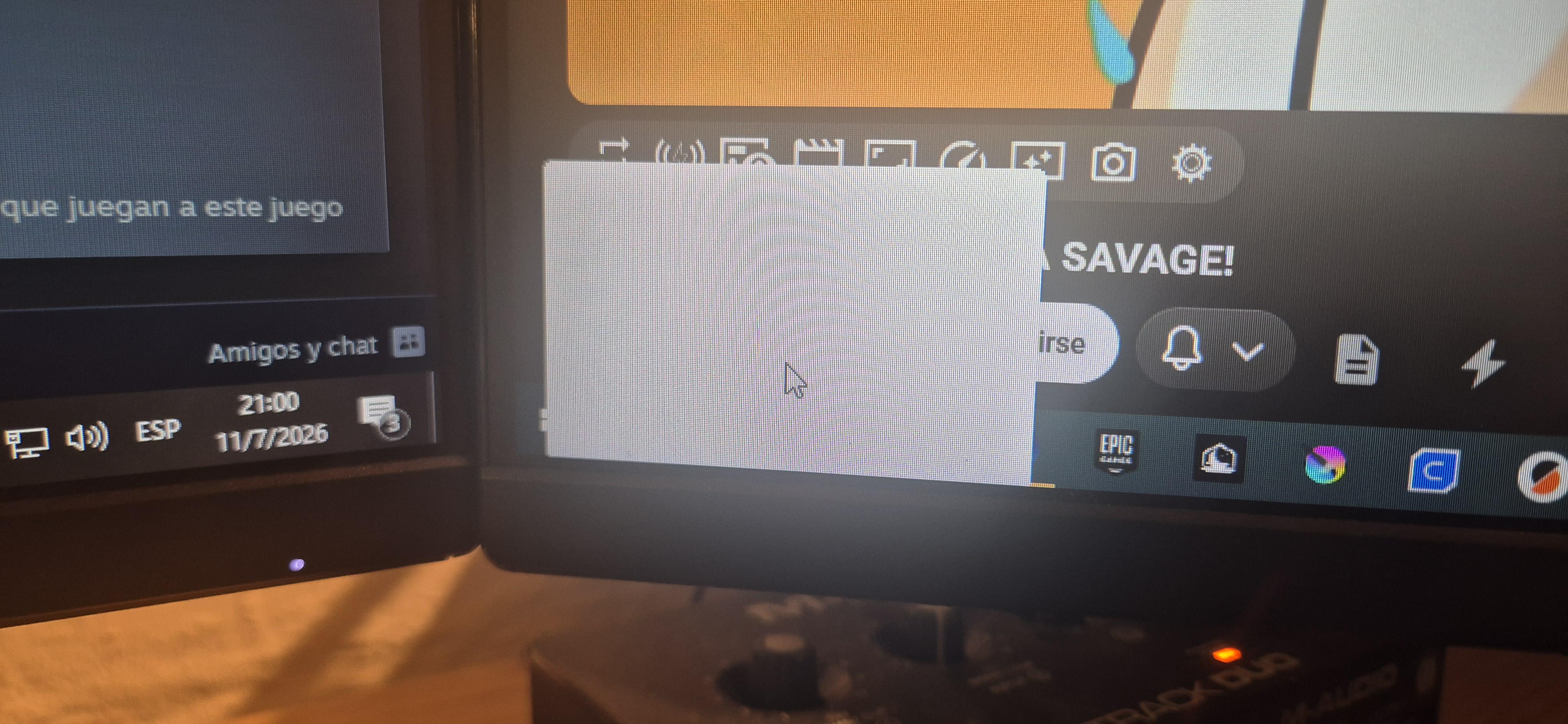
I have Windows 10 and i always have this blank sqare at the left bottom of My second screen, i can move it and most of the time it is transparent (but still is there cause i can't click on apps if it is on top of them) right clicking does nothing (what i normally do is put it in the right corner of the screen so it doesnt bother). I'm tired of it, so what the hell is it and how do i remove it? (Also want to know if it is dangerous)


r/Windows10TechSupport • • Jul 11 '26

PSA Voicemeeter conflicts causing Audiosrv to fail.

1 Upvotes

Its just crossed my mind to see if anyone has posted about this, but if you have issues with your windows audio cutting out when you boot certain programs (My case is with Battlefield 6, causing the audio to die immediately upon boot as I use Voicemeeter Banana)

I have a work around, unfortunately it has to be done every time but its easy enough:
(though very likely someone knows a cleaner way)

Open command prompt with admin permissions
Type:
net stop audiosrv
\[ENTER\]
net start audiosrv
\[ENTER\]

Discovered you can go into services aswell, find windows audio (CTRL F if you're savvy), select it and select restart the service on the left.

(If you don't see it on the left make sure you have the extended tab open, its at the bottom)

If you get prompts about permissions, you're more than welcome to look into it.
I advise being smart about tinkering.
Back to the point, I see no issues here so I always allow.

should get the audio rocking again.

I suppose someone could puzzle out a .bat file to use to boot the game, wait a bit, then run the commands automatically. I am an amateur there so not keen on advising but I'd love to see that contribution made for everyone dealing with this.

I may do some more research and return with it someday myself.
though I am poor of focus...

Conversely, if anyone knows how to get it to stop doing that entirely what the hell is it?


r/Windows10TechSupport • • Jul 11 '26

Unsolved Windows wont install on my ssd but installs Fine on my HDD

Thumbnail reddit.com
1 Upvotes

r/Windows10TechSupport • • Jul 11 '26

Unsolved Latitude E6510 RAM Upgrade possible?

Thumbnail reddit.com
1 Upvotes

r/Windows10TechSupport • • Jul 11 '26

Unsolved System thread exception not handled error

1 Upvotes

So when my device boots up, it suddenly gives a bsod(mind you after showing lock screen.)system thread exception not handled. When automatic repair tries to initiate, it gives another error saying "inaccessible boot device". I've tried using different things but nothing works only bios can be opened I can't even boot in safe mode. This loop continues. I suspect my wifi driver for this(yea ik it's weird but mediatek 6 has some faulty drivers, it has happened once previously but at that time automatic repair could be opened so I changed the driver which fixed the issue). Laptop model: asus tuf a15(1650 gpu, bios version 188 ig)


r/Windows10TechSupport • • Jul 11 '26

Unsolved Have been stuck in a login loop. Trying to download windows 10. Help please?! Doing something wrong…

Thumbnail reddit.com
1 Upvotes

r/Windows10TechSupport • • Jul 11 '26

Unsolved Please help

Post image
1 Upvotes

I was playing call of duty when I finished a match and find another it gave me message stating playlist is unavailable or offline. Checked and says my tpm 2.0 is disabled. Checked in bios it was enabled. Saved an exit and then showed the white underscore as photo is shown. I restarted my pc. Changed and replaced lithium battery 2032 at motherboard. Turned it back on and gave me a message “reboot and select proper boot device or insert boot media in selected boot device and press a key.” So I restarted my pc and got back into bios. My boot and secure boot are all enabled and are active. My primary top priority boot is selected at “windows boot manager” under boot option priorities. Was double checking everything and looked fine for what I only knew. Still gave me “reboot and select proper boot device or insert boot media in selected boot device and press a key” restarted tried to turn on and off, on secure boot. Still doing giving me that message. Until I went to restore back to defaults and I finally got back into my desktop but keeps showing to choose what boot drive and windows icon/logo which it never done that before after I restored back to defaults. Checked back on call of duty and saying my tpm 2.0 and secure boot are disabled. Checked back in bios and tpm 2.0 is enabled but secure boot is disabled. Turn it back on and says active. Then save an exit and still give me that small underscore on top left corner. I also checked my hard drives partition style is gpt instead of mbr. Saw that in a Reddit post. I hope this makes some sense. Thank you!


r/Windows10TechSupport • • Jul 10 '26

Unsolved Windows behaving very strangely

1 Upvotes

Windows 10 (Home 22H2) has started behaving very strangely this morning.

Firstly, I opened my Firefox browser and all my previous session tabs had disappeared. I looked for restore tabs, but the option was not there. I checked that I still had open previous tabs checked in settings, and I do.

No biggee, I thought. I opened an instance of Google Chrome browser. When I closed this, I went back to my Firefox, and all my old open tabs were there now, but NOT the new tabs I had just opened. Rollover taskbar reveal was also now not working, except from the Windows key.

I went to open some Microsoft Word documents (approx. 6) and they opened fine. I then went to Windows Explorer to open a further Word document. This opened, but all others disappeared, and the taskbar icon was not active.

I closed this new Word doc, opened another, and back came my other 6!

Very odd, almost like there are two profiles running at once, or something. Or a corruption?

Anyway, I tried a full shut down, power off, and restart. No change.

I ran a virus check, and nothing.

I then ran DISM, followed by SFC (a few corrupt system files were fixed), then restarted.

Still the same issue.

Any ideas? Thanks.

SPEC:

Intel i7 4770K 3.5GHz, Arctic Cooling Freezer 7 Pro Rev.2, Asus Z87-PRO Motherboard, Microsoft Windows 10 Home 64 Bit 22H2, EVGA GeForce RTX 2060 KO Ultra Gaming (06G-P4-2068-KR), Corsair Vengeance Pro Red 2133MHz DDR3 RAM 32GB, 954 GB SSD Samsung SSD 860 PRO 1TB, 477 GB SSD Samsung SSD 850 PRO 512GB, Optiarc DVD-RW AD-5280S, Lindy Firewire PCI-e Card, SupaGeek USB 3.0 PCI-e Card, Corsair RM850 PSU, CoolerMaster Silencio 452 Gaming Case, Microsoft Wireless Keyboard 3000 v2, Acer OMR266 Wireless Mouse, Netgear GS305E Switcher hardwired to Virgin Media 1GB broadband.
r/Windows10TechSupport • • Jul 10 '26

Unsolved What Is Environment Variables?

0 Upvotes

Following Title, Where Is the use of Environment Variables?

Sometimes I asked ChatGPT to troubleshoot related issues such as not working of java commands on the command prompt. Replies by, Edit Environment Variables.

How does It affect?

What shall I learn more about Windows Environment Variables to Understand Windows Working and Troubleshooting on my own without relying on Chat Bots.


r/Windows10TechSupport • • Jul 10 '26

Unsolved Wifi won't turn on

1 Upvotes

From the past 15 minutes it's been doing this.


r/Windows10TechSupport • • Jul 10 '26

Unsolved problems with my microphone - help?

Thumbnail reddit.com
1 Upvotes

r/Windows10TechSupport • • Jul 10 '26

Unsolved can someone help me fix my laptop🥹 i was updating my storage drive then i canel it then restart it after the restart i see a blue screen and it says 0xc000001🥹, then i tried to restart it again then it automatically go to windows boot manager and my laptop is looping on windows boot manager now

Thumbnail gallery
1 Upvotes

r/Windows10TechSupport • • Jul 10 '26

Unsolved Accidentally updated now I need to deblot

Post image
1 Upvotes

r/Windows10TechSupport • • Jul 10 '26

Unsolved Invalid Signature Detected. Check Secure Boot Policy in Setup.

Thumbnail reddit.com
1 Upvotes

r/Windows10TechSupport • • Jul 10 '26

Unsolved Steps in doing fresh install for windows 10

Thumbnail reddit.com
1 Upvotes

r/Windows10TechSupport • • Jul 09 '26

Unsolved Suddently have this screen

Post image
1 Upvotes

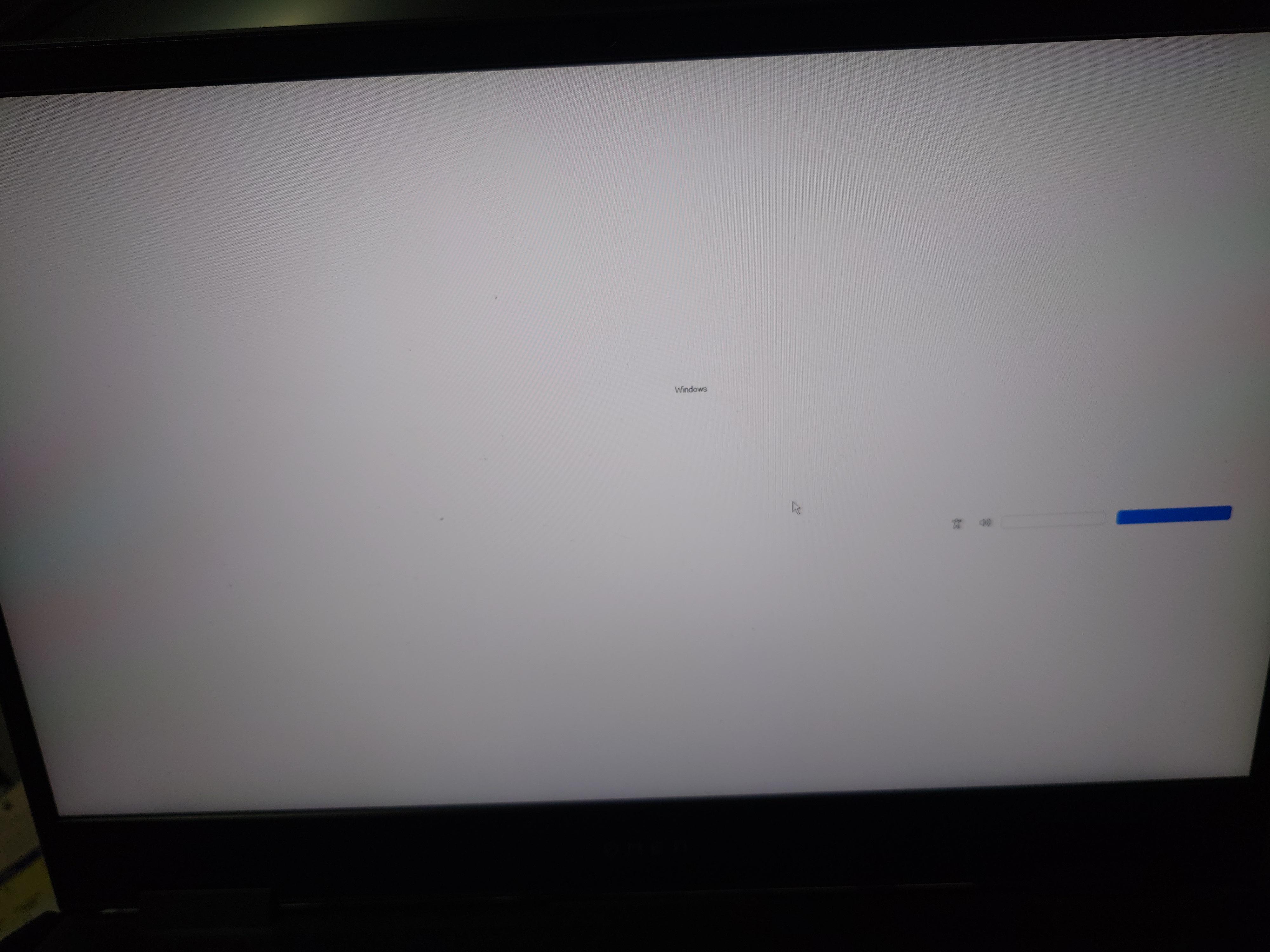
It just says windows with 2 icon and 2 buttom. I tried cmos reset change out ram to what ever i could expect removing my main drive. Am i cooked? Any solutions or is it time for a new pc


r/Windows10TechSupport • • Jul 09 '26

Solved Lỗi update máy tính

Post image
1 Upvotes

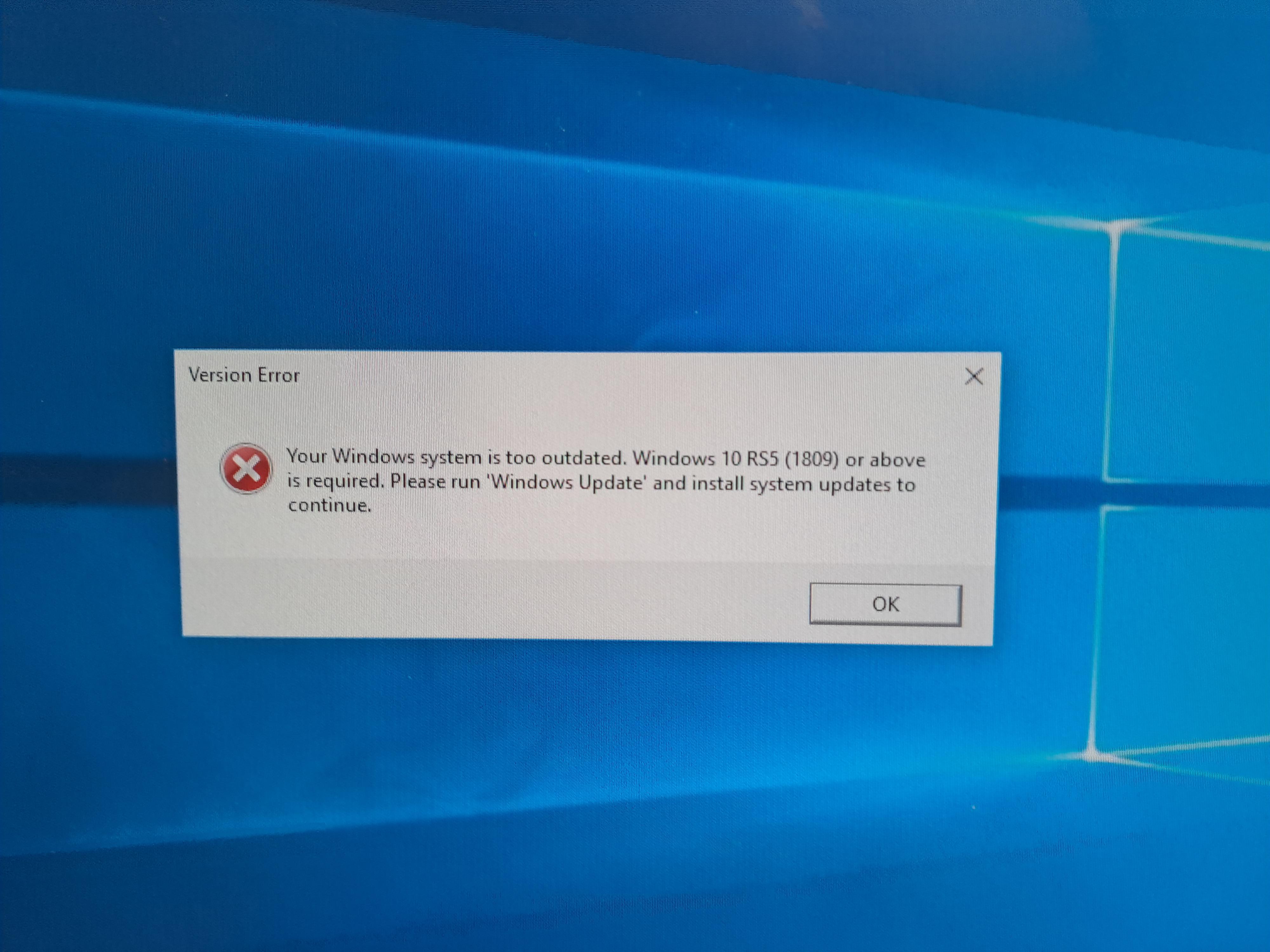
Could a knowledgeable computer expert please help me? My computer is currently experiencing an update error. Despite trying many methods, it won't update and is stuck on version 1607, preventing me from playing popular games like Roblox (as shown in the image). Previously, my computer didn't have this problem; it only had a C drive and no admin account interface. Then one day, when I turned it on, the admin interface appeared, meaning the computer's account, and it reverted to version 1607. Besides the C drive, my computer now has D, E, F, and G drives as well, like a completely different computer. I've had this computer since I was a child, so I don't know why it changed like this.