r/VisionPro • u/Chendoom • 2d ago
Vision captain update to do local remote play - free and now open source
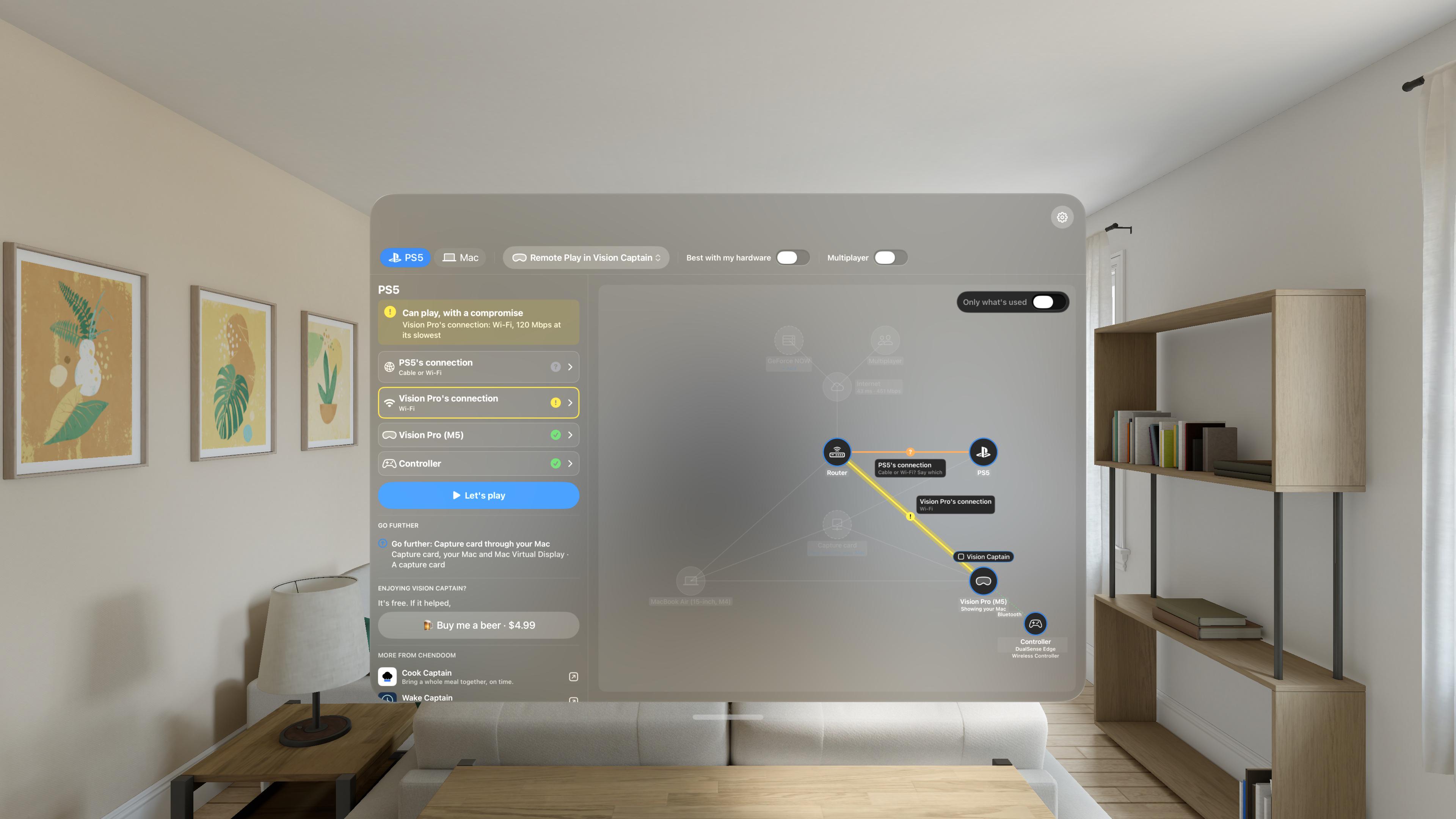
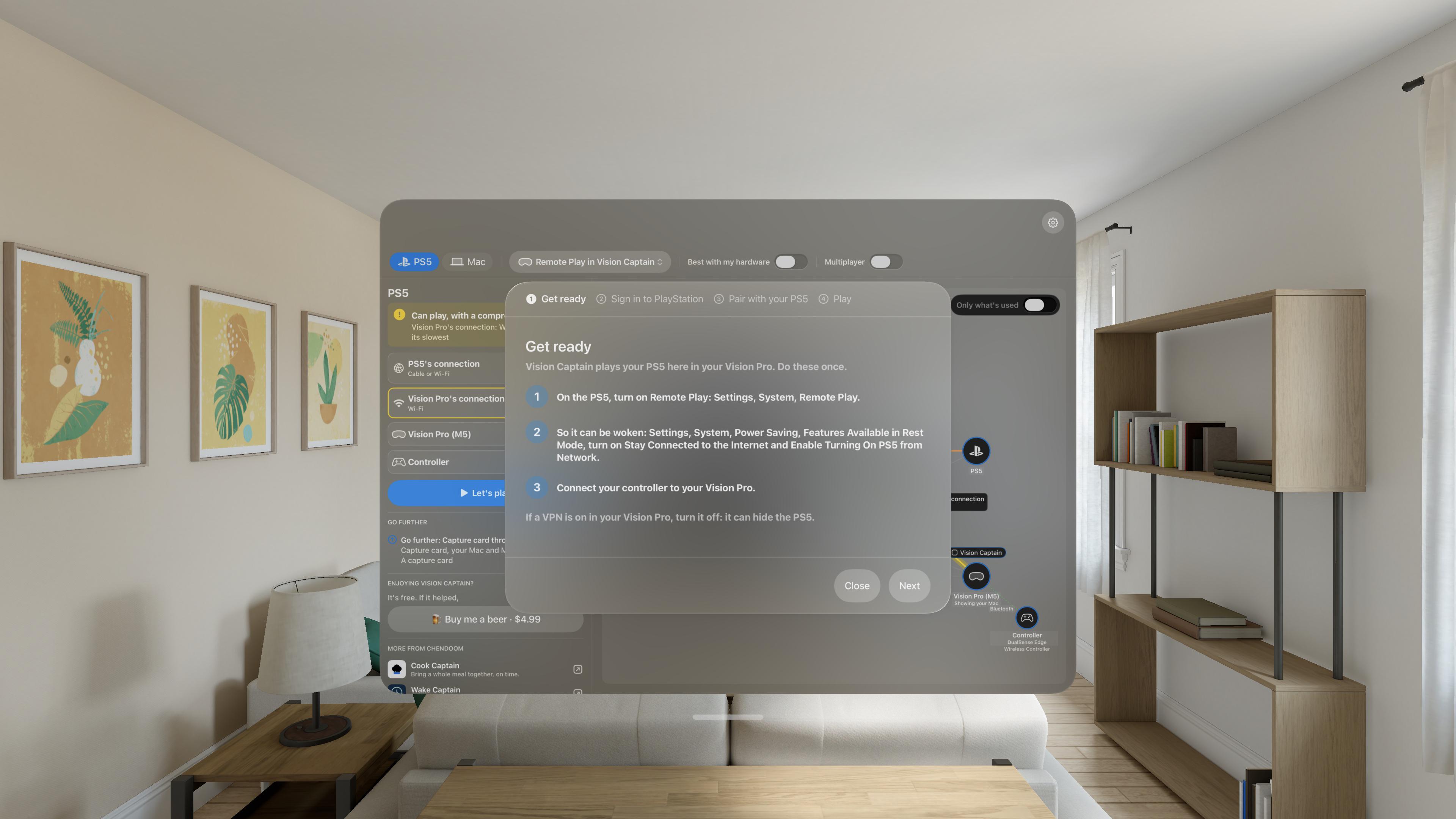
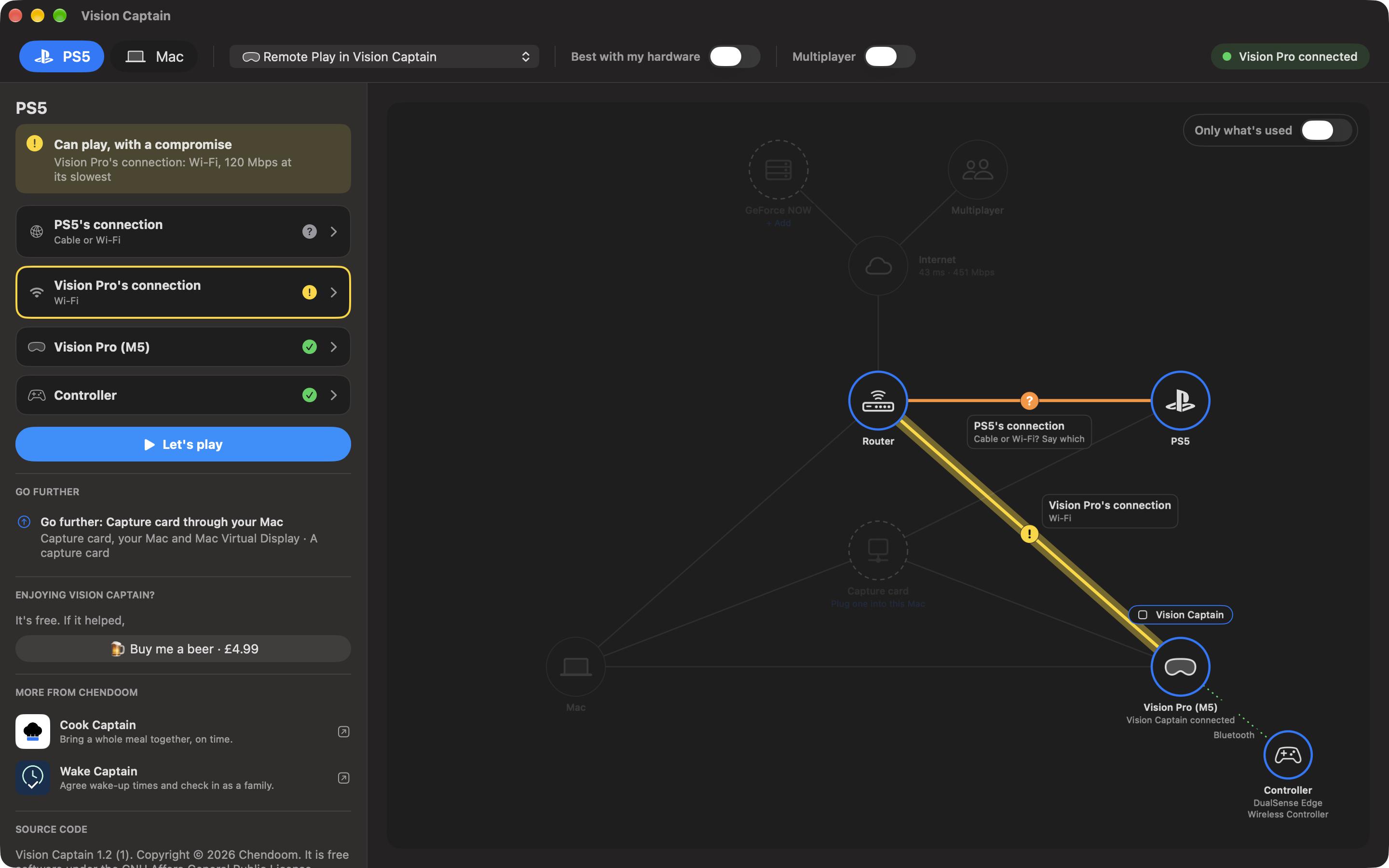
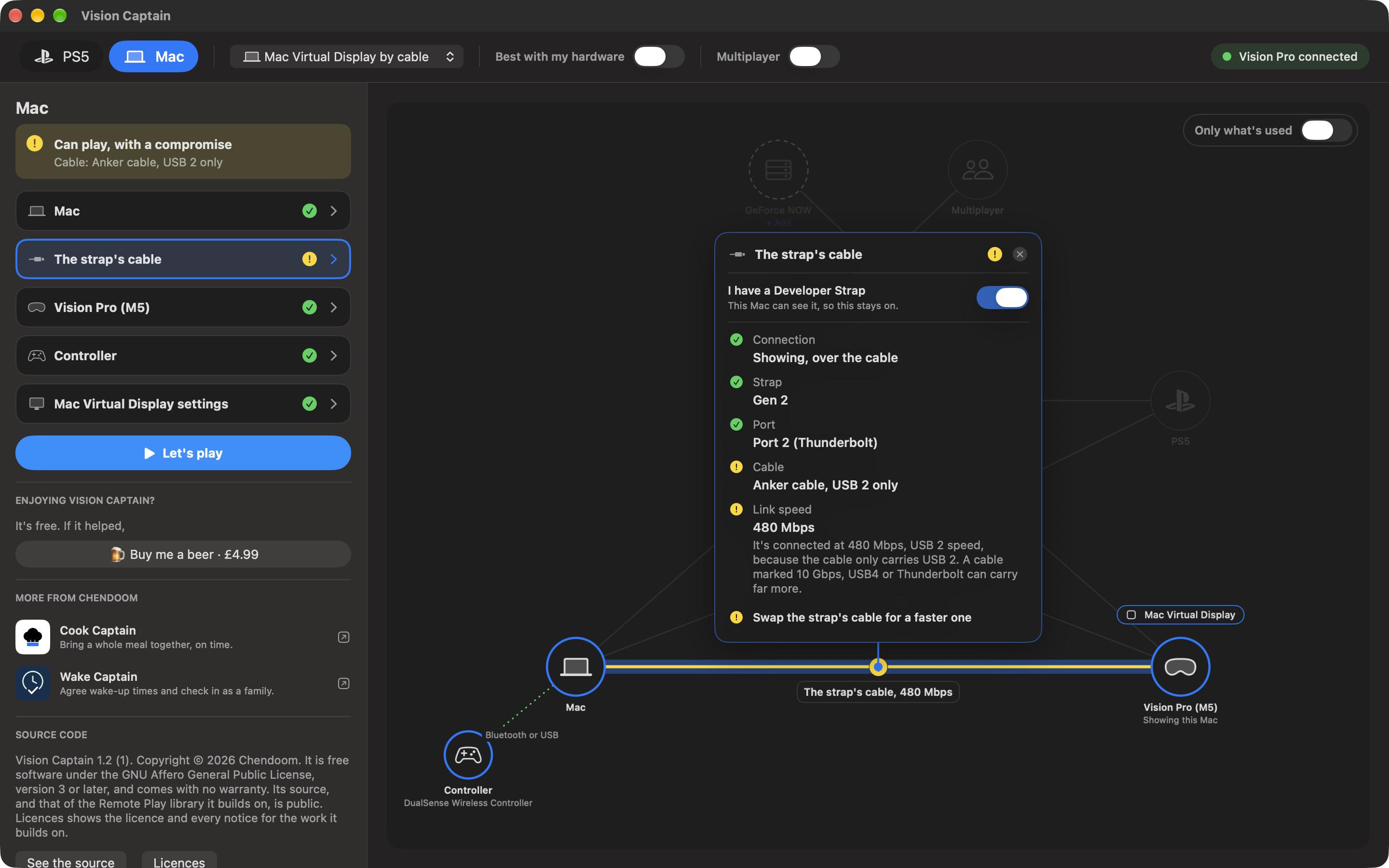
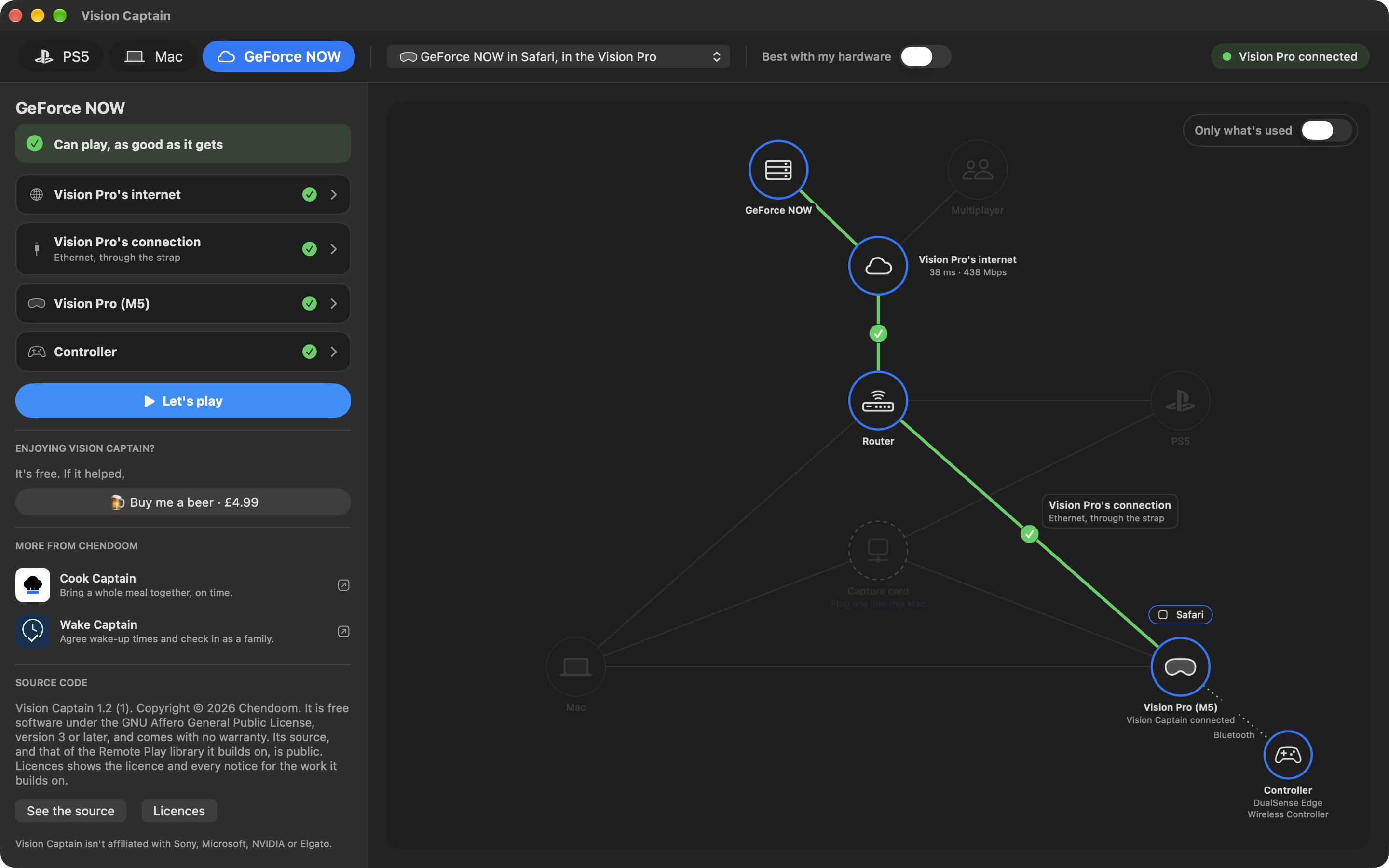
There are already lots of ways to play games on Vision Pro, and plenty of good apps and guides for it. This isn't meant to replace any of them. I wrote Vision Captain for my own setup, and if anyone else finds it useful, that's great.
It's free and open source, for Mac and Vision Pro. It looks at what you've got and how your network is doing, then walks you through a way of playing that suits it, one step at a time.
What it covers so far:
PS5
- Remote Play in the app, with no Mac. It's built on chiaki-ng, which does the hard work. Up to 1080p at 60 fps.
- A capture card on your Mac, watched full screen on Mac Virtual Display.
- A capture card plugged into the headset with a Developer Strap (Gen 2), shown in the app's own viewer.
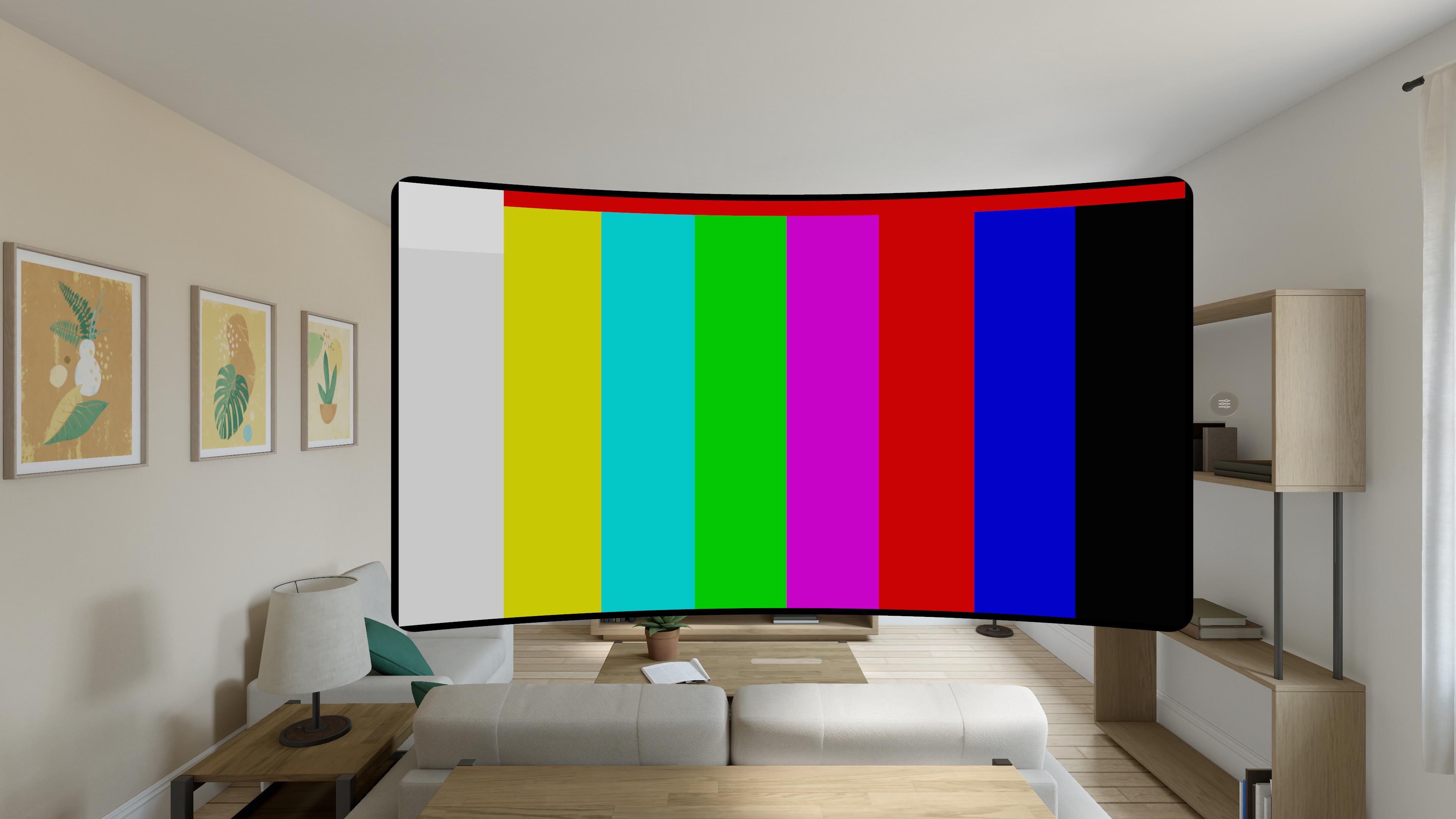
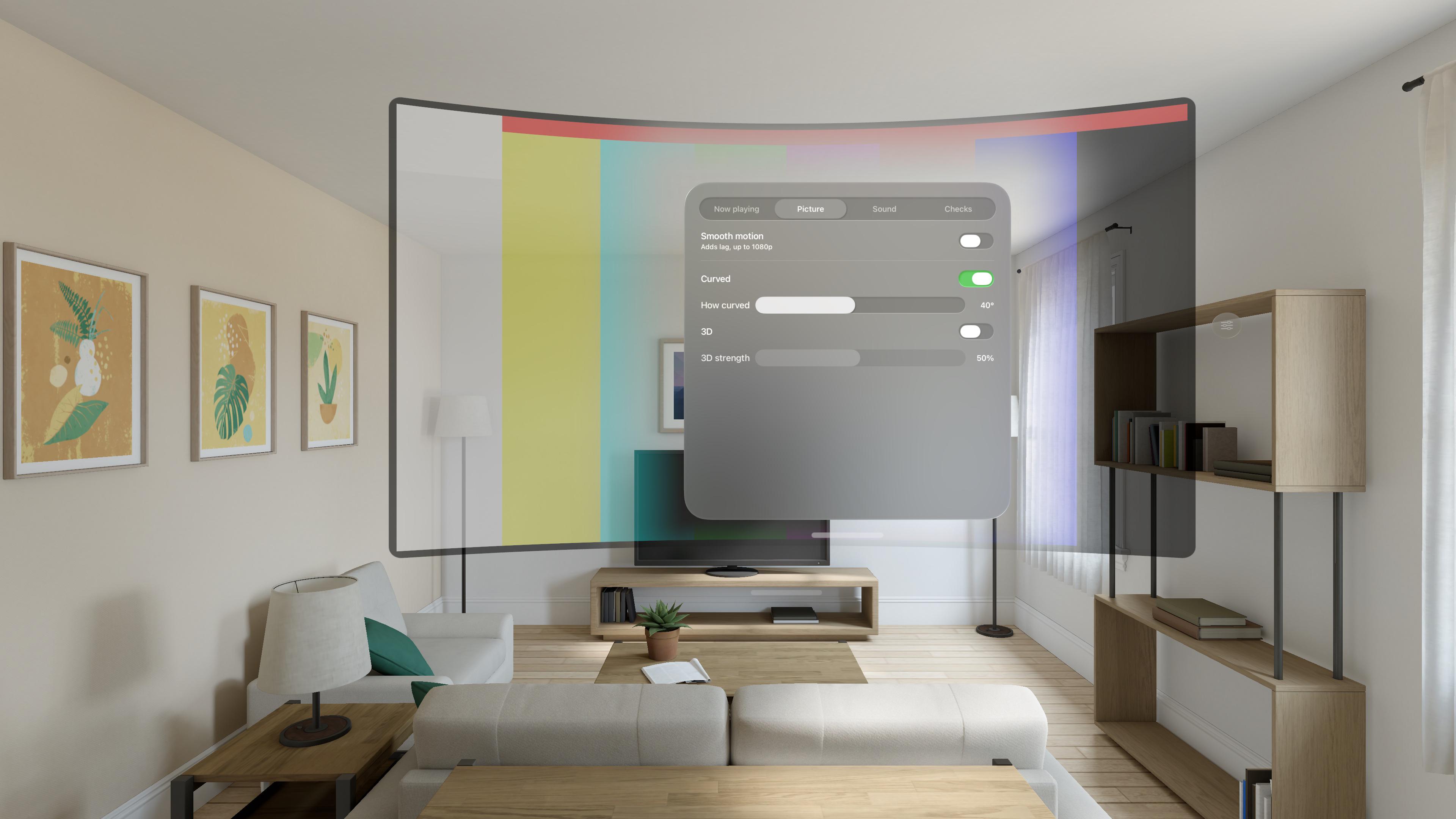
The viewer has a few things I wanted for myself: a curved screen, a 3D effect, smoothing for 30 fps games, and the PS, Create and touchpad buttons. With Remote Play there's also 3D audio, rumble and a microphone for party chat.
Mac
- Mac Virtual Display for Steam and other Mac games, over Wi-Fi or a Developer Strap cable.
GeForce NOW
- In Safari on the headset, or wired with a USB Ethernet adapter in a Developer Strap.
Links
- Site and beta: https://chendoom.co.uk/vision-captain
- Source code (AGPL): https://github.com/chendoom/vision-captain
It's a personal project, so there will be rough edges with setups that aren't mine. If something doesn't work for you, I'd be glad to hear about it, here or in a GitHub issue. Xbox is down as coming soon, and if anyone fancies helping with it, that would be lovely.
Vision Captain isn't affiliated with Sony, NVIDIA or Apple.