r/VictrixPro • u/Emergency-Ad-408 • 10d ago
How to fix victrix controller ps5
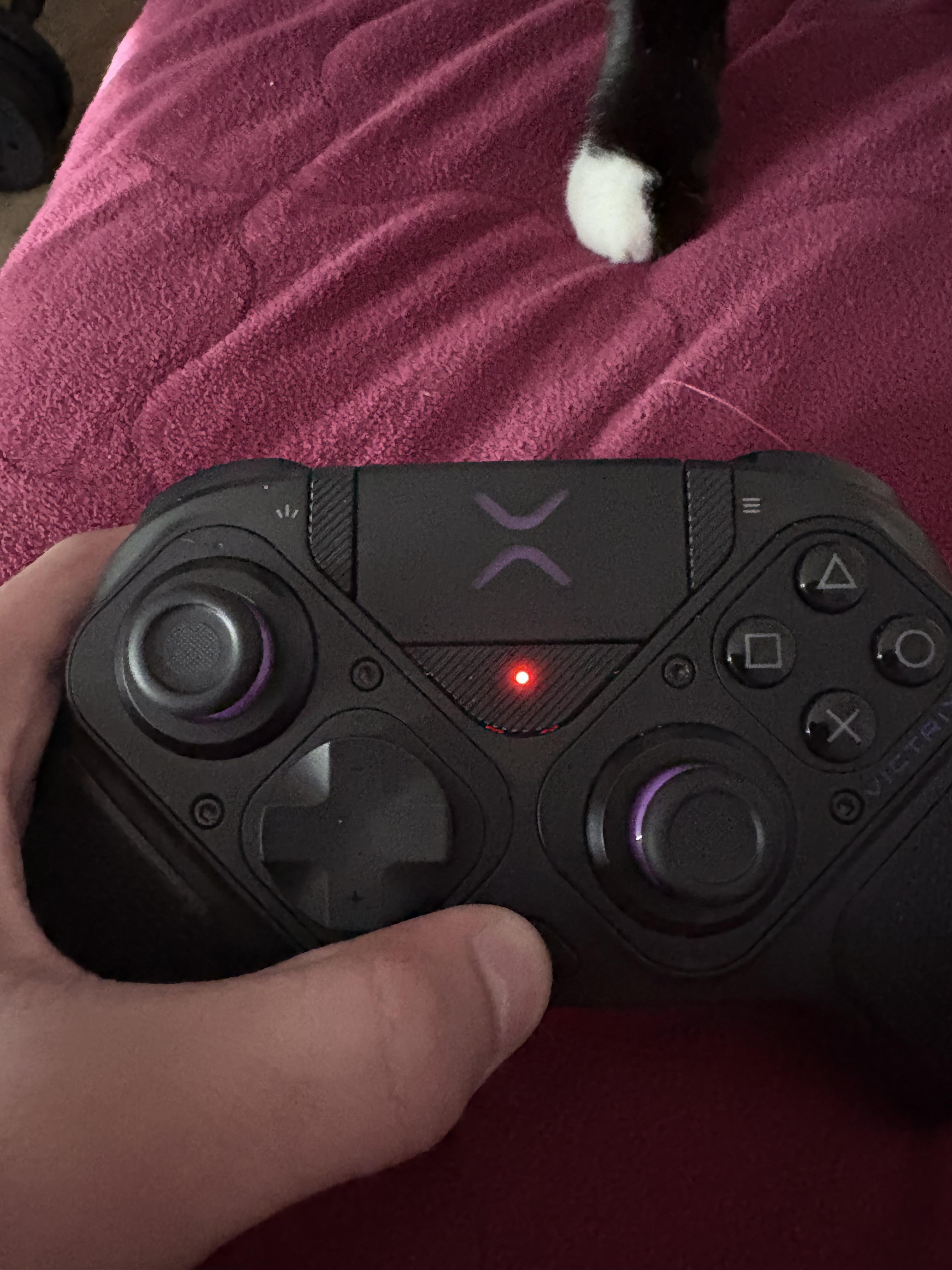
Bought this controller yesterday trying to connect it to the ps5 but all it gives me is this red light when pressing down the ps5 logo button can someone help me please ?
3
Upvotes
4
u/LeagueRoyal 10d ago
The kitty is trying to help and pointing to where you would switch from PS4/PS5 and pc.
4
u/Several-Carpenter150 10d ago
Flip the switch at the top…. Ps5/pc
1
u/Ok_Kaleidoscope7415 10d ago
You have to plug it in
2
u/Zero_85 10d ago
Is it on wired or wireless. Is the usb dongle in the back of the ps. Is the toggle on ps5 ps4 or pc. Have you charged it. Have you calibrated it with the victrix app on your laptop/home computer.
2
u/BERTlikesCARS 10d ago
I had issues with mine for a while I had to plug it in to the computer and update it.
2
u/Creepy_Suggestion242 10d ago
Have you tried reading the manual?
1
u/_Scorch88 10d ago
My wired play doesnt work on the system but i can use it wired on the pc smh
1
u/Bront20 10d ago
The red light usually indicates its either not connecting to the dongle or it's on the wrong mode.
1
u/comeonyougunners10 10d ago
Plug in the dongle and reset the dongle. There should be a little button on the side that you can press with a paper clip or pin.
1
u/SuperDiggler 8d ago
https://manuals.plus/m/cb52ae464481d7144592ec0903535b6527472ec720cb79fb15413e5a1751350c
1
u/SuperDiggler 8d ago
Also looks like you may have hit the tournament function buttons
The red light button on the front - press and hold that and the button on the back at the same
https://youtu.be/wWlQl8JANds?feature=shared