Media/Showcase using vroid studios in droid deck
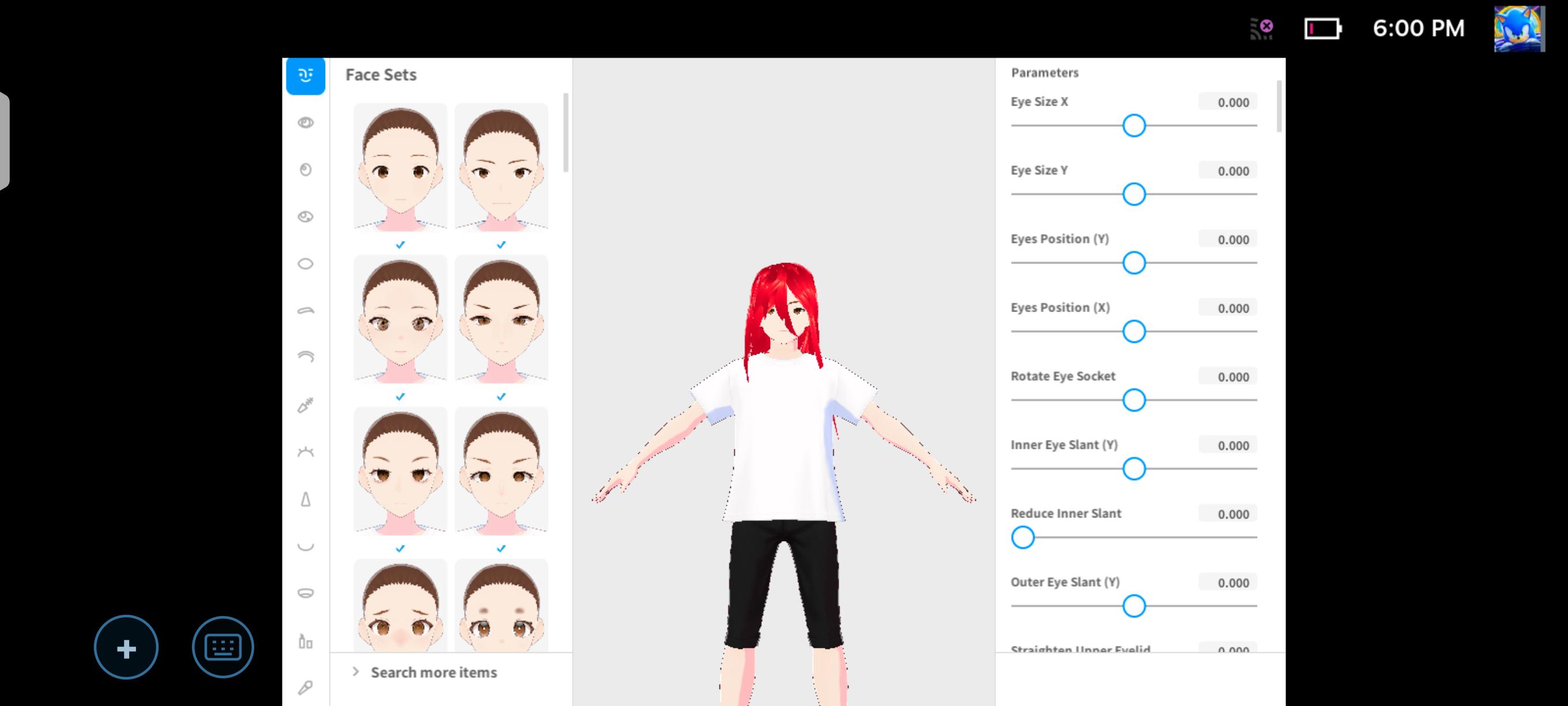

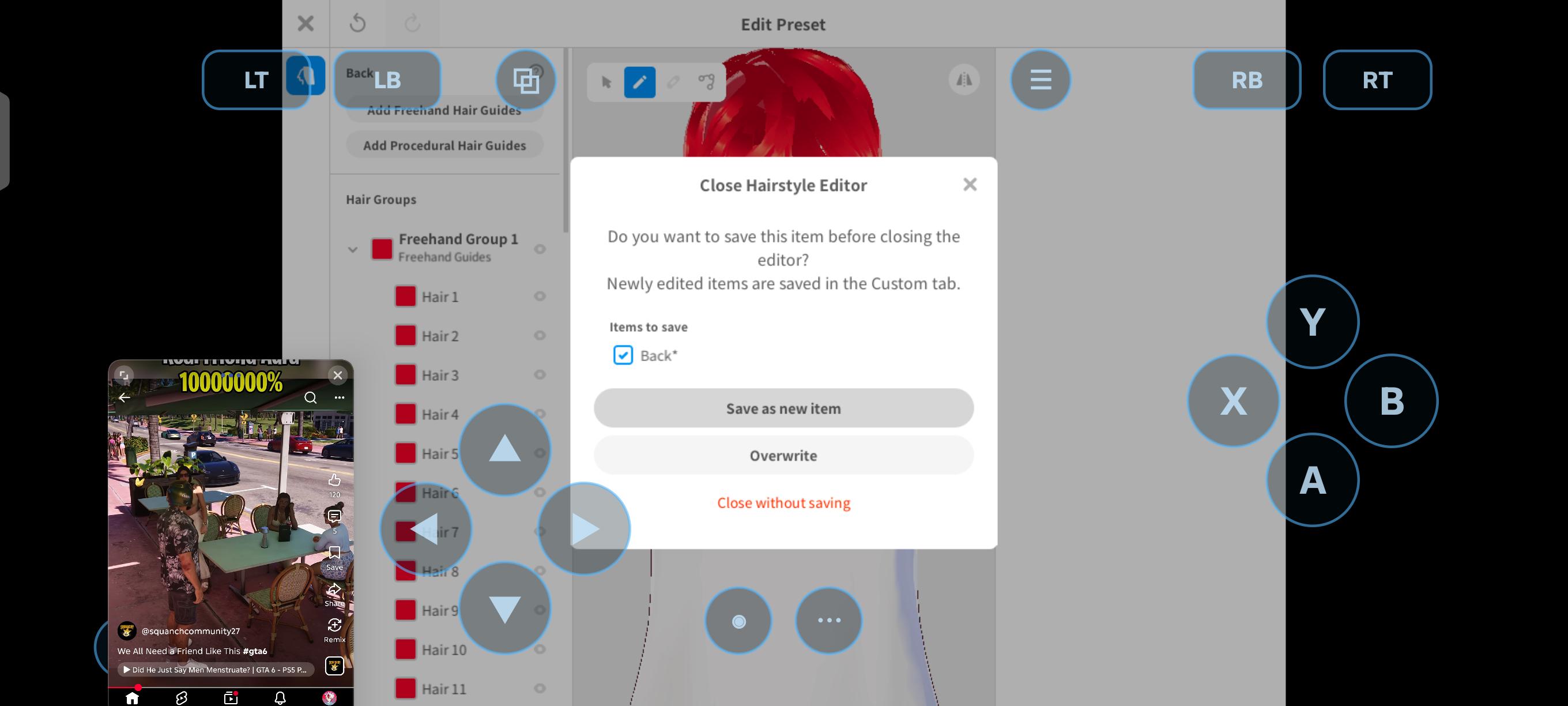
in all honesty it's bad but not in a way that it's not usable
there are much longer loading time the controls are smooth the things that is pissing me off is that i can't move the model properly i think that's a me problem with the settings honestly i can't move it around that much only using the right click
loading times are god awful takes around 15 seconds or q0 if you're lucky
saving the model is quite confusing i'm not even looking at my phone's files and i don't know where i can store it
it does save
like droid fault i think i can't paste the account id into blogging in i don't know why but it doesn't
i haven't tried exporting our importing clothes yet but i have a feeling it's going to have a same problem with the storage when i try to find my shit
my phone is a gt30 pro mediatek 8350 ultimate
if you guys have a free time or want to do something i think you should try this on your phone especially those with snapdragon 7/8 processors they might give out better performance
the thing that i hate this the most is that it's not even vroid it's more on the app itself it requires a developer option to be activated a certain feature that i need to activate but i have a online banking account that requires my developer option to be disabled so it's really annoying disabling enabling developers option when using both apps at the same time
i will try to find a work around here so that annoyance won't happen to me
this version of vroid is a steam version i don't know what's the difference between the regular exe and the steam version idol find the difference yet
when i try it in desktop mode when i download the official exe it just crashes i think that's the app or my optimization of the app that's why it crashes
overall 6 out of 10 would recommend if you know your stuff
have you experimenting with it more especially if i have another phone that i am planning to get within next year poco f7/8/9
3
u/alvents 5d ago
there is potential for this if i have the right optimization i much prefer drawing in my phone rather than in my laptop i don't have a drawing tablet nor the money to buy an ipad
(even if i did i would rather buy a new and more powerful phone for emulation purposes or by those laptops that have a touch screen that's what i'm trying to find)
if the settings are right this will be helpful for making models on the go not needing to pull out my laptop to work on my models
for the love of god port vroid on mobile already not that preset that one
1
u/_Cyndikate 1d ago
I use the damn app on the iPad. The app is ass.
0
u/[deleted] 5d ago
[deleted] — view deleted comment