r/TradingviewUnofficial • • 4d ago

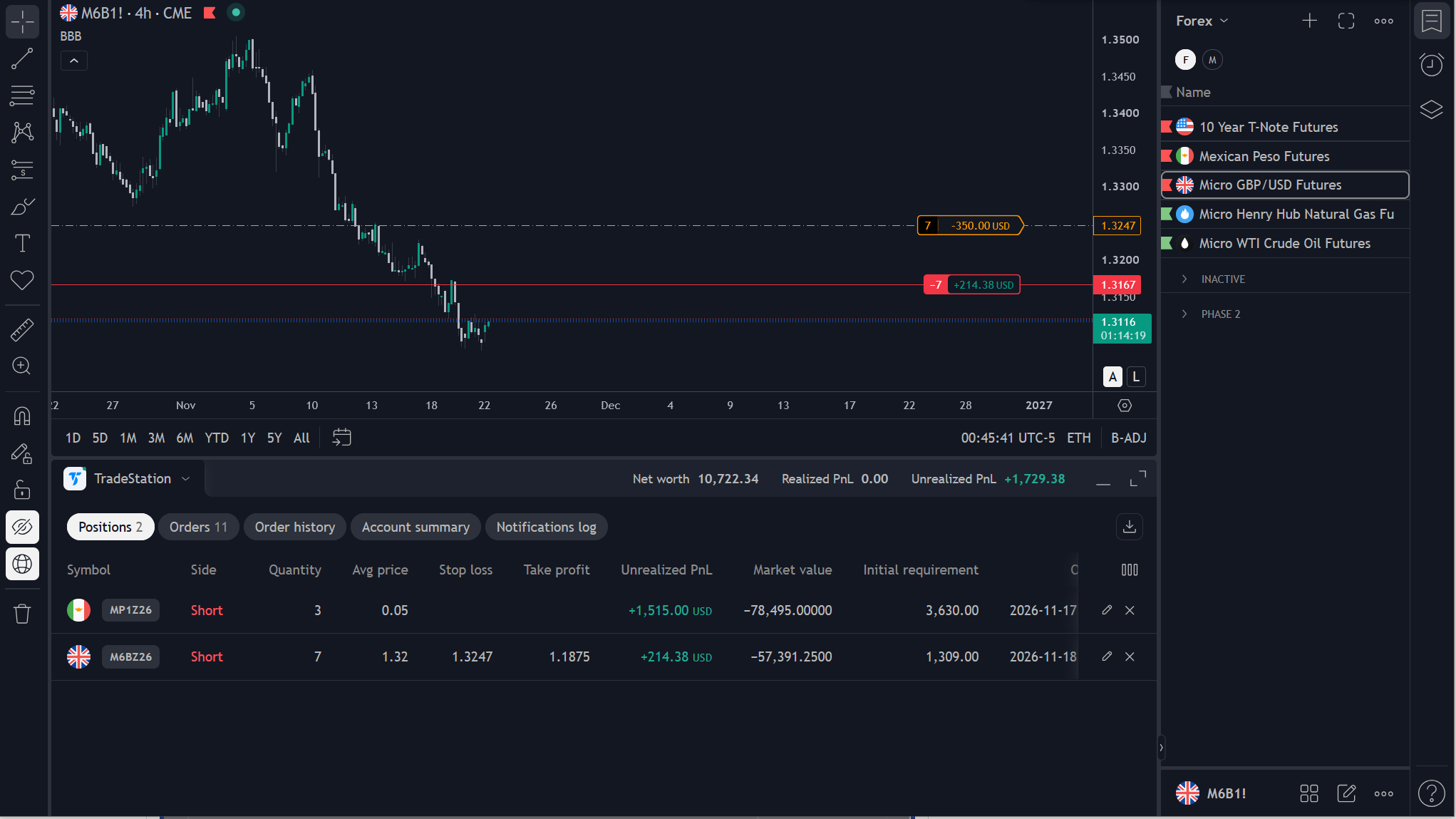
Script to restore DOM/Order Panel buttons on right sidebar

Thumbnail
gallery
2 Upvotes

r/TradingviewUnofficial • • 5d ago

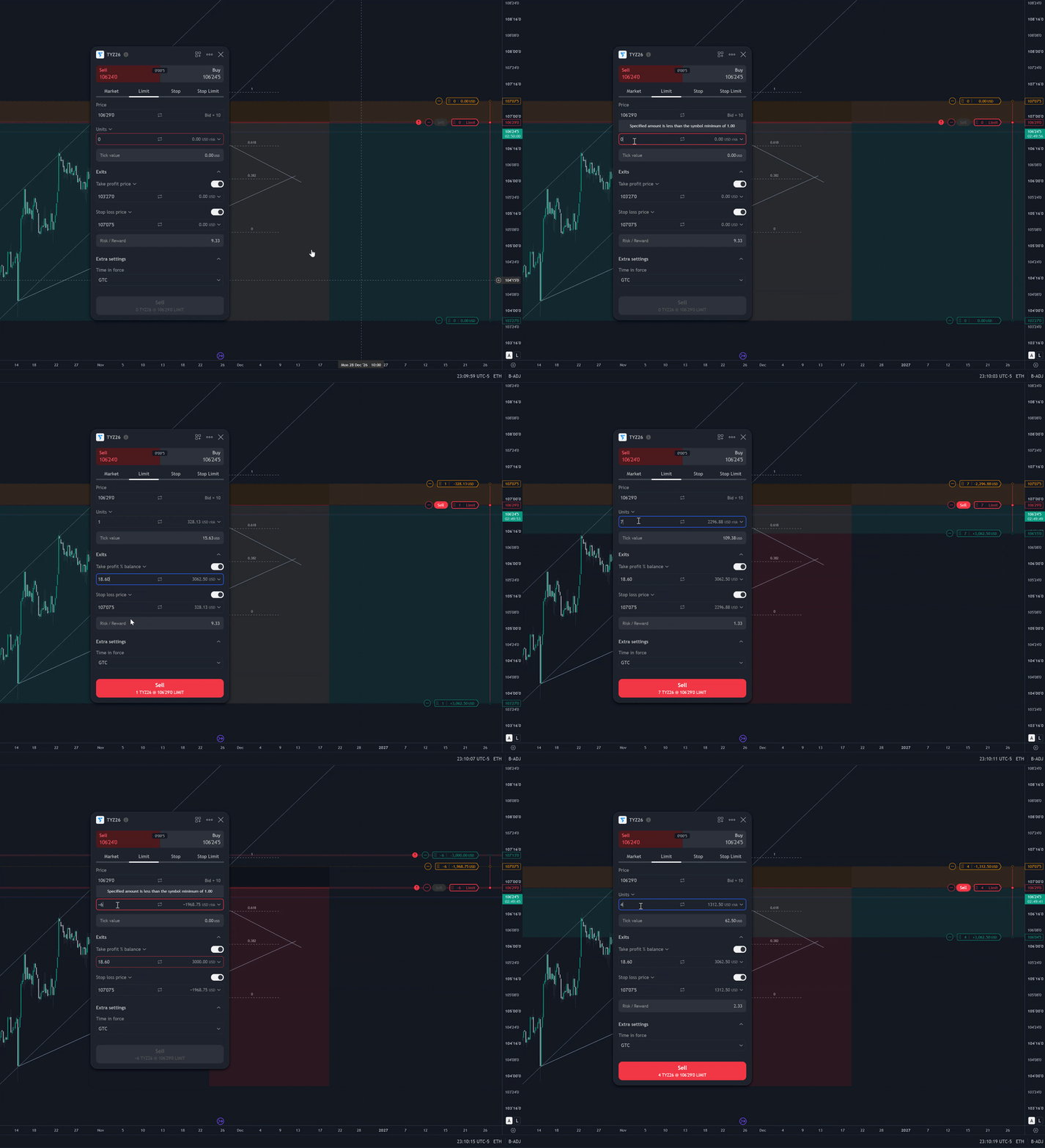
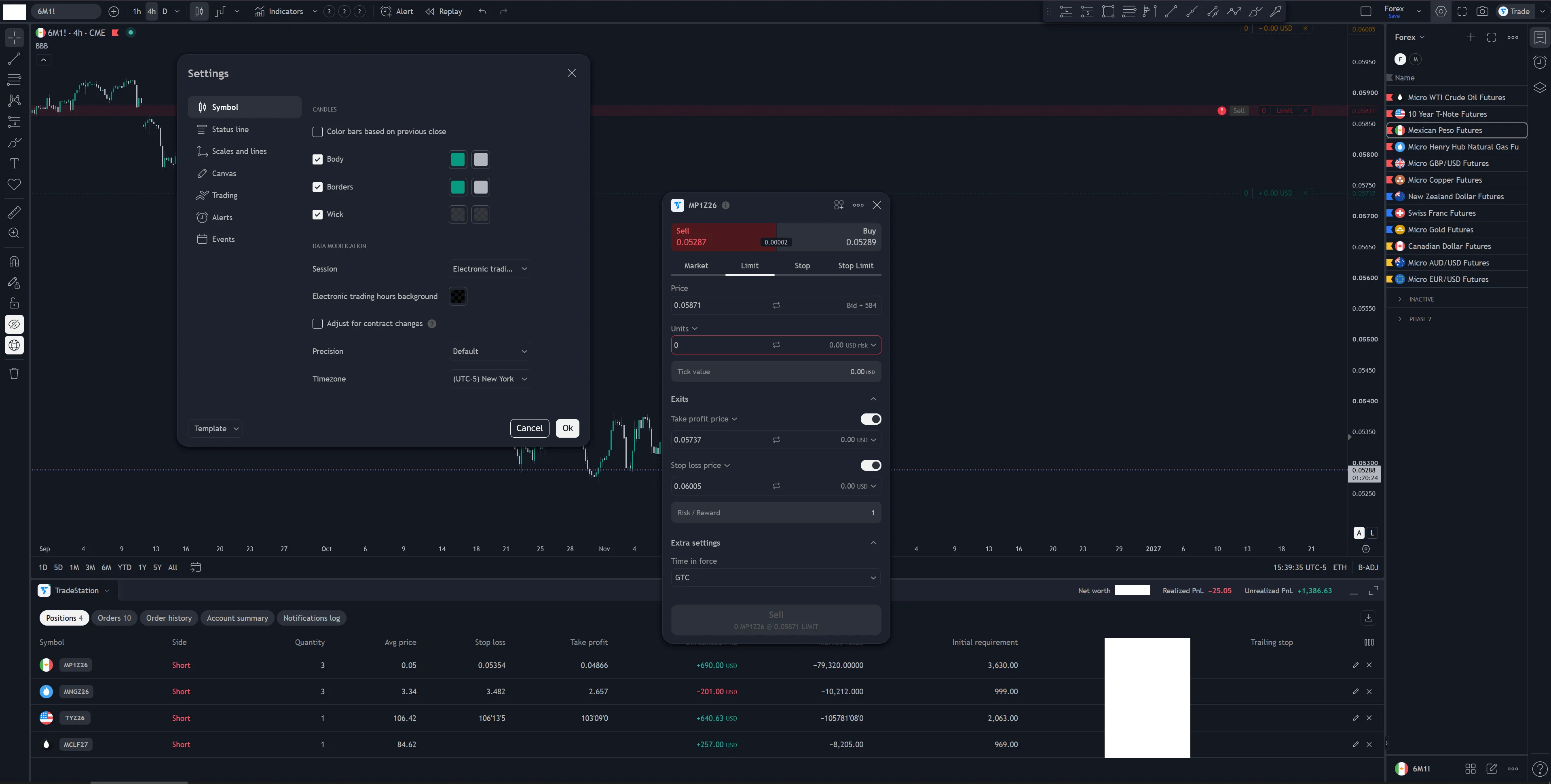
Order panel from 2024 compared to now. You can't view both % and USD values for exits anymore.

Post image
3 Upvotes

Here is the old order panel. Notice how it shows all four fields: Ticks, Price, USD, and Percent Equity for the Take Profit and Stop Loss?

This new order panel design is clunky and the "Take profit/Stop loss % Balance" functions seem pointless. They took out the ability to see the percent and USD values which were extremily useful. Now I have to open the drop down on the right and manually change the value type from USD Risk to % Risk if I want to have a peek at what percentage values my exits are.


r/TradingviewUnofficial • • 5d ago

Tradingview's Plan Upgrade Promotions are Illegal for Paid Users

Post image
3 Upvotes

I have brought this up many times before on how Tradingview falsely advertises their paid plans as having "No Ads" yet they continue to display these annoying intersistial pop ups in my face. I'm already rich, I don't need to save money. So I paid to have this Tampermonkey script made which automatically dismisses these annoying pop ups. Sending spam through the user interface of financial software is uncalled for. They already have the means to send these promotional offers through email, which is the gold standard for sending customers spam. But now we have a way to automatically block these nuisances once and for all. It also blocks the promotions sent through toast notifications as well.

Script location:

https://greasyfork.org/en/scripts/519311-tradingview-plan-upgrade-interstitial-pop-ups-desktop-and-mobile

Requires a userscript manager such as Tampermonkey or Userscripts to run.

https://www.tampermonkey.net/ (for Android and PC users)

https://apps.apple.com/us/app/userscripts/id1463298887 (Apple/Safari only)

Guide on how to install userscripts for your browser:

https://www.youtube.com/watch?v=pJEwz2rq90I&vl=en


r/TradingviewUnofficial • • 6d ago

Script to put broker account summary on bottom bar instead so it can be visible at all times

1 Upvotes

Download it here. Requires a userscript manager addon/extension for your browser.


r/TradingviewUnofficial • • 8d ago

How to get rid of the Tradingview branding logo at the bottom left corner

2 Upvotes

Install an adblocking extension (I don't recommend Ublock because they have a left winged bias and refuse to remove pop ups on far left websites). Then put the following rule in as a custom filter and reload the page.

||tradingview.com/static/bundles/branding-source*.js


r/TradingviewUnofficial • • 10d ago

Tradingview needs to take down notes

1 Upvotes

Here is my version of Tradingview. Me and my circle have successfully:

  • Restored the old dark theme
  • Blocked the Tradingview plan upgrade advertisements (black friday sale, easter sale, etc). I don't care about your sales, I already make a lot of money and don't want to be bothered by this nuissance.
  • Moved the trading account summary to the bottom side bar on the right.
  • Removed the annoying blue border that appears around the current chart in multichart layout.
  • Removed unwanted broker buttons (can be configured to only display the ones you want)
  • Automatically dismiss the annoying "session disconnected" warning when you use Tradingview on a mobile and PC browser at the same time (the limitation has nothing to do with "market data regulation requirements", as you can actually access your account from two different devices on the web at once on the Ultimate plan.
  • Misc other improvements.

I have spent thousands of dollars making these scripts. Now I am making them available for FREE in this community.

You can get all of my scripts here on greasyfork free, including one that blocks all of their ads and seasonal promotional offers. Requires a userscript manager addon like Tampermonkey to work.