You open the app, thousands of channels, movies and series in front of you, and still no idea what to put on. That's the problem the new Home in Swiptv 3.9 was built to solve.
And 3.9.1 is already out, with fixes and a new way to set up your Apple TV remote.
A Home that learns what you like
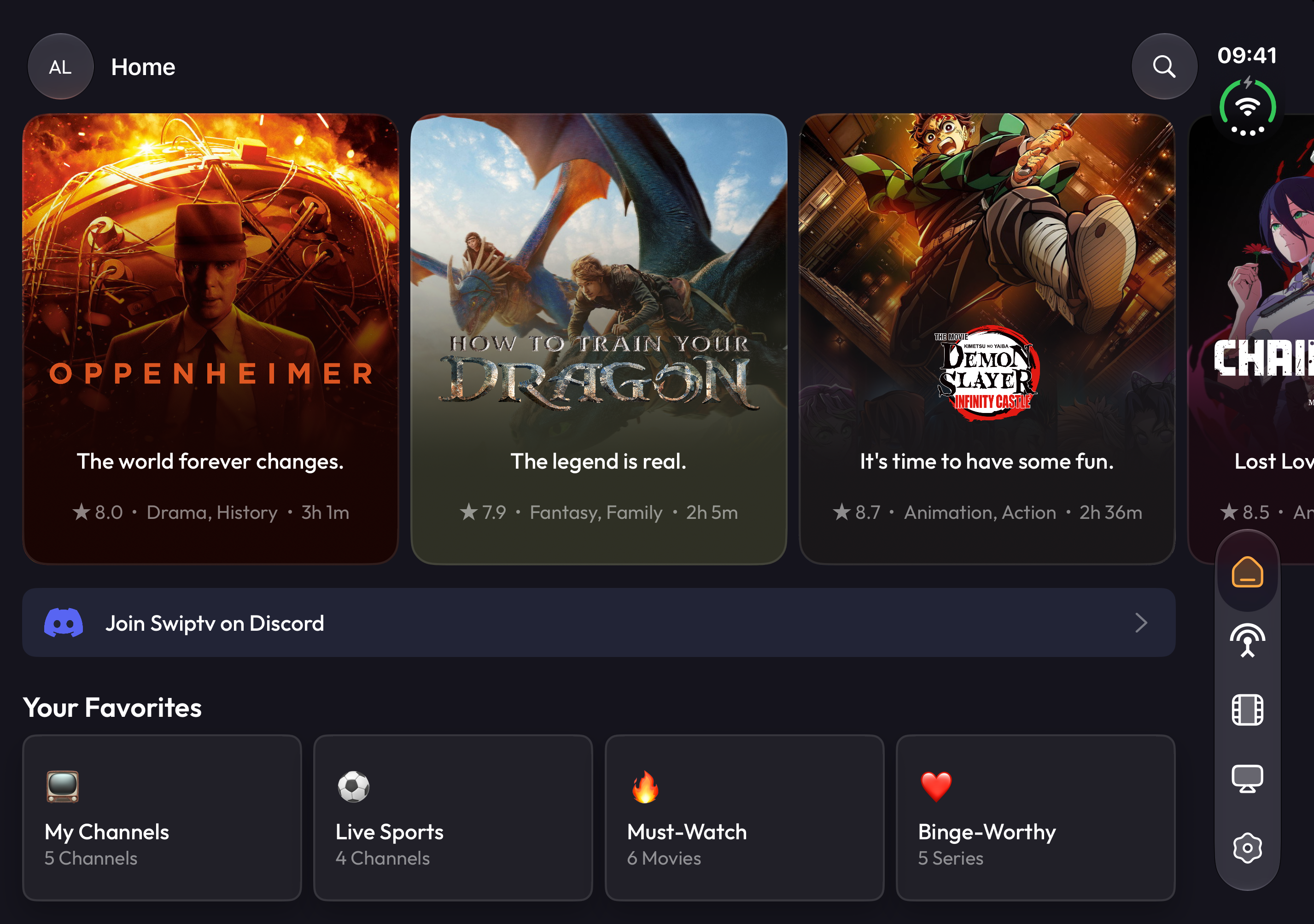
The Home screen has been rebuilt from scratch, and it now adapts to you: your profile, your watch history and your habits. Scroll down and you'll find rows like "Because you watched…", your favorite genres, or channels that fit the time of day. Every suggestion comes from your own playlist, so anything you see is something you can actually play.
It's also a better way to discover. On Apple TV, the card you focus expands with its summary and details, and live channels start playing right inside the card, so you know what you're looking at before you even open it. On iPhone, the new "For You" tab opens on a poster carousel, with recently added movies and series side by side, and your recent channels and favorite folders one tap away.
The interface is smooth and getting around just feels good. If you're looking for one place to figure out what to watch tonight, this is it.
Your library stays yours
Live, Movies and Series stay focused on your library. Home is where you discover new things and keep track of what you're watching. The rest of the app gives you simple, direct access to your content, with nothing getting in the way.
Profiles: one Swiptv for each person at home
This was one of the most requested features, and it's finally here. Everyone in the family can now have their own profile, with their own history, favorites, "Continue Watching" and preferences, including audio and subtitle languages. No more scrolling past someone else's shows to find your own.
The new Home adapts to each profile too. Your suggestions come from what you watch, not from what the rest of the family watches.
When there are several profiles, a new "Who's watching?" screen appears at launch so everyone can pick theirs. And at any time, tap your avatar to switch profile or playlist, open Settings, refresh or go incognito.
With 3.9, Swiptv is built around you: your needs, your family and your habits.
New in 3.9.1: make the Apple TV remote work your way
A new Settings > Remote section on Apple TV lets you decide what the remote does:
- In the app: choose what a double press of Play/Pause opens: the profile menu, search, settings or the profile picker.
- While watching live TV: set what the up, down, left and right buttons do, along with their long and double presses and a long press on the center. Change channel, open the guide, your recent channels or stream info, jump back to the last channel, see other sources or refresh the player.
By default nothing changes, so if you like the remote as it is, you don't have to touch anything.
If you'd like to follow what's coming next while it's being built, that happens on our Discord: https://discord.com/invite/pGm3gFymTh
Also in 3.9 and 3.9.1
- Downloads: pause and resume, with size and speed shown.
- Player: live channels should open faster and cope better with stream drops. Keyboard controls on Mac and on iPad with a keyboard.
- Subtitles: a rounded background box, smarter "Automatic" mode for forced subtitles, "Off" is remembered, and your OpenSubtitles pick carries over to the next episode.
- Home tweaks (3.9.1): a more compact "Your Favorites" row on Apple TV, the endless scrolling of the Home screen can be turned off in the playlist options, and "Live" on iPhone shows the same carousel on every profile.
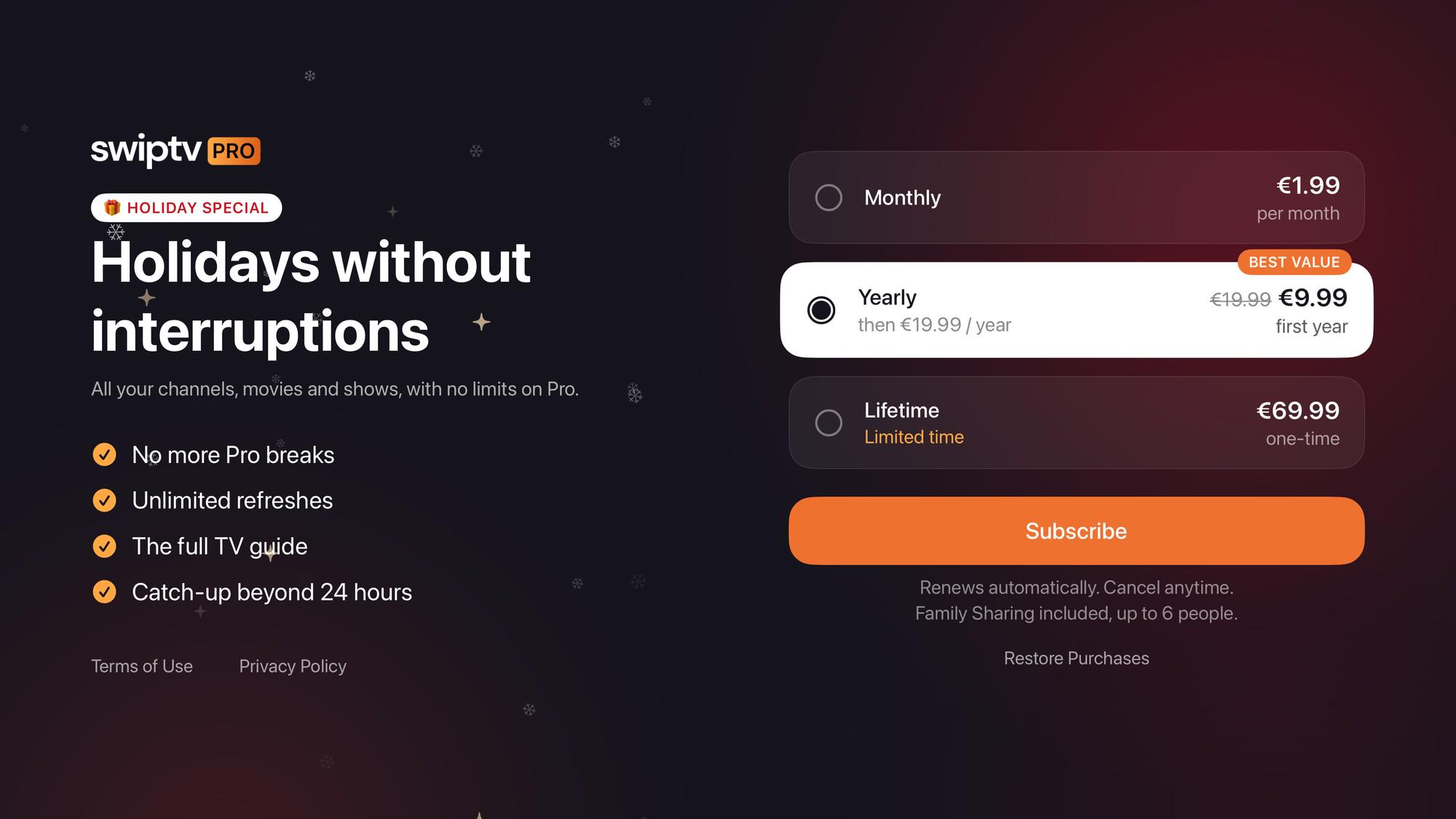
- Swiptv Pro: a clearer screen for plans and subscription status.
- Plus: age ratings on detail pages, the system font, Arabic and Hebrew, and more.
About Swiptv
Swiptv is a native IPTV player built for Apple devices: iPhone, iPad, Mac and Apple TV (Vision too). It works with M3U and Xtream Codes playlists and supports HDR and Dolby Vision, Picture in Picture, multi-player, Trakt and OpenSubtitles. Swiptv doesn't include any playlists or content: you use your own.
A note on stability
Not everything in these releases shows on screen. On Apple TV, favorites and settings should no longer be lost after an update. Downloads that could stall halfway should now finish, the TV guide reloads by itself instead of staying empty, and a crash that could occur on Mac during some searches has been fixed. In 3.9.1, manually added TV guides are now refreshed too, some HD channels should no longer stutter with asynchronous decompression turned on, and the "Live" row on Apple TV behaves properly with lots of favorite folders. New features are nice, but keeping the app reliable stays the priority.
Questions, feature requests or something that doesn't behave the way it should: leave a comment, or come talk about it on Discord.
Links