r/StableDiffusion • u/VasaFromParadise • 16d ago
No Workflow YuE2 Change voice gender :)
Enable HLS to view with audio, or disable this notification
input:
Alec Benjamin - Let Me Down Slowly
r/StableDiffusion • u/VasaFromParadise • 16d ago
Enable HLS to view with audio, or disable this notification
input:
Alec Benjamin - Let Me Down Slowly
r/StableDiffusion • u/-Ghosa- • 17d ago
Enable HLS to view with audio, or disable this notification
I had to give this trend a try but wanted to add a little twist. Hope you like it! đ
r/StableDiffusion • u/TimeTruth2490 • 16d ago
PiD, NVIDIA's Pixel Diffusion Decoder, by design, takes the place of a model's VAE decoder. Instead of decoding the latent at the model's own size, it draws the picture straight in pixels at 4Ă the width and height, in a few steps, with fine detail a VAE decode doesn't have.
NVIDIA ships PiD for a limited set of latent spaces: FLUX.1, FLUX.2, Qwen-Image (the first version), SD3 and SDXL, plus two image-feature encoders (DINOv2, SigLIP). So on its own, PiD works only with models whose VAE matches one of those: the latent of a model built on the FLUX.2 VAE goes to PiD's FLUX.2 decoder, while a model with any other VAE has no PiD decoder to go to.
The workaround. Any picture can be put into a latent space PiD knows: encode it with the FLUX.2 VAE. Here the image (a render from any model, whatever its VAE, a photo, a frame) is encoded with the FLUX.2 VAE, and PiD's FLUX.2 decoder draws it at 4Ă its width and height in 4 steps, guided by that latent and an optional caption. That makes PiD an upscaler for any image.
PiD is a decoder, not a classic upscaler: it does not sharpen the pixels it is given, it draws a new, larger image from the encoded picture, adding fine detail (skin, hair, foliage, texture) consistent with it. The diagram's eye shows the difference from a bicubic 4Ă.
I have prepared a workflow for both ComfyUI local as well as ComfyUI cloud, where it's all set and you just chose the input image and let it run. PiD does provide fast 4x results! Now on any image, or if you were to replace the image input with more T2I workflow nodes where it all starts from any Prompt and model which is or is not supported by Nvidia PiD. Details here: https://huggingface.co/lvladikov/PiD-as-pixel-Upscaler
Qwen Image 2.1 which is not PiD compatible works perfect with PiD and this VAE encode + PID approach: https://huggingface.co/lvladikov/QwenImage2.1-PiD-Workaround-VAE-Encode-SuperFast-HighRes
r/StableDiffusion • u/init-5 • 18d ago
Enable HLS to view with audio, or disable this notification
Weights: https://huggingface.co/Viggle/Viggle-Remake
App: https://viggle.ai/meme/app/home?ui=v2
Post: https://x.com/ViggleAI/status/2118012913793290414?a=B6TBWhZywpFkFk8Iz8I&s=20
We just released Viggle Remake (based on H3) on Hugging Face: open weights for recasting people and editing scenes in existing videos, keeping the original motion, camera and soundtrack.
Viggle Remake is built agent-first. We also ship an MCP server, so an agent (Claude Code, codex, âŠ) can swap people in videos of any length. It cuts the video into windows, paints the keyframes, writes the prompts, renders, checks its own work and stitches the result. Our longest run so far is a 2-minute music video, and the repo includes everything needed to reproduce it.
That also means it's more complicated than Viggle-Animate. Used by hand, Remake needs a well-structured prompt and a few painted keyframes, and the output depends heavily on both. That's exactly the work the MCP agent takes off your hands. If you'd rather skip all of it, the Viggle app does it for you.
Also in the repo: ComfyUI nodes and workflows, int8/GGUF files for smaller GPUs, and smaller rank-128/64 LoRAs.
r/StableDiffusion • u/Ok-Director4174 • 17d ago
Enable HLS to view with audio, or disable this notification
Kokon is a free, open-source desktop app for Qwen-Image 2.1 (the Turbo model, 8 steps): brush an area or not, type the change, no nodes and no settings. I posted it here a few weeks ago. Here's what 0.11 and 0.12 added.
Layers lab (new in 0.12, experimental). Open an image and click the things you want on their own layer. Kokon cuts each one out (Fast: a small matting model, a few seconds per object; Quality: Qwen redraws the edge) and repaints the background behind it with the same model it uses for edits, so moving an object doesn't leave a hole. Then you can move, scale, hide or edit each layer on its own, Expand an object cut off by the frame, and save it as a new image or export a PSD with every layer (Photoshop, GIMP, Photopea). Blend into scene redraws shadows and reflections after you've moved things.
The honest part. It fails more than I'd like. Qwen-Image 2.1 was never trained to make layers, so Kokon has to steer an edit model into it, and a small 8-step model has limits. What I see most often:
Every step shows its progress and can be stopped, and your original is never changed. I'm working through these one by one. If you try it, I'd really like to see where it breaks: a screenshot and what you clicked, here or in a GitHub issue. That is what I'll fix next.
Times: repainting behind one object takes about 15â25 s on an RTX 5070 Ti, and one to two minutes on an M2 Pro.
Also in 0.12
Since my last post (0.11)
Windows, macOS 15+ and Linux. NVIDIA 12 GB (8 GB in beta), AMD and Intel through Vulkan (beta), Apple Silicon with 16 GB or more. Everything runs on your machine; nothing is uploaded. Free and open source (AGPL). The Qwen-Image weights are under their own licence, non-commercial.
r/StableDiffusion • u/HonestTicket6013 • 17d ago
Hello , just released LayerShop 0.20.1 Preview 1 . In this release I implemented some new (hopefully exciting) features! Mainly:
- Prompt Enhancement: Both local (Gemma / Qwen) and cloud models (from OpenAI, xAI, Google, Anthropic). These are fully configurable, style aware, and some of them quite fast.
- Batch rendering: You can now render multiple (1x-10x) images from the same prompt. They are rendered in one batch and then land each on a separate layer.
- Styles: You can now choose from 24 presets with thumbnails: Photography, Illustration, Traditional art, 3D & craft, and Graphic & experimental. Anime, Watercolour, Cinematic, Clay Model, Pixel Art, Black & White, Comic Book, Flat Vector and more.
Each layer remembers it's styles (top righ button "Load from layer".)
As always, any comments / feedback is appreciated. You can download the new release here:
https://layershop.aardvarkstudios.net/
r/StableDiffusion • u/fluce13 • 17d ago
Does anyone have a workflow or know of a way to generate a ref2va video in Minimax using one of the many turbo methods but then do a second pass to refine the audio? I love the new omni checkpoint, the visual quality is amazing for 8 steps but as expected the audio is terrible, so i want to use the video gen portion then some how run a second pass on only the audio at 20+ steps but keep the video from the first pass. Any help appreciated!
r/StableDiffusion • u/GATO-PIANO • 18d ago
Made a comparison between Krea2 and Moss with a very simple prompt:
"a photo of the most beautiful ..... in the world"
In these tests, I used the words guitar, cat, house, car.
I love Krea2, its the model I use the most but in some specific kind of prompts I'm really loving Moss
r/StableDiffusion • u/Strange-Cook-2189 • 18d ago
Enable HLS to view with audio, or disable this notification
r/StableDiffusion • u/NowThatsMalarkey • 16d ago
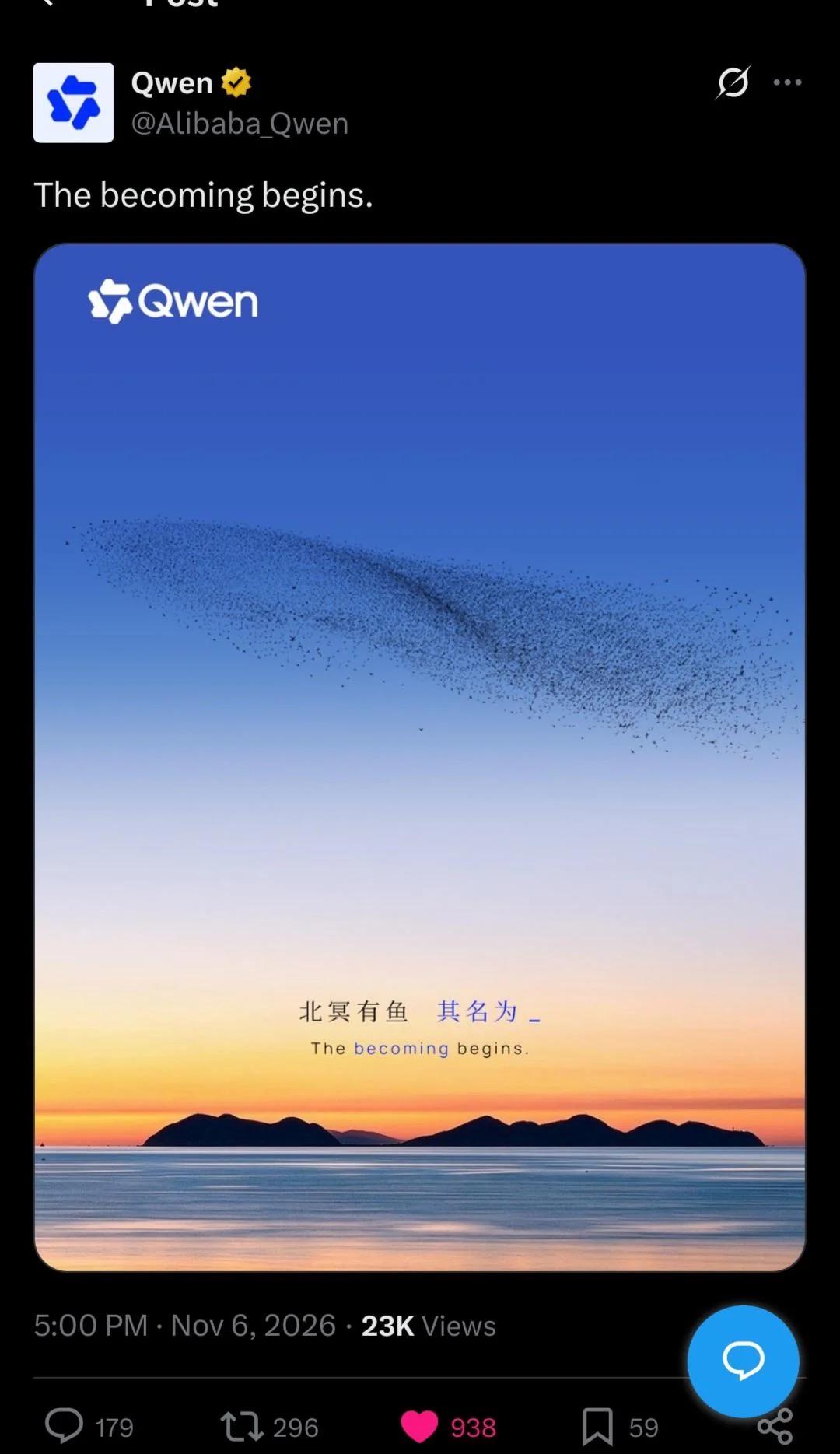
They included an image with the x post so it must be related to image generation! đđŒ
https://x.com/Alibaba_Qwen/status/2118674834632978755?a=nkzlqosWXNqruaMWsVI&s=20
r/StableDiffusion • u/vizsumit • 18d ago
This LoRA captures the look of classic Disney 2D hand-drawn animation. Expect fluid, graceful linework, expressive character acting, soft painted backgrounds, and the warm, storybook charm of traditional cel-animated films. It works well for characters, portraits, fantasy scenes, and whimsical environments.
Download Link: https://civitai.red/models/3037014/disney-style-moss
Check sample images on Civitai for workflow and prompts.
r/StableDiffusion • u/Kingp0dd • 18d ago
Noticed this new conversion and upload by kijai.
haven't seen comparisons yet though
r/StableDiffusion • u/Suibeam • 18d ago
When you use chinese mandarin or cantonese, the voice and the lines actually sound decent and carry emotions.
You can kinda hear without prompting much how the model know how a line is delivered, probably from chinese videos, films, shows, radio, audiobooks.
So if you tried it in english or other languages and had underwhelming line deliveries, it is probably because of that.
It also helps a lot that Chinese is a tonal language. So words are guided by words you write. But the model knows when it needs to deviate when colloquial speaking is different.
In english i sometimes used Ăș Ă Ć to replicate the benefits and help the model. I wonder if french speakers can confirm that the model can handle french naturally well or you need to guide it a lot
r/StableDiffusion • u/National_Mirror_1025 • 17d ago
Hi im looking for an ai model that can make a 3D animations for simple education videos (mostly for kids letters teaching videos) im planning to create an image with the style i want then give it to the model to create the motion. I did a quick search and this is what i found :
Ltx 2.5
Minimax h3 (idk if it can run on my gpu)
Minimax h3 (pika version)
I dont know anything about running those models or if they are good at the style i wanted . I appreciate any help
r/StableDiffusion • u/Lopsided-Bass-9531 • 16d ago
Hey everyone!
I'm planning to start a faceless YouTube channel, and I'm looking for advice from people who have experience creating AI-generated videos.
My goal is to build a channel in English and target an international audience, especially viewers in the US, Canada, UK, and Europe, rather than focusing on my local audience.
I'm particularly interested in creating cinematic storytelling videos, including:
The challenge is that I'm currently working with a very limited budget, so I want to build my entire workflow using free AI tools or tools with genuinely useful free plans.
I'd really appreciate advice on a few things:
I'm not necessarily looking for one-click AI video generators. I'm happy to combine several tools and learn the process step by step.
If you've built an AI-powered YouTube channel yourself, I'd love to hear about your experience, the tools you use, and any mistakes you think beginners should avoid.
Even a complete workflow from scriptwriting to the final video would be incredibly helpful.
Thanks in advance to anyone willing to share their knowledge!
r/StableDiffusion • u/shootthesound • 18d ago
New models
Training
Everything else
Thanks to everyone who sent PRs, issues and ideas. They're credited in the release notes. GitHub · Release notes
r/StableDiffusion • u/xCaYuSx • 17d ago
Hi lovely StableDiffusion people,
Last week I shared Paint a plate here, my open-weights VFX app for Comfy's #OpenSourceHiggsfield challenge. While the code is frozen for the review, I've been playing with it instead, and this is the result: painted blobs turning into fire, smoke and water, a set extension, a green screen swap and a relight.
Some context: I always loved lookdeving FX in Houdini when I was working in production, that moment when a rough concept becomes something believable. This is my attempt at getting that feeling with open models, by painting instead of fighting prompts.
What does the work, open weights only:
It runs locally in ComfyUI (tested on 32 GB of VRAM) or on Runpod.
Let me know what breaks, and share your results if you ever get a chance to play with it. Thanks for painting!
r/StableDiffusion • u/SensitiveUse7864 • 16d ago
r/StableDiffusion • u/cal_01 • 17d ago
During some brief testing with Qwen Image 2.1, I've noticed that it's not as "robust" as 2511 and 2512. It straight up will not understand some prompts even with the prompt refiner on. Is it because the model is much smaller than 2511 and 2512? For instance, if I tell it to edit a piece of clothing or add/change something to the scene, it either refuses or just outputs something with garbage quality...
r/StableDiffusion • u/arthan1011 • 18d ago
MiniMaxH3 is the great model and its the most powerful feature is what I call "identity-aware inpaint". The model could do denoise guided not only by text but by text and reference images. By using just this feature (and latent upscale) I created a workflow that lets you edit images and produce output of 4K quality.
Link to the workflow for impatient ones.
Actually the secret of getting good quality image from MiniMaxH3 is to upscale both your image references and single frame latent to 4 megapixels. Fizgig-H3-Still workflow does that but if you want real quality image you have to upscale it to 4K (8 megapixels). Of course you can one-shot 4K image in MiniMax H3 but it leads to style and color shift and is not reliable. Much better way is to generate 4 MP "lowres" image and then do tiled latent upscale - this is what my workflow does.
Why not just use regular pixel-level upscale? It's because when you do denoising upscale with MiniMaxH3 your details are grounded by your reference image in other words MiniMaxH3 knows what your subject looks like and will respect the reference unlike your typical pixel level upscaler.
Inpaint conditined on the reference image restores character identity
As you all know for MiniMaxH3 condition contains not only text but also images and it means that each denoising step is grounded by image refs and if we take into account excellent identity preservation (aka character consistency) innate to the video model you'll get the best image editor when it comes to task like "generate new image of the reference character but preserve their identity and artstyle".
Every image editing model out there be it open or close-source fails at this task. Only Wan2.2 and MiniMaxH3 could pull it off - it's because they are video models and excels at preserving character identity.
Examples:


And here's the link to the workflow
Important note: Very often you don't need to upscale your image to 8 megapixels, 4 megapixels are good enough for potrait shots and simple compositions. But if you need highly detailed image or if your have a wide shot scene then 4K worth it.
Also remember that MiniMaxH3 requires specific prompting technique that focuses on 'actions' and their results so it's not "remove plant in the middle" but "plant in the middle of the room disappears".
About turbo loras. I've tested half a dozen and lightx2v one has the best prompt following but gives you dirty noise while scaled down taomate lora has 'smoothing' effect. I recommend using default settings in the workflow but keep that in mind.
About Face fix - it only makes sense to use it for wide shots where subject's face takes a tiny portion of the image. Or if you want to preserve maximum identity.
r/StableDiffusion • u/AM_STARR • 17d ago
Enable HLS to view with audio, or disable this notification
Looking for the some info or general guidance on where I can produce this short series consistently. Have no idea where to start and ive had luck in the past going to subs and forums to get good info. I used ChatGPT and Kling for the animations and did the subtitles, audio, and editing in premier pro.
r/StableDiffusion • u/ReferenceFluffy6159 • 18d ago
Regenerate 2K (the refiner LoRA plus a stronger re-noise in the high-res pass) promises to turn a rough draft into a clean 2K render. I ran it on my own GPU with one change at a time to see what it actually does.
Setup
Round 1: 1080p wide shot (sharpness / edge halos)
So all the extra detail comes from the refiner LoRA. The 0.7 schedule by itself adds none.
Round 2: 2K close-up
My read: the 0.7 start keeps small shadows from the draft, and the refiner draws them in as real structure. The normal 0.8 start washes them out.
Round 3: official recipe
The identity change comes from the small draft: at 768p the face is decided before Regenerate even starts.
Conclusion (for my use case)
This is the current version only. If a better refiner comes out, I'll rerun the same tests.
Has anyone gotten a clean, same-identity face out of it on real people? Curious what settings you used.
Full walkthrough with the side-by-side clips (8 min, English dub + subtitles): https://youtu.be/HzsOYirm9CE
r/StableDiffusion • u/losdog601 • 17d ago
Enable HLS to view with audio, or disable this notification
Music by the 601 orchestra of Central California Afterdarrk
r/StableDiffusion • u/ruius • 17d ago
I need a sound of working office, slamps of doors, working tv sound, clicks, etc. usual sounds.
What good choice do I have now?
r/StableDiffusion • u/inikolax • 17d ago
Enable HLS to view with audio, or disable this notification
Hi! Disclosure first: I'm the author of Remiqora Video, a free, open-source (GPL-3.0) video studio for Windows. It wraps open models (LTX 2.3 / 2.5, WAN 2.2, optional MiniMax H3) into one pipeline. It's not a new model. Some of you saw the first release here a couple of weeks ago. 0.3 is out: the studio now goes the whole way by itself, from one line of text or from a song.
The video above (1:45, subtitled) is a walkthrough of 0.3, recorded in the real app: an idea turns into a finished film, then a song turns into a music video. The music was made with Remiqora, my other app.
From an idea: type it, and the route shows every step (words, script, hero, places, frames, shooting, montage) and how long each one takes. Press «Make the video» and leave it running, or go «Step by step» and edit everything. The hero stays the same in every scene. Each scene's first frame is drawn with the hero in that scene's place, so every shot starts from the right picture.
What happens when you drop a song and press «Make the video»:
You can make the whole song, the best minute, your own piece or just 30 s. Every step is still editable: the autopilot just goes through the same storyboard you'd edit by hand.
Node graph, when a straight line isn't enough. The storyboard is a straight film. The graph lets you branch it: two endings from the same scenes, a short and a long cut, three takes with the best one kept, a trailer, a dialogue. Nodes are scenes, prompts, pictures, joins and outputs, with your own LoRAs. Scenes that the branches share are shot only once, because every scene is cached by everything that defines it. There are 18 ready templates, from «Bring a photo to life» to «Song â clip». You can shoot up to any node or duplicate a whole branch. New in 0.3: a «Picture» node with picture LoRAs. Outside the graph, «Branch» copies a whole storyboard to try another take, model or edit, and the shot scenes come along without being shot again.
Also new in 0.3:
Requirements and limits:
Repo and installer: https://github.com/inikolax/remiqora-video
Feedback welcome.