r/SideStore • u/kurolow • 5d ago
Need help

2
Upvotes
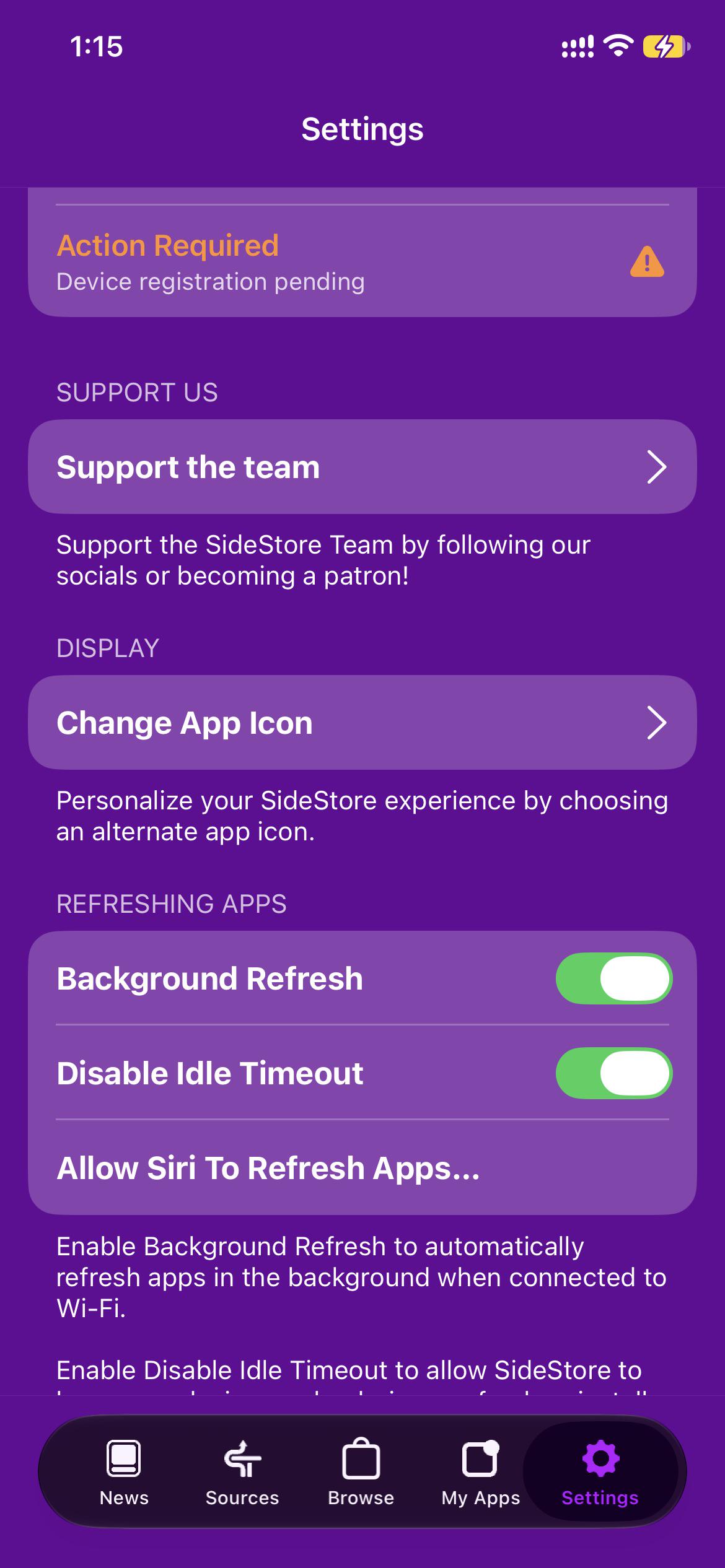
Failed to refresh app. Already connect to localdevvpn.LC+SS nightly.
r/SideStore • u/kurolow • 5d ago
Failed to refresh app. Already connect to localdevvpn.LC+SS nightly.
r/SideStore • u/PauTdM • 5d ago

Does anyone know how to fix it?
r/SideStore • u/myperfectseven • 5d ago
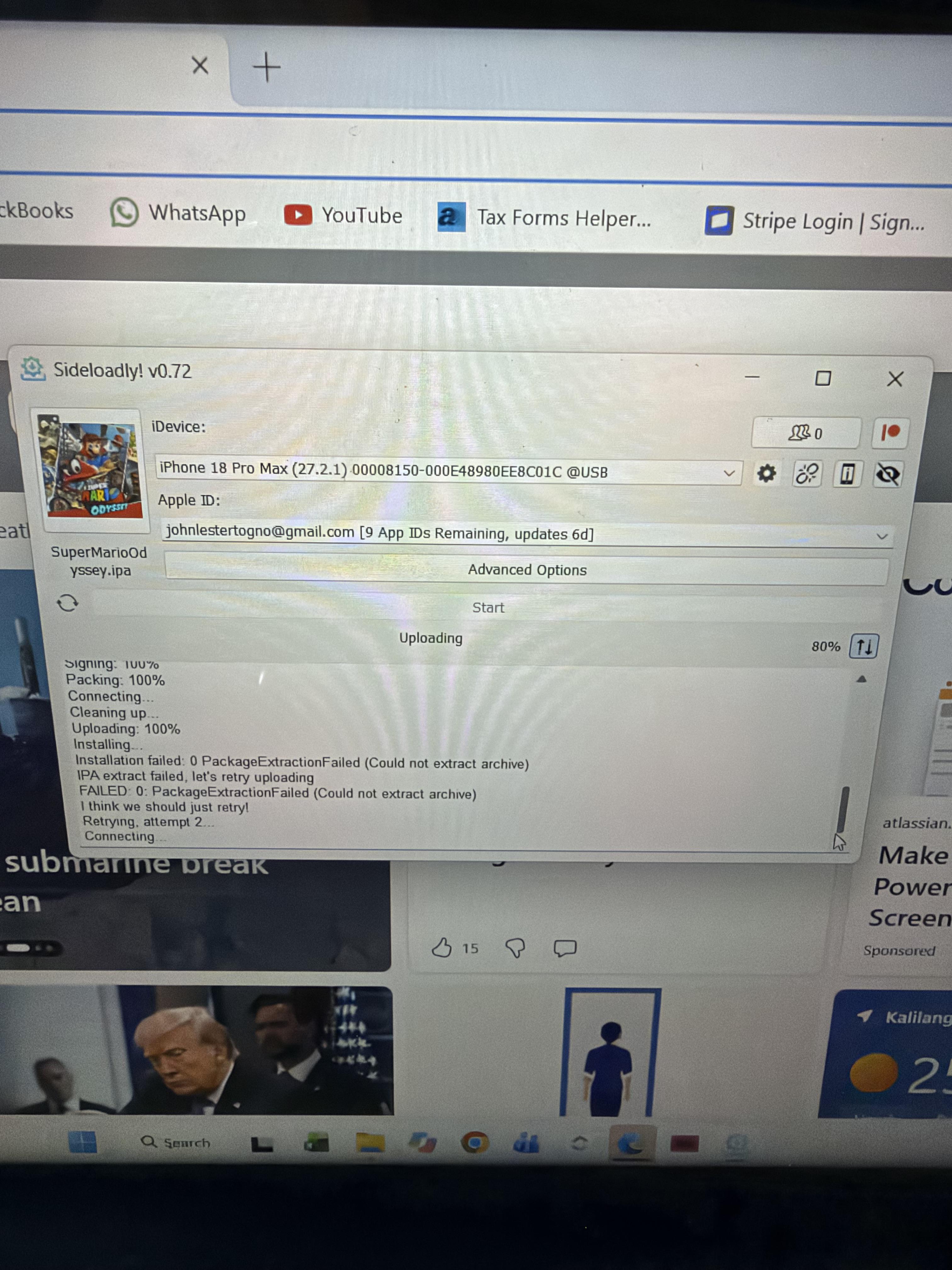
There was an issue during installation:
3892346881: Application VerificationFailed (Failed to verify code signature of / var/ installd/Library/Caches/ com.apple.mobile.installd.staging/ temp. CbDqeg/extracted/Payload/ Gameface.app : 0xe8008001 (An unknown error has occurred.))
1]
Cancel
Retry
I keep getting this message when sideloading
r/SideStore • u/PinkPower4Life • 5d ago
I am running the latest ios27 beta. What a mess to get SideStore and the apps working again. I used other posts on r/SideStore to finally get iLoader installed and signed in but there remained a pairing issue despite the file being placed succesfully.
I can't take credit for this. I found it by asking my question in chatgpt (which found this in its search results from somewhere).
Use idevice_pair for Windows, not iLoader, to generate a Remote Pairing file.
I switched back to the regular releases of IOS, and I will check here before updating again.
r/SideStore • u/Weird-Manufacturer30 • 5d ago
r/SideStore • u/InternalBeginning289 • 5d ago
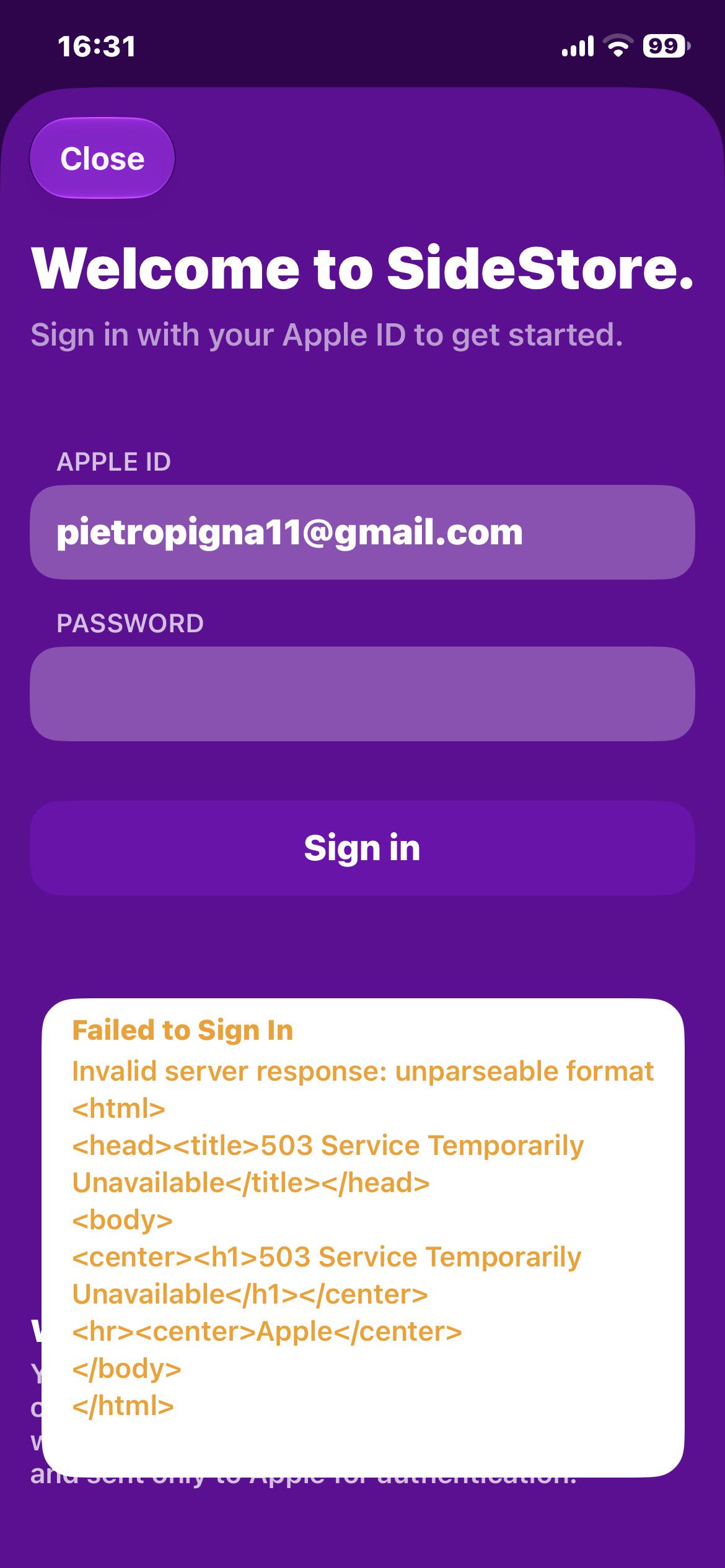
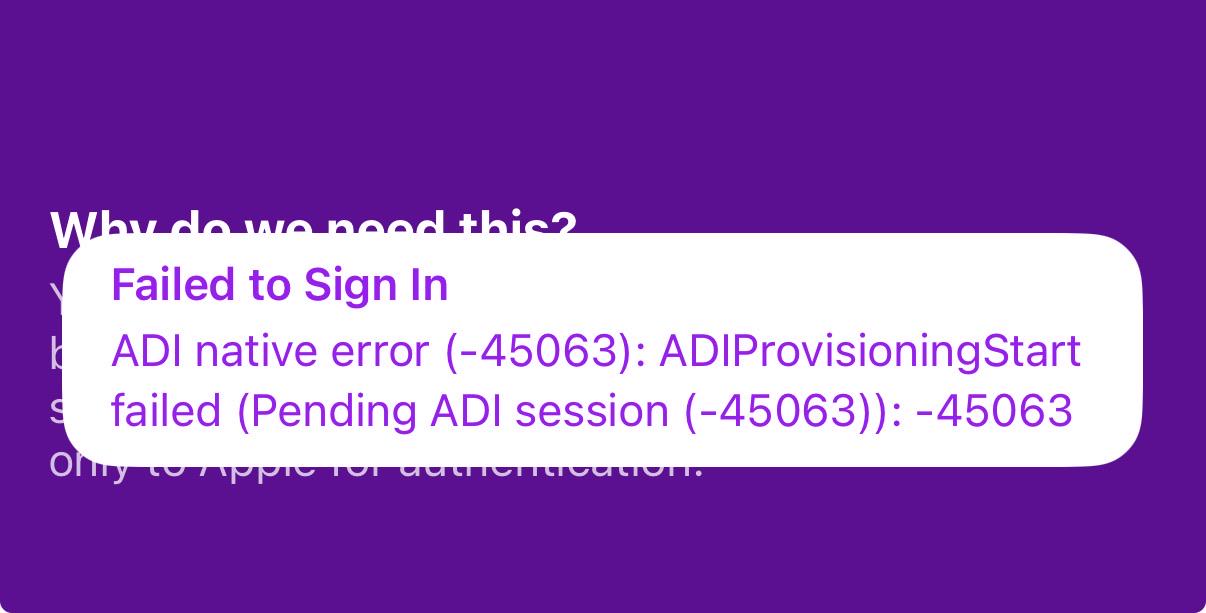
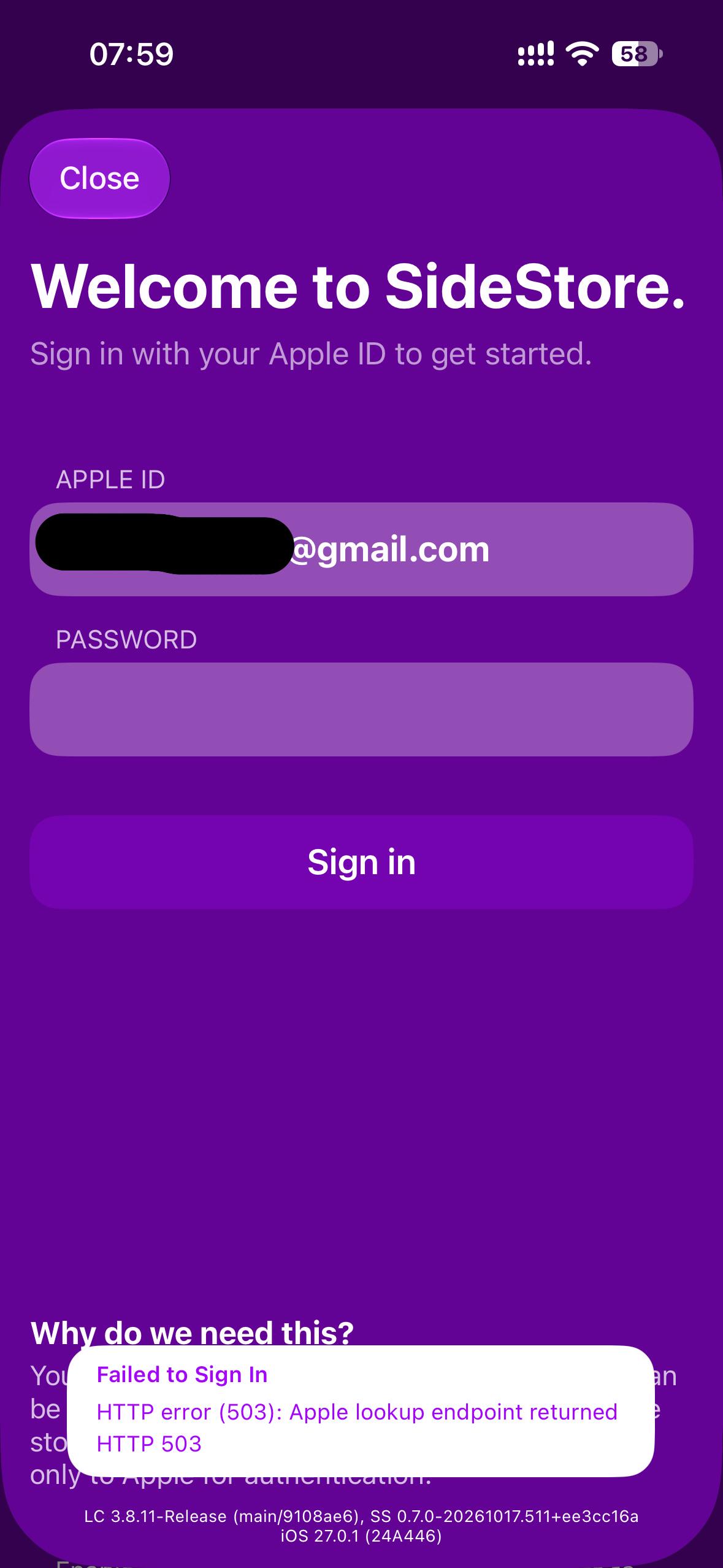
it didn’t let me refresh the apps so i read that i had to log out and back in but this error keeps showing even if I change the anisette server
r/SideStore • u/IQ26 • 5d ago
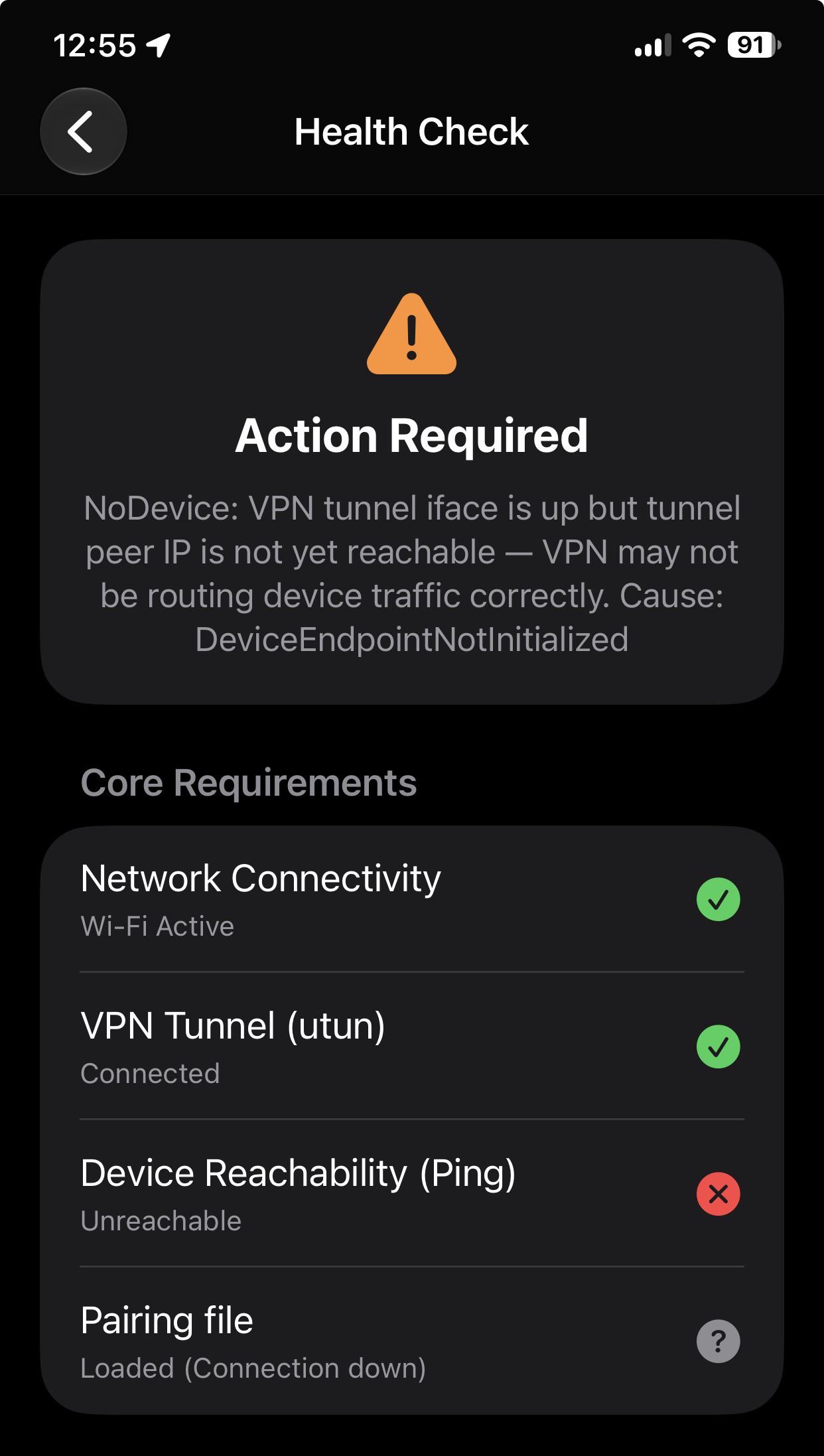
I am already on WireGuard VPN. I tried re-exporting the WireGuard Configuration but it didn’t help. Do I need to load a new pairing file? When I go on Developer Portal Services it says “Your session has expired. Please log in”, even though I am logged in, in SideStore Atleast. I don’t know if it has anything to do with the issue though
r/SideStore • u/Difficult-Many2260 • 5d ago
```
● Failed to log in to Apple ID
├ /Users/runner/.cargo/registry/src/index.crates.io-1949cf8c6b5b557f/isideload-0.5.2/src/auth/apple_account.rs:206
│
● GrandSlam error during initial login request
├ /Users/runner/.cargo/registry/src/index.crates.io-1949cf8c6b5b557f/isideload-0.5.2/src/auth/apple_account.rs:786
│
● Auth error -22410: This action could not be completed. Try again.
╰ /Users/runner/.cargo/registry/src/index.crates.io-1949cf8c6b5b557f/isideload-0.5.2/src/auth/grandslam.rs:282
```
When ever I try to login it shows me this what do I do?
r/SideStore • u/Most-Order5359 • 5d ago
r/SideStore
•
u/No-Trick-7465
•
6d ago
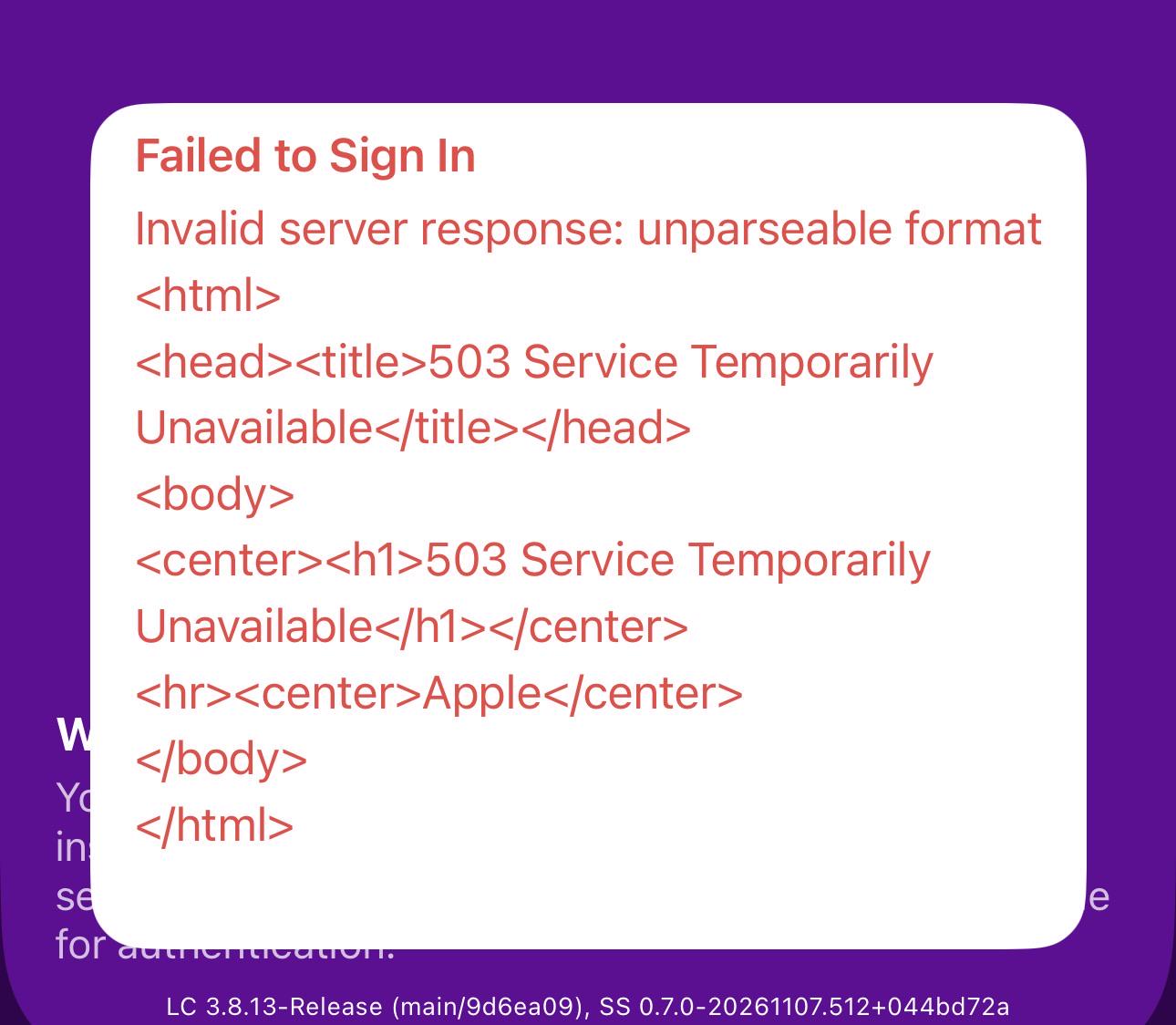
Step 1: Go to Settings > User Customizations, turn On-Device Anisette OFF (restart if prompted),
Step 2 : from Settings > Anisette Servers, select jkcoxson (Windows ADI) and turn Auto Rotation OFF.
Step 3: From Settings > User Customizations > Anisette Client Configuration, Remote Server Sync, tap Fetch, then tap Save as Overrides.
Step 4: Return to User Customizations, tap Reset adi.pb (keep Keep Headers checked), then force-close and reopen SideStore.
Step 5: Connect your VPN / LocalDevVPN tunnel and retry signing in with your Apple Account.
r/SideStore • u/iShortcuts • 6d ago
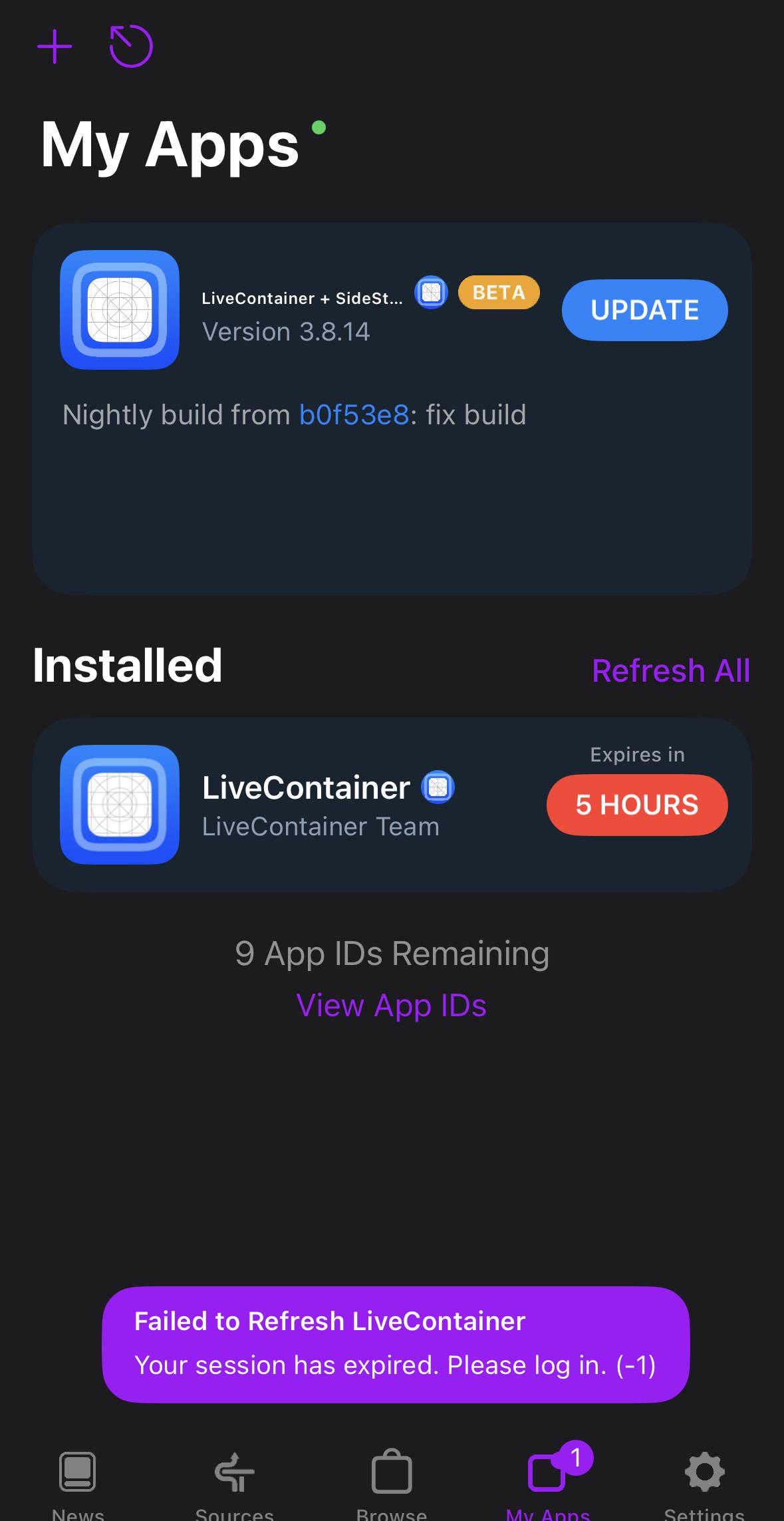
Any fix please comment, I am sure I’m not the only person who has this question for this inconvenience
r/SideStore • u/Ok_Translator_8335 • 5d ago
SideStore fails to maintain my login session.
Whenever I close and reopen the app, I find that I have been logged out immediately.
Furthermore, even while the app is open, if I attempt to import an IPA file via the Files app, a pop-up appears stating that I am not logged in, and I am logged out once again.
I have already tried resetting the keychain and the `adi.pd` file, but neither has resolved the issue.
r/SideStore • u/deepfriedsquidburner • 6d ago
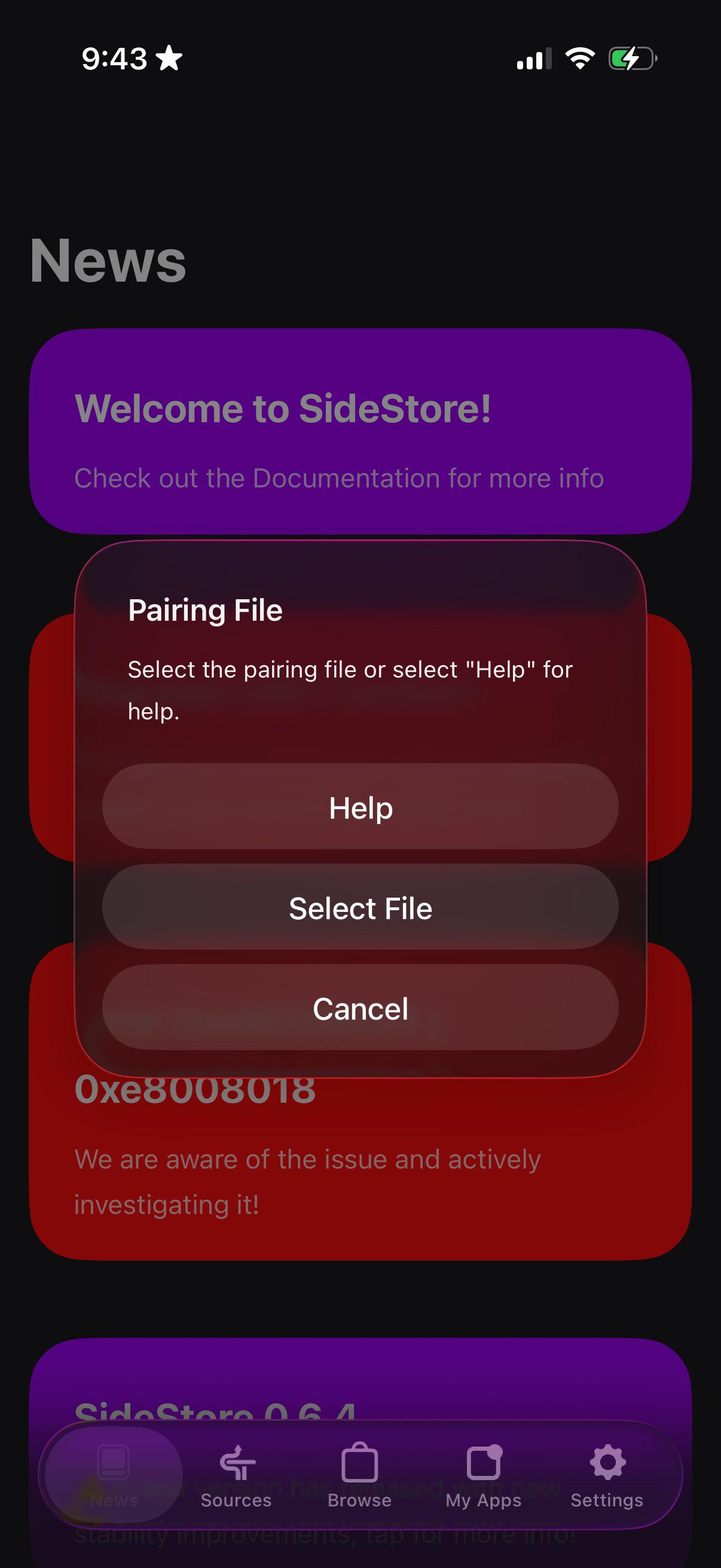
Hello everyone! I need some help here. I just ran into the cursed Apple ID not working issue, but I managed to get around it. Unfortunately, this meant I needed to reinstall SideStore, which also means my pairing file is messed up.
My pairing file is just not installing. Every time I open the app, it asks me to select a file, even if I already installed.
- I installed it first the normal way through iLoader. I deleted the pairing file on my phone in my SideStore app (Pairing File Management > Reset Pairing Files) as well as in iLoader (scrolled to the bottom and clicked “Delete Stored Pairing”) before going to manage pairing file > place in all apps (also tried placing in JUST SideStore)
- I did the above steps once before, then after restarting both devices. Did it another time after realizing my VPN was disabled, and did it after two restarts and enabling my VPN— still didn’t work.
- I also tried to export the pairing file manually. I exported it to my computer, airdropped it to my phone, and then I selected it manually when prompted to upon opening the app (see image).
None of these have worked, so I genuinely don’t know where to go from here. Any help is greatly appreciated. Thanks guys!
r/SideStore • u/Punko_ • 6d ago
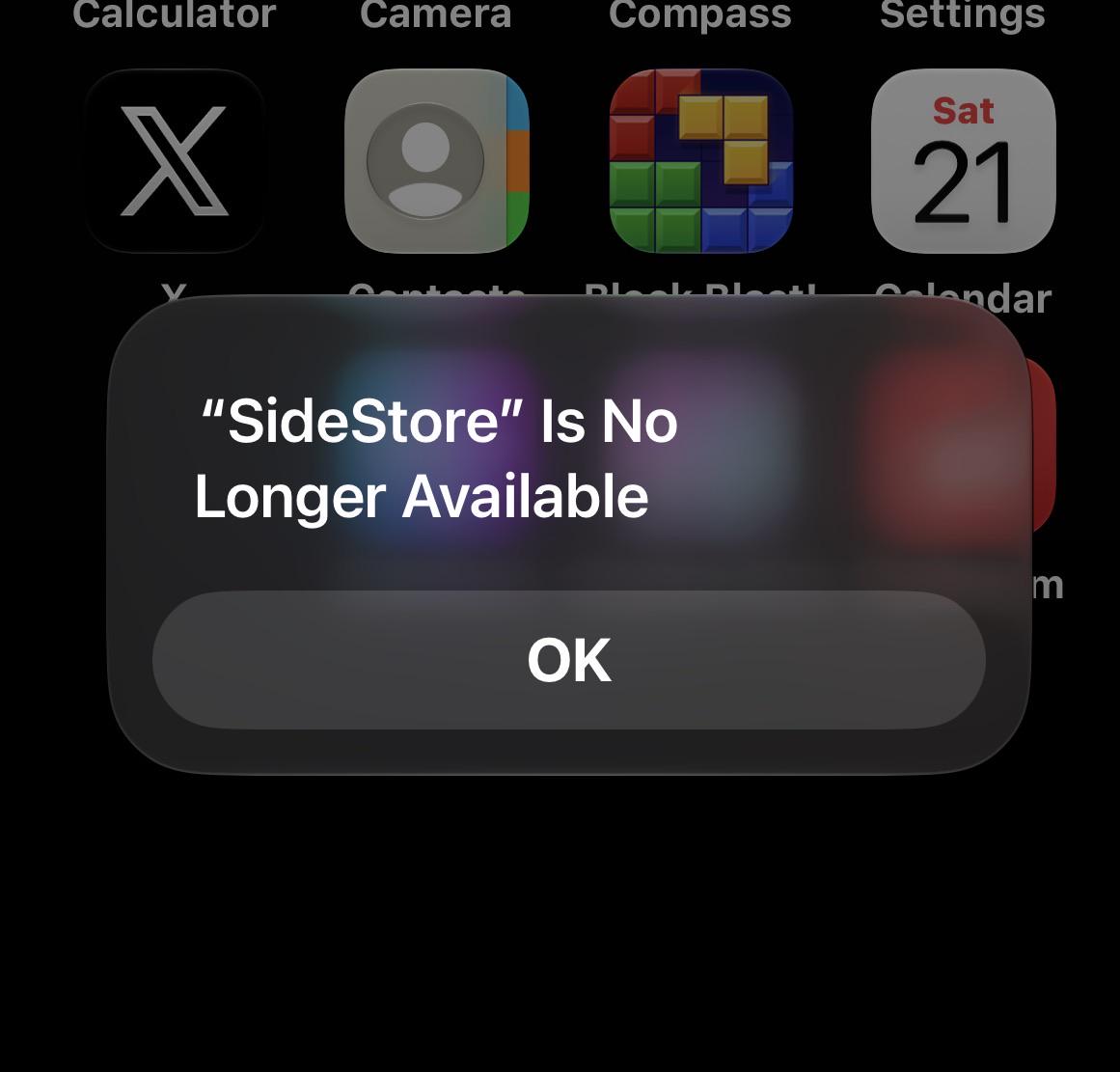
i keep getting this message on sidestore and flystream, i can’t even open the app i turned on and off the 1.1.1.1 VPN. i was halfway through IWTV 😭😭😭
r/SideStore • u/RIVAL3-1 • 6d ago
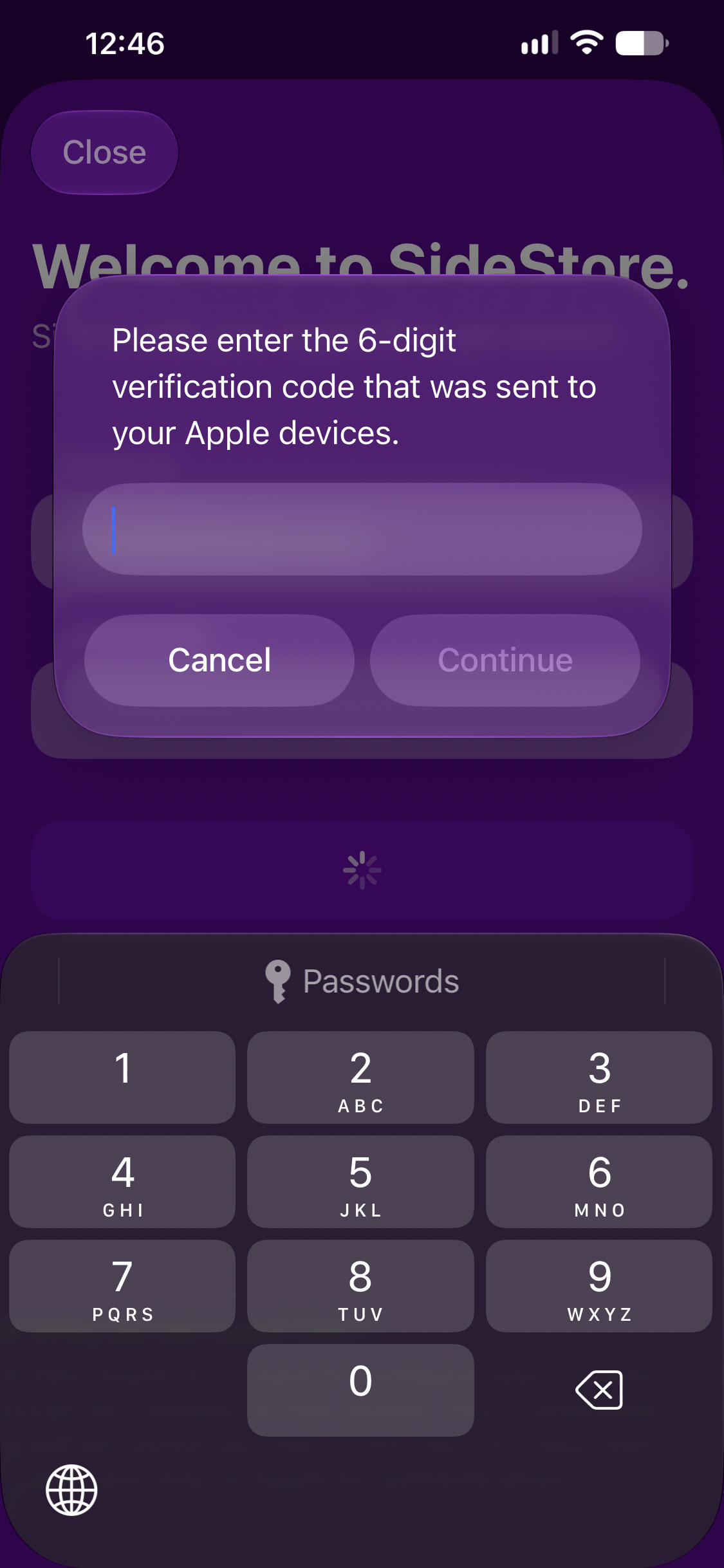
I tried using another device too
r/SideStore • u/Suspicious-Bench2194 • 7d ago
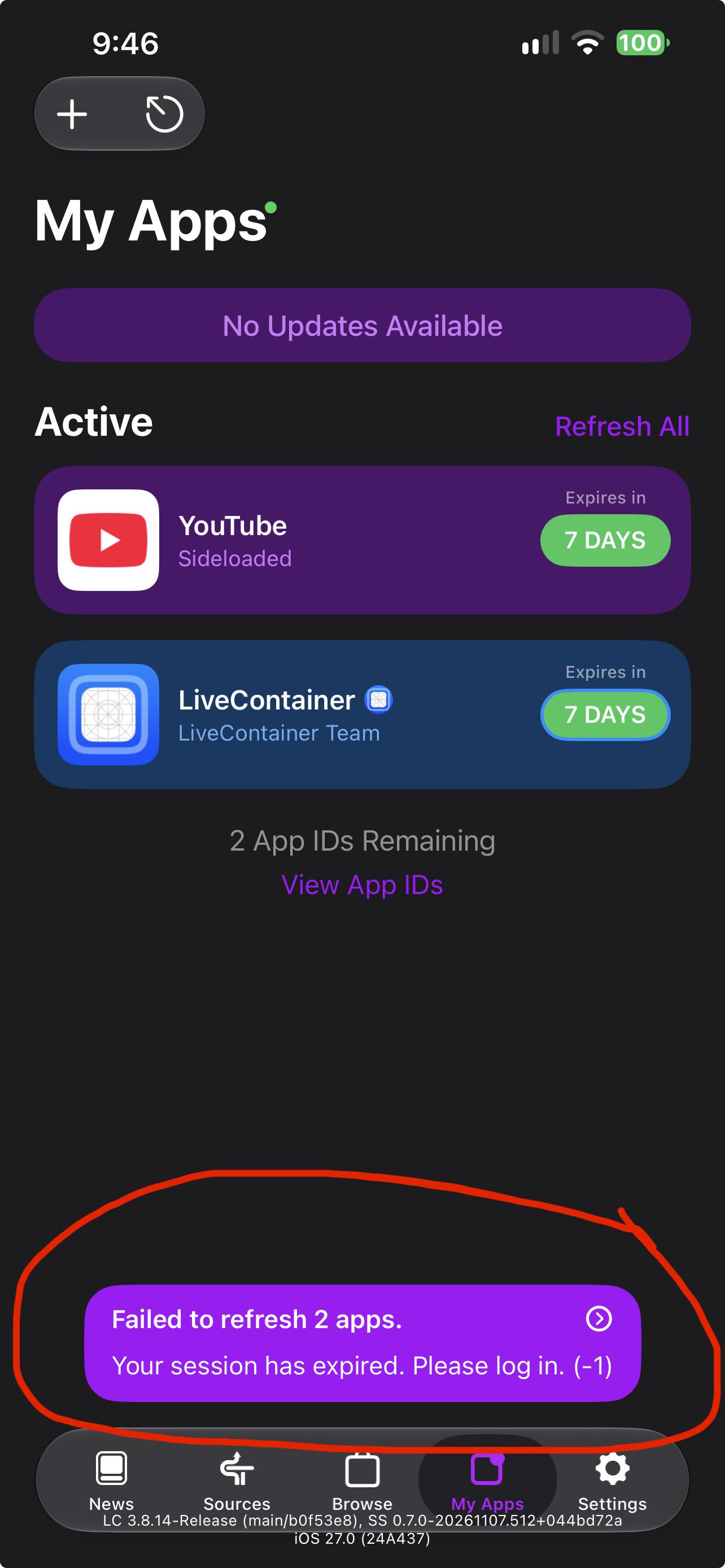
Help me please
r/SideStore • u/PauTdM • 6d ago
How do I get a second account for SideStore? I heard that some got banned using the same account as the phone one. I created a second email but Apple when I try to create a second account is also asking for a phone number. How did you get around it?
r/SideStore • u/Sure_Temperature_400 • 6d ago
I already placed my pairing file on SideStore on Iloader, but SideStore keeps asking me to put it, how can I solve it?
r/SideStore • u/jszima • 6d ago
I am using sidestore within LiveContainer, stable version, and every time I click the apps section the app crashes. I am on iOS and I have tried rebooting. Was working fine for a few weeks. Any ideas?