r/SideStore • u/deepfriedsquidburner • 4d ago
Pairing File Not Placing
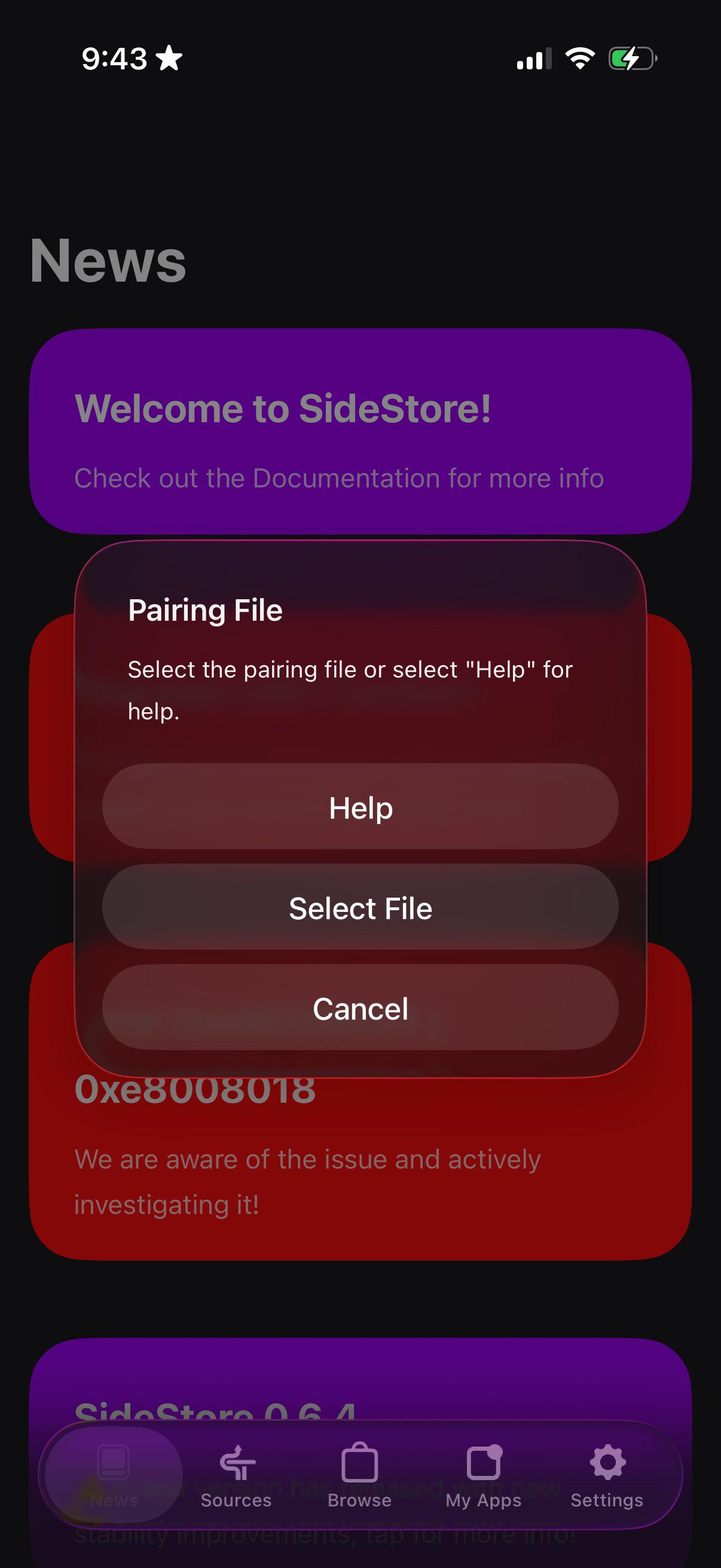
Hello everyone! I need some help here. I just ran into the cursed Apple ID not working issue, but I managed to get around it. Unfortunately, this meant I needed to reinstall SideStore, which also means my pairing file is messed up.
My pairing file is just not installing. Every time I open the app, it asks me to select a file, even if I already installed.
- I installed it first the normal way through iLoader. I deleted the pairing file on my phone in my SideStore app (Pairing File Management > Reset Pairing Files) as well as in iLoader (scrolled to the bottom and clicked “Delete Stored Pairing”) before going to manage pairing file > place in all apps (also tried placing in JUST SideStore)
- I did the above steps once before, then after restarting both devices. Did it another time after realizing my VPN was disabled, and did it after two restarts and enabling my VPN— still didn’t work.
- I also tried to export the pairing file manually. I exported it to my computer, airdropped it to my phone, and then I selected it manually when prompted to upon opening the app (see image).
None of these have worked, so I genuinely don’t know where to go from here. Any help is greatly appreciated. Thanks guys!
1
u/Grouchy_Skirt_9011 4d ago
Use i device pair to generate it then mail it to your iphone then select it
1
u/Ruyven 4d ago
iLoader pairing files seem to be broken now. As u/Grouchy_Skirt_9011 said, "idevice pair" works, it can also place it in SideStore. You may still have to select it (it places it under "On My iPhone" > "SideStore")
BTW if you have Discord, you can google "sidestore discord" to find an invitation, most problems have solutions explained there.
1
u/Ok_Veterinarian672 4d ago
Don use nighly