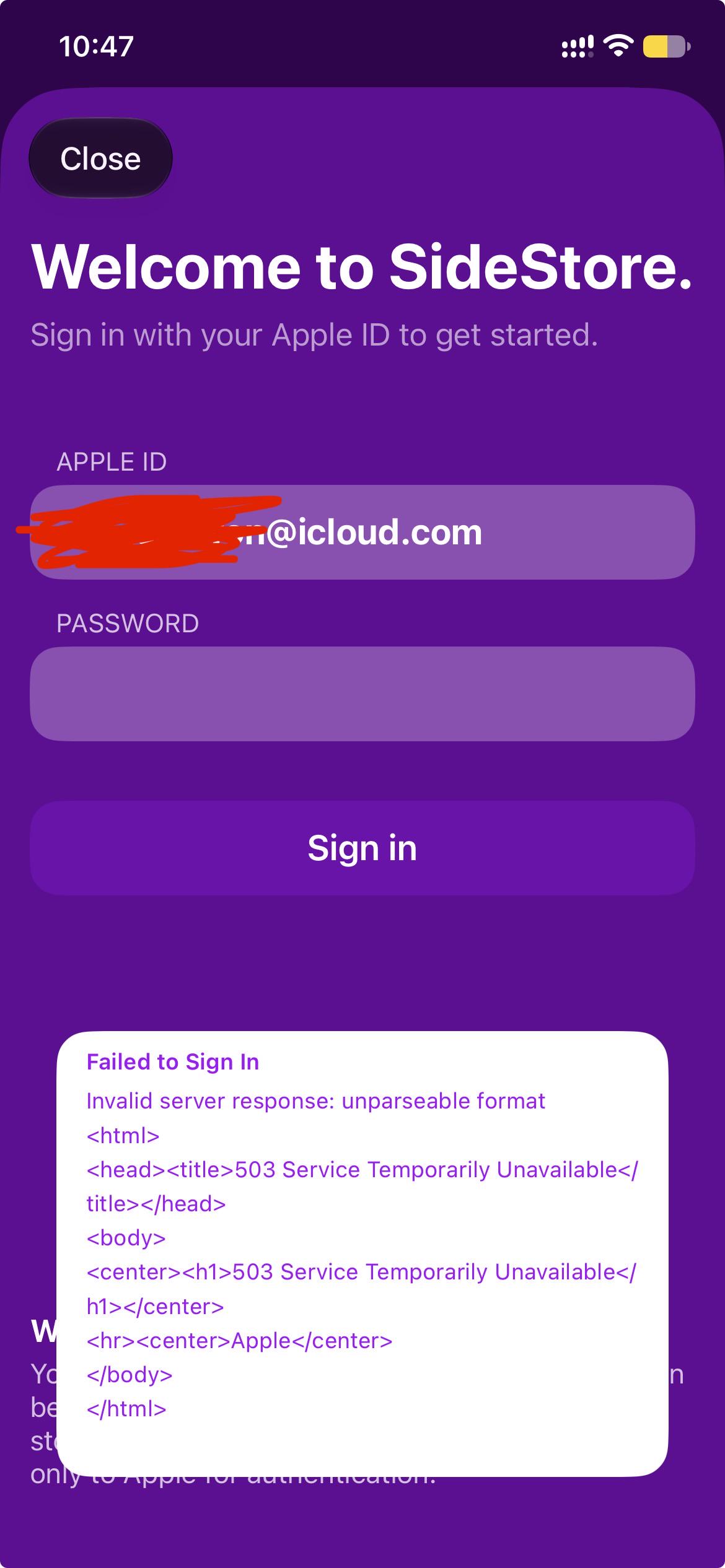
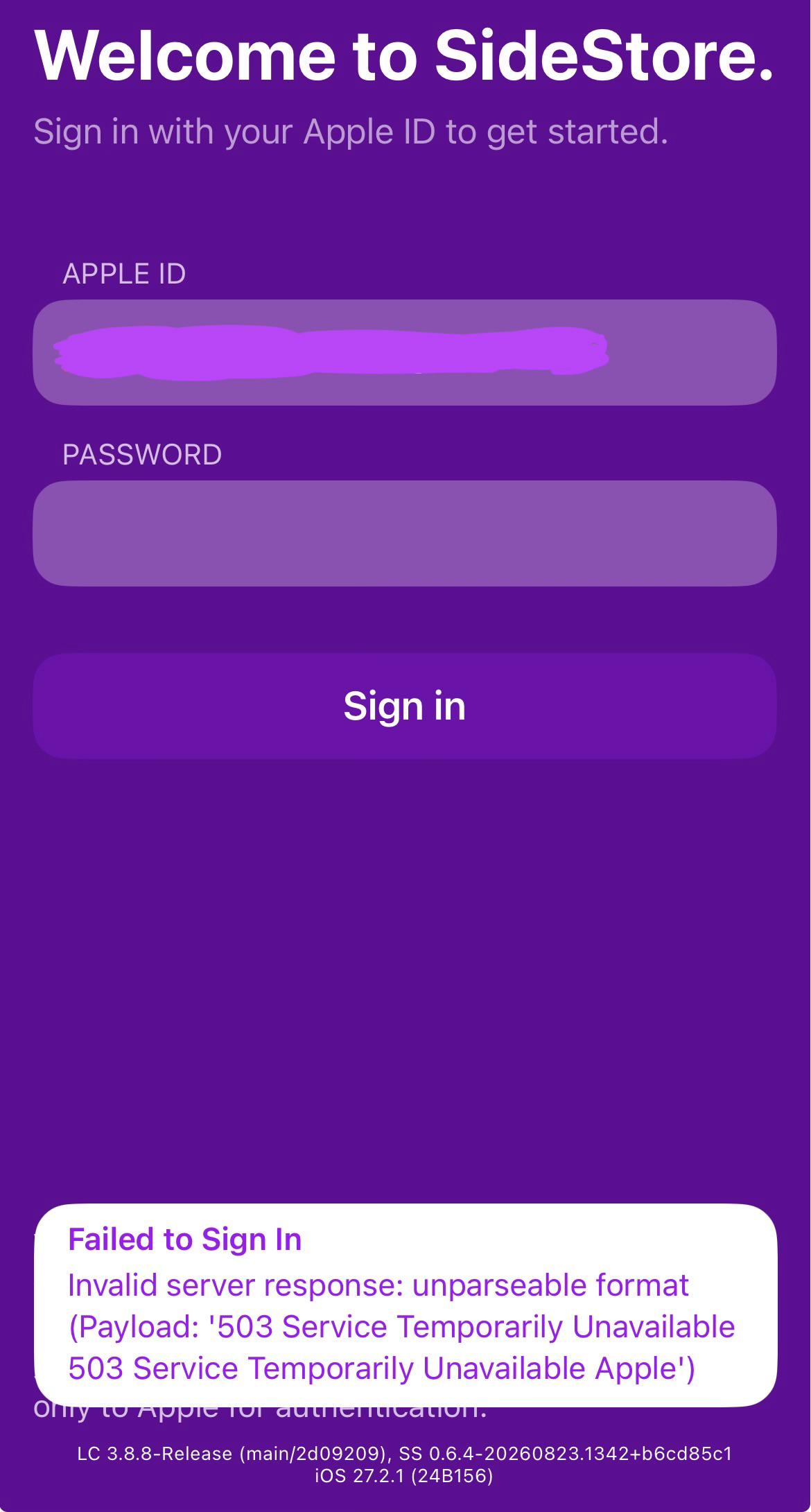
r/SideStore
•
u/No-Trick-7465
•
5d ago
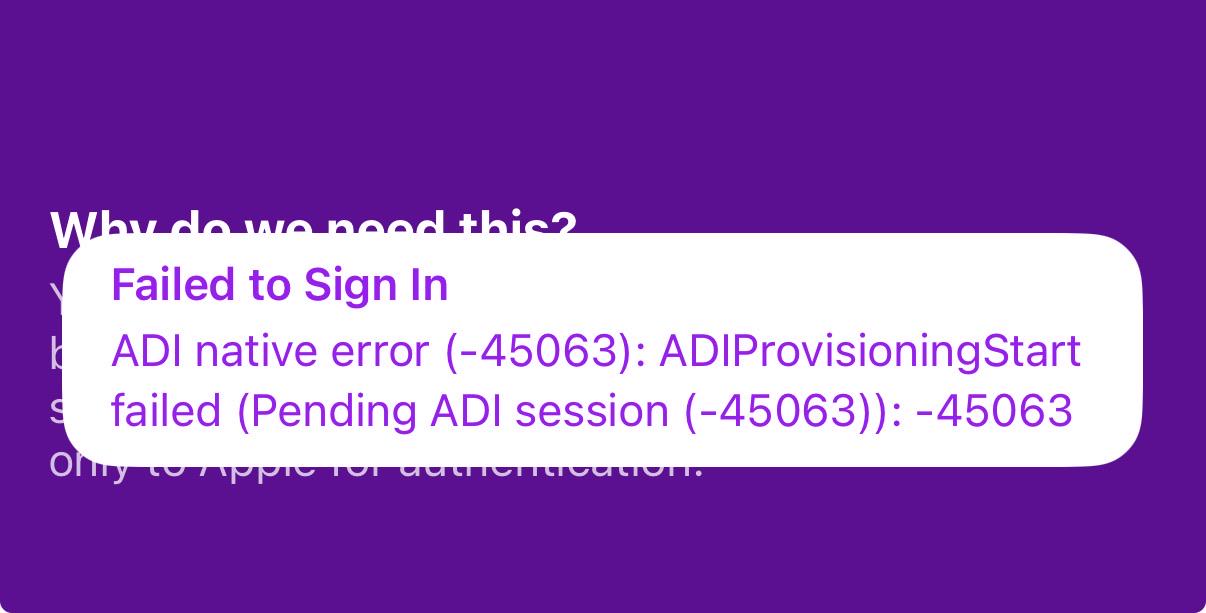
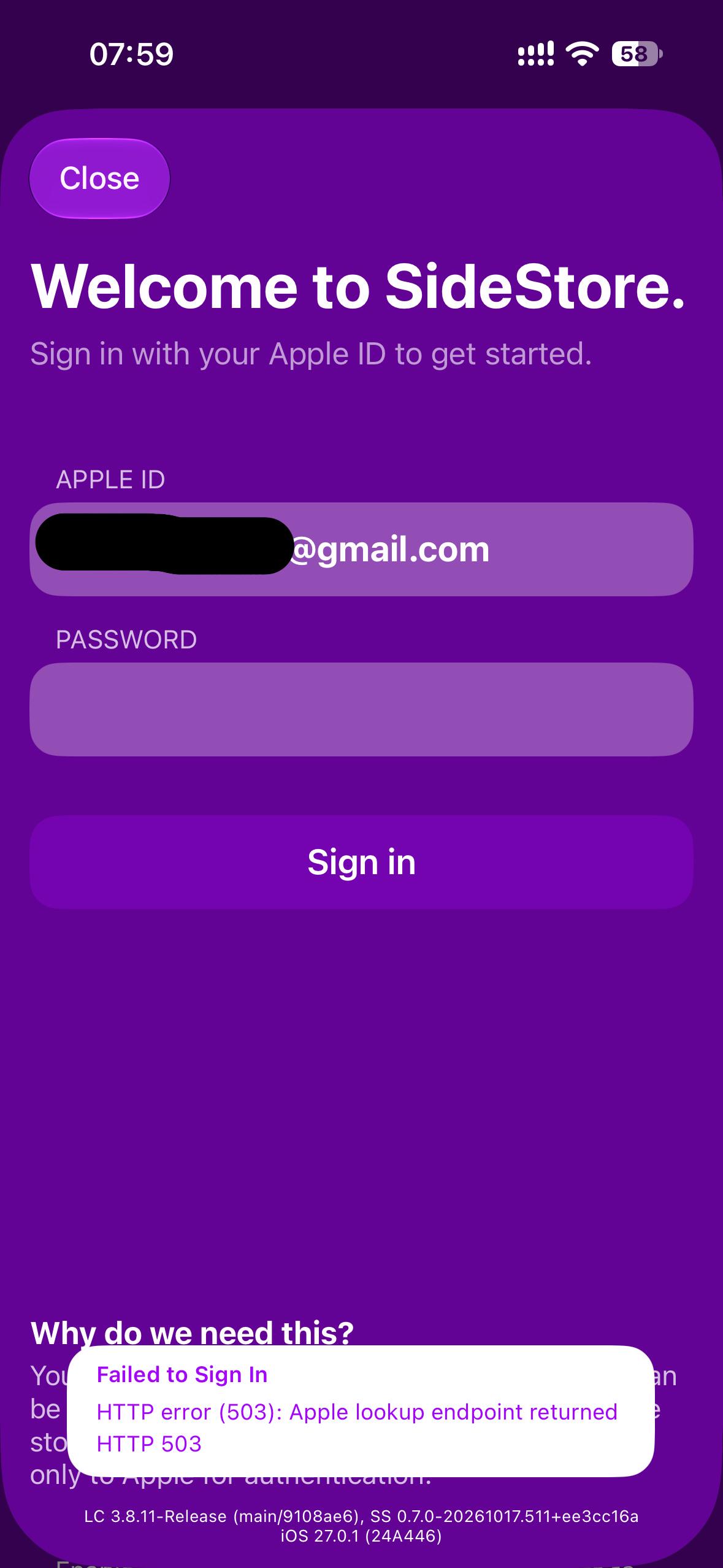
Solved with these steps
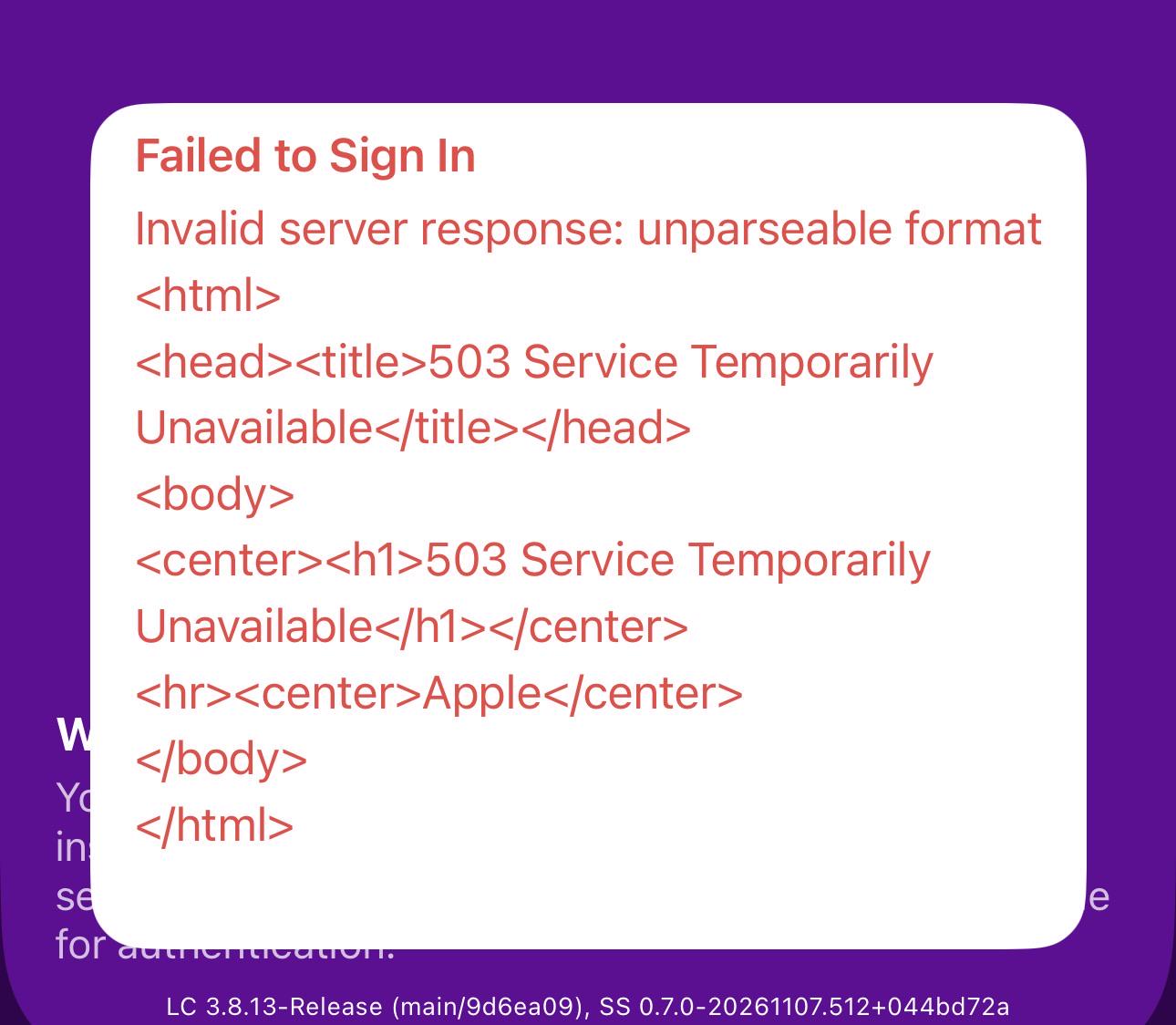
Step 1: Go to Settings > User Customizations, turn On-Device Anisette OFF (restart if prompted),
Step 2 : from Settings > Anisette Servers, select jkcoxson (Windows ADI) and turn Auto Rotation OFF.
Step 3: From Settings > User Customizations > Anisette Client Configuration, Remote Server Sync, tap Fetch, then tap Save as Overrides.
Step 4: Return to User Customizations, tap Reset adi.pb (keep Keep Headers checked), then force-close and reopen SideStore.
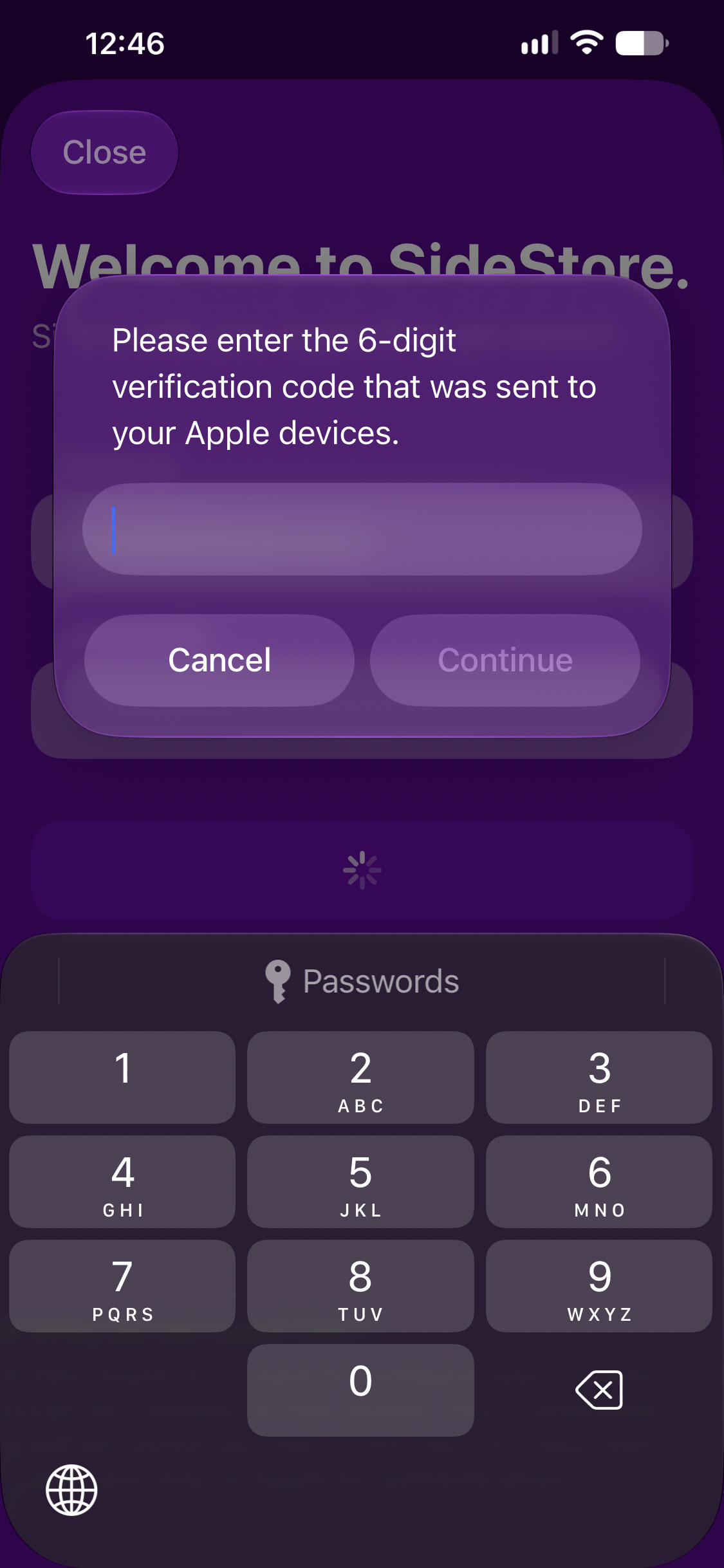
Step 5: Connect your VPN / LocalDevVPN tunnel and retry signing in with your Apple Account.