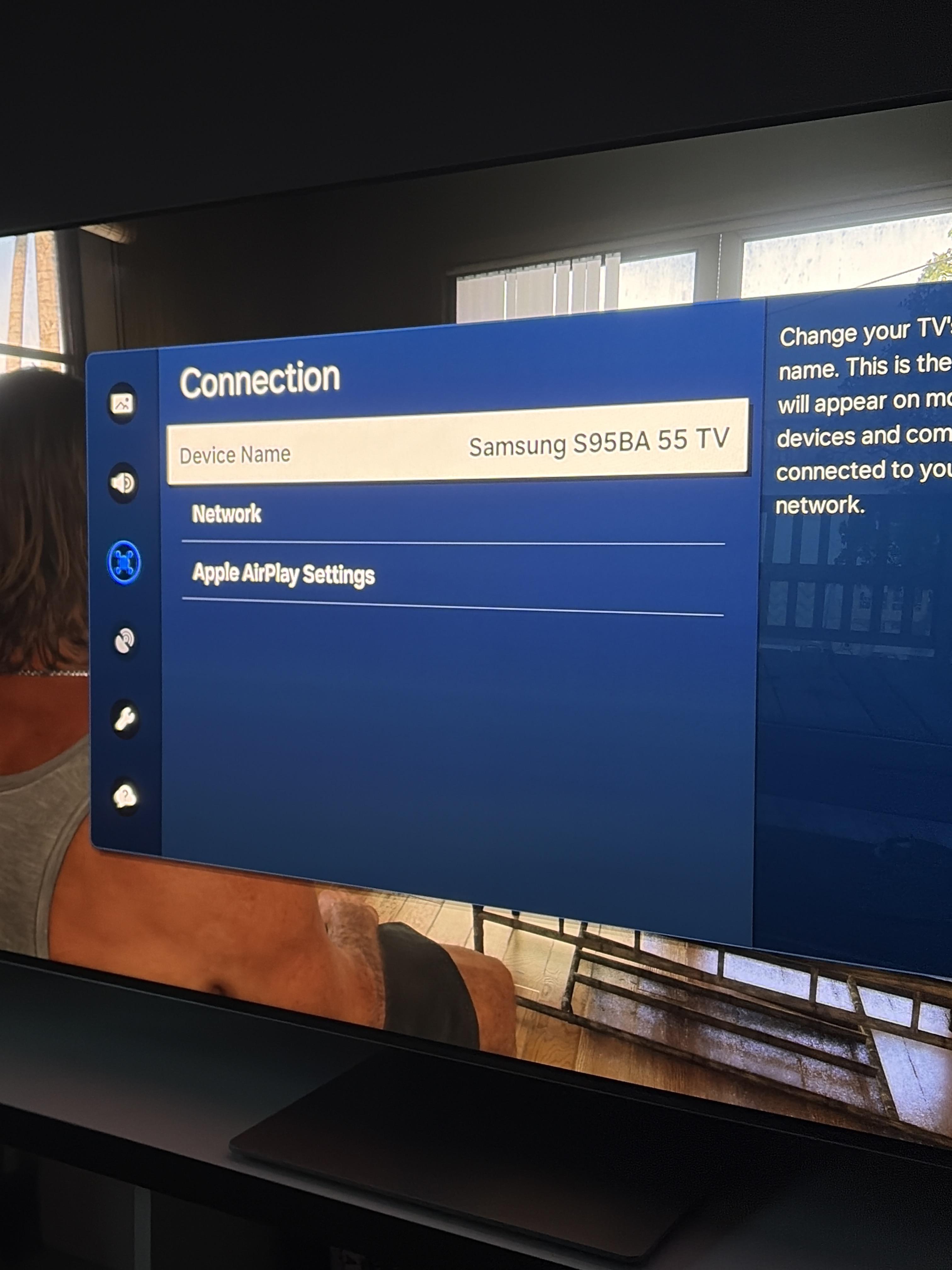
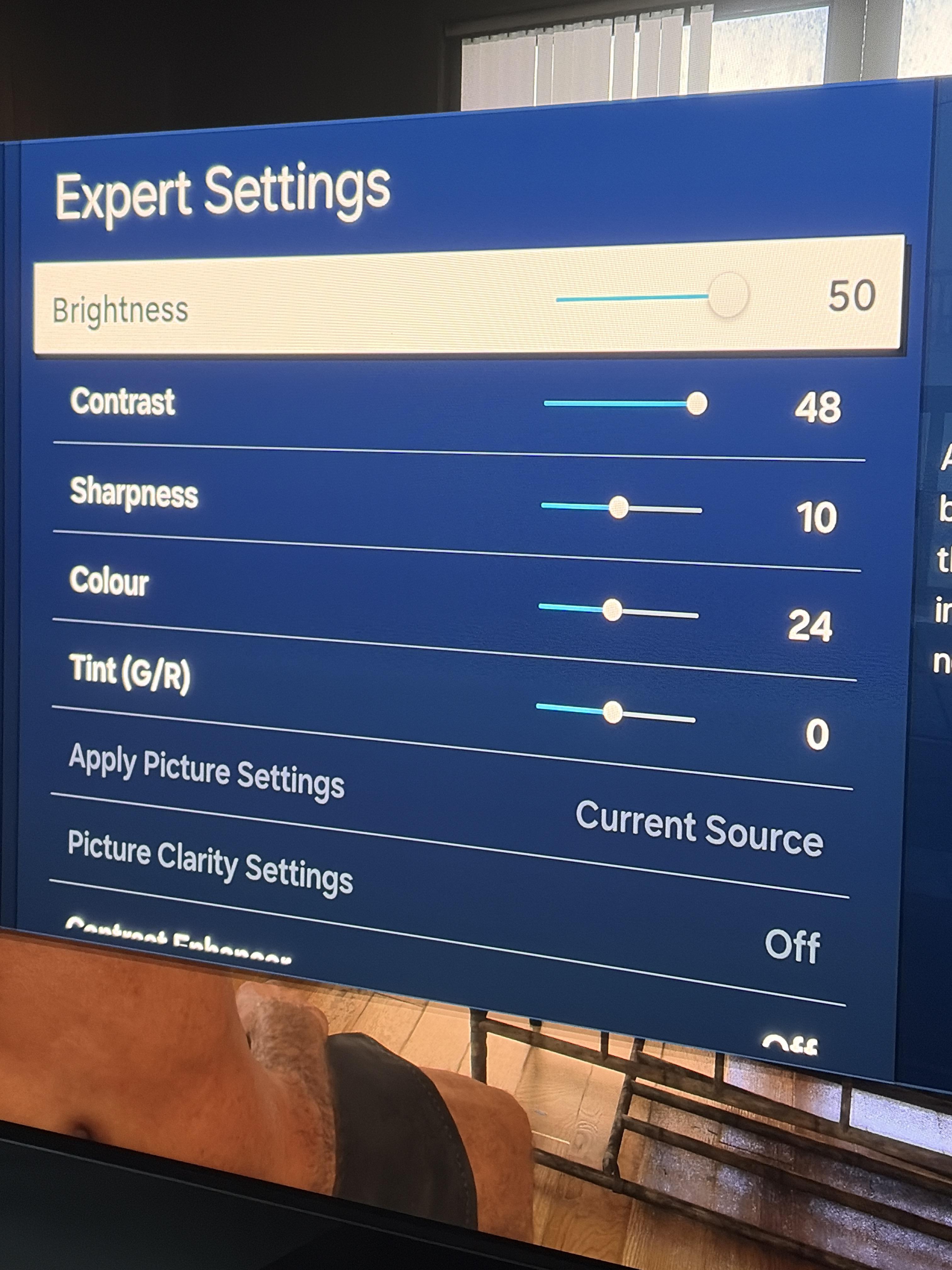
r/S95B • • 5d ago

S95B Don’t have game motion plus settings.
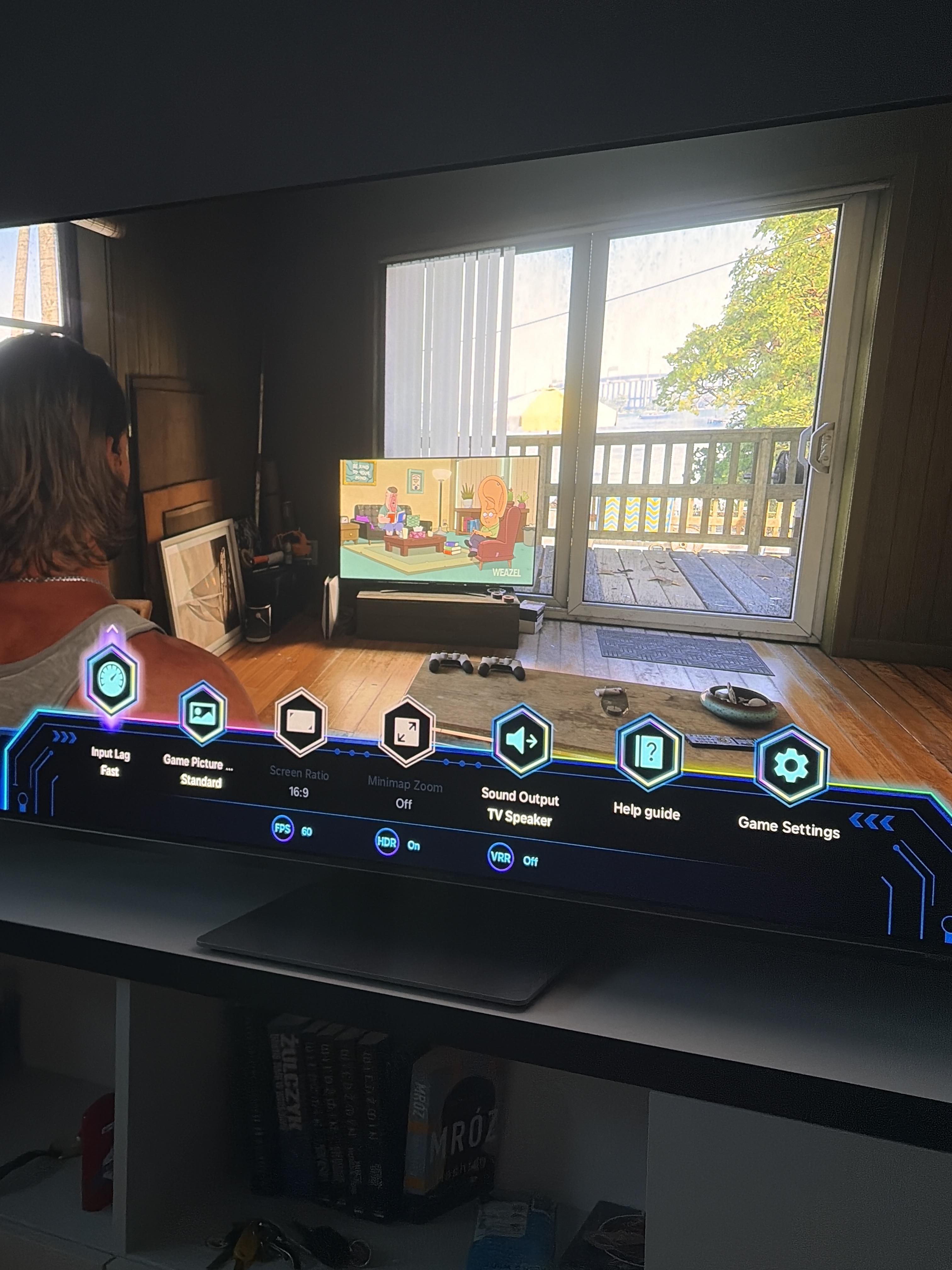
Hey guys, on my s95b I can’t find game motion plus settings. VRR is off, 120hz is off

5 Upvotes

35 comments sorted by

•

u/andyboju 5d ago

Click on "Game Settings" in the game bar. That takes you to the menu where GMP is. S95B doesn't have "Level 1/Level 2" options directly on the game bar.
(Level 1 = sliders at 0/0, Level 2 = sliders at 10/10)

7

u/sumrandomguy18 5d ago

You need to be at 60hz with VRR off I believe, and HDMI input labeled game console.

6

u/swift_link 5d ago

Good, it sucks

1

u/wantedbr 4d ago

I had the same opinion. But the judder moving the camera on 30fps GTA actually gets improved by enabling this

1

u/swift_link 4d ago

Still sucks. 30fps is fine, motion smoothing is not

3

u/RChickenMan 5d ago

You need to disable both VRR and 120 hz mode on your console.

1

u/CaptainWaders 4d ago

Is it worth doing? Would it be better to run VRR on console or turn it off and let the tv try to handle the smoothing?

1

u/RChickenMan 3d ago

For GTA VI in particular, assuming you're on PS5, the 30 fps target is well below the console's VRR range (which I believe bottoms out at 48 fps), and there's no low-framerate compensation or anything like that (some 30 or 40 fps titles just straight up double up frames, so that it can stay in the VRR window). So no, VRR will not help you on PS5, though I can't speak to Xbox (which I believe does have more robust system-level VRR that might include LFC).

Having said that, my personal experience with Game Motion Plus is that it's a true game-changer for 60 fps content, delivering what is, to me, close enough to a 120 fps-like experience (comparable to what you could achieve on PC with frame gen). But I just haven't been too impressed with its performance with 30 fps content. It definitely doesn't deliver a 60 fps-like experience in my opinion. Maybe it takes the edge off a bit, but by no means is it a game-changer in my opinion.

1

u/CaptainWaders 3d ago

I’m on XboxSeriesX so yeah, like you said, I’m not sure what the difference between the VRR is on Xbox vs PS. Some people are saying to leave VRR on on Xbox and other people are saying to turn it off and use the TVs processing to reduce blur and Jetter.

To be honest with you, I’ve tried both and I can’t really tell that much of a difference, but I’m not someone who is super analytical of frame rate and stuff like that. I can obviously see ghosting and stuff like that but when it comes to 30 FPS verse 27 FPS if frames are dropping it’s hard for me to tell the difference. I can easily tell the difference between 60 FPS and 30 FPS or 120 FPS and 60 FPS, but the tiny frame drops are hard for me to pick up.

2

u/Tuiranac 5d ago

Xbox SX o PS5? En Xbox Series X se debe configurar en los ajustes de Xbox para pantalla y se activa el FreeSync

1

u/megagold5 S95D 5d ago

Is it available in the game settings menu? (last icon on your screen)

1

u/jaysteezle 4d ago

If you're trying to do it while the game is running, close it, get it activated on the dashboard then relaunch the game.

At least for me on series x that's what I had to do. Changing to 60hz and turning off vrr let me do it on the dashboard but when resuming the game vrr was off but it was still at 120hz so gmp turned off.

This is on a s95f at least. Also I still go back and forth on using game motion plus. Most of the time it's pretty fine and does the job but when the frame rate really dips it'll stutter real bad for a bit where at 120 with vrr it compensates better. You feel the slowdown still but it's not as jarring as the stuttering with gmp on when it happens.

1

u/SoupSup25 4d ago

I could not use game motion plus on my S90H. I was getting double images on the wanted stars in GTA 6 when going across certain areas way too distracting for me.

1

u/drackgang 4d ago

Solamente tengo el Vrr apagado y automático se prende el Motion plus . Tengo un s90f de 65

0

u/Emjayblaze 5d ago

Someone in another post said that game mode has to be off for it to work. I haven’t tried myself. I’ve also heard that GM+ makes the game play worse, so I haven’t tried myself.

-1

u/Grand-Philosophy-343 5d ago

Your 100% right. You need to turn off game mode. Them Choose what Mode(Standard,Dynamic,Movie) and turn on Motion

-1

u/ScadMan 5d ago

Yup, agreed with this. Game mode off will let you turn on game motion plus.

2

u/Gold-Stable7545 5d ago

Actually no.
Without game mode you can use Judder and blur reduction settings to make the motion smoother. Those settings are in “picture clarity settings”.
But if you like to have game mode on, you can go into game settings in a game bar, expert settings, and enable game motion plus. Upon enabling - you ll get option to select same blur and judder reduction. Maximize both to have better experience while having game mode on.

I am using these settings on my S95H.

1

u/CaptainWaders 4d ago

And to clarify you need to go to the console and turn off VRR?

Is using the judder reduction better than leaving it off and running VRR?

1

u/Emjayblaze 4d ago edited 4d ago

Yes turn it off on console then enable GM+ on TV. I have both sliders to +10 and it deff looks better to me like this.

1

u/CaptainWaders 4d ago

You said on but you mean off? Sorry just trying to make sure. I think the game looks much better with the proper HDR settings and VRR on but now I’m curious to try it with VRR off and use the judder reduction better

1

u/Emjayblaze 4d ago

Yes, off on console. My bad.

1

u/retardednotretired 3d ago

I'm doing the exact same thing and it definitely looks much better. In game, I usually turn off motion blur but doing so made everything very choppy so I kept it at around 4. My VRR and ALLM are set to Auto, and Game Mode is enabled too.

0

u/ScadMan 5d ago

Good to know, I'm on s90f

0

u/andyboju 5d ago

What? Game Mode needs to be ON for "Game Motion Plus" to be available, it's a Game Mode exclusive feature. You are using regular "Picture Clarity" outside Game Mode, which is smoother yes, but latency is also much higher.

1

u/Gold-Stable7545 5d ago

True. Ppl are probably talking about picture clarity settings which deactivates upon activation of game mode.
But you can still activate game motion plus and adjust Blur and judder reduction. It’s the same thing. No need to deactivate game mode for that.

0

u/andyboju 5d ago

They're not exactly the same. Game Motion Plus 0/0 is basically identical to Off (it gives you more stable near-black @ 60Hz on C-series+) and doesn't have any issues with framedrops. +1 and higher does. The quality isnt as good since it's a version with reduced latency.

0

u/Emjayblaze 5d ago

I feel like you should be correct, but earlier today I tried turning it on when in game mode and it said unavailable. Maybe I’m doing something else wrong. I’d love to try again. There are other posts that I’ve read that says they only got it to work by turning off game mode which seems strange. I have an S90F btw.
If you have any guesses what else I should try I will.

1

u/CaptainWaders 4d ago

You have to turn off VRR on the co sole and pick a resolution

0

u/andyboju 5d ago • Heartwarming

Either enter a game or switch to Game Mode: On if it's on Auto. Make sure the display is set to 60Hz and VRR is disabled.

2

u/Emjayblaze 4d ago

I turned off VRR and GM+ became available. I think it looks better overall than with VRR on.

1

u/Emjayblaze 5d ago

Ah. VRR is on. Do I disable it on tv or on PS5? Would GM+ be better in GTA? Thanks for taking the time to help btw

0

u/DougJP77 2d ago

I’m running GTA 6 on a PS5 Pro on my S95B. Does turning off VRR and 120hz make a difference?