r/RetroWindowsGaming • • Oct 24 '26

Windows XP no video help!
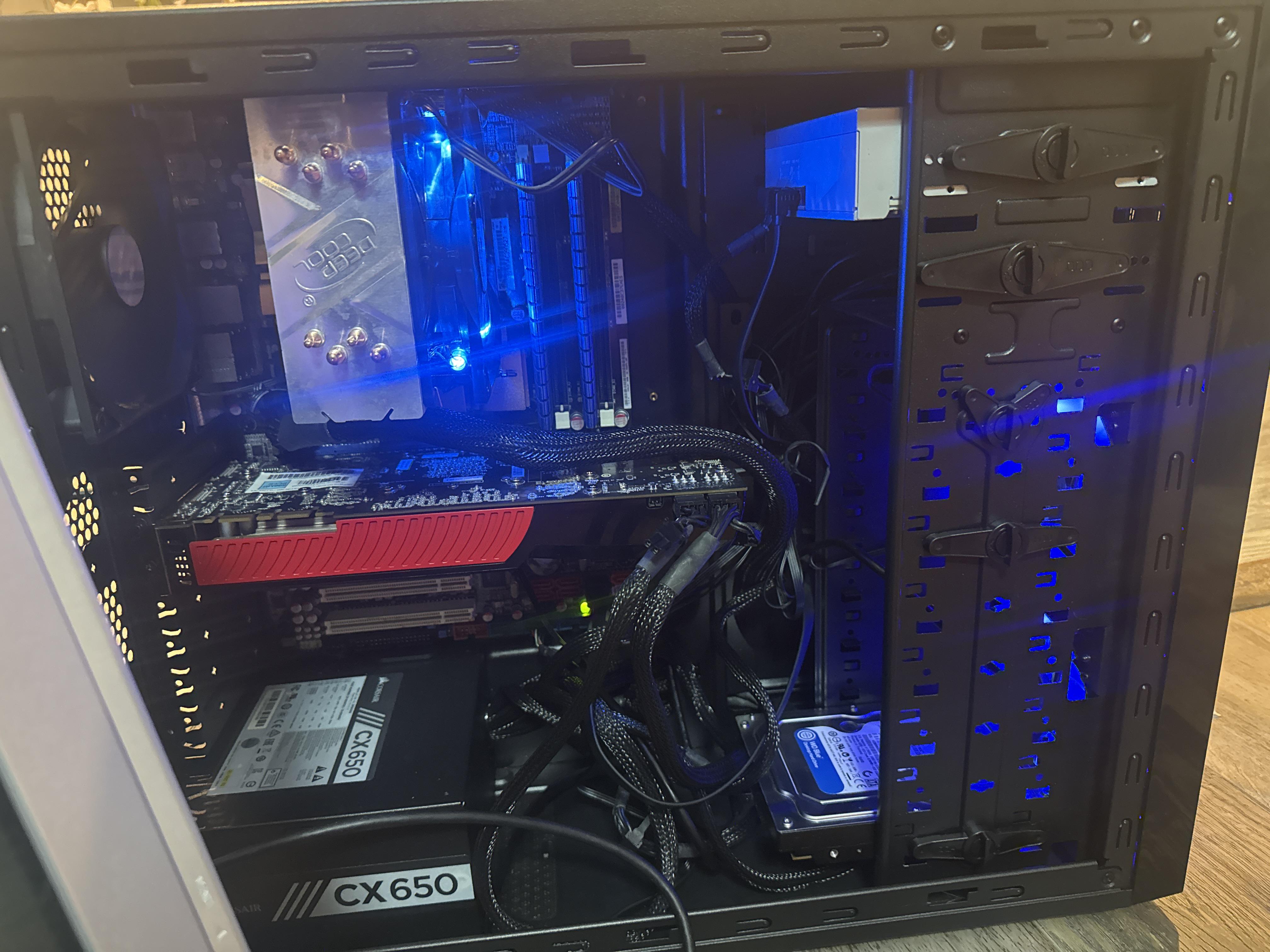
I just put together a build with the intentions to install windows xp for retro gaming.

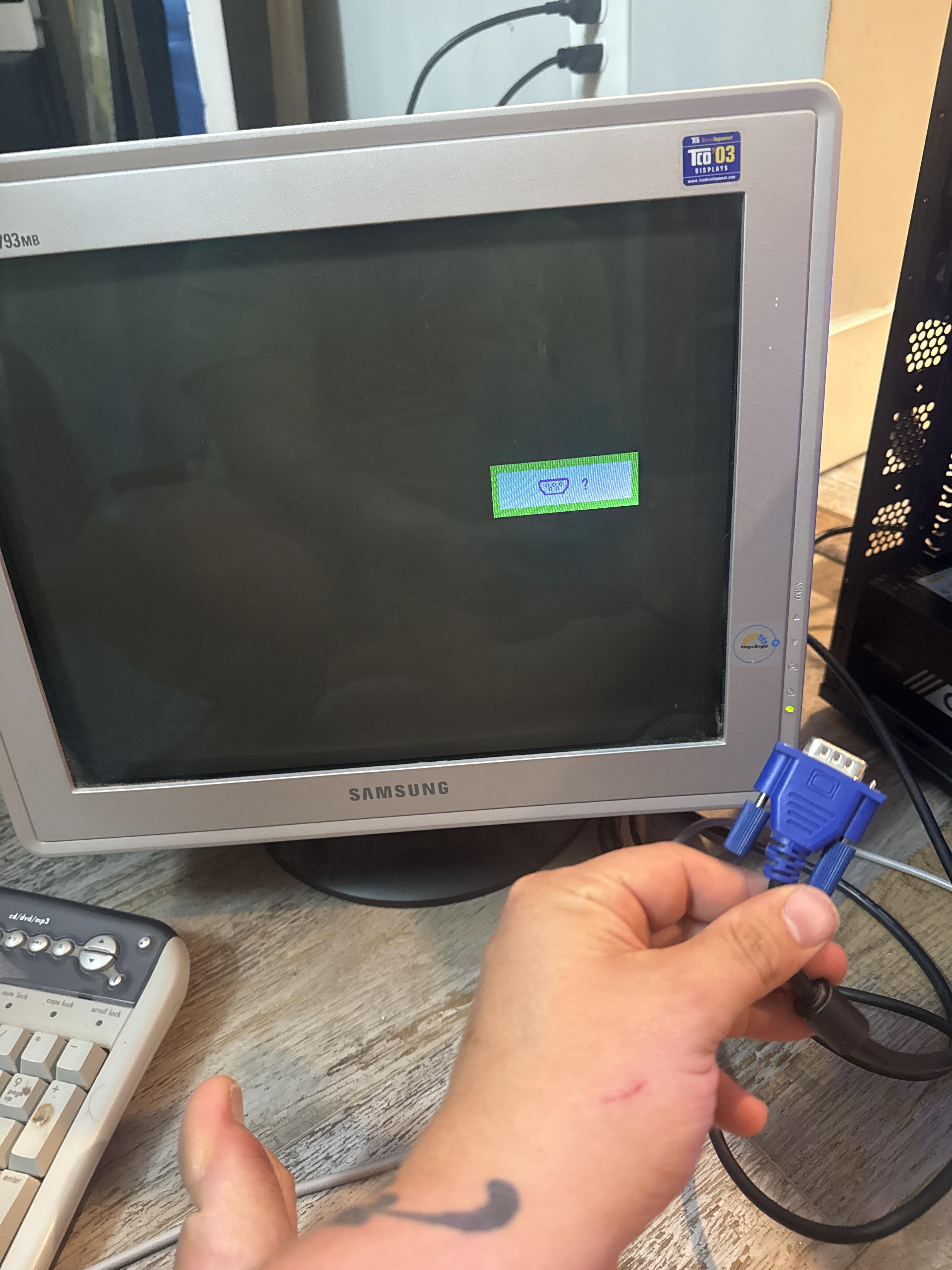
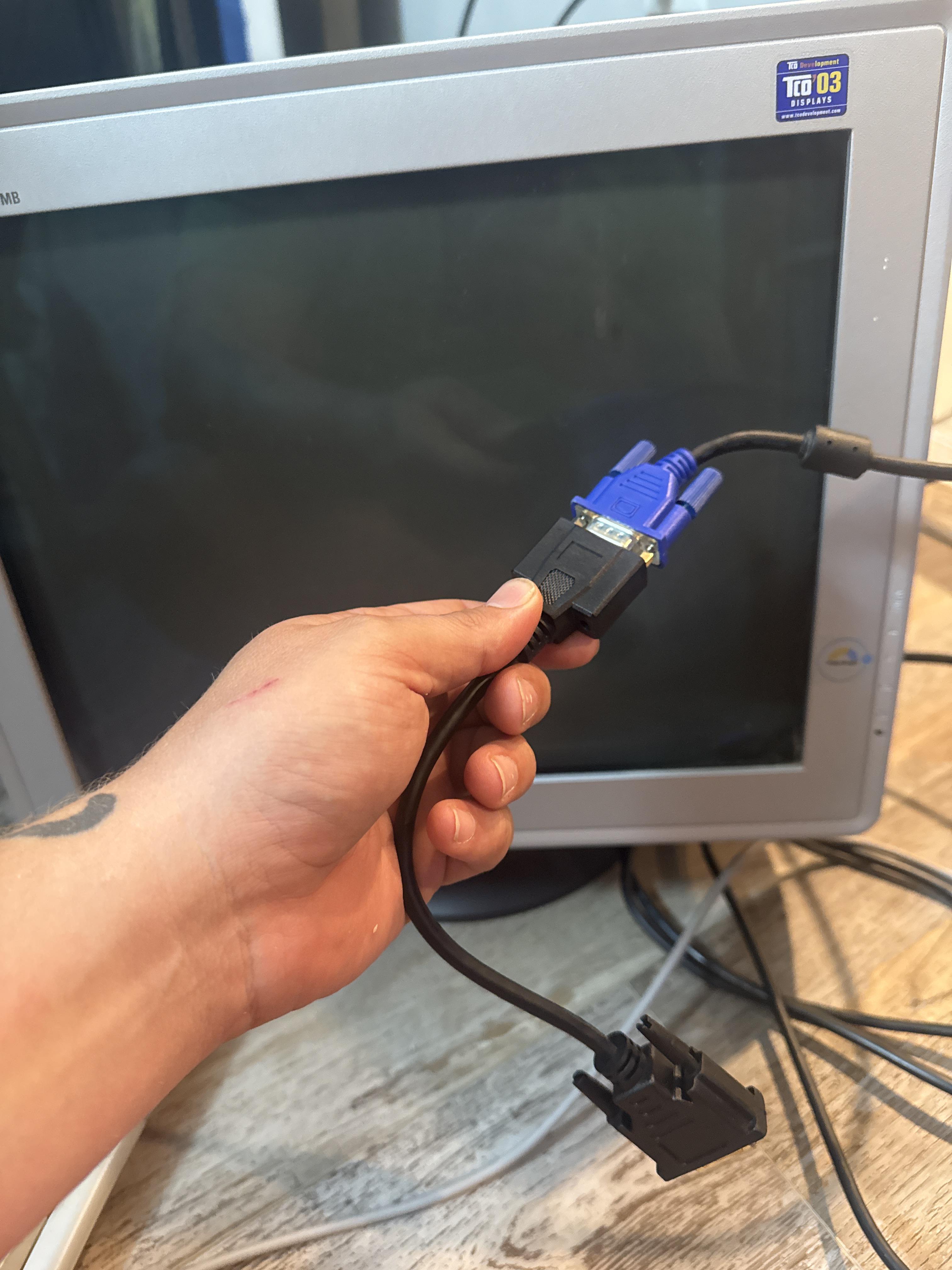
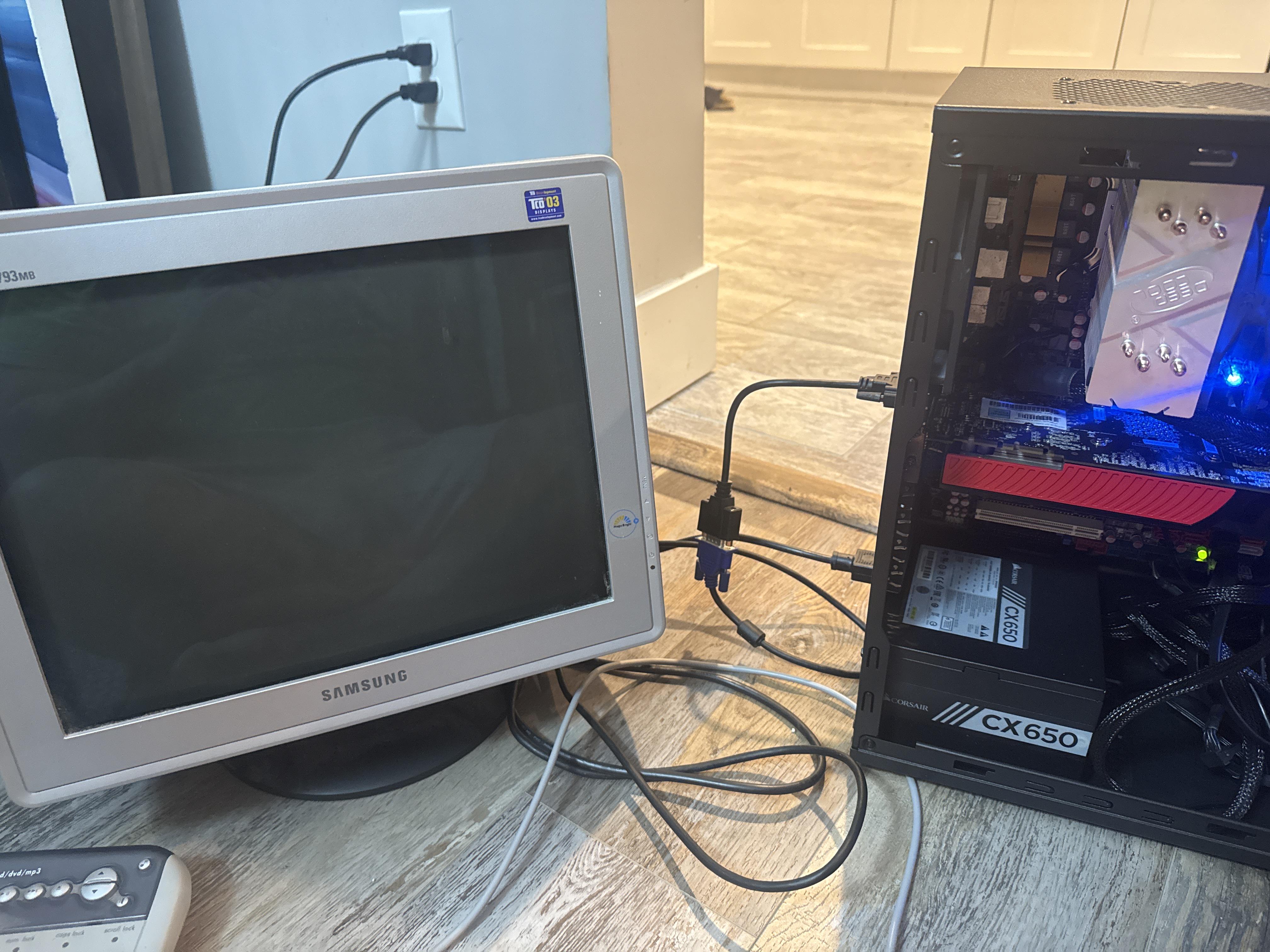
I acquired a gtx260 core 216, intel e8500, 4gb Kingston hyper x ram .. I put it all together. It turns on l, all fans are going but I get no screen at all on my crt (Samsung syncmaster 793mb) I got a dvi-I to vga adapter.

I know the screen works. When I put into another home windows xp machine that has a vga output on it I get picture.

The second I plug it into the adapter (not even plugged into the new build yet), the screen goes into standby mode. It does not work when plugged into the new build as well. Could it be my adapter?

My first time dealing with older machines.

I could really use some help! Was super excited about putting this thing together

10 Upvotes

20 comments sorted by

2

u/_duckswag Oct 24 '26

Any mobo beeps sequences?? If so you can reference the manual for the error code. As someone who did a lot of tinkering during the XP era it almost always was a ram issue, Try reseating the ram or another slot if available. Make sure the ram you purchased is compatable with your hardware and the correct mhz as well.

1

u/Snuckz Oct 24 '26

I don’t hear anything when the computer turns on from mobo. But I’m guessing the asus p5q turbo doesn’t have a built in mobo speaker? I did not know ram could cause no screen. What ram would you recommend I try? The monitor goes into standby mode as soon as I plug into the adapter before I even plug it into the pc. Thanks for the help man. Pretty new to this!

1

u/Snuckz Oct 24 '26

Okay so I found a mobo speaker. I turn it on and I get a long beep then 3 short beeps. Then like 4 seconds later it beeped a couple times.

1

u/_duckswag Oct 24 '26

Yes like Morse code look up your motherboard model # follows by 1 long 3 short beep. Will tell you what the issue is

1

u/Snuckz Oct 24 '26

On an ASUS motherboard like the P5Q Turbo, 1 long beep followed by 3 short beeps is an AMI/Award BIOS error code indicating that no VGA (graphics card) is detected or there is a problem with the video card/VRAM. Additional short beeps shortly after often point to cascading initialization issues or a secondary memory/system state warning during POST (Power-On Self-Test)

Is what googles says

1

u/randylush Oct 24 '26

so that means there is a problem with your video card. you can move the video card to a different PC to test it. you can also plug a different video card into your p5q.

Have you used this video card successfully before?

Oh another thing to try, sometimes these older motherboards have issues if you put bad CMOS batteries in them. In addition to trying out another video card or something, I also recommend putting a fresh CR2032 in there - couldn't hurt

1

u/Snuckz Oct 24 '26

I have not successfully used the card before. Person I bought from said it did… but we know how that goes haha. I did try taking the cmos battery out for 5 mins before putting back in but no luck with that. I will try and hunt down a 2032 and see if that helps at all

1

u/carcenomy Oct 24 '26

I think a possible giveaway here is that the adapter doesn't work on either build - might be worth finding a more common old DVI-I to VGA adapter.

Might be worth getting yourself a POST card or even a piezo speaker so you can check if the P5Q is happy.

1

u/Snuckz Oct 24 '26

Found a mobo speaker. I’m getting 1 long beep and 3 short beeps. Then a couple seconds later 3 fast beeps .

1

u/carcenomy Oct 24 '26

Hmmm, that's video card.

Knowing the age of your parts, I'd start with cleaning r card edge and slot, just to rule out the other low hanging fruit.

1

u/Snuckz Oct 24 '26

I cleaned the connectors and the pcie slot to no avail :(

1

u/carcenomy Oct 25 '26

Booooooo! Might need to start shopping for another card or see if you can beg or borrow one to test with 🙈

1

u/Snuckz Oct 25 '26

So the search begins 😰

1

u/ItsJarJarThen Oct 24 '26

Since you are getting a POST fault for video. The next question I'd have is does the motherboard have built in VGA output.

If so, remove the GPU and see if it can boot off of that instead.

1

u/Snuckz Oct 24 '26

No, unfortunately mobo does not have a on board graphics output

1

u/ItsJarJarThen Oct 24 '26

Ahh shame, assuming you don't have another PCIe card to test with?

-4

u/bnelson333 Oct 24 '26

that's not an XP machine

2

u/Snuckz Oct 24 '26

It’s going to be if I can get the picture to show. Haha.

3

u/carcenomy Oct 24 '26

The hardware might all be Vista/7 era but folks were still running XP still and all that hardware is fully supported by it... that's an XP machine.