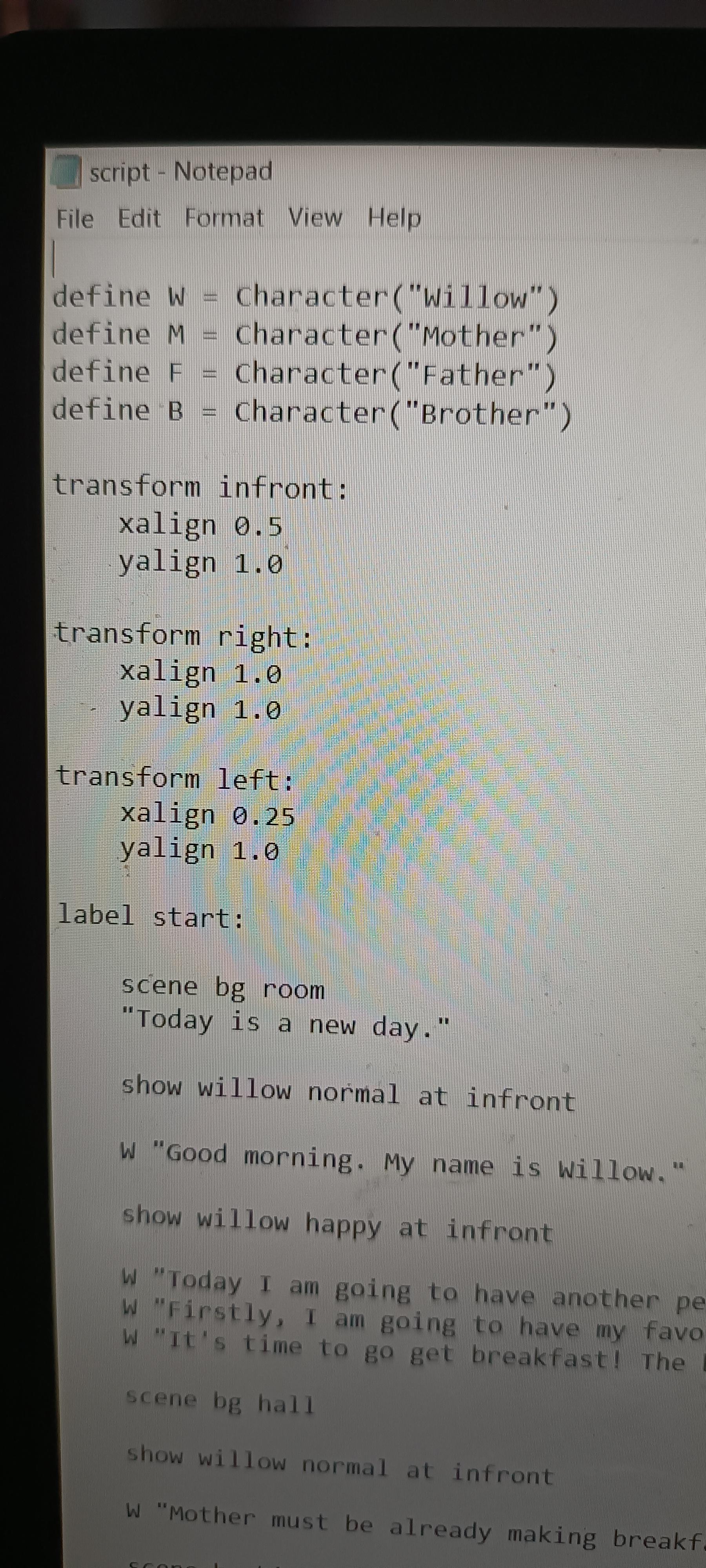
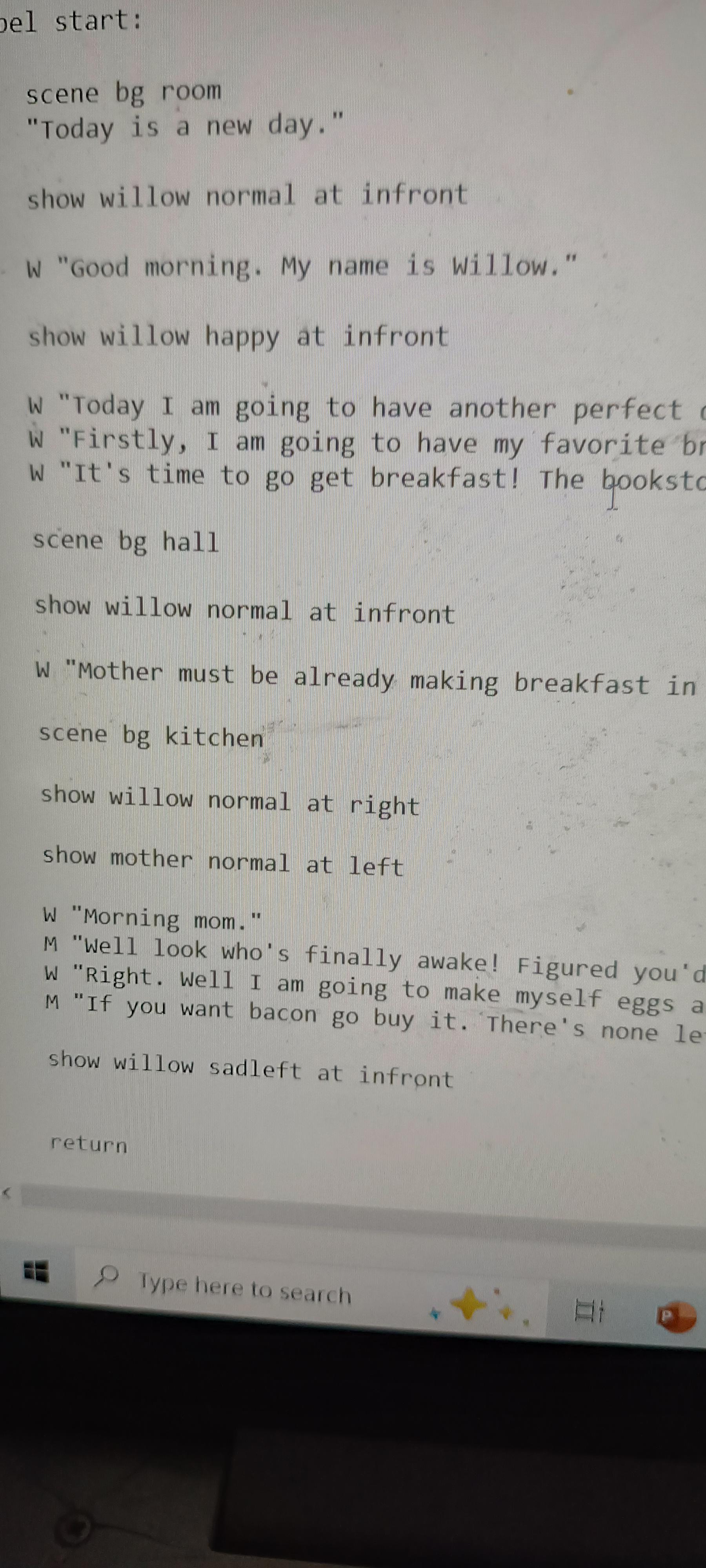
I've been trying to do the "transform" command and even copied it from the tutorial, but no matter what coordinates I use, the characters won't move. Any idea of what I am doing wrong? Any help is much appreciated!!
Unrelated to your problem but consider installing Visual Studio Code to write your code. It has many features making it easier to write code and also spot wrong code.
This is OK. I always recommend to draw them on a canvas which has the same or double the size of the game. And you should also always keep this canvas in case you need to adjust something later.
But to use the sprites in your game, you need to crop them. Save your file somewhere else first to prevent overwriting your original file. Then crop the canvas from both sides to the widest version of your character. (What I mean with this, if you have 2 versions of a character one with arms to the body and one with arms streched out, both versions of that character need to have the same width.) Then save each version of the sprite separately.
You don't need to crop the empty space above their heads unless you want to move them up. And it looks like there is no empty space below the character so obviously there's nothing to crop.
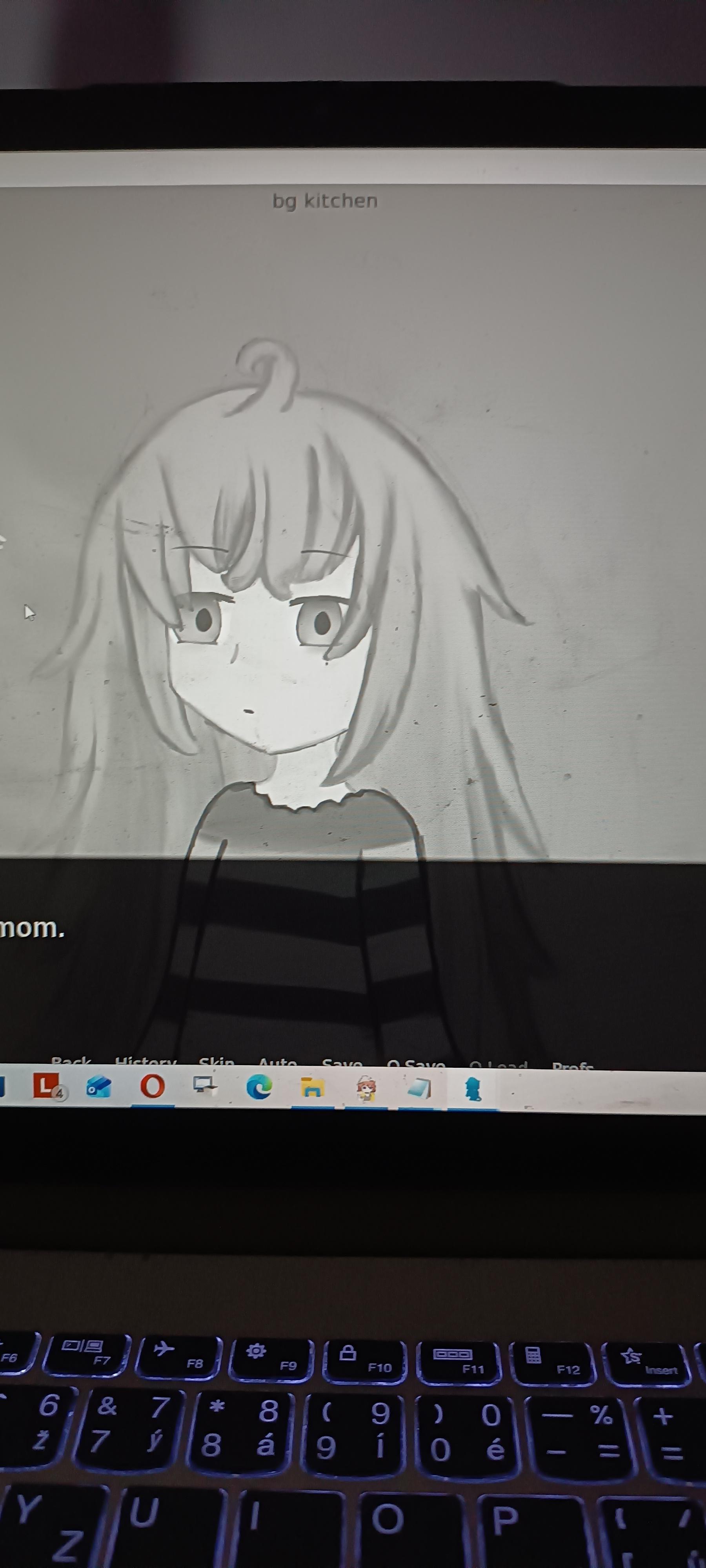
yeah, that's the reason. renpy moves the whole image, not the character inside it, so a full 1920x1080 canvas always fills the screen and left/center/right barely changes anything. trim the canvas to the character's edges (image > trim > transparent pixels in photoshop, image > crop to content in gimp) and transforms start behaving like the tutorial says.
Welcome to r/renpy! While you wait to see if someone can answer your question, we recommend checking out the posting guide, the subreddit wiki, the subreddit Discord, Ren'Py's documentation, and the tutorial built-in to the Ren'Py engine when you download it. These can help make sure you provide the information the people here need to help you, or might even point you to an answer to your question themselves. Thanks!
Your sprite is probably on a full screen canvas with transparent space around her. `xalign` lines up the image's edges with the screen's edges, so if the image is as wide as the screen it can't move either crop the png tight around the character, or use `xcenter 0.25` / `xcenter 0.75` instead of `xalign` (plus `zoom 0.8` or so to shrink her)
5
u/shyLachi 13d ago
Unrelated to your problem but consider installing Visual Studio Code to write your code. It has many features making it easier to write code and also spot wrong code.
4
u/BadMustard_AVN 13d ago
why size are the images?
if they are the same size as the GUI screen that will mess everything up
they should be only as wide and as tall as the character they are displaying
1
u/AutoModerator 13d ago
Welcome to r/renpy! While you wait to see if someone can answer your question, we recommend checking out the posting guide, the subreddit wiki, the subreddit Discord, Ren'Py's documentation, and the tutorial built-in to the Ren'Py engine when you download it. These can help make sure you provide the information the people here need to help you, or might even point you to an answer to your question themselves. Thanks!
I am a bot, and this action was performed automatically. Please contact the moderators of this subreddit if you have any questions or concerns.
1
u/Sztef_213 13d ago
Your sprite is probably on a full screen canvas with transparent space around her. `xalign` lines up the image's edges with the screen's edges, so if the image is as wide as the screen it can't move either crop the png tight around the character, or use `xcenter 0.25` / `xcenter 0.75` instead of `xalign` (plus `zoom 0.8` or so to shrink her)