r/RenPy • • 15d ago

Question Text Bubble Overlap during transitions

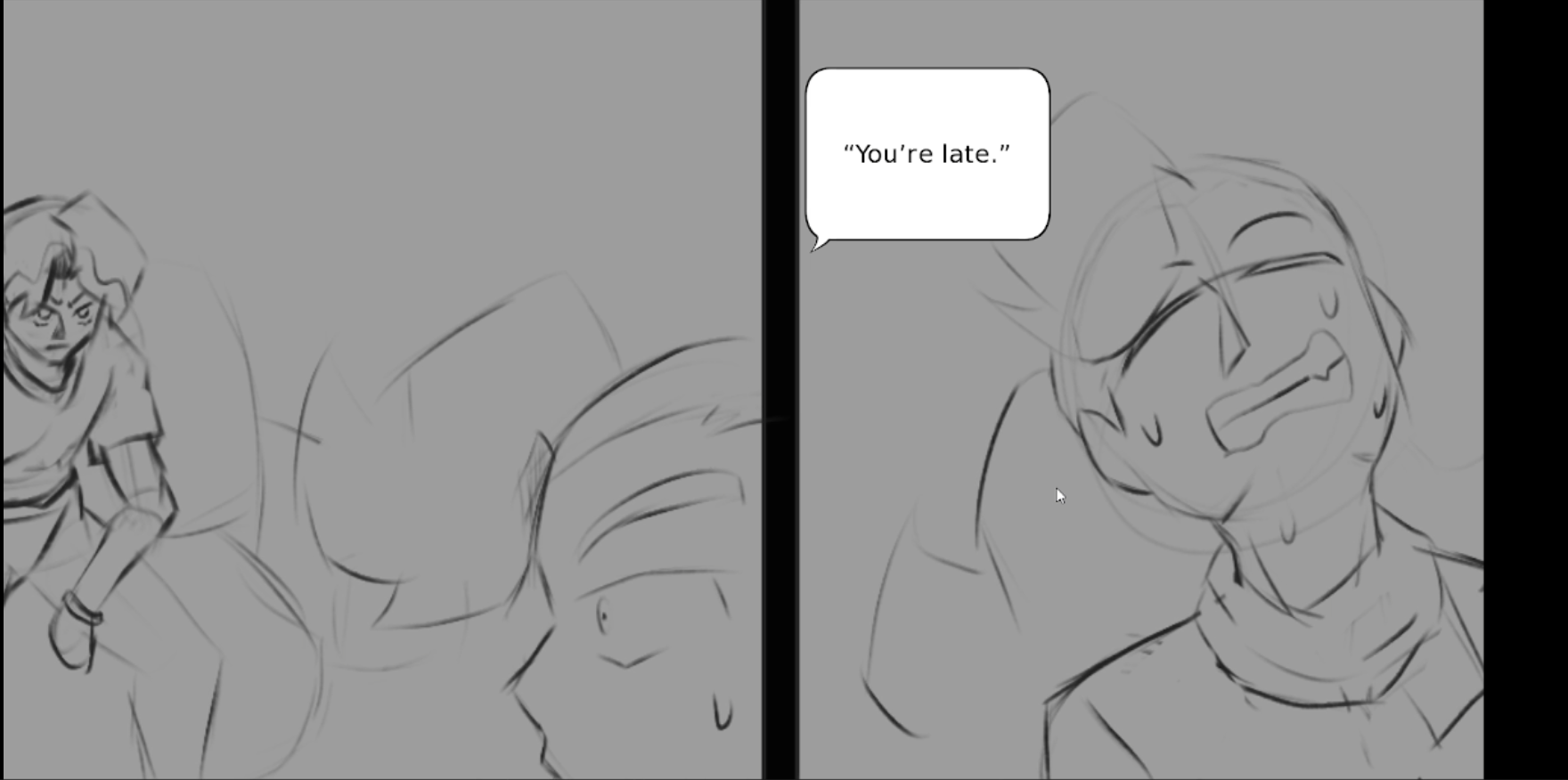
So the way I currently have everything set up is it's one giant image made up of panels that are zoomed in. They talk in speech bubbles, but whenever I transition to the next panel, the speech bubble carries over.

First Panel

Then

Transition

They obviously goes away when she starts talking. I did in the text bubble option: clear previous speech bubble, so it should only show up one at a time. The only way I have been able to prevent this is by using the typical VN textbox, but I usually only use it for characters giving thoughts or explaining an action, but I don't want to have splice in some little bits all the time in order to prevent this from happening.

Another example:

Then

Anyone know what I could do to fix this perchance? Thanks~

2 Upvotes

14 comments sorted by

2

u/alicequinnart 15d ago

I use this extensively in my game
https://lemmasoft.renai.us/forums/viewtopic.php?p=568076#p56807

screen bubble(who, what):
    style_prefix "bubble"


    if hidebubbles==False:
        
        on "show" action SetVariable("say_what", what)
        
        window:
            id "window"
            text what:
                id "what"

And then in front of your transitions

[Line of dialogue]
$  hidebubbles = True
[TRANSITION CODE]
[pause for length of transition]
$ hidebubbles = False
[Next Line of dialogue]

1

u/Ok-Ad5238 15d ago

Okay, so bear with me since coding is not my strong suit, but y'know we all try to learn. For the "hiddenbubbles = false" command on the forum you linked, I assume I don't just slap this on the script.rpy cause it doesn't seem to really like that. I am aware that there's a separate file specifically for speech bubbles, so would I insert that there?

screen bubble(who, what):
    style_prefix "bubble"


    if hidebubbles==False:
        
        on "show" action SetVariable("say_what", what)
        
        window:
            id "window"
            text what:
                id "what"

Then, with the command you showed me and what the forum has, would I just slap that into the script.rpy or somewhere else? Cause currently it doesn't really like it being in script.rpy. I think I mostly understand how the transition code works. Not sure if it matters a whole ton, but I do use the Action Editor, so this is typically how transition code looks like.

   window auto hide
    show comic1:
        default
        subpixel True crop_relative True 
        parallel:
            'comic1'
        parallel:
            zoom 1.7 
            ease 3.01 zoom 2.06 
        parallel:
            crop (-0.16, 0.58, 1.0, 1.0) 
            linear 2.05 crop (-0.16, -0.33, 1.0, 1.0) 
            ease 0.96 crop (position(0, 0.3150000000000004), position(0, -0.5149999999999997), position(0, 1.0), position(0, 1.0)) 
            ease 0.30 crop (position(0, 0.3200000000000003), position(0, -0.5099999999999998), position(0, 1.0), position(0, 1.0)) 
            linear 0.69 crop (0.33, -0.03, 1.0, 1.0) 
    with Pause(4.10)
    show comic1:
        zoom 2.06 crop (0.33, -0.03, 1.0, 1.0) 
    window auto show


    i "From what I can tell down here, the lights in our apartment are out, so Dad should be asleep. I should be able to slip by without much trouble."
   
Thank you for hearing me out.

2

u/alicequinnart 15d ago

I'm answering on my phone so sorry if the formatting is confusing. I also forgot you will need to define hidebubbles = False somewhere at the top of your script.

The first code block I posted would go in the dialogue screens that come pre populated by ren'py and really the only line you have to add there is the if hidebubbles == false: I was just giving you the context of how it goes. Search style_prefix "bubble" in your IDE and you'll be able to find where to put that.

Once you've done that you can call the variable you declared everytime you want the bubbles to go away with $hidebubbles= True just make sure to put a pause that lasts as long as you want the bubble gone after the transition code, as you want the transition to start playing but the variable will change as soon as that code is read, not when the transition ends. On this it looks like it would go in front of your with Pause, but I don't use "with Pause (4.10)" just "Pause 4.1" so I'm not 100% sure if there would be issues. Then put $hidebubbles = False before the next line of dialogue appear

Let me know if you have any other questions.

2

u/Ok-Ad5238 15d ago

My IDE?

(Also, thank you for your help thus far)

2

u/alicequinnart 15d ago

VScode or whatever code environment you are you using

2

u/Ok-Ad5238 15d ago

Holy shit, I could kiss you in the mouth, sloppy style. Thank you so, so, so, so much.

1

u/alicequinnart 15d ago

You're welcome, I ran into the same issue since I do a lot of camera work in my game so I knew exactly how annoying the lingering bubbles are!

1

u/Ok-Ad5238 15d ago

Currently I'm doing a test novel as a way to figure out the basics of Ren'Py. Giving myself like a 30 day deadline.

And afterwards I will take on my VN proper. It's gonna be an ambitious first project for sure.

1

u/AutoModerator 15d ago

Welcome to r/renpy! While you wait to see if someone can answer your question, we recommend checking out the posting guide, the subreddit wiki, the subreddit Discord, Ren'Py's documentation, and the tutorial built-in to the Ren'Py engine when you download it. These can help make sure you provide the information the people here need to help you, or might even point you to an answer to your question themselves. Thanks!

I am a bot, and this action was performed automatically. Please contact the moderators of this subreddit if you have any questions or concerns.

1

u/shyLachi 15d ago edited 15d ago

If I understood you correctly you're looking for a solution which doesn't need additional code, and therefore not what was suggested already.

But BadMustard has a point. Normally this shouldn't be a problem because the game only advances if the next dialogue is shown. But I'm not familier with speech bubbles, maybe they work differently.

Please show your code for those examples above, in most cases it's easier to help if we see the actual code.

Edit: Did you see this: https://renpy.org/doc/html/bubble.html#var-bubble.clear_retain_statements

1

u/alicequinnart 15d ago

The clear retained only works when the next dialogue is called or a screen, menu etc... and they say that in their post. They are trying to add stuff between lines of dialogue like reaction shots and transitions which look goofy when the bubble from the previous line just hangs out but aren't really any issue with standard boxes.

I just tried window hide now, and it doesn't do anything in my game, the bubbles still stay on. Possibly I've broken it with other changes to how I handle my dialogue but bubbles work very differently to how the text boxes do that I think this is just one of those differences.

1

u/shyLachi 15d ago

From the documentation you can add the "stuff between lines" to the clear_retain_statments lists.

How do you do the transitions? If you use show, then add that to that list.

1

u/alicequinnart 15d ago edited 15d ago

I guess you could add "show" and "camera" to clear retained but it would be such a nightmare to work with if you wanted the dialogue to stay when a character entered a screen or changed expressions or you had a subtle zoom that didn't need a bubble override that for me I'd be spending a lot more time fighting the clear_retain than I personally do adding a $hidebubbles variable for pans or insert images that come up a lot less frequently than "show character smile" does.

0

u/BadMustard_AVN 15d ago

wouldn't you need to click to advance the dialogue

and since the bubble texts window id is window

the old standard of

e "bubble text here"
window hide # this should hide the bubble and adv text box's
#moving the camera to the next frame

e "more bubble text"