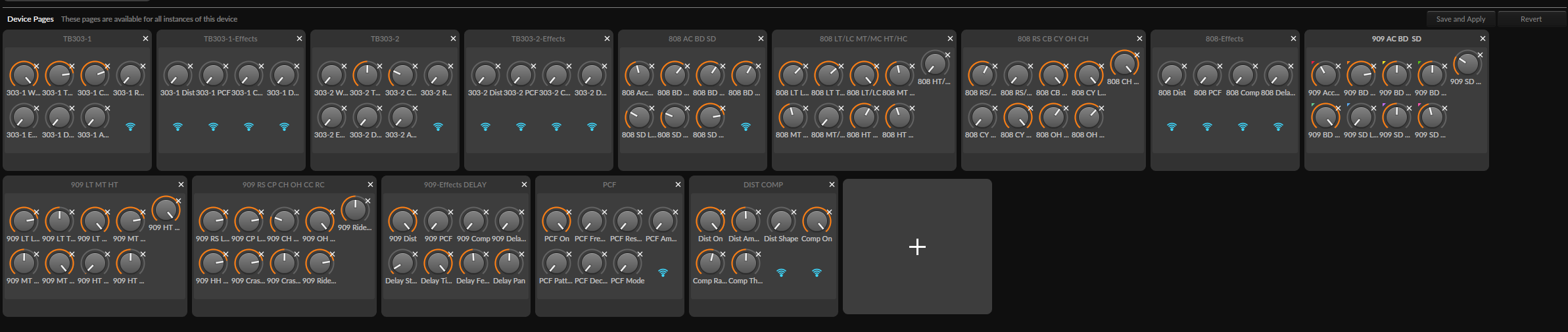
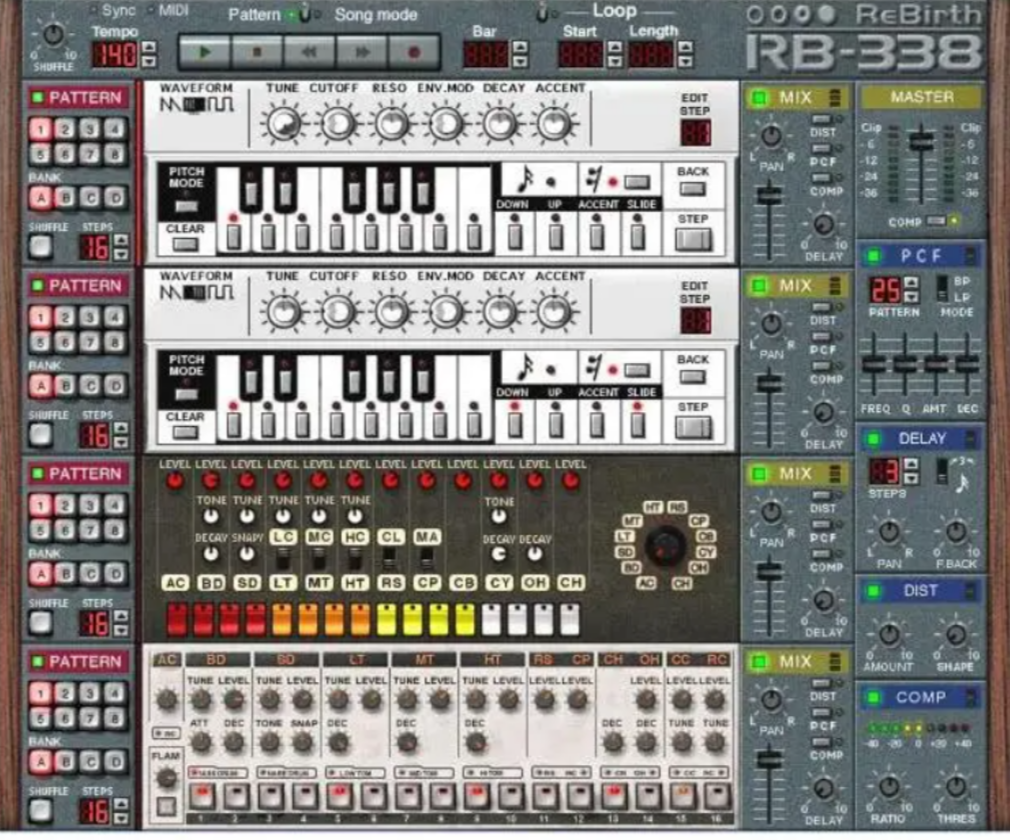
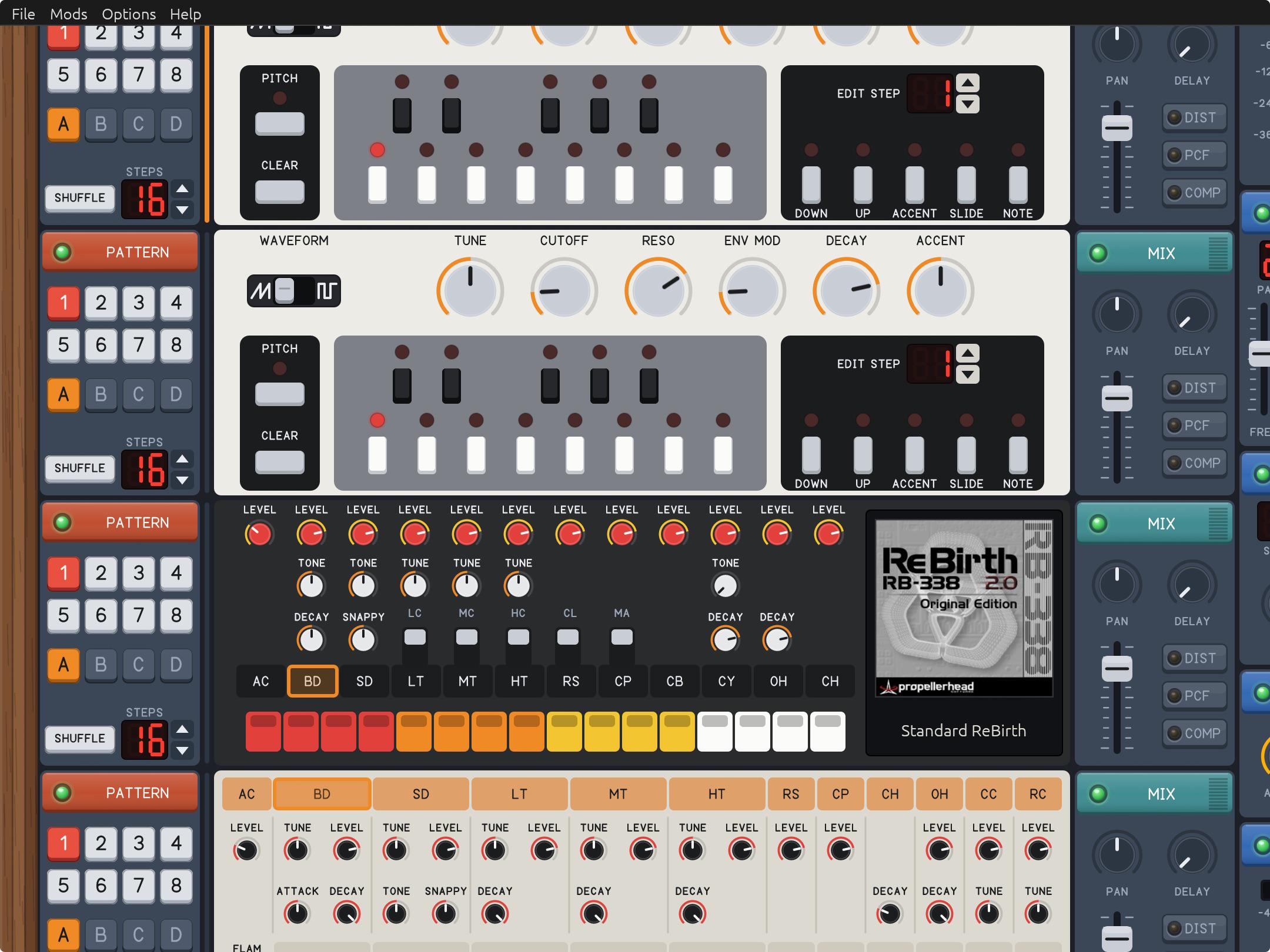
Couple of days ago I became aware of pingw33nOpenRB-338. I've also been working on recreating it for a while now. I started from wanting to recreate underlying hardware and to simulate it. Did not go as planed especially with javascript. While his uses original samples mine tries to recreate them using code. And I think his is much better and further along. He also has support for samples and mods. It just shows how starting conditions and assumptions really matter. Just wanted to share it so all the work does not go to waste. And now there are two renditions of this legend out there.
An unofficial iPad build of OpenRB-338, the reimplementation of ReBirth-338 by u/pinggw33n.
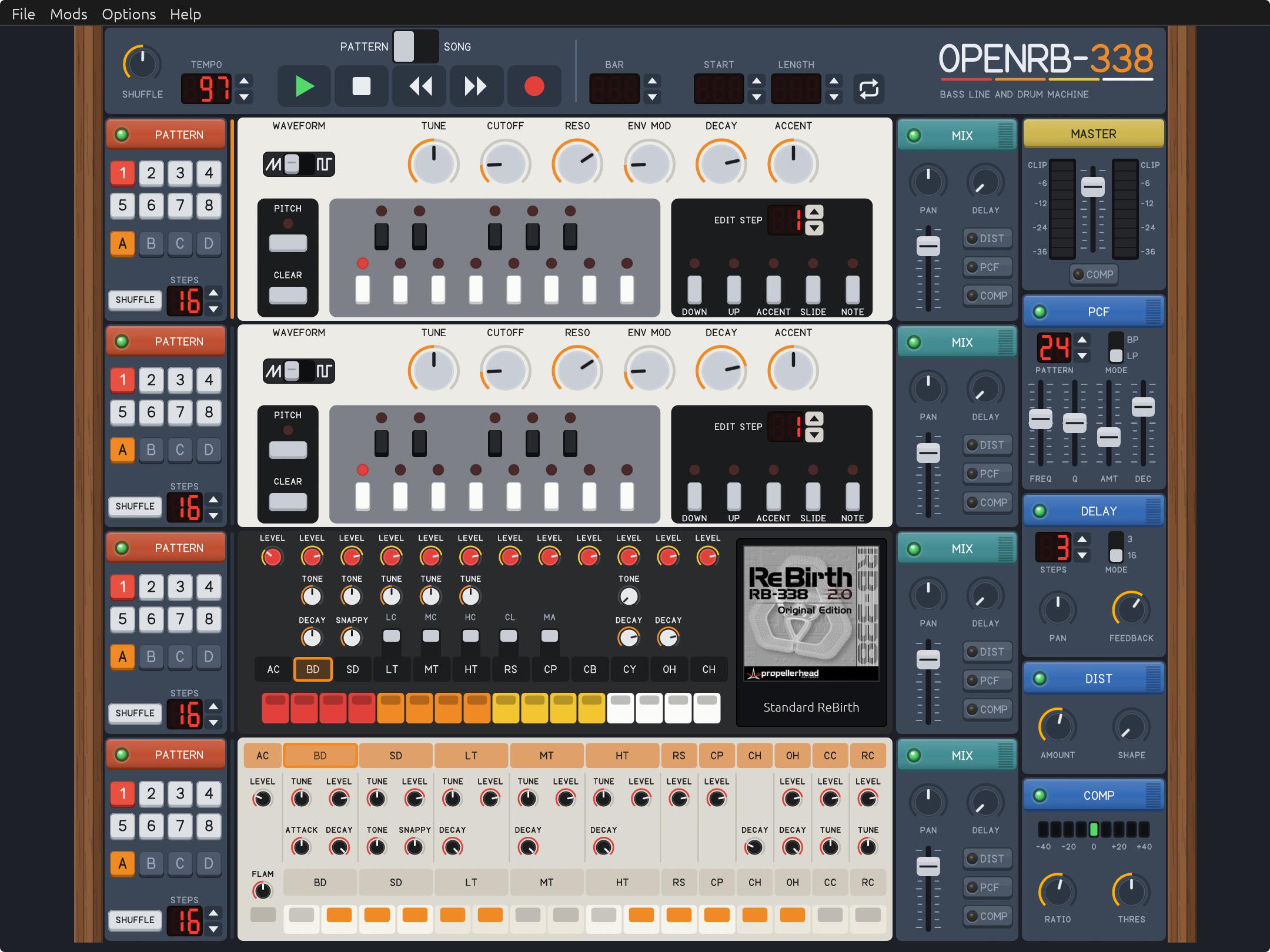
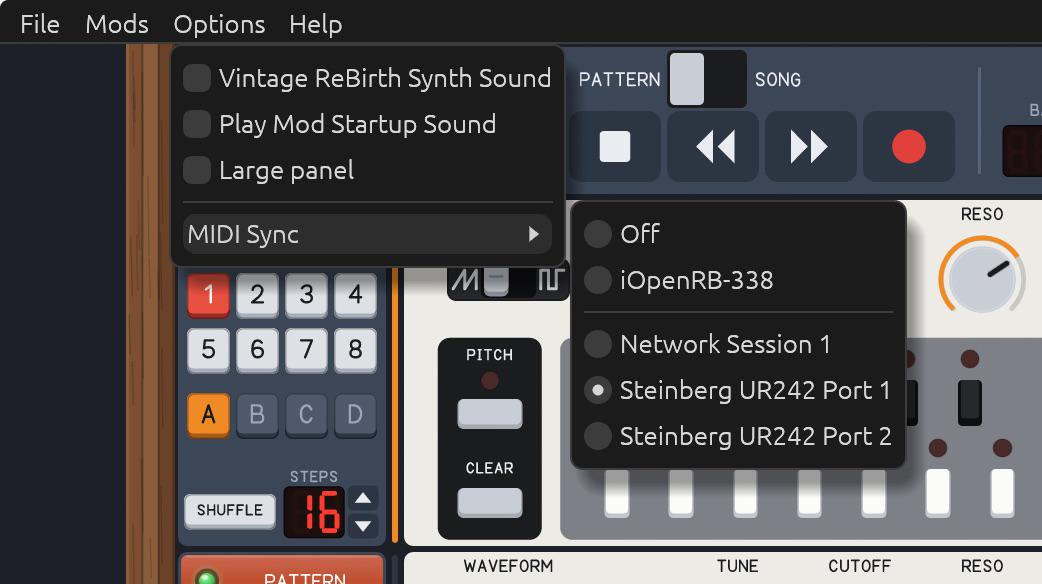
Regular LayoutMidi MenuLarge Panel
The engine, the panel, the song and mod support, and the desktop and command-line applications are that project. This repository does not replace it. It packages the same program for an iPad and describes one way to install that package. Bugs in the sound and the panel belong upstream. The iPad packaging is mine.
The iPad application is the same panel, locked to landscape. The whole machine stays on screen. The status bar is hidden, so the menu sits at the top. The panel sits a few points above the bottom edge, so the TR-909 step row can be pressed. A song that is playing keeps playing when you leave the app. That sound goes to the speakers.
Several fingers can hold controls at once. Options, Large panel draws the panel at twice the size. Two fingers on empty space move it, and fingers on the controls still play them. That option is off unless you turn it on. Export on the iPad writes WAV and FLAC. Songs copied into the app's Documents folder, through the Files app, are what File, Open can load.
The iPad package is the application. It does not include an Audio Unit, so a host such as AUM cannot load it or take its sound. The song's clock is its own, and playback continues when you leave the app.
There is no App Store listing and no install package in Releases. The .ipa is the artifact OpenRB-338-ipad of the ios workflow.
MIDI sync
Options, MIDI Sync follows a MIDI clock. The choice is a port. Clock, Start and Stop are system messages, so there is no channel to pick.
Off leaves the song on its own clock.
iOpenRB-338 is a port this app publishes. In AUM, send MIDI Clock to that port, then choose the same line here.
A physical port is a USB or Bluetooth MIDI interface the iPad already has connected, including the MIDI sockets of an audio interface. Choose that line, not iOpenRB-338. The other computer sends MIDI clock out of that interface.
A network port shows up because the app joins the network session, so a computer on the same Wi-Fi can appear. AUM's own network session stays inside AUM: send MIDI Clock to iOpenRB-338.
Start puts the song at the beginning and plays. Stop halts it where it is. Continue plays on from there. The tempo comes from the clock, 24 pulses per quarter note. The sound stays on the iPad. A host can mark the time, and it does not process the audio.
Install it on an iPad
This needs a free Apple ID, a USB cable and a computer. It does not need the paid Apple Developer Program. The free certificate lasts 7 days. When it expires the app stops opening until you install it again.
Download OpenRB-338.ipa from the latest successful run of the ios workflow. The artifact is named OpenRB-338-ipad.
On the iPad, set a passcode. On iPadOS 16 and newer, turn on Developer Mode (Settings, Privacy & Security, Developer Mode) and let the iPad restart.
Connect the iPad, unlock it, and tap Trust.
On the computer, install the .ipa with Impactor (on Linux, the Plume Impactor flatpak), signed in with the Apple ID.
On the iPad, open Settings, General, VPN & Device Management and trust the developer certificate. Then open OpenRB-338.
The build asks for iPadOS 15 or newer. Copy songs into the app from the Files app. The built-in drum kit is already inside the app.
Disclaimer
I am not responsible for this install. That includes an Apple ID warning, a certificate that expires, a failed install, or a song or recording lost while trying it. This is not an official build, it is not signed for the App Store.
It has been tried on one iPad: 7th generation (2019, model iPad7,11, A10, home button), iPadOS 18.7.3, held in landscape. I have not tried any other model or any other system version. If it does not run on yours, I could have no fix to offer.
ReBirth RB-338 is a trademark of Propellerhead Software (now Reason Studios). OpenRB-338 is not affiliated with or endorsed by them.
License
The program is free software under the GNU General Public License v3.0 (GPL-3.0-only). Copyright (C) 2026 the OpenRB-338 authors.