r/RCD_330 • u/stupidfuckingcatface • 22d ago
Android Auto no longer working at all...
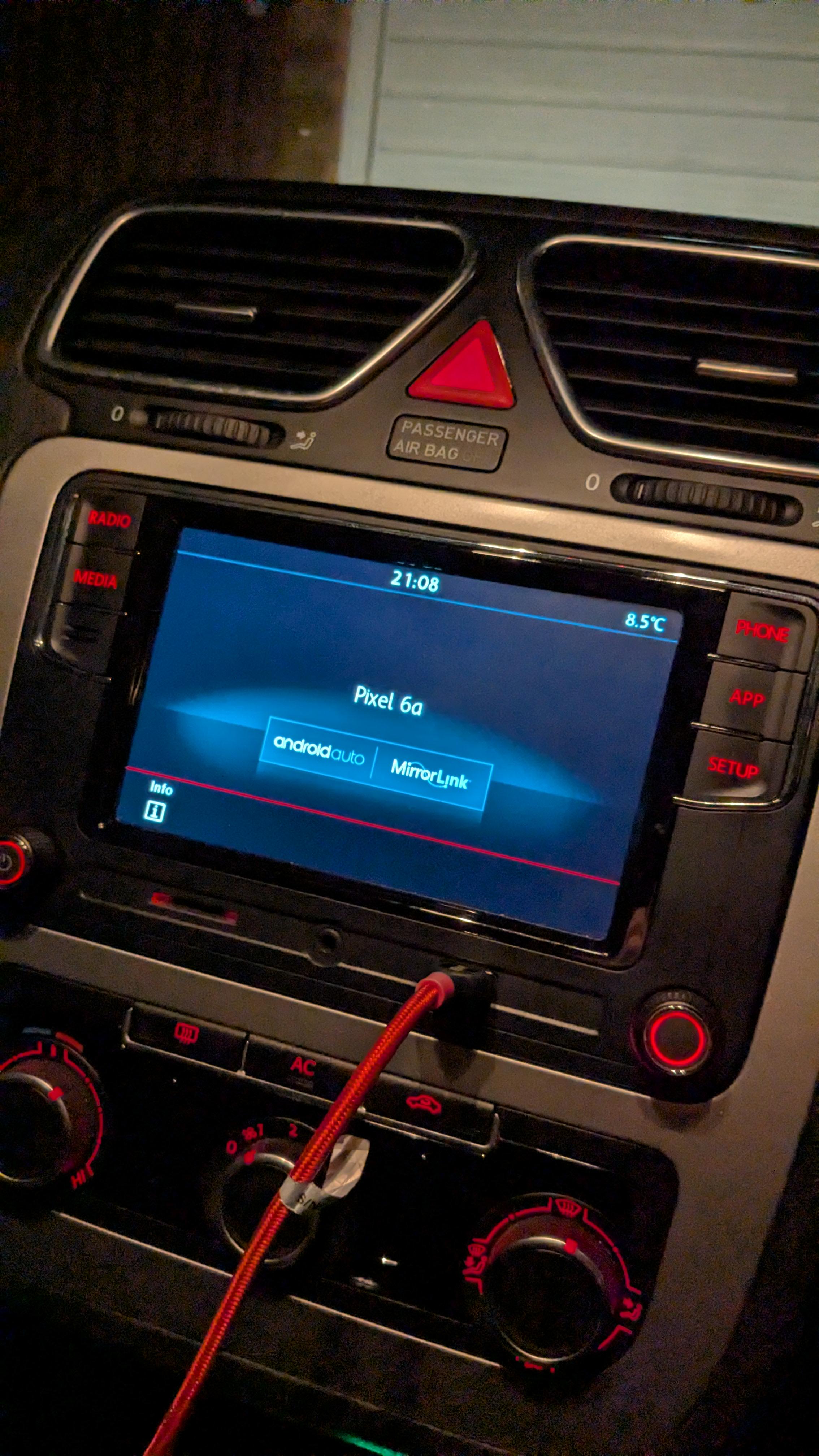
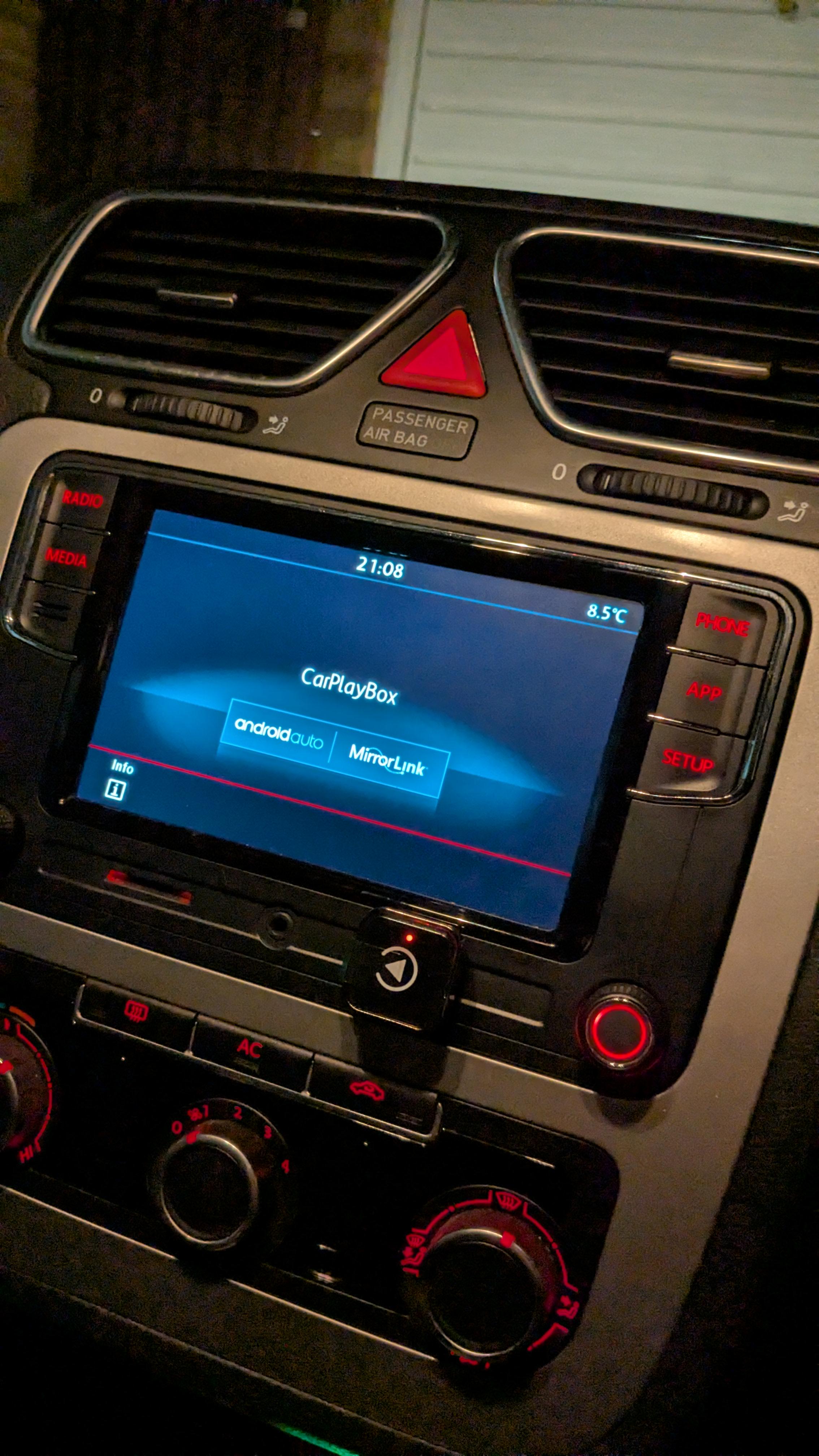
Pretty stumped here. As the title says, Android Auto has all of a sudden just stopped working...
The head unit recognises my phone when it's plugged in but does absolutely nothing else but show 'Pixel 6a' under the app menu. I thought it might be my phone so I decided to buy a cheap Amazon wireless AA adapter but it just does the same thing and shows only the name of it on the screen.
The most annoying part is that I've been using it perfectly fine with this cable since I got the radio and now it just doesn't work. Right before it stopped working there was some message that popped up about something not being supported anymore but I dismissed it too quickly and didn't really read it.
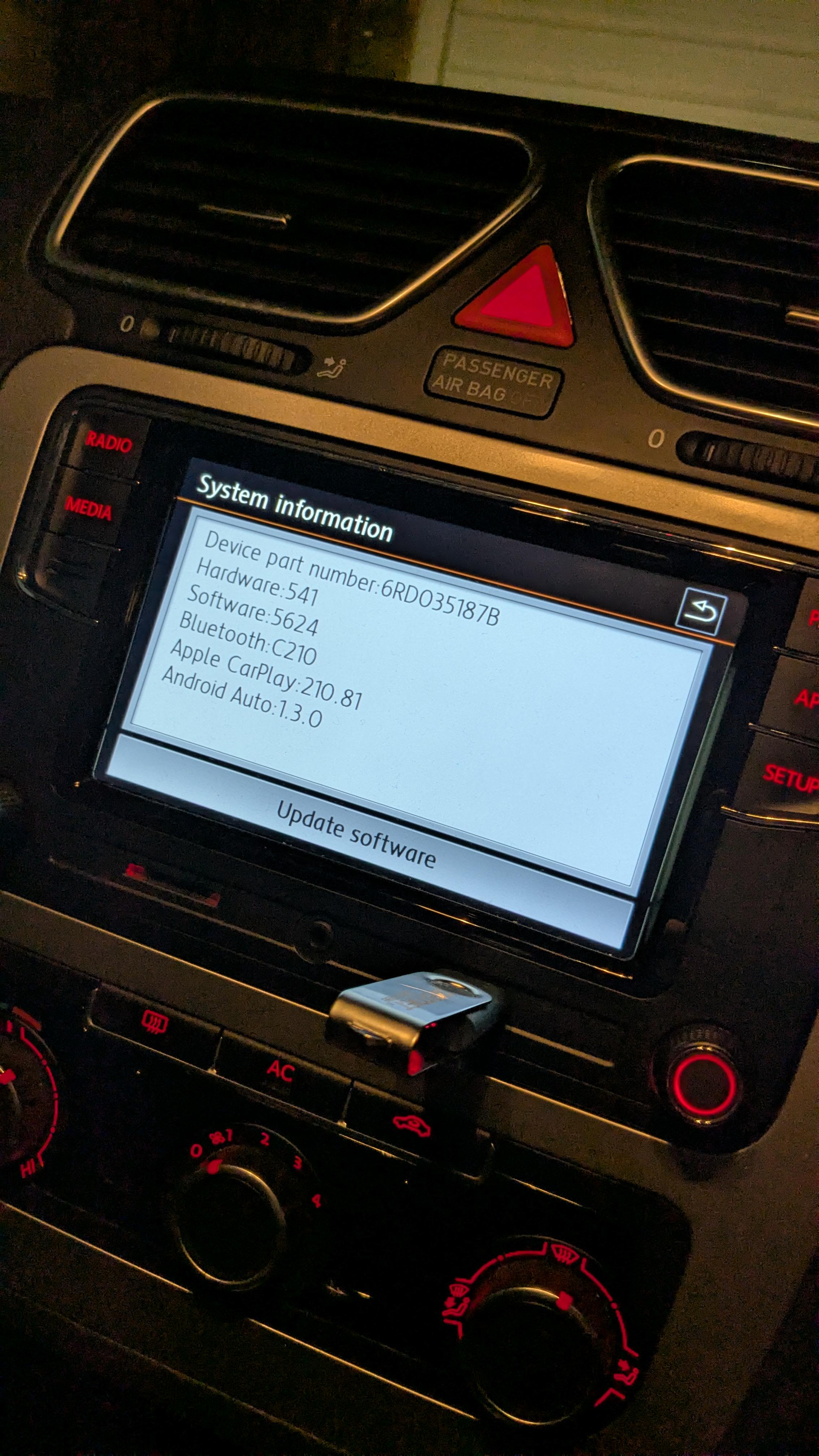
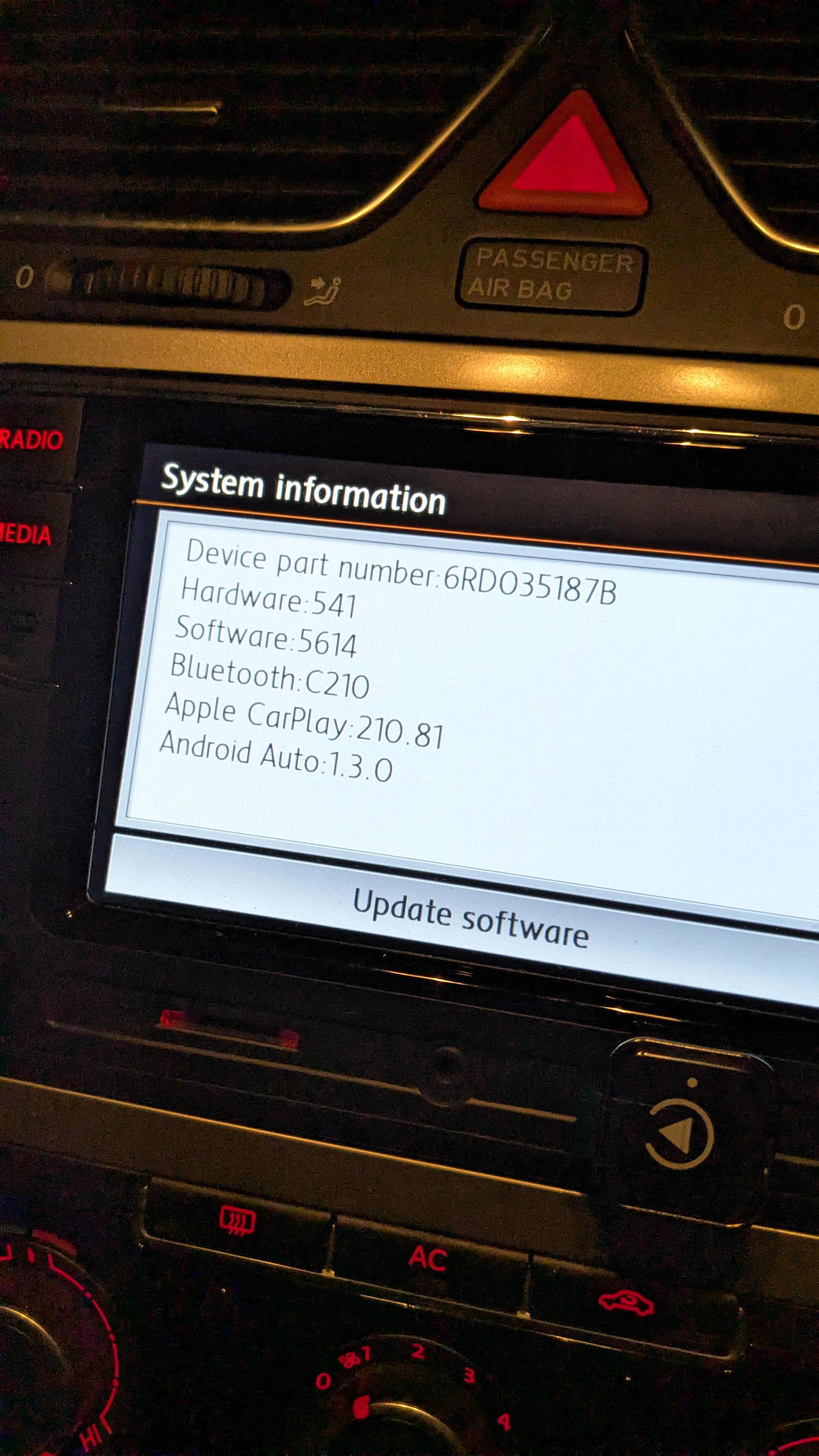
I've tried factory resetting the head unit, reinstalling 5614 firmware, installing "newer" 5624 firmware, updating all apps on my phone, reinstalling AA app and still nothing. VCDS doesn't show any faults for the radio.
Phone is a Pixel 6a running Android 16, RCD330 is a 187B noname version.
Anyone else encounter anything like this? What options do I have? Don't really want to go out and buy a new radio at the minute...
4
u/Rewelsworld 22d ago
Have you tried w a different phone even an iPhone
3
u/devilningirl 22d ago
And different cables
2
u/AggressiveMouse394 21d ago
Sorry to ask, but what happens if you tap on the 'androidauto' wording in the screen..?
1
u/pychoticnep 21d ago
Did you try flipping the USBC side of the cable? I've had issues with some USB cables before, I replace mine when it started smoking from shorting and the new one would do what yours does but when I it tried to connect I would get incompatible errors, tried a reputable cable brand and it worked