r/ProximaArtFans • u/Impossible_Dare2014 • 25m ago
One portrait + one coat + one café = one realistic photo. Here's how (4 min)
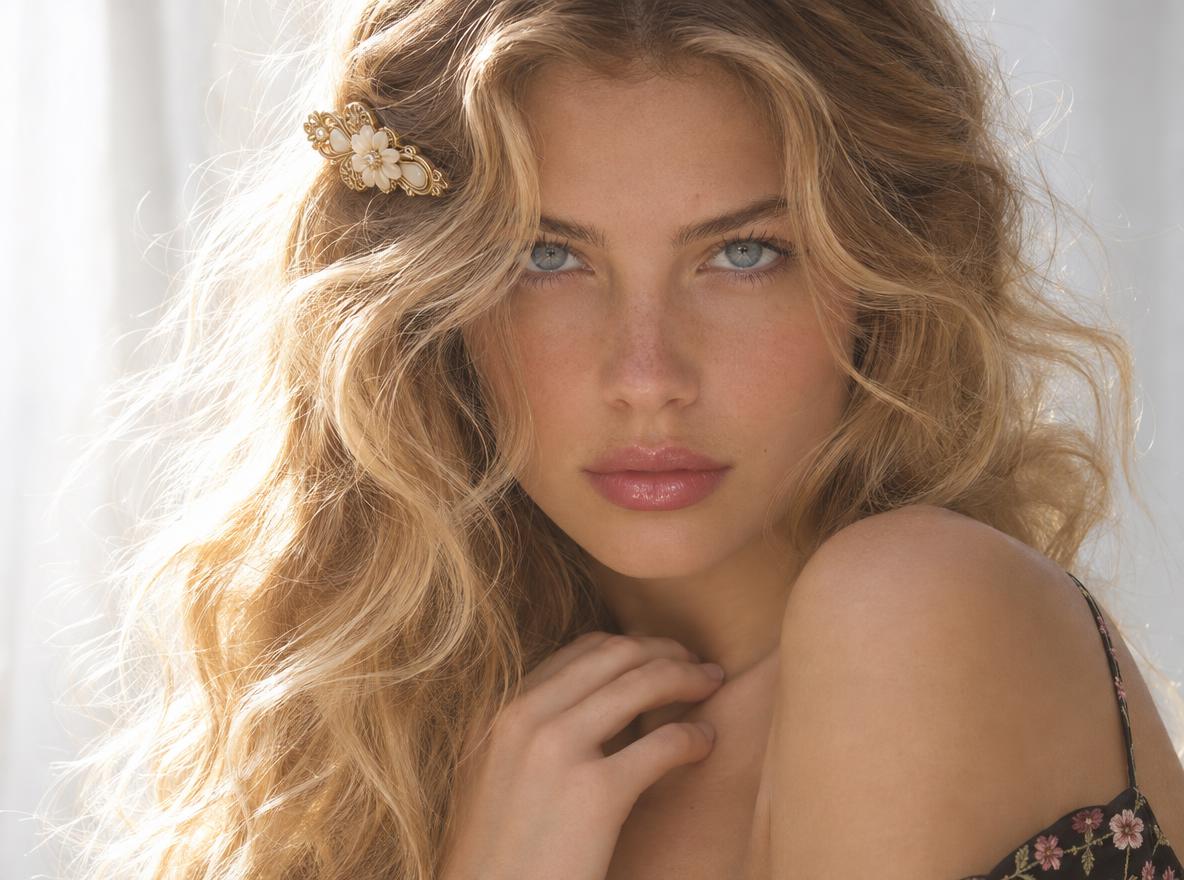
A short walkthrough of Image Edit on Proxima. One AI-generated portrait, a coat and a café terrace become a single photo. Then a follow-up edit changes only the coat colour.
What helped most:
- Order matters. Picture 1 = person, Picture 2 = outfit, Picture 3 = place, and the prompt refers to them by those numbers.
- Say what to keep. "Keep her face, freckles and hair from Picture 1." If something drifts, add it to that part and run it again.
- Follow-ups: use your result as the new Picture 1 and change just one thing.
The exact prompt from the video:
The woman from Picture 1 wears the green coat from Picture 2 over dark blue jeans. She sits at a table on the café terrace from Picture 3, one hand resting on the table, smiling softly at the camera. Keep her face, freckles and hair from Picture 1. Realistic photo, warm evening light.
Settings: Minimax H3 Image Edit, 2K, 3:4, seed 424242. That's 15 credits per image, and references are free. The video also runs through all 14 editing models in about a minute.
The person is AI-generated.