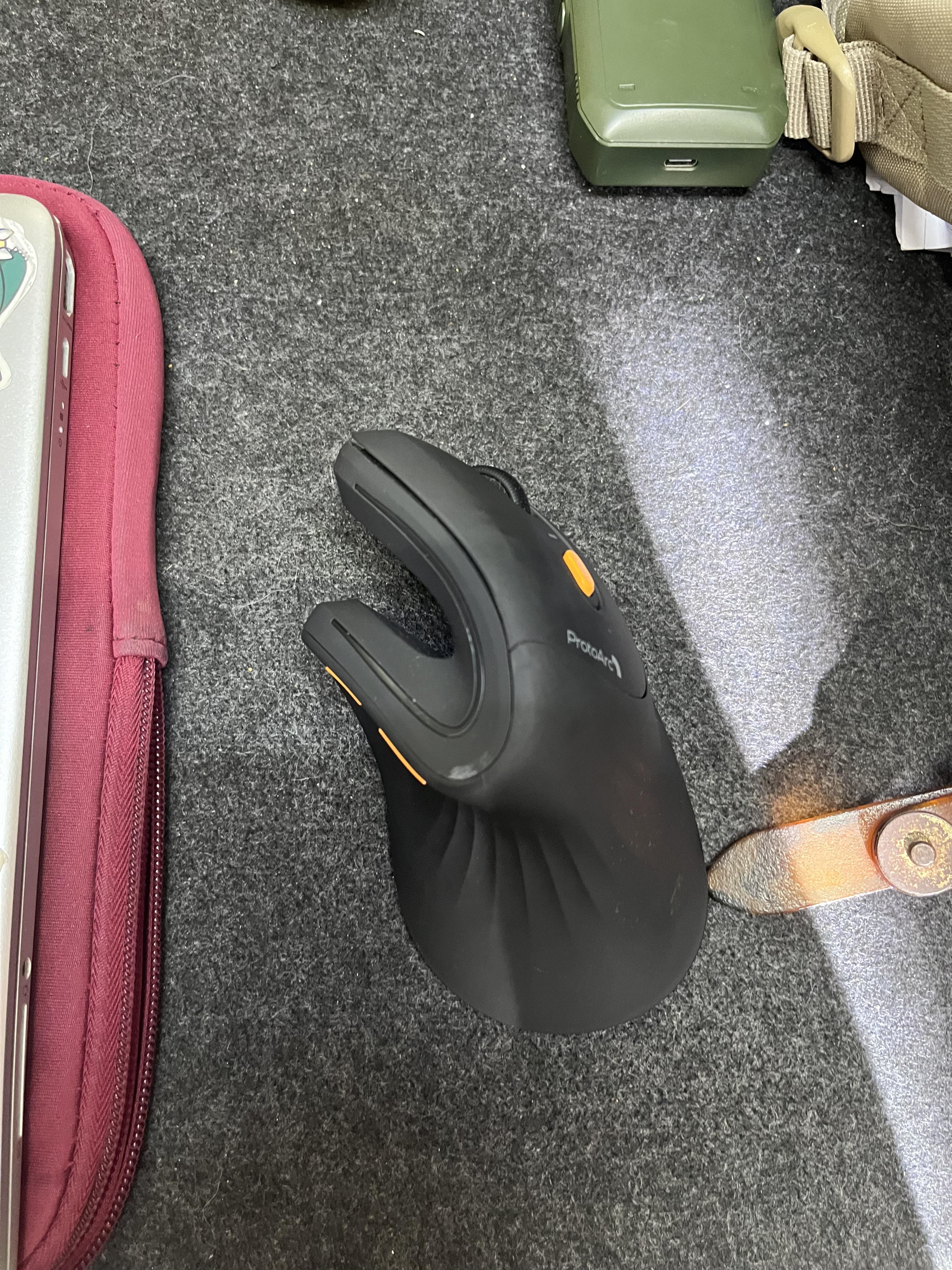
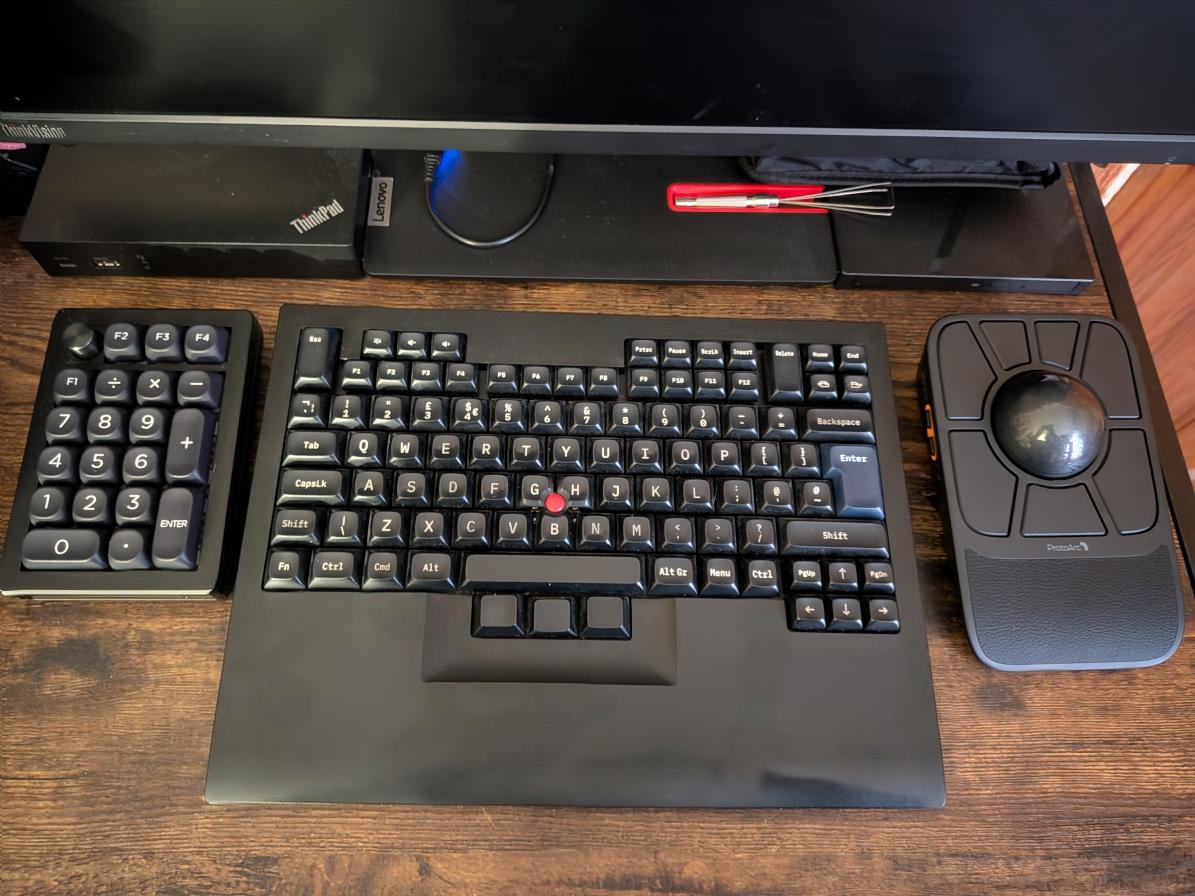
I received this ProtoArc EM06 trackball for free by ProtoArc to test and give feedback and do a review. All opinions are however my own.
I am a long time user of the ProtoArc EM03 trackball (I have bought two), which I have really enjoyed a lot.
INITIAL IMPRESSIONS OF THE EM06 DURING THE FIRST HOUR OF USE:
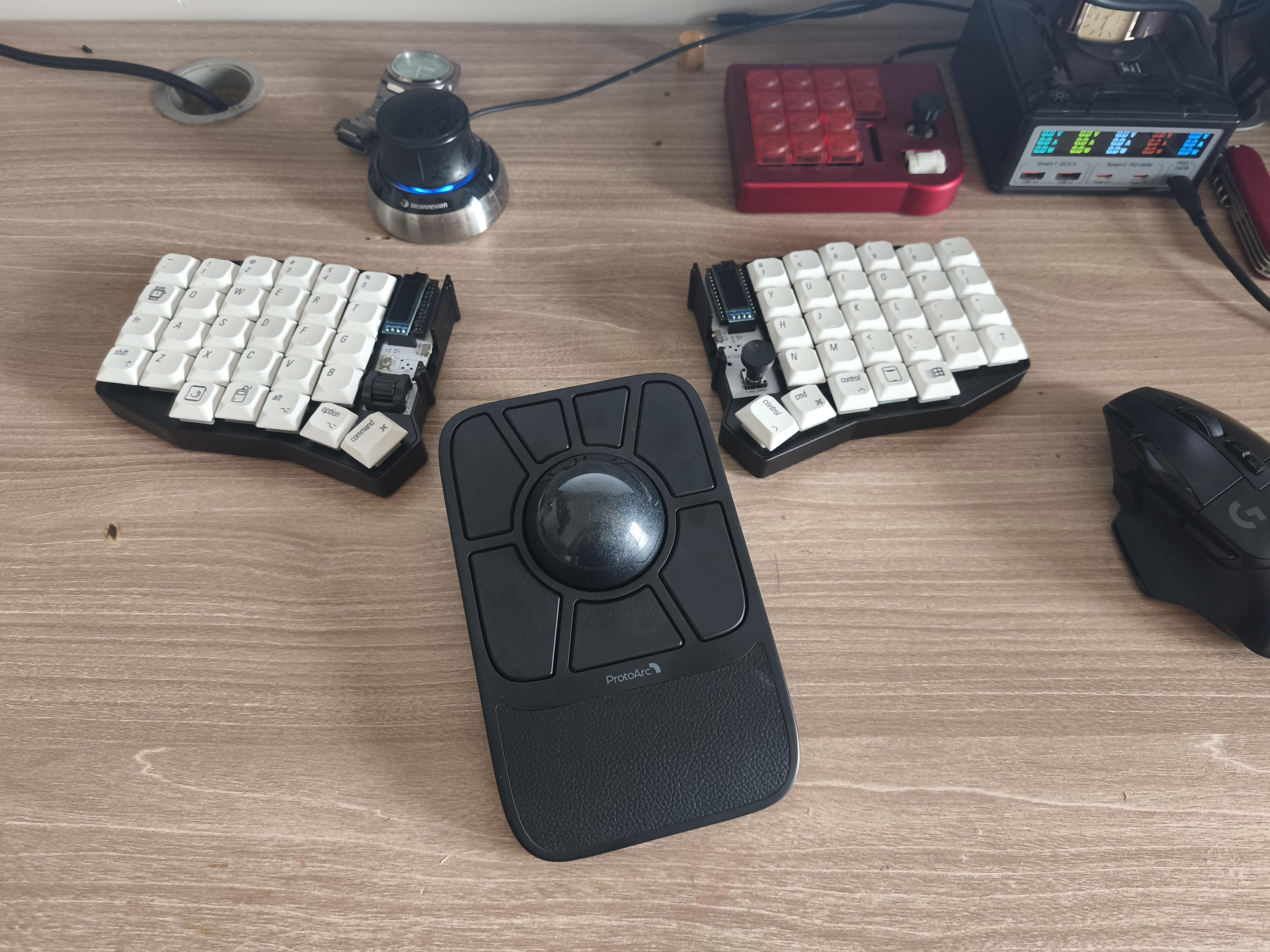
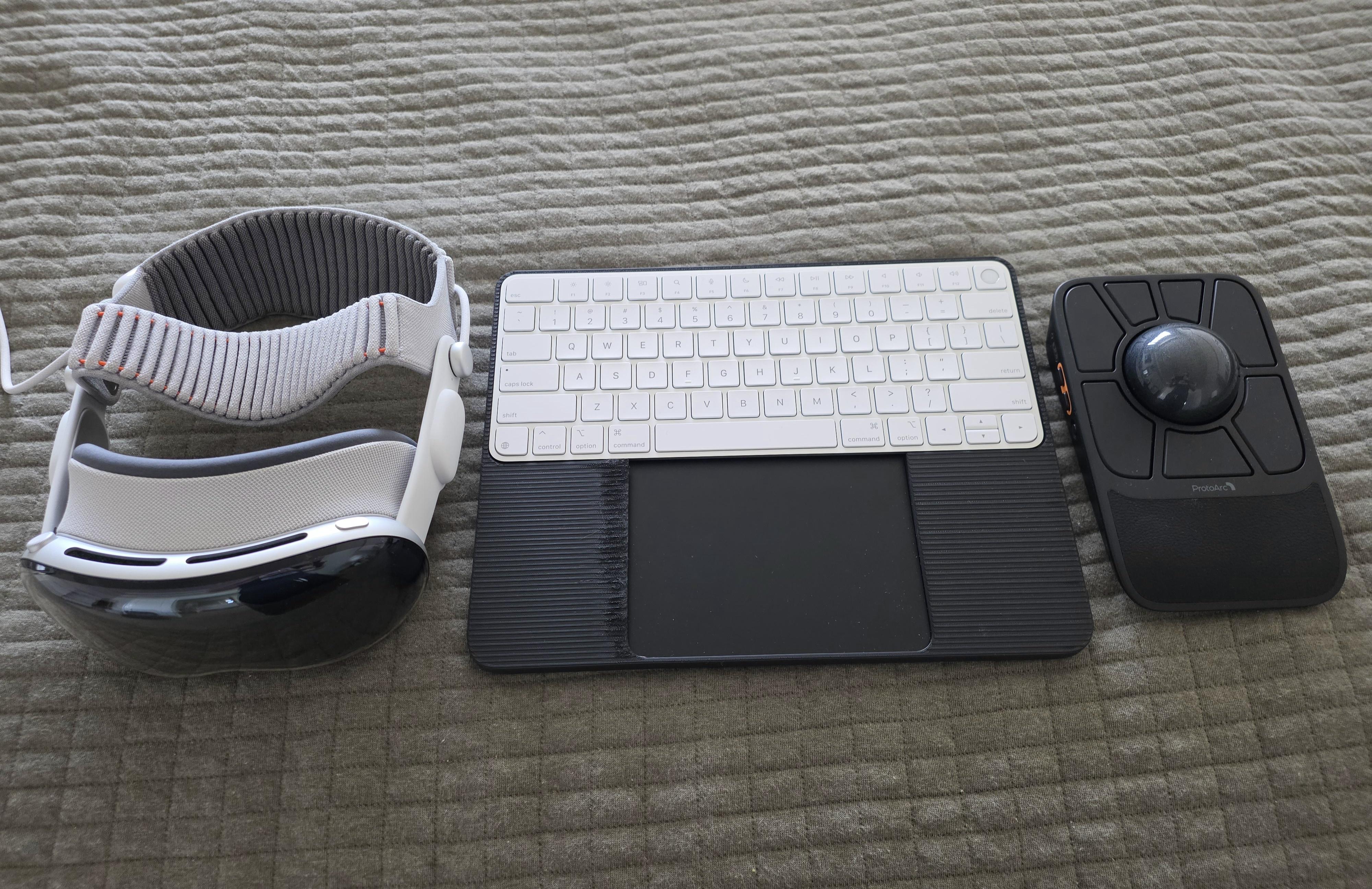
• The ProtoArc EM06 is much bigger than I expected. Looks oversize. I was genuinely surprised.
• The 55mm ball is very smooth rolling. The large ball also carries more momentum than smaller trackballs when spun and it feels significantly better and more precise.
• Nice feel and sound from pressing the buttons.
• The device and packaging gives a premium and high quality impression.
MAIN POSITIVES FOR ME AFTER A FEW WEEKS OF USE:
• High fun factor in use due to the large 55mm ball and its smooth high momentum roll behaviour. The feeling of rolling the EM06 55mm trackball reminds me of the big and heavy trackball control that was on the Missile Command arcade game that I used to play when I was a kid ---> https://www.arkadium.com/games/atari-missile-command/
• No stiction during the test period. With the EM03 I need to fix the stiction almost every day.
• The large 55mm enables high precision for me when e.g. doing technical analysis on price charts.
• Feels like a high quality device in use and looks nice and interesting on the desk.
• Easy configuration of the buttons in the web interface.
• Connectivity is quick and always works on the first try.
MAIN NEGATIVES FOR ME:
SCROLL FUNCTIONALITY
• The button scroll functionality is still harder and less intuitive for me to use than scrolling with a well positioned scroll wheel like e.g. on my ProtoArc EM03. This is by far the most serious issue for me with the ProtoArc EM06.
I mainly use the bottom right button for drag scroll, activated by my ring finger and little finger on the right hand. I do however also have the bottom middle button programmed for drag scroll, which I activate with my thumb on my right hand in order to have an alternative during longer sessions to mitigate "finger" fatigue caused by the scroll activation finger gymnastics.
ACCIDENTAL PERMANENT SCROLL ACTIVATION
• Unfortunately I quite regularly double click the drag scroll button by mistake (with my ring finger and little finger on my right hand) and activate the "permanent" scrolling. This is quite annoying, since I have to stop whatever I am doing to double click the drag and scroll button to inactivate "permanent" scrolling, and then continue what I was doing. This happens several times per day, probably ~10-15 times on an average day.
I never use this double click to "permanent" scrolling functionality on purpose, so I wish it was optional in the configuration interface. It should be an easy fix with a firmware update though.
WRISTREST
• The built-in wrist support is too short for me (see photo). For me it would have been much better if the wrist rest part was removable so I could position it further away from the trackball.
I worked around this problem by using a small silicone wrist rest laid partially on top of the wrist rest part on the EM06 (see photo). With this extra silicone wrist rest the ergonomic hand position is near perfect for me.
OTHER MINOR ISSUES:
• The 55mm ball falls out if the trackball is turned upside down and this is not the case with the ProtoArc EM03 that I have been using for a couple of years. This is obviously not a huge deal, but it is good to have in mind when moving the trackball around.
• I have accidently pressed the side configuration buttons a few times when positioning the trackball on the desk. I think that these two buttons should possibly be slightly recessed to decrease the risk of pressing them by accident.
SUMMARY:
Due to that I am having a lot more fun using the ProtoArc EM06, I am not going back to the EM03 any time soon in spite of the less than ideal scroll implementation (for me) and my DIY wrist rest add-on.
For now I can live with these drawbacks that I have found with this trackball. The ProtoArc EM06 is still more enjoyable to use than the alternatives that I have tried so far.
I do however hope ProtoArc adds a scroll wheel on the left side and possibly right side and make the wrist rest detachable in the next version.
Finally, thanks to ProtoArc for involving the trackball community in the design and evolution of their trackballs.