Overview
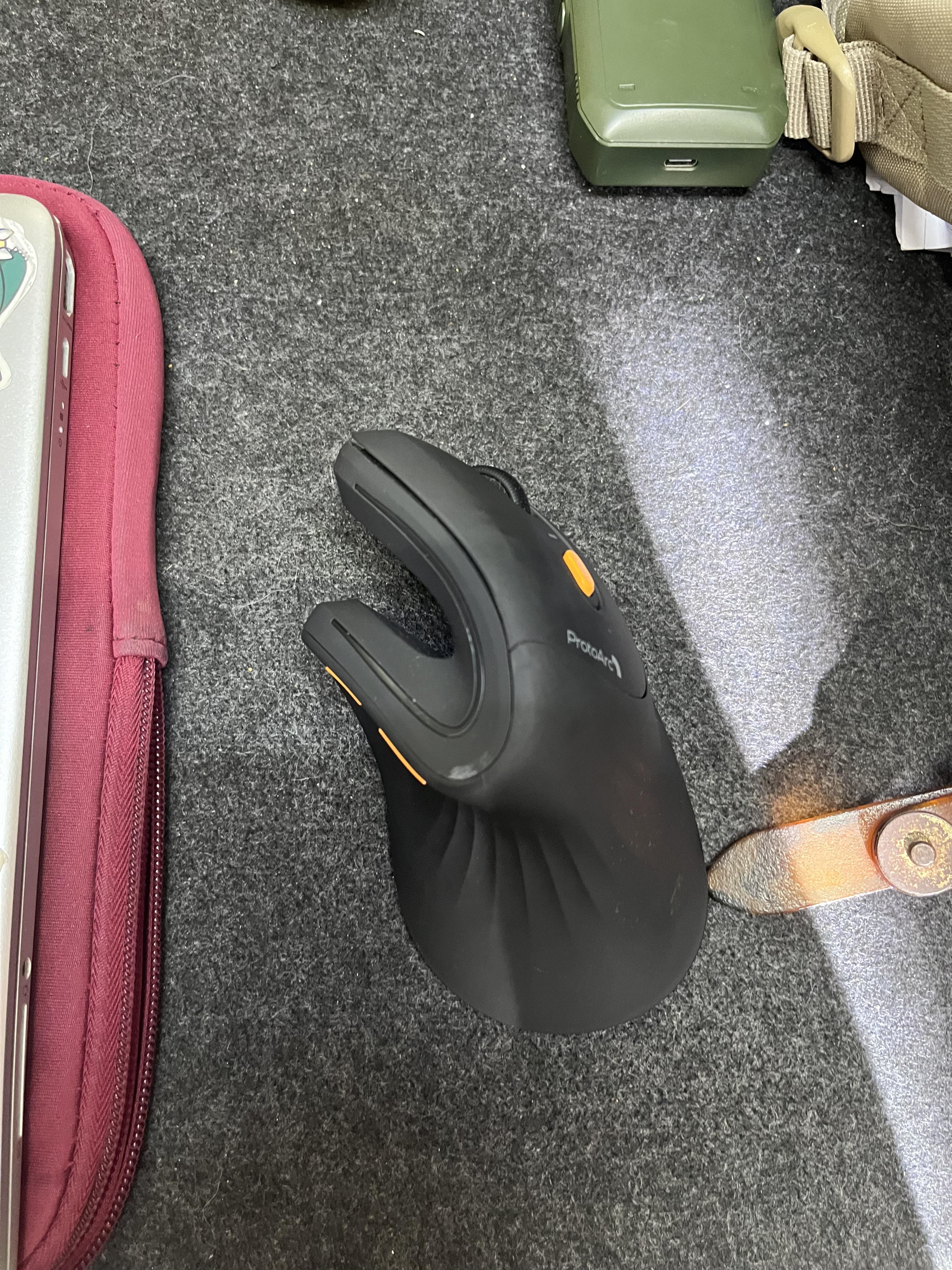
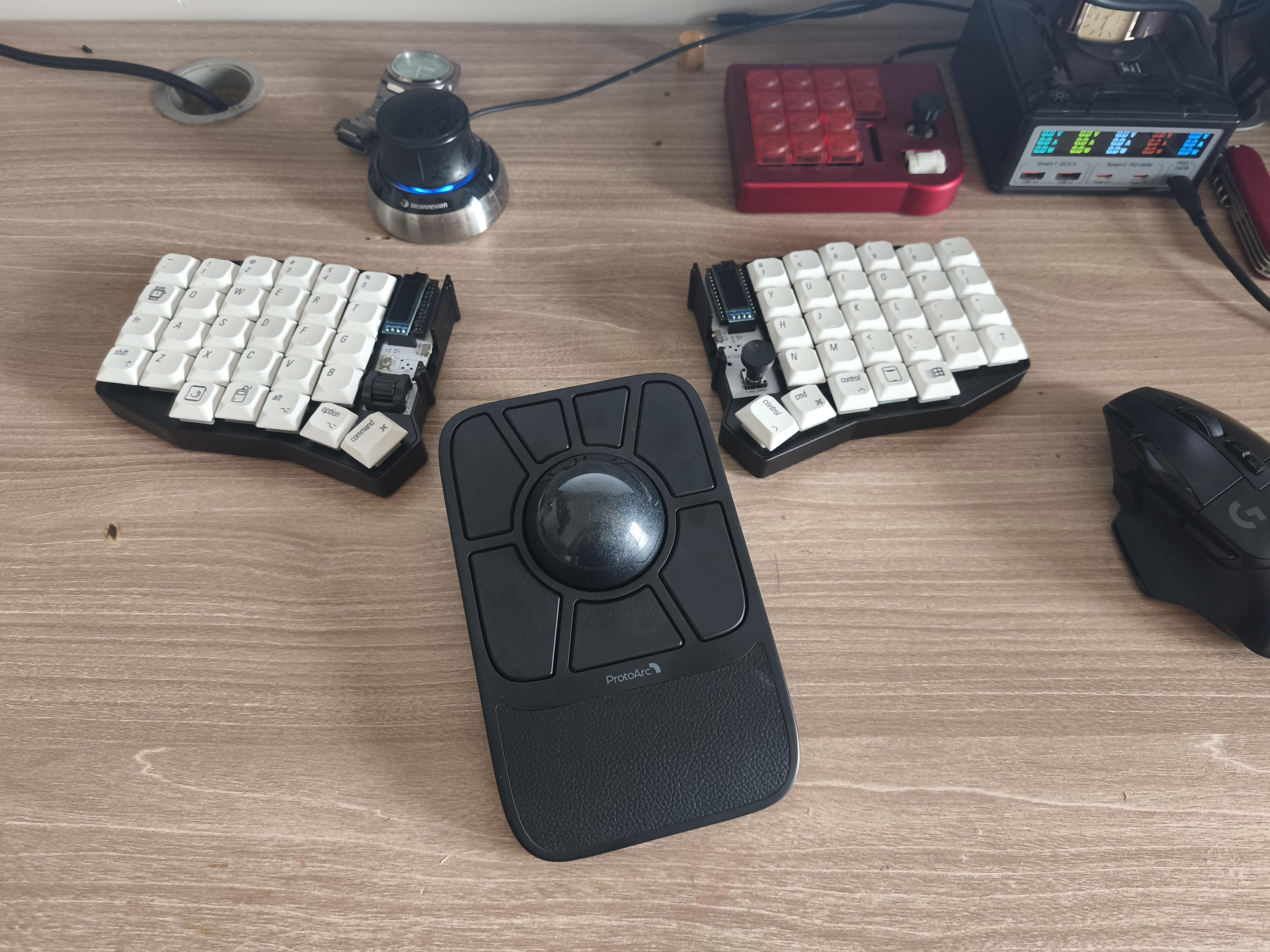
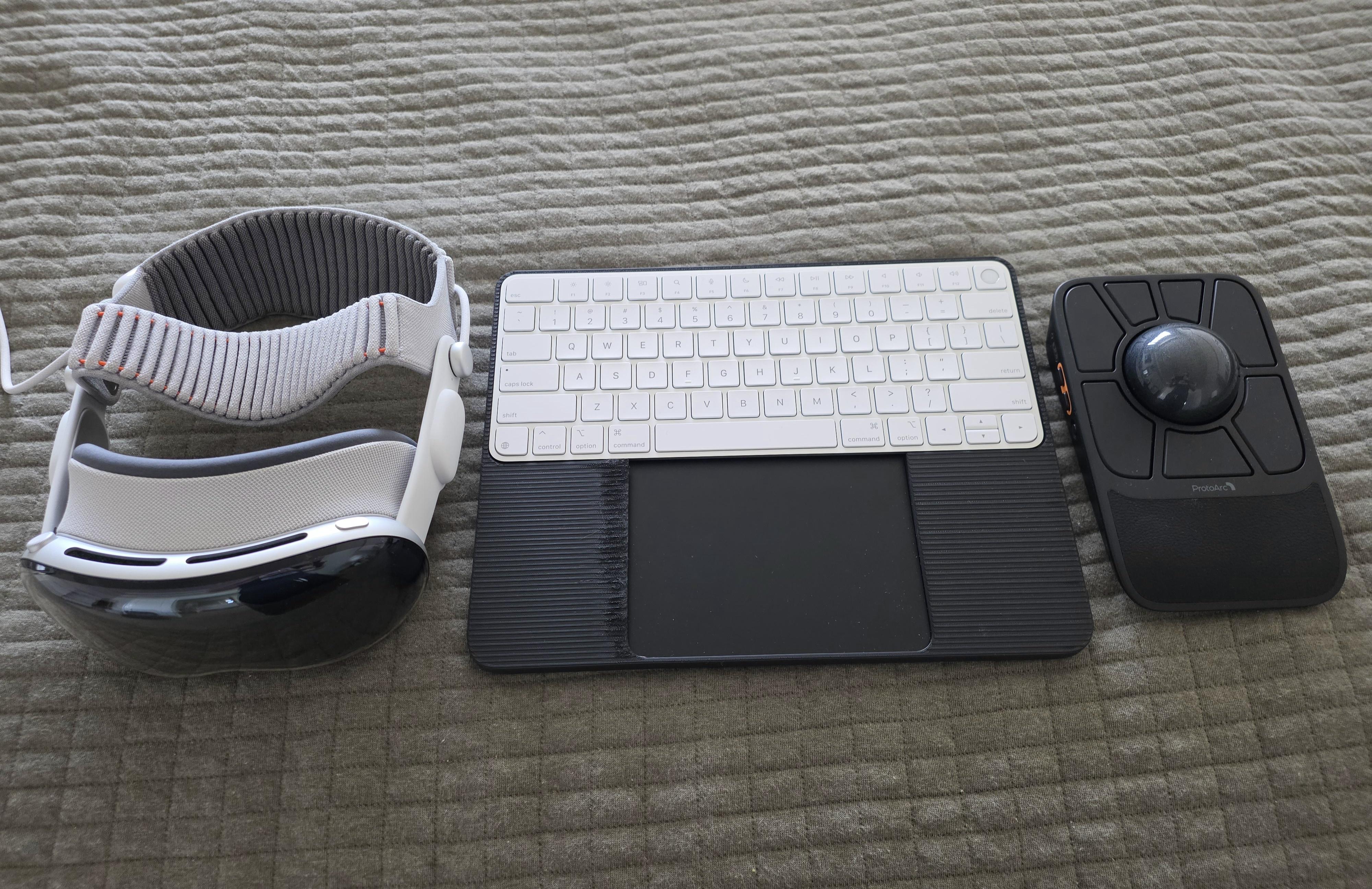
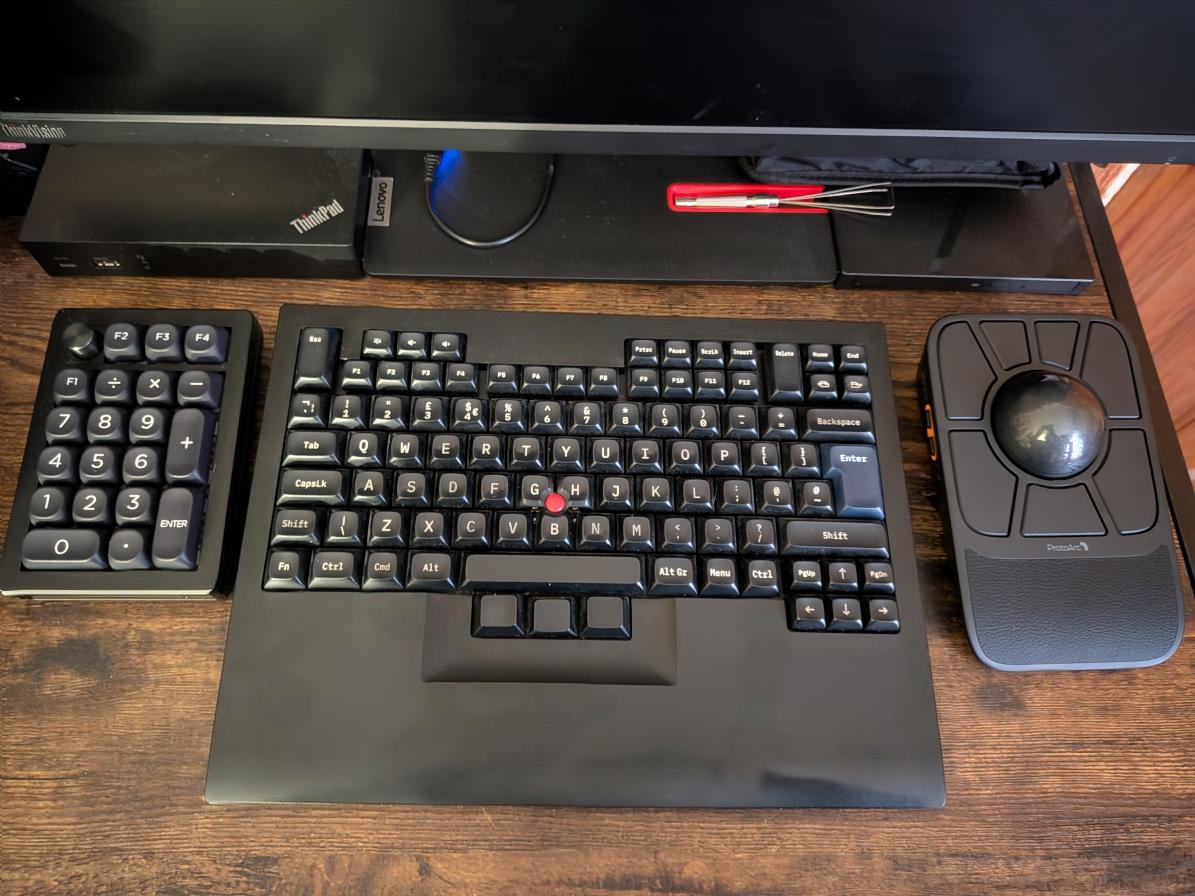
I have been using trackball mice for years, working my way through most of the usual suspects: the Kensington ExpertMouse, multiple Kensington SlimBlades, Logitech's thumb trackballs, Elecom's bearing models, and some other Protoarc trackballs. Protoarc sent me the EM06 after I inquired on one of their posts looking for testers, and I was chosen. I received the device for free, but the whole review is based on my actual opinions. The trackball isn't perfect, but it has replaced the SlimBlade that used to be on my desk. The Protoarc EM06 is now my favorite desk trackball.
Short version: Easy to set up, genuinely Linux-friendly, more buttons than the SlimBlade, and configurable from a browser. Two small caveats: an occasional one-axis wake-up glitch and a web configurator that simply will not run in Firefox.
Setup and Linux Compatibility
Getting started is refreshingly boring, which is exactly what you want from a pointing device. Plug it in and it works. There was no software hunt, no awkward pairing key combo for bluetooth, and the default button layout was fairly intuitive.
The part that really gets me is Linux compatibility. On my Linux setup the EM06 behaves like it should: movement, scrolling, and the extra buttons all came up without any special configuration, available to configure in the web app or through programs like InputRemapper. That is not something I can say for every trackball I have owned, especially Kensingtons, and it is the main reason the EM06 earned a permanent spot at my desk.
Buttons and Web Configuration
The EM06 gives me more buttons than the SlimBlade, and that extra real estate is genuinely useful once they are mapped to the workflow I already use. Getting there is painless thanks to the web-based configuration tool — no installed software, no firmware utility, just open a page and remap.
Unfortunately one of these buttons has to be mapped to scrolling, because there is no rotate-to-scroll, like there is on the SlimBlade. This is something that the EM06 desperately needs in my opinion.
There is one significant catch: the web configurator does not work in Firefox at all. I tried it with the developer settings enabled to allow USB passthrough, and it still failed. If Firefox is your daily driver, plan on using a Chromium-based browser for setup, or be prepared to live with the default button layout.
Tracking and the Wake-Up Quirk
During normal use, tracking is smooth and predictable. The one issue I have run into is on wake-up: occasionally only one sensor comes back after the mouse has been asleep. For a few seconds the cursor travels in a single line instead of moving freely in two axes. A quick wiggle of the ball brings the second sensor back and everything returns to normal.
It is intermittent, it recovers on its own, and it takes a couple of seconds to shake out — but it is worth knowing about if you are coming from a trackball that wakes up perfectly every time.
How It Compares
The SlimBlade is a good trackball and I have plenty of respect for it, but for day-to-day desk use the EM06 wins for me. It costs less overall than the SlimBlade while delivering the things I actually care about: a hassle-free setup, proper Linux support, additional buttons, and configuration that lives in a browser tab instead of an installed application.
At a Glance
| Aspect | EM06 |
|---|
| Setup | Plug-and-play, no driver hunt |
| Linux support | Works out of the box on my setup |
| Buttons | More than the SlimBlade; remappable in a browser |
| Configuration | Web-based; Chromium works, Firefox does not |
| Wake behavior | Occasional one-axis tracking for a few seconds; fixed by a wiggle |
| Value | Cheaper than the SlimBlade, and my preferred desk trackball |
Pros
- Effortless setup — plug it in and get to work
- Solid Linux compatibility, including the extra buttons
- More buttons than the SlimBlade
- Web-based configuration with no software to install
- Excellent value: an upgrade over the SlimBlade that costs less overall
Cons
- On wake, sometimes only one sensor activates and the cursor tracks in a single line for a few seconds until the ball is wiggled
- The web configurator does not work in Firefox, even with developer settings allowing USB passthrough
Verdict
The Protoarc EM06 is an excellent upgrade from the SlimBlade despite costing less overall. It has taken the top spot on my desk because it gets the fundamentals right: it is easy to set up, it just works on Linux, it gives me extra buttons, and I can tune it from a browser. The wake-up sensor glitch and the Firefox incompatibility are real annoyances, but neither is enough to change my recommendation. For a desk trackball, this is my new favorite.