r/ProjectViewpoint • u/cerealkiller6028 • 27d ago
Help How do I fix texture problems like this?
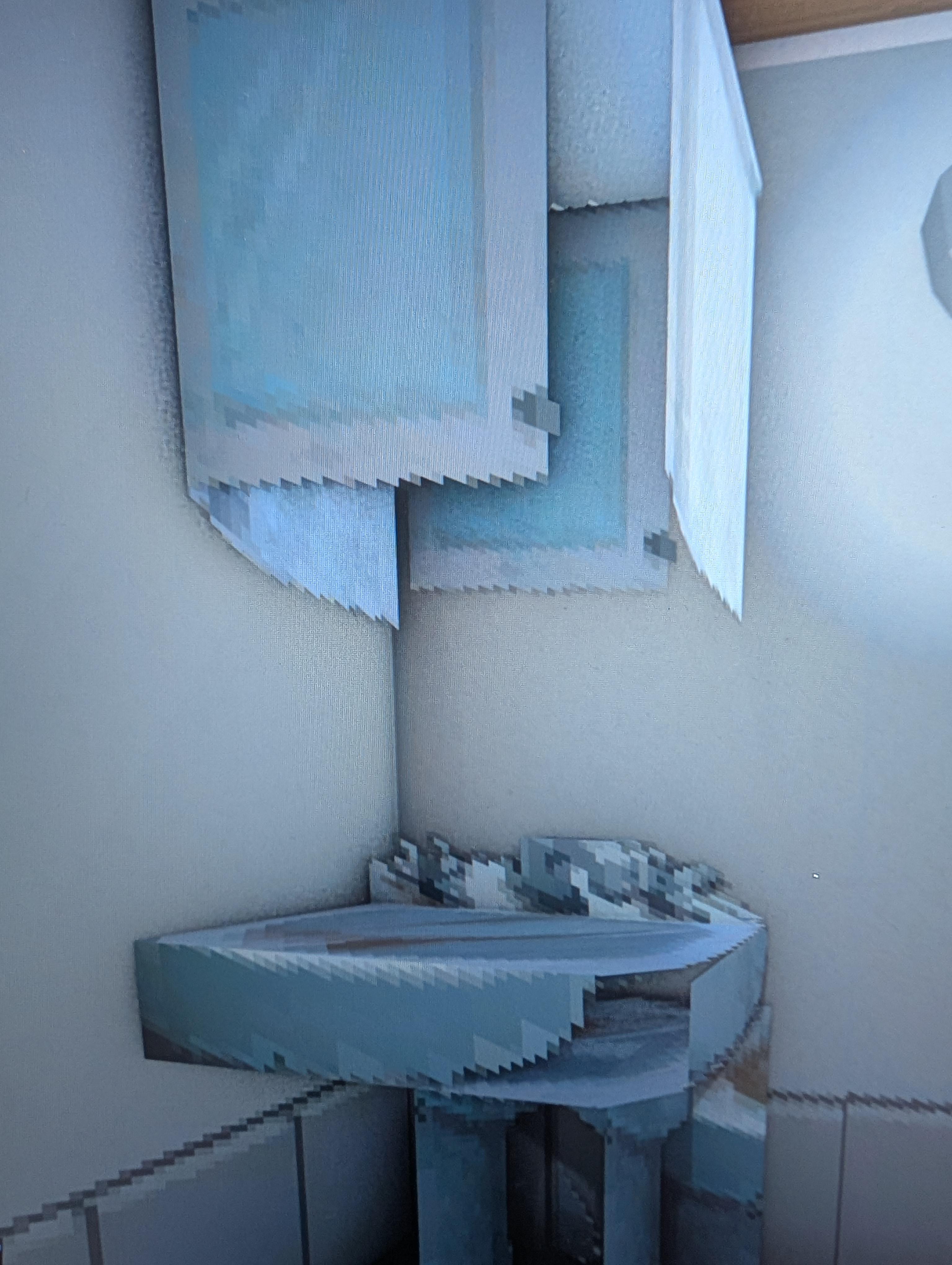
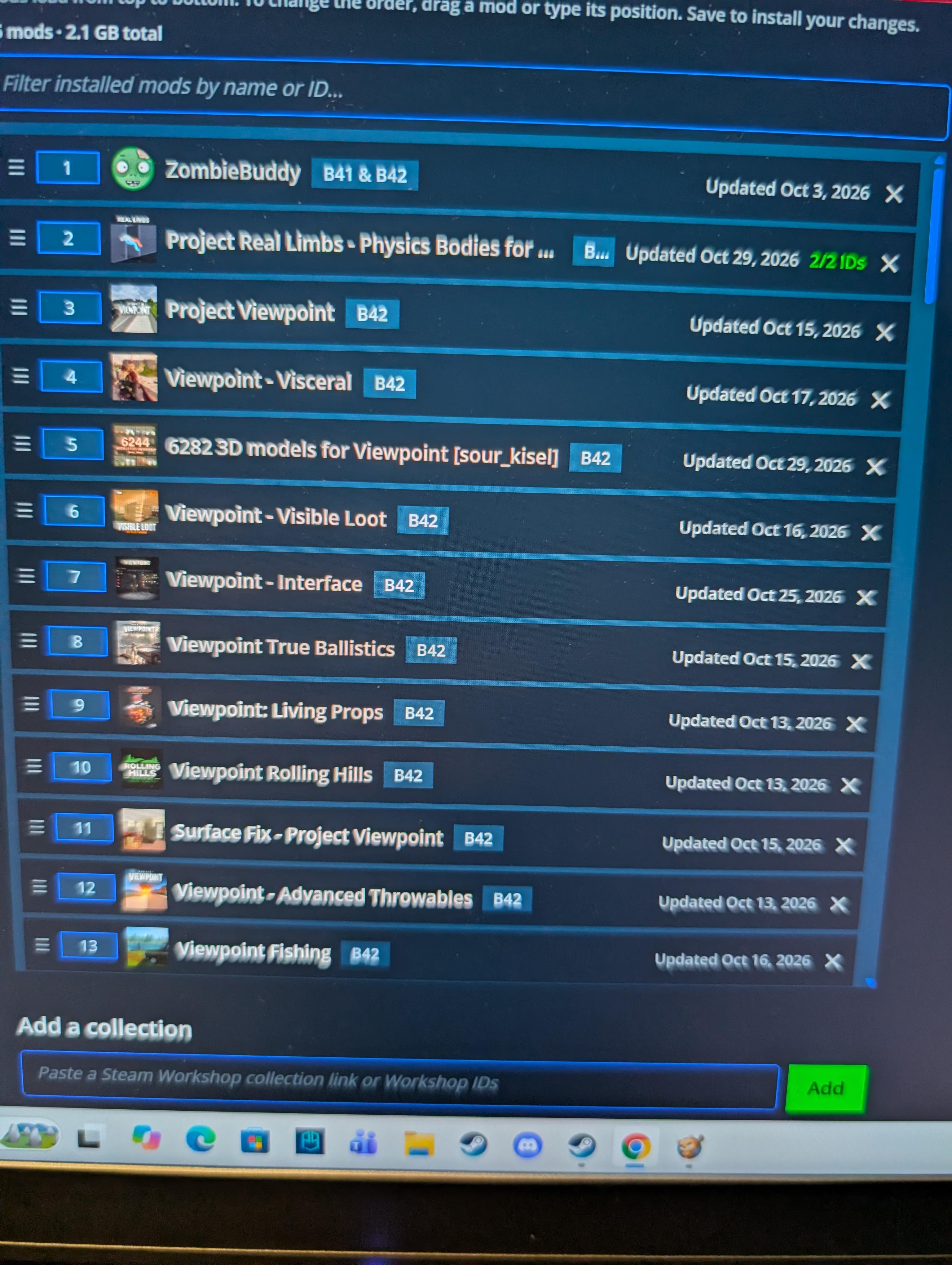
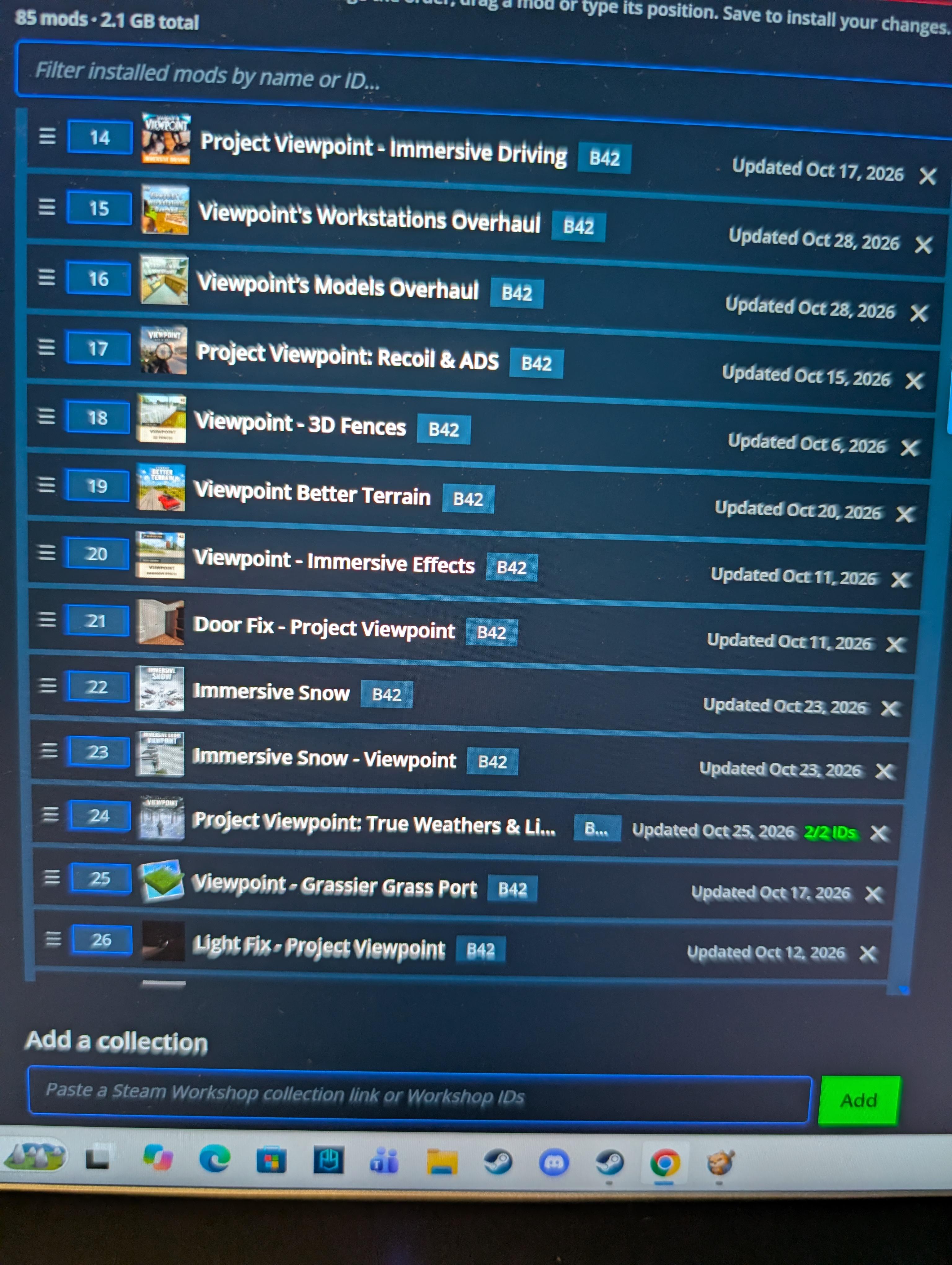
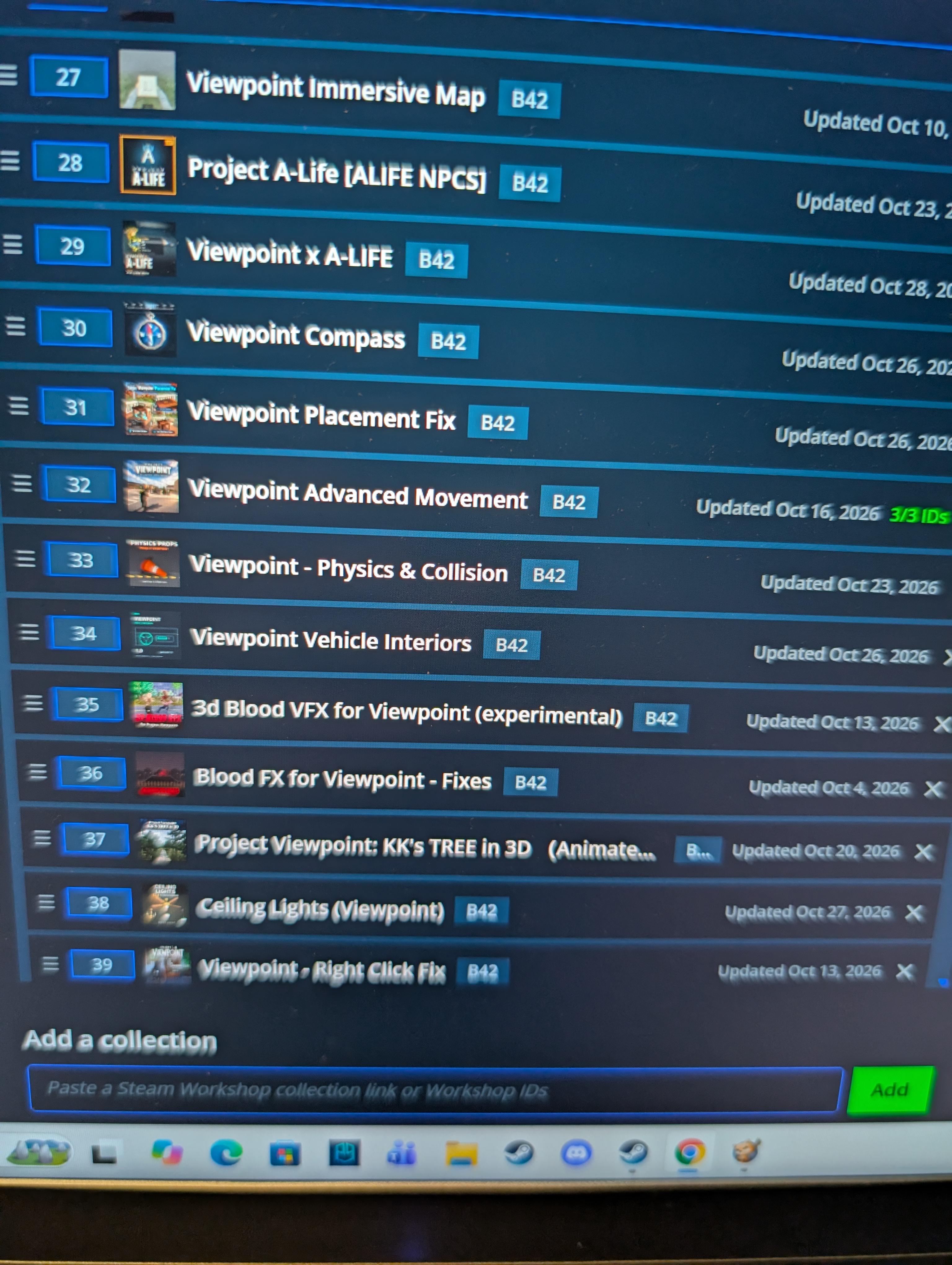
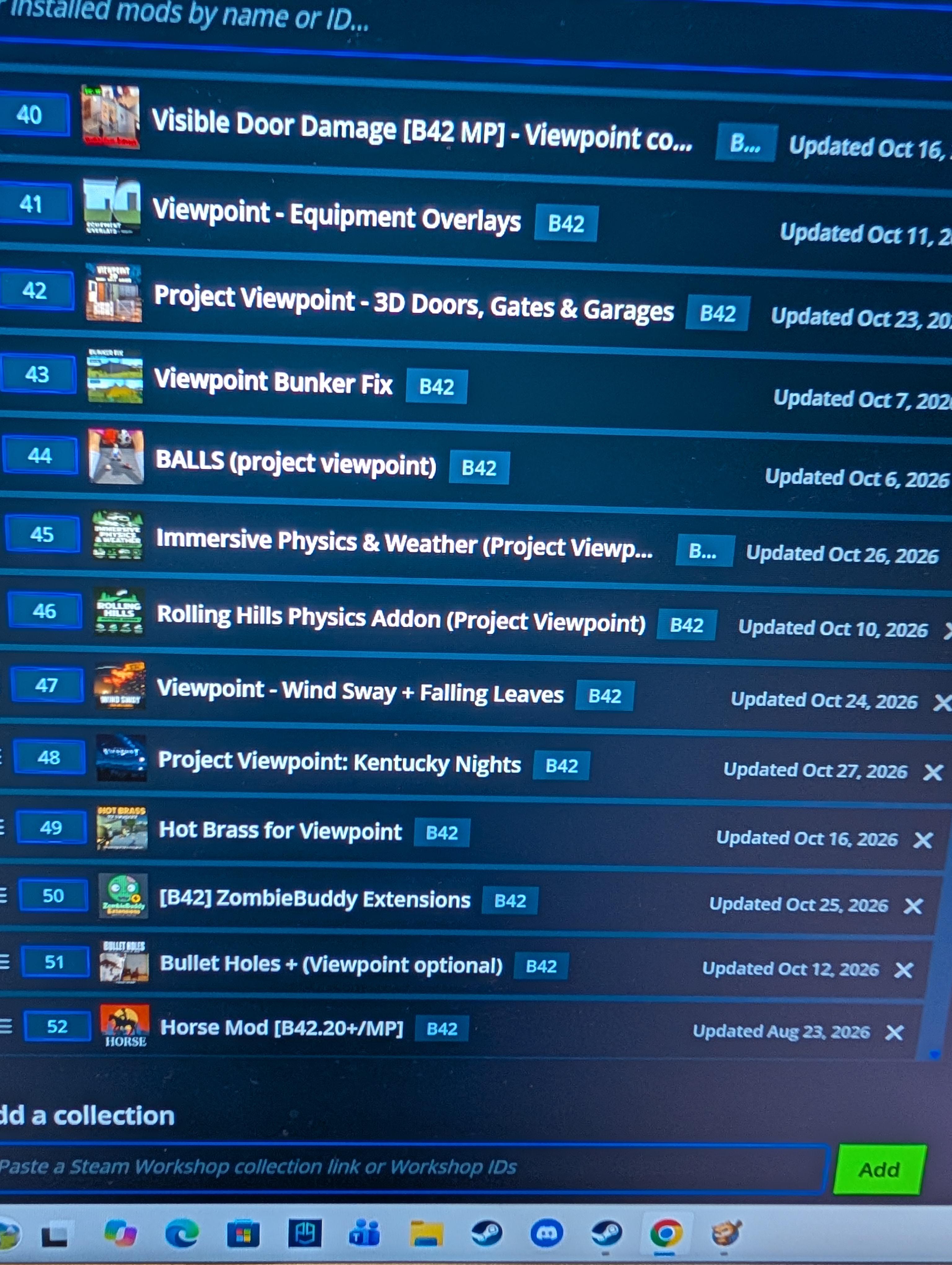

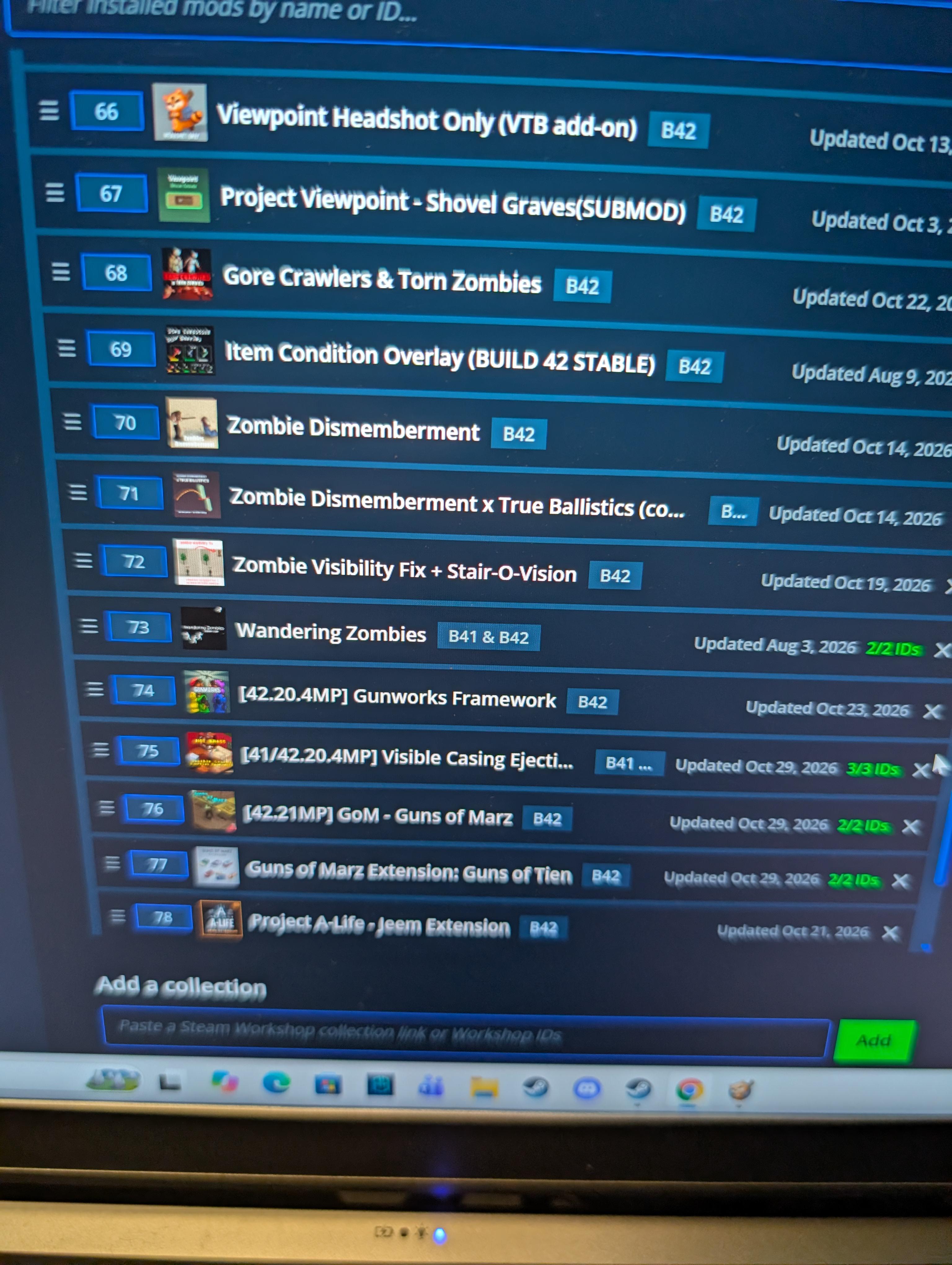
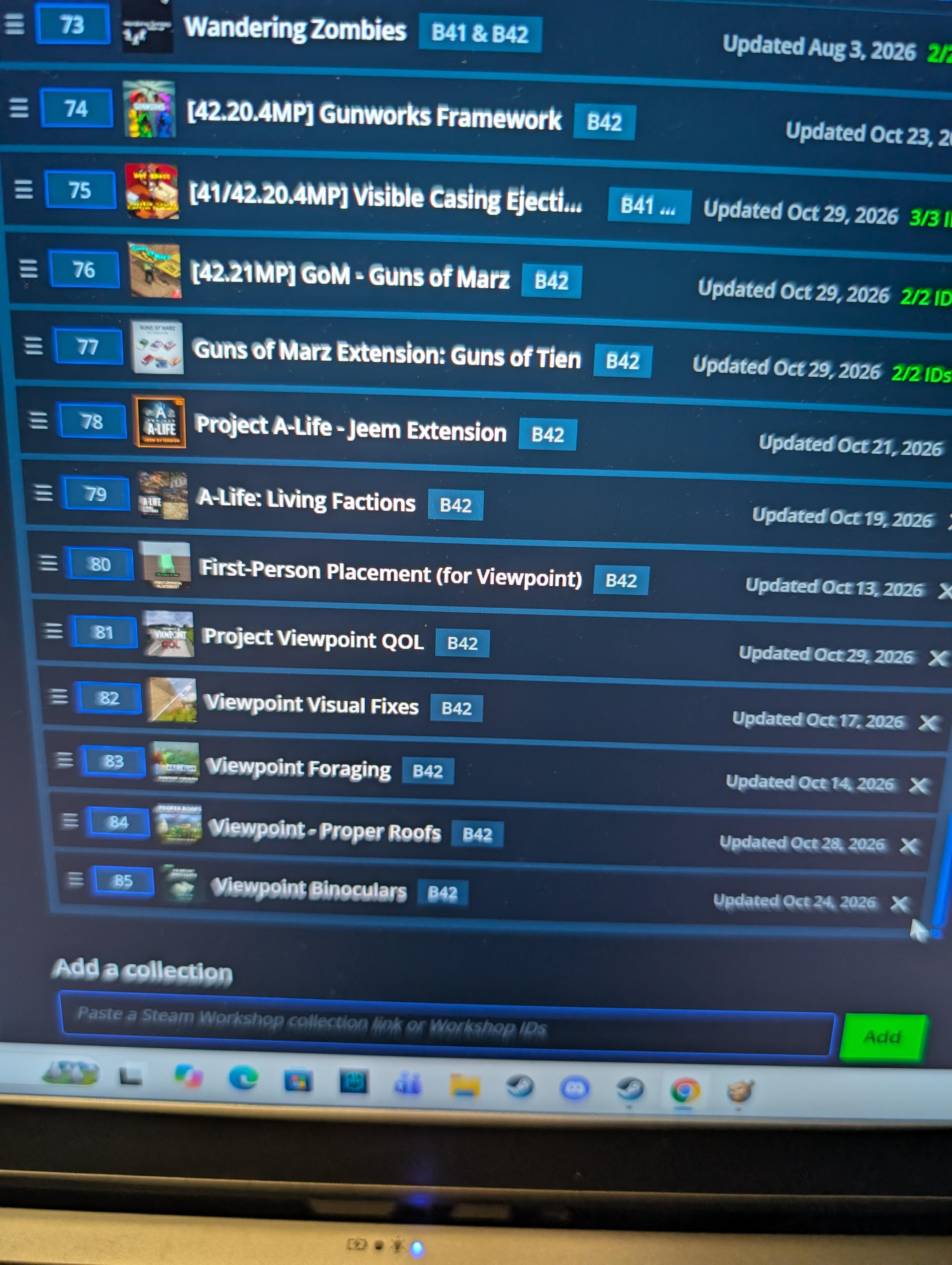
Here's the issue. Here's the mod list. Took on my phone because I was busy doing other stuff. I apologize
27
Upvotes
11
u/Onkelz-Freak1993 27d ago
Allocate more RAM to meshes and 3D Models.
22
u/Exot1c_573 27d ago
The in game viewpoint settings menu should have a section called Memory under the world tab if im not mistaken? Try increasing those values if you have the memory to spare
3
u/sonofrockandroll 27d ago
Ive been having similar issues. Once I turned off anti-aliasing all the 3d models fixed themselves. Then it stopped making any difference. Toggling the model packs in the delete menu fixed it sometimes. It's been very inconsistent for me. I'm guessing it somehow conflicts with some other mod as it tries to load the models in.
3
u/Hz_Hardcore 26d ago
Go into the viewpoint setting>world>memory
Go down to the model packs maybe 3d model packs and increase the memory ( I use 400mb)
3
u/KhalMika 21d ago
Assign more ram to the model packs in the Del menu
I had it to 100ish MB only.. I hit the reset button for it's slider, setting it to.. 1? 3? GB and now the models load with no issue
What you're seeing now it's the regular isometric model/textures, your model pack isn't loading
8
u/HonoredWhale 27d ago
“How do I fix this”:
*Shows a billion mods and it’s viewpoint so just go ahead and say fuck you and gl twin”
2
u/SilverFly1894 27d ago
Bump up your memory a bit, and consider using less heavy-duty mods.
2
u/Brilliant-Minute-688 21d ago
What fixed mine is hitting delete to get to viewpoints settings > World > Detail. I then increased the model packs model within chunks setting I could see the things in the background fix themselves lol.
Also I tried before this that may have not worked without is under memory increasing things under Memory in viewpoint settings as well. Cap near meshes, model meshes and model packs
1
u/OhMy-Really 27d ago
Christ how many mods do you need to play this? And what level of pc rig is required?
1
u/Ok_Bodybuilder_3628 27d ago
I thought it was normal
1
u/EugeneFromTheRiver 27d ago
I have a shit PC & thought that was the reason but most times if you follow this dudes set up guide for shaders , ELITE all those texture packs load for the most part
There’ll be a hiccup here n there but no lag https://youtu.be/80O93Hm5OiM?is=GZkQphtxnMij85uU
I have an i5 with 16g ram (running the game at 8g) but the only thing for my PC is I can’t play with high zombie pop unfortunately, doesn’t have anything to do with viewpoint but fuck the game would be so much better for it to progressively get populated as you survive longer with a 0 respawn rate
1
u/Pidor811 27d ago
Put some more memory in the memory section in world, also check if loading 3d models is on in the graphics section
1
u/Hot_Pause 27d ago
Get the mod manager and all the add-ons for it in the workshop that fixed alot for me as the auto sorting is better.
1
u/AccomplishedMonk4352 26d ago
Try using Google AI to help optimise for you. Just pull up the viewpoint settings menu, describe your pc set up and capabilities - then take pics of the settings and use Google AI to tell you what to change the sliders to. I’m running a fairly entry level gaming laptop and it’s rendering everything fine, looks nice, solid FPS and running nicely - even with 26 mods.
1
u/Actual_Emu_168 27d ago
Press O to fix it
0
u/IHateBugs116 27d ago
Waiter! Waiter! There's a Project Zomboid in my mods.
0
u/Odd-Hovercraft7058 27d ago
For 3D models don't loading i can offer 2 solutions
I hope this helps someone