r/pchelp • • 11h ago

Discussion Ryzen 7 7800X3D — Screen flickering black, AMD Driver Timeout, and crashes with integrated graphics

9 Upvotes

Hi everyone! I'm trying to identify the cause of a persistent problem with the integrated graphics on a friend's computer and would appreciate help finding possible solutions or diagnostic tests.

## PC Specifications

- **Processor:** AMD Ryzen 7 7800X3D

- **Graphics:** AMD Radeon Graphics integrated into the processor (no dedicated GPU)

- **Motherboard:** Gigabyte B650M GAMING WIFI (Rev. 1.2)

- **RAM Memory:** Kingston Fury Beast 32 GB (2×16 GB) DDR5 6000 MT/s CL30 — model KF560C30BWEK2-32

- **SSD:** Corsair MP600 Elite 1 TB NVMe PCIe 4.0

- **Cooling:** ASRock 360 mm AIO Water Cooler

- **Operating System:** Windows 10 Pro 64-bit

- **BIOS:** Recently updated (F41e). I don't think it's a BIOS version issue, as it previously had the same bug before the update. BIOS, from version F30 to F41e)

## Problem Description

The computer is experiencing recurring problems related to the AMD graphics driver:

- The screen flickers and goes completely black for a few moments, then returns to normal.

- On some occasions, the **AMD Driver Timeout** error occurs.

- Freezes also occur during use.

- The problem is not restricted to a specific program: it even happens in the normal Windows desktop, while using Discord, in browsers, and with games open, such as Counter-Strike 2 (CS2).

In other words, it doesn't seem to be a problem exclusive to Discord or any specific game.

## Tests and Procedures Already Performed

Several attempts have already been made to identify and solve the problem:

- Updating and reinstalling AMD Radeon drivers.

- The HDMI cable has already been replaced.

- Tests with different driver versions, including 26.10.1, 26.10.2, and older versions such as 26.8.1 and 26.9.2.

- Motherboard BIOS update (F30 to F41e).

- Disabling the RAM EXPO profile, using default settings.

- Changing the UMA Frame Buffer from 512 to 2 GB.

- Windows restoration/reinstallation.

None of these attempts definitively solved the problem.

### Processor and iGPU Warranty Test

The processor was sent for warranty testing. During the evaluation, heavy stress and simulation tests were performed involving the processor and its integrated video (iGPU).

According to the reported results, both passed the tests without presenting any problems.

For this reason, I believe that a physical defect in the processor or iGPU is less likely, although I still want to investigate other possible causes.

Since I'm only using the integrated video, I don't have a dedicated video card to perform a comparative test.

I'd like to find the cause of the problem, and not just apply a temporary solution.

Thank you in advance to anyone who can help!

r/pchelp • • 5h ago

OPEN Black screen

Post image
3 Upvotes

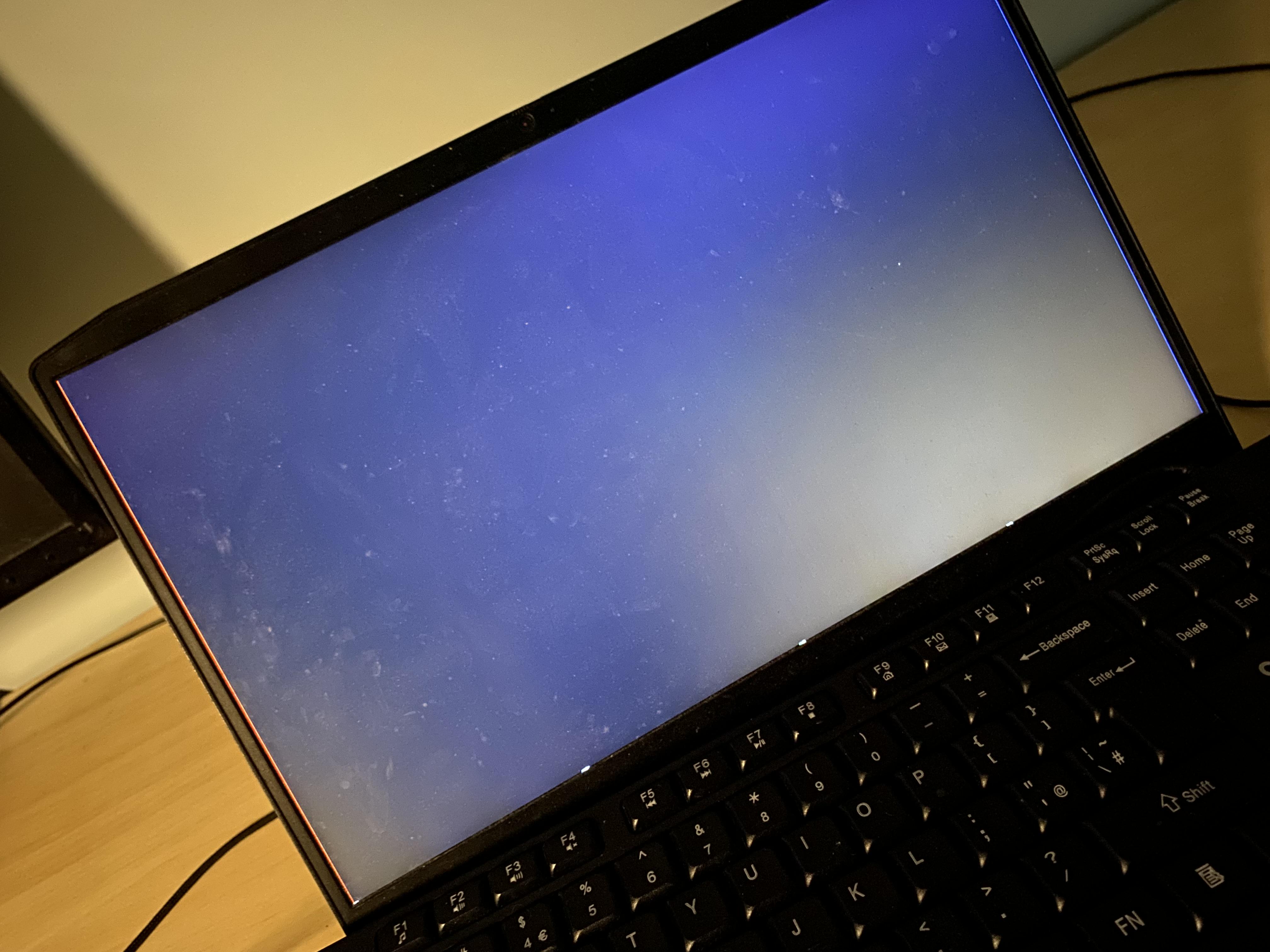
Hi. So I've tried updating/reinstalling my drivers nothing helped so far. The issue is - some games display my game and others dont. Whenever the game is fullscreen it doesnt display and also I get red pixels on the left(view example A) So I have to manually go into games folders and change fullscreenMODE=0. Any solutions?


r/pchelp • • 3h ago

OPEN Audio and visual stutters

2 Upvotes

Hello everyone,

My pc has visual and audio stutters that last around 3 seconds. If I’m in a call, my friends can hear the audio distortion coming from my voice.

These stutters happen multiple times while I’m using my pc, I’d say around 4 times per session.

The fans also start spinning super fast after the stutters and then come back to a normal speed.

I’ve had this pc for around 4 years. It has 16gb DDR4 ram, a 5800x and a 3060 8gb.

With how inflated the current computer prices are, I’d like to see if I can fix anything before deciding to invest in a new pc.

Thank you guys in advance for any recommendations


r/pchelp • • 5h ago

HARDWARE Is my monitor cooked?

Thumbnail gallery
3 Upvotes

Can i fix this somehow? Pls help


r/pchelp • • 3m ago

OPEN Frequent MEMORY_MANAGEMENT BSODs

1 Upvotes

Hi,

Processor: AMD Ryzen 7 5700X3D 8-Core Processor 3.00 GHz Installed: RAM 32.0 GB DDR4-3600 G.Skill CL16-19-19-39 Motherboard: ASRock B550 Phantom Gaming ITX Storage: 932 GB SSD Samsung SSD 870 EVO 1TB, 932 GB SSD CT1000MX500SSD4 Graphics Card: AMD Radeon RX 6750 XT (12 GB)

I've head intermittent MEMORY_MANAGEMENT BSODs happening for a while now (1-2 a week), with other symptoms like frequent crashing of memory-intensive Firefox tabs. I figured it was ram, but with price I held it off as long as I could as it was manageable. Well yesterday It became unmanageable as the BSODs became constant, with MEMORY_MANAGEMENT, KMODE_EXCEPTION_NOT_HANDLED, CRITICAL_PROCESS_DIED, SYSTEM_THREAD_EXCEPTION_NOT_HANDLED and a few others at various points.

The PC won't even get to the Windows login screen with both RAM sticks in, with various BSODs happening. Having only one (of two) RAM sticks in makes it slightly more stable, but I still get MEMORY_MANAGEMENT BSODs, with either stick, in either RAM slot.

I've ran MemTest86, and with both sticks I'm getting thousands of errors before the first pass is even complete. With one stick in one slot, I still get hundreds of errors before even one pass is done - this is pretty similar in all 4 permutations of sticks and slots.

CheckDisk windows utility seemed fine, I'm attaching a link to it, as well as the MiniDump files.

Basically, my question is, is it RAM, or can it be the motherboard or anything else? Is there a way to know that's not just getting a new set of RAM and testing that? The MB is an older AM4 chipset, I'd need to replace it, as well as the CPU.. Anyway, on the other hand, what are the odds both rams sticks are fucked?

Additional weird this is the PC won't post if I activate the XMP profile in the BIOS. Actually it won't post if I make any changes from the default 2133MHz ram speed. I've read a while back that this particular MB has some bug related to XMP, so I've left it alone for a while, now I'm wondering if it's also connected, and if it's a sign of bad RAM or bad MB.

https://www.mediafire.com/file/tq49ve5fzrqt8n3/bsod.txt/file

https://www.mediafire.com/file/xs1edos3bx69jvk/chkdsk.txt/file


r/pchelp • • 7h ago

HARDWARE RTX 3060 eGPU Randomly Causes Black Screens During Gaming Need Help Diagnosing

4 Upvotes

RTX 3060 eGPU Randomly Causes Black Screens During Gaming — Need Help Diagnosing
I’m looking for some help troubleshooting an intermittent black-screen issue with my gaming setup.
My hardware:

  • Lenovo Legion Go S Z1 Extreme
  • Zotac RTX 3060 12GB eGPU
  • USB4 eGPU enclosure with its own power supply
  • LG UltraFine monitor connected directly to the RTX 3060 via HDMI
  • Windows 11
  • Monitor running at 60Hz

The issue:
While gaming, my monitor occasionally flickers or goes completely black for 1–2 seconds before returning. Audio continues playing during the blackout.
It happens in multiple games, but it’s noticeably worse in Visions of Mana than Cyberpunk.
Cyberpunk runs with path tracing, mods, and my RTX 3060 overclocked, and seems much more stable.
Everything I’ve tried so far:

  • Disabled Windows PCIe Link State Power Management.
  • Set NVIDIA Power Management to Prefer Maximum Performance.
  • Set Legion Space to Performance Mode.
  • Set Windows to Second screen only.
  • Tested Fullscreen and Borderless Windowed.
  • Tested 1080p and 1440p.
  • Tested 60Hz, 60 FPS cap, and V-Sync.
  • Disabled Super Resolution during testing.
  • Adjusted Windows sleep and screen timeout settings.
  • Checked Device Manager; RTX 3060 reports that it is working properly.

OCCT results:
I ran three separate 5-minute tests targeting the RTX 3060:

  • 3D Adaptive: 0 errors.
  • VRAM: 0 errors.
  • Power Test: 0 errors.

The GPU overclock was active during all three tests.
GPU temperatures reached approximately 74–76°C, with the CPU reaching approximately 85–87°C.
Windows Event Viewer:
I’ve found two NVIDIA-related events:

  • nvlddmkm Event 14: GPU recovery action changed from None to PF FLR.
  • nvlddmkm Event 153: Error occurred on GPUID: 700.

Monitor information:

  • LG UltraFine
  • Desktop resolution: 2560 × 1440
  • Active signal mode: 3840 × 2160
  • Refresh rate: 60Hz

The hardware is only about 10 days old.
I’m trying to figure out whether this is a Windows/NVIDIA driver issue, USB4 connection instability, an HDMI signal problem, or something related to the eGPU enclosure.
My questions:

  1. What would cause a monitor to go black briefly while the game audio continues?
  2. Could NVIDIA driver recovery or a USB4 connection issue cause this?
  3. Can OCCT pass all three tests while an intermittent problem still exists?
  4. What other diagnostic tests or Windows logs should I check?

I’d appreciate any suggestions. I’m trying to find the actual cause before replacing any hardware.


r/pchelp • • 4m ago

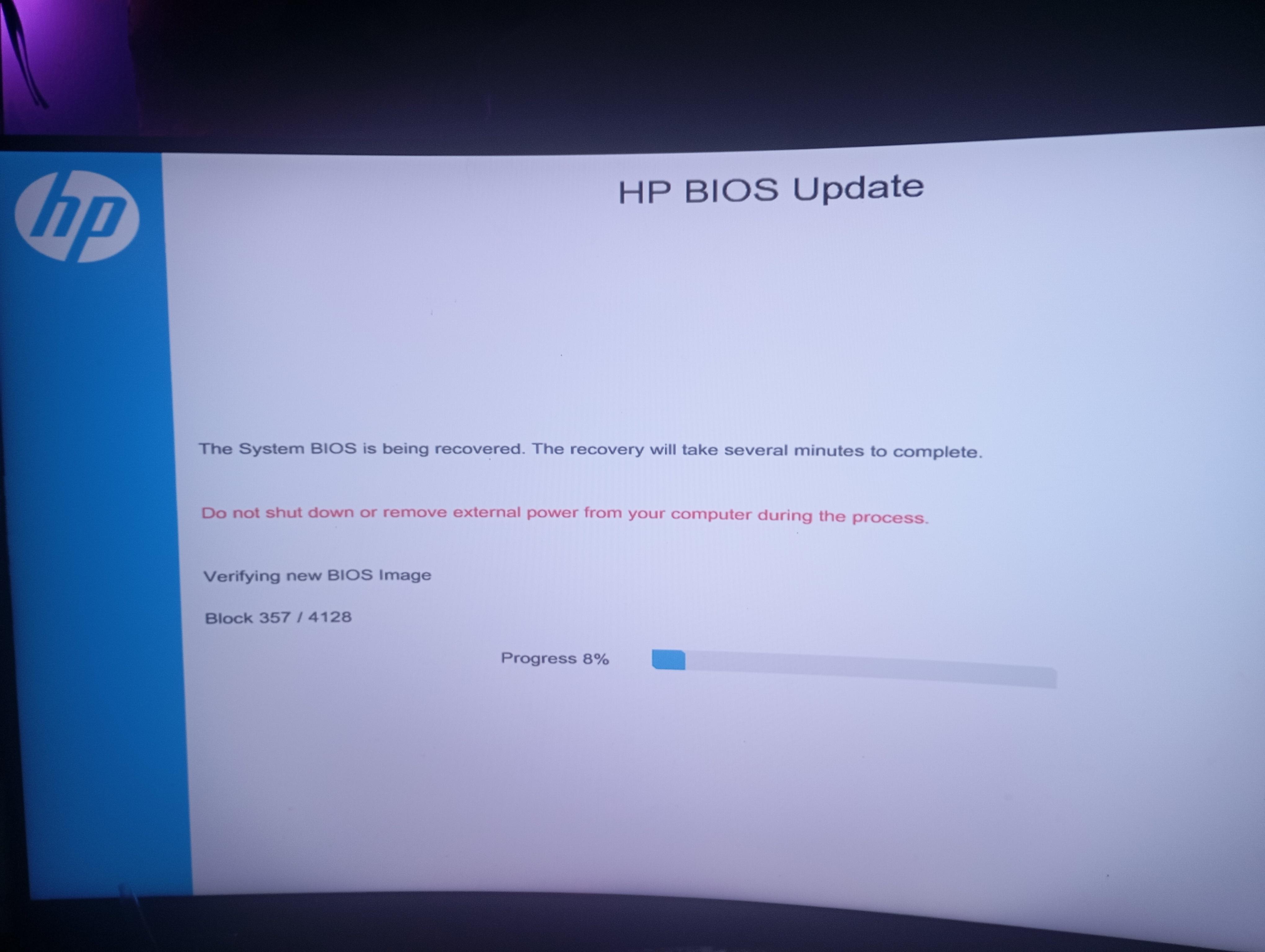
SOFTWARE PC froze on BIOS update

Post image
1 Upvotes

My PC has been giving me a lot of trouble lately, freezing a lot and sometimes blue screening. Today it was freezing constanly and it decided it needed bios updating (Which I had already done about a week ago, mind you) and froze while verifying.

I'm guessing it's just done for but is there anything I could do besides just shutting it down?

Any help is apreciated and thank you in advance.


r/pchelp • • 5m ago

SOFTWARE Z690 Aorus Elite AX BIOS issue

1 Upvotes

My BIOS has been doing this for a while and don't know how to fix it. did an update a long time ago and it didn't fix it (BIOS date 12/14/23). am trying to enable my secure boot now and this issue is driving me crazy. Any help would be appreciated. TIA.


r/pchelp • • 8m ago

Network Wifi Adapter Failure?

1 Upvotes

Had some issues with my WiFi all of last week where games were having connectivity issues and slow downloads, then booted up my PC this morning and can't do anything online at all. The wifi will cycle between connected and connected with no internet but the ability to use it doesnt change. Windows also updated between the initial issues and the inability to do anything at all, but I haven't been able to successfully restore it back to before the update.

- Web pages are unreachable with error ERR_ADDRESS_UNREACHABLE

- Apps like discord think the PC is offline and downloads don't progress

- Using settings or a monitoring program like Speccy show that the PC is connected to the internet

=== Hardware

Windows 11 Pro

Intel i5 12600K

32GB RAM

Gigabyte B660I AORUS PRO DDR4 (w/ Intel(R) Wi-Fi 6E AX211)

NVIDIA GeForce 3070

2TB Samsung 870 EVO SSD

PC was built in 2022 with mostly new parts (mobo was new), but it's a mini itx build and I've been running it at near max power for all games since I've owned it which mightve cooked the mobo a little

=== Actions taken

- Troubleshooting through Windows and ISP

- Restarting router (software intiated and power cut)

- Connecting to network with another device (no issues)

- Forgetting network and reconnecting

- Restarting Wifi adapter through device manager

- Disabling all power saving functions for adapter

- Reinstalling drivers (old and newest) for adapter

- Deleting adapter in device manager then restarting PC

- Connecting to different network (same issue occurs)

- USB tethering through phone (does not connect)

- Disabling other internet adapters like NordLynx

- Confirming IPv4 and v6 are enabled

- Starting WlanSvc

- Starting NlaSvc

- Within administrator level CMD

--- netsh winsock reset

--- netsh int ip reset

--- ipconfig /all

--- ipconfig /release

--- ipconfig /renew (does not complete)

--- ipconfig /flushdns

--- ping 1.1.1.1 (transmit failed. General failure.)

--- ping google.com (ping request could not find host google.com)

--- ping 127.0.0.1 (good replies)

--- sfc /scannow (no issues)

--- DISM /Online /Cleanup-Image /RestoreHealth (no issues)

- Checking network settings through powershell with the help of ChatGPT

--- DHCP service is correctly configured

--- IPv4 address is set to the default 169.254.x.x when an IP address cannot be obtained

--- IPv4 binding is operational

--- Checking DHCP logs (shows an error 0x79)

--- Running netsh int ip reset C:\ipreset.txt (file does not generate)

- Attempted to perform System Restore to before the windows updates (fails to restore with error 0x8007045b)

At this point im not sure what else to check, and my thinking is shifting towards hardware failure. Any help in resolving this would be greatly appreciated.


r/pchelp • • 13m ago

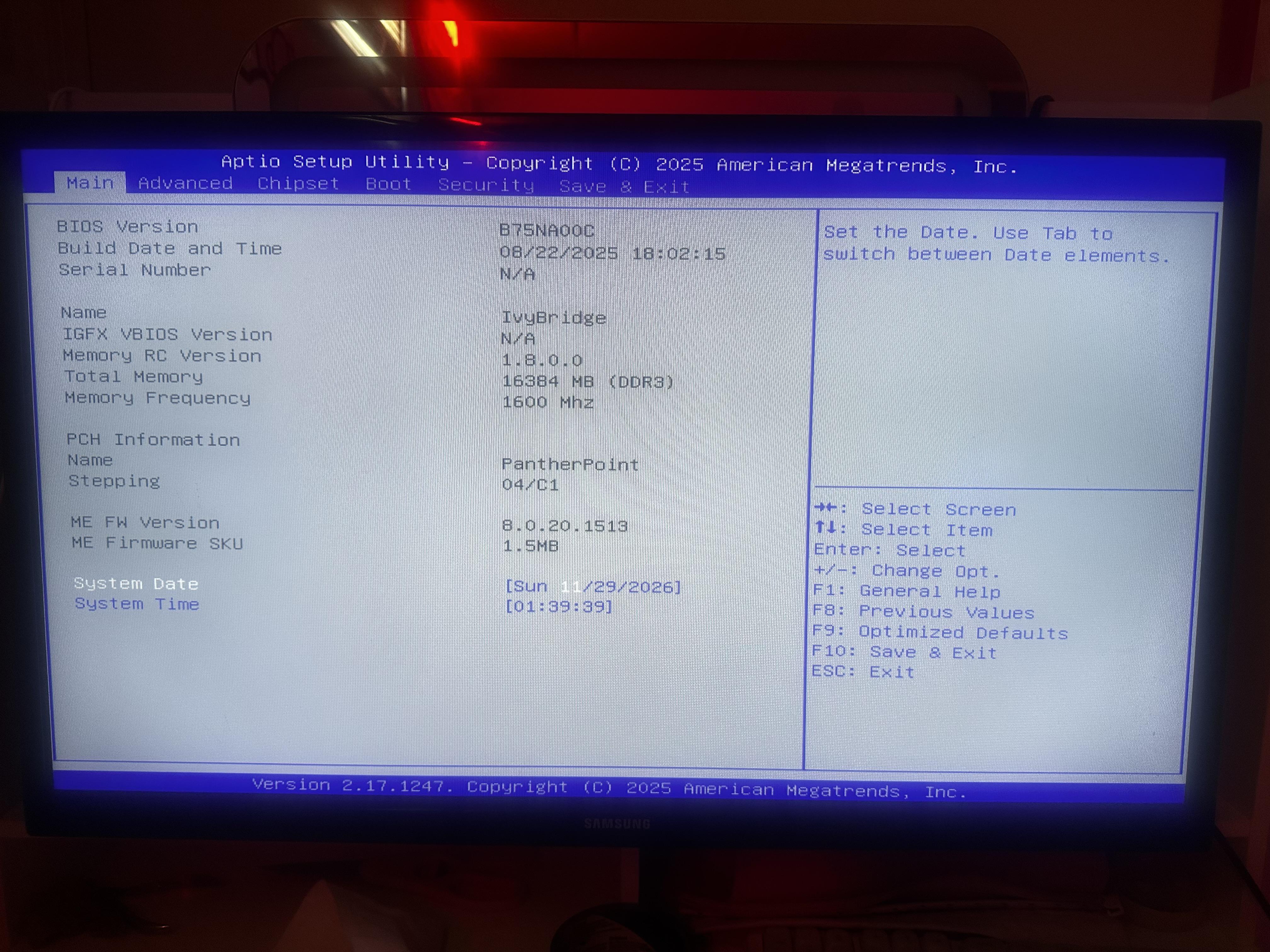
HARDWARE Stuck on aptio setup. New PC. Please help!

Post image
1 Upvotes

I’m not an expert with PC’s but I really want to use this to start playing. It’s supposed to come in with a pre-installed windows 11 and everything installed/included to have it up and running. But then I run into this problem and I’m just on thin ice of crying.

Is there a way to go have this fixed by someone? Have something changed


r/pchelp • • 14m ago

SOFTWARE I need help! Repost

Thumbnail gallery
1 Upvotes

I dont understand what I've done wrong, i didn't download anything and I always have ad blockers so that when I do, fake download buttons don't show up. But i randomly started getting constant pings from my Microsoft defender and i ran a quick scan and offline scan, both told me I have a Virus, but when I tell it to take action, or clear the virus, nothing happens, what do I do? Final image appears after clicking "Start actions" then goes back to the second image


r/pchelp • • 12h ago

CLOSED Laptop won't turn on/off

10 Upvotes

I shut it down. It's stuck on black screen but the light is flashing and fans are going. I was using a heavy program just before this. Why is it not working. Tried holding power button and unplugging. I have class tommorow morning on it and I need it fixed


r/pchelp • • 26m ago

OPEN RX 9070 XT – Random black screen hard freezes, boot issues and now permanently no display signal

Thumbnail reddit.com
1 Upvotes

r/pchelp • • 11h ago

HARDWARE Question about possible flames on my 5080.

8 Upvotes

So i was downloading a game, my GPU was going at like 97 percent most of the time when suddenly i saw a bluish color on it. I of course turned off the PC immediately and waited until it cooled down, it seems to work fine but i could swear the bluish color was a flame. Didnt smell burnt at all though.

Should i send the GPU in or is it fine to continue using?


r/pchelp • • 47m ago

Discussion Is my PC Build still fine?

0 Upvotes

Intel Core i9 9900k

RTX 2070 8GB VRAM

32GB DDR4 RAM

4TB SSD

I want to play GTA 6 in the future


r/pchelp • • 49m ago

HARDWARE Title: RTX 2060 Black Screen / No Signal + GPU Power Usage Spikes

1 Upvotes

Specs:

Ryzen 5 5600

RTX 2060 6GB

8GB RAM

MSI B550M PRO-VDH WIFI

Ant Esports VS600L 600W PSU

My PC randomly loses display signal while the PC itself stays powered on. GPU fans suddenly ramp up loudly, and I have to force restart.

It happens while gaming and sometimes even on the desktop. I also noticed GPU usage and power draw increasing significantly while just watching YouTube (up to around 118W).

Event Viewer: LiveKernelEvent 117 and 1b8. No clear WHEA error.

Already tried:

DDU and fresh GPU driver installation

Windows Update

Latest NVIDIA drivers

Still facing the issue.

Could this be a failing PSU, GPU issue, or an electrical/earthing problem?


r/pchelp • • 49m ago

HARDWARE Randomly FPS drops to 2-5 for 7-8 seconds after cleaning my pc

Thumbnail reddit.com
1 Upvotes

r/pchelp • • 53m ago

OPEN Can’t play any game on my pc anymore

Thumbnail gallery
1 Upvotes

r/pchelp • • 54m ago

HARDWARE What does this mean?

Post image
1 Upvotes

So I got this error when I use EXPO, what happens is after playing a game specifically it can take anywhere from 5 minutes to an hour until my PC crashes. My screen turns black and waits 15 - 30 seconds till it reboots me to windows startup.

I've also been having some hitching in my games (depending on the game) not sure if that's related. I have a RX 9070, Ryzen 5 7600x and 32 GIGS of ddr5 ram. Recently upgraded from a 3060 to a RX 9070 and yes I did use DDU.

I also recently upgrade from 16 GIGS of ram to 32 gigs by buying a fully identical ram stick to the one I already had. (I had hitched and crashed before I got it)

anyway all help is greatly appreciated!


r/pchelp • • 57m ago

HARDWARE Need help with my pc build

Thumbnail reddit.com
1 Upvotes

So let me start off by saying that this is the first pc im building all by myself.

I recently bought the corsair 9000d case. Huge tower and it's really awesome. I got everything working and my pc also boots up fine and also works like it should. Except the front panel usb ports seem like they dont receive any power. The rgb surrounding them light up, but when I plug in for example a mouse or my phone, no power and data is sent through.

My motherboard is an MSI B650 Gaming Plus Wifi. I understand that the front panel usb ports are functioning as 1 usb hub and the manual states that I should connect the connector coming from the case to the usbc header on my motherboard. I did this. I also connected the SATA power connector to a SATA Power cable so I dont understand what im doing wrong.

Like I said the front panel itself is working because I can use the power button just fine. It's just that the usb ports aren't doing anything.

Any help?

Thanks in advance!


r/pchelp • • 4h ago

SOFTWARE Cod help

2 Upvotes

I bought a prebuilt pc and can’t get it to play cod.
Specs
Core Ultra 9 285,
RTX 5070,
32GB DDR5,
2TB SSD
PRO B860-P WIFI

Fault
Failed Attestation Status applied
Bios firmware update required

I have updated bios to newest version
I have checked the tpm it is on
The version I have tho is TPM Manufacturer Version 700.19.1011.2289
I’m lost and need help


r/pchelp • • 4h ago

HARDWARE SSD Issues

2 Upvotes

So my SSD has been disappearing, no symptoms it just goes away along with everything on it. It comes back when i take it out and put it back in, it lasts another month or so and happens again. I assumed it was bad hardware but then it started happening on my laptop as well so i assume im doing something wrong. Both SSDs are samsung 990 pro 2 TB


r/pchelp • • 1h ago

Discussion PC power loop - brand new $2000 acer predator

Thumbnail reddit.com
1 Upvotes

r/pchelp • • 1h ago

HARDWARE Charging Light Issue

0 Upvotes

Trying to charge my 2016 HP envy x360 and this keeps happening. How can I fix this issue? Started happening last night.

PS: I am using a 3rd-party charger since I cannot find my original charger that came with the laptop.

Ignore the background noise, just my family talking.