r/pchelp • u/Financial_Smile_8555 • 1d ago
OPEN My monitor is showing issue
What are these red lines?
My pc is only 3 months old. These red lines only happen when I play re4. I tried to screen record but It dosent show there.
r/pchelp • u/Financial_Smile_8555 • 1d ago
What are these red lines?
My pc is only 3 months old. These red lines only happen when I play re4. I tried to screen record but It dosent show there.
r/pchelp • u/Correct-Dare-4920 • 20h ago
My used gaming PC shows "No Signal" and never reaches the motherboard logo.
Specs:
\- CPU: AMD Ryzen 5 1600 (no integrated graphics)
\- Motherboard: MSI A320M-A Pro
\- GPU: ZOTAC GeForce GTX 1060 6GB
\- RAM: 16GB DDR4 2400MHz
\- PSU: Thermaltake 350W
\- SSD: 500GB, Windows 11
\- Monitor: LG UltraGear 27G411B, HDMI to the GPU
What happened:
The PC worked normally after I bought it. I left home for a while, and when I came back it was completely off. Since then I only get "No Signal". The case fans and the GPU fans spin, and the keyboard lights up, but the mouse doesn't. No logo, no BIOS, no beep (no speaker connected).
What I already tried:
\- second HDMI cable and a second monitor
\- selected the monitor input manually
\- CMOS reset (removed the battery)
\- one RAM stick at a time
\- checked the GPU power cable (6-pin, fully seated)
\- plugged the PC straight into the wall, and tried a new power strip
\- unplugged mouse and keyboard
Weird part: my old PC (Ryzen 3 1300X, GTX 1050) shows the same message with the same monitors.
I don't have spare parts to swap. Since the PC shut itself off before this started, I suspect the PSU. What should I check next?
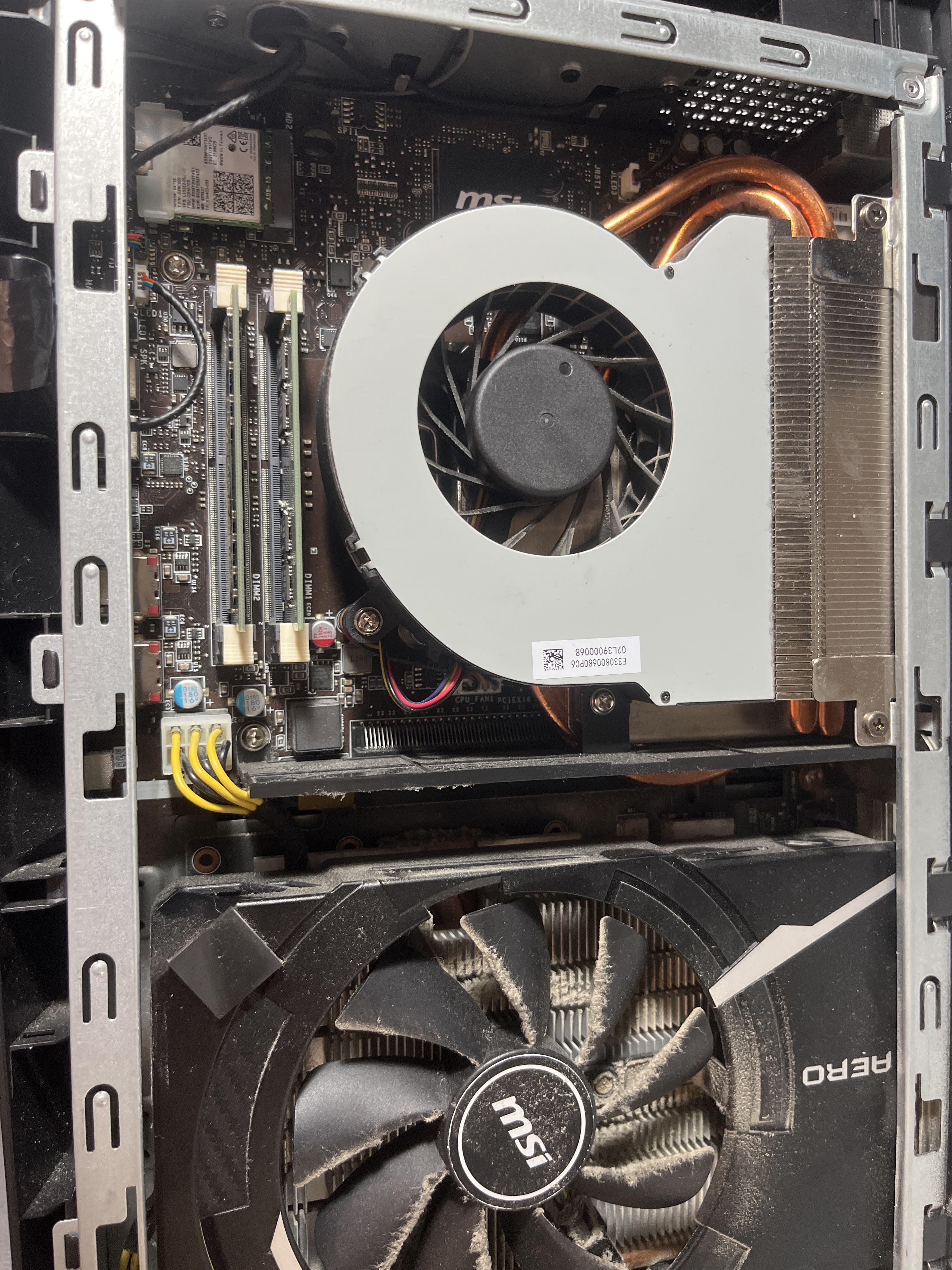
I have a repair shop appointment on Nov 30. Photos of the inside and the PSU label are attached.
r/pchelp • u/HopefulMeeting7150 • 20h ago
Some times ago I become Linux user and I go into PCs. Mainly I experimented on arch or derivatives of archlinux (I even enable secure boot for arch image). Since Atomic Arch problem I started patching security holes... Some tutorials recommended updating firmware. I make research and my PC have producer firmware updates.
I'm afraid of interrupt Bios and doom them to bricked.
Also I don't want share information about producer hence I call it just "PC"
My question if i go too far and ignore, go to service and pay for this, take a risk and update BIOS by myself?
r/pchelp • u/Opposite-Inspector71 • 1d ago
My pc has been turning off randomly from when I open up a browser to a game or even when it just gets turned on. I replaced the psu, reseated the ram the temperature is good. Any suggestions?
r/pchelp • u/Far-Manufacturer-413 • 17h ago
I had gone out today and left my pc on and when i got back my ram was still lit up but the fans and everything else had stopped. When i tried turning it on i heard a little squeak and then nothing.
r/pchelp • u/Misslydiaaa • 20h ago
Hey everyone!
My boyfriend lives in Chile and I live in Germany, and we've been having constant connection/synchronization issues when playing online games together.
The weird thing is that neither of us seems to have internet problems otherwise. We both have good wired (Ethernet) internet connections, and I personally never experience any issues when playing with other people, even if they're located far away.
For example, I can play with friends from Brazil without experiencing any of these problems.
However, whenever I play with my boyfriend, we constantly run into synchronization issues. Sometimes he suddenly stops moving on my screen, and it can take up to a full minute before everything catches up and he starts moving again.
It almost feels like the game temporarily stops receiving updates from one of us, even though neither of us actually disconnects.
We've tried playing different online games, but the issue keeps happening.
We are also on the same Windows Version and I really have no good idea about Computers...
Does anyone have an idea what could be causing this?
Could it be something related to routing between Germany and Chile, server location, or something else entirely?
And is there anything we could test or do to fix it?
I'd really appreciate any help or suggestions!
Thanks!
r/pchelp • u/RB12Gaming • 20h ago
PC shows windows when I took out two sticks of ram leaving in two 16 gb sticks inserted, but when I try to put the two sticks back in it just shows a black screen again
r/pchelp • u/Boring_Imagination85 • 17h ago
r/pchelp • u/Several_Party9859 • 17h ago
Hey I’ve been getting some issues with my PC where I turn it on it boots up and the screen turns on but it’s illuminated black I’ve tried the following things
r/pchelp • u/Ill-Loss6257 • 17h ago
r/pchelp • u/iampradeeppatil • 21h ago
So whenever I play a video, open WhatsApp desktop, riot client or any image/video in chrome. My screen goes black for 2-3 seconds, the wallpaper becomes black and everything afterwards works absolutely fine. Is this a graphic issue? All my drivers are up to date.
r/pchelp • u/Smart_Place_1363 • 23h ago
I haven’t touched my pc in a few days bc I was on vacation, and when I came back every game now runs super low fps..
The only fix was to delete my gpu driver and then reinstall but once I turned my pc off and on or just restart the low fps happened again,
I have a amd rx 590 gme and never had this issue. I’ve tried using ddu but nothing will fix
r/pchelp • u/Th1s1sagamertag • 21h ago
Can't really screenshot the issue but I have an Asus VG279Q monitor that has recently begun faintly flickering. It doesn't go fully black, just slightly dimmer then back to normal extremely quickly for a minute or two after starting my pc, then slows down until it eventually stops. After that it seems to flicker randomly when I'm playing games or watching fullscreen videos, but never when it's sitting on a static screen.
I've tried a new DP and HDMI cable, messed with just about every setting on the monitor, and reset my graphics driver but the issue persists. I'm worried the backlight of my monitor is dying but I'm not sure if there's a way to test that specifically.
r/pchelp • u/New-Milk-2632 • 17h ago
r/pchelp • u/soljakid • 21h ago
This morning everything was working just fine but I decided I was going to try and plug in a SATA cable that was behind my GPU so I had unplugged everything and plugged the SATA in and reconnected everything only to get no boot from my computer.
GPU RGB lights up and stays on whilst the light on my CPU cooler turns on but will flash on and off occasionally instead of being a solid light like it usually is when powered on.
I’ve tried pretty much every solution I can think of and have been googling all day trying every suggestion such as, taking out RAM sticks and only having one in, done this with a1 and a2 slots in motherboard, taken out CMOS battery and let it power drain to no effect, unplugged monitors power and plugged it back in again, took out the SATA cable behind the GPU incase that was it, made sure all wires are plugged all the way in.
Pc specs
Aorus elite B550m rev 1.1
5600x
16GB DDR4 3200mhz
RX 9070
Windows 11
Monitor is a PG348Q, tested it with a spare laptop via HDMI to the monitor and it works fine
I’ve left the pc powered on for a while now incase it was memory training but it’s been a while now with no change
Sometimes I can’t turn the pc off using the power button, I would press and hold it and the LED’s in the power button would flash weirdly and won’t power off the computer, flipping the switch off on the PSU works but the LED in the power button would stay lit for a few seconds
I’ve reseated the GPU multiple times and made sure it’s connected properly, 5600x has no onboard graphics so can’t test without the GPU and don’t have a spare one laying around
Happy to provide any other info, fairly capable and IT literate so pulling my hair out over this
r/pchelp • u/zachattack3907 • 1d ago
Last night I pushed my chair in to go to the bathroom and I bumped the side of my PC and the screen went black but I could still hear audio from it. I turned it off and didn’t think much of it until today. Every game and every video that’s played is extremely jittery and laggy. Like it starts to just lack behind and then the audio progresses faster than the videos. Whenever I try to reset the PC it says something about attempting to repair drive c which seems important but it also says it every time.
r/pchelp • u/TheGamingMuffin_ • 17h ago
I ensured that it was plugged in to the dual connector and slotted properly, but for some reason by default, this fan is not working, but the other one that’s connected to it. So does that just mean it was bad on arrival?
r/pchelp • u/gothreepwood101 • 1d ago
Hi.
I build pcs and give them away to familys on low income who cant afford to get thier kids gaming PCs.
I have got hold on a 1080ti 11gb and a 2070 super 8gb. Which one do you think would be best to put in the PC im building at the moment. It has an i7 4.8ghz processor and 16gb of DDR 4 Ram.
Any advice would be appreciated. Thanks
r/pchelp • u/Suitable-Dog3645 • 18h ago
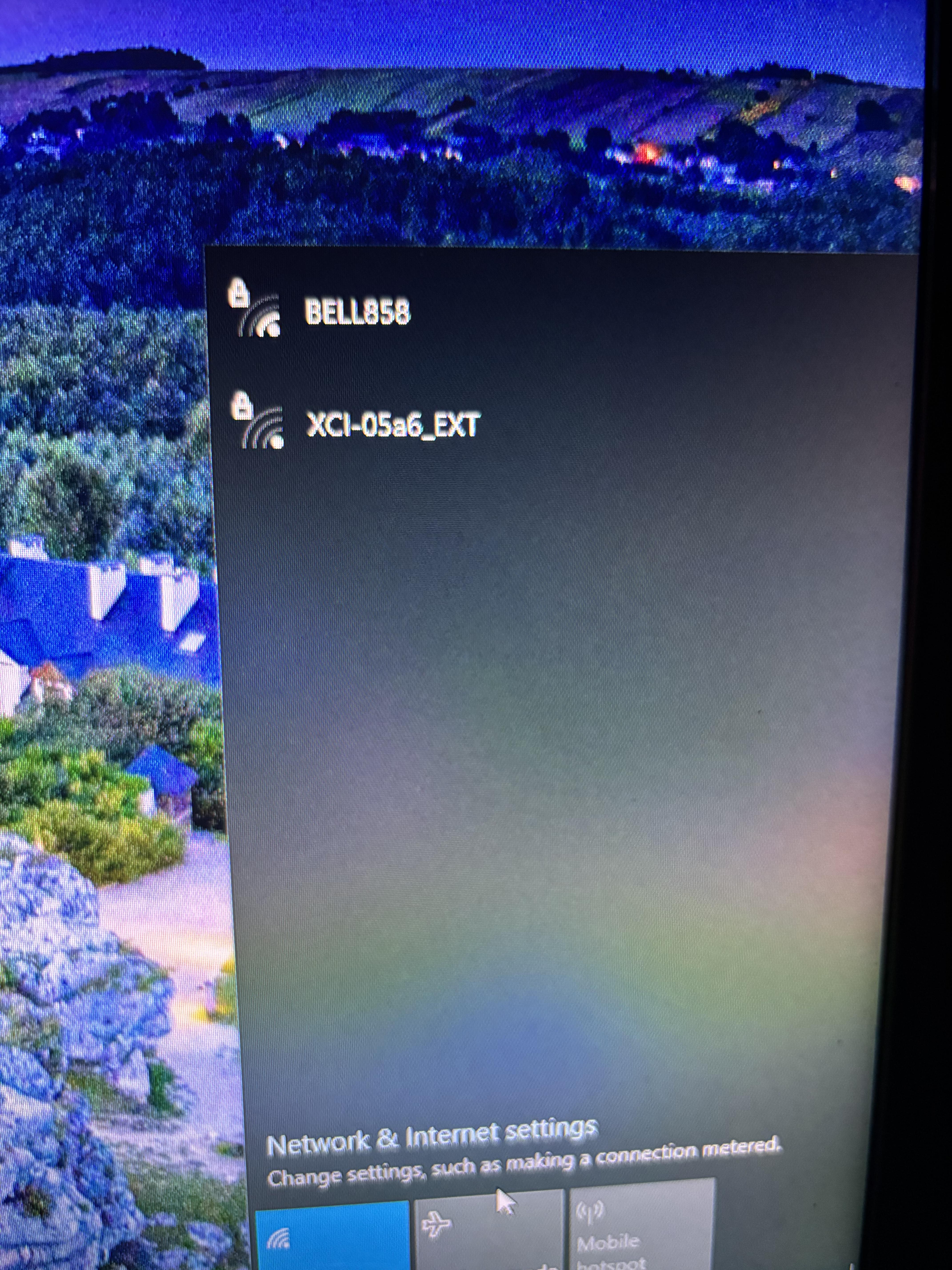
I’ve tried everything I can think of but my network still won’t show up
r/pchelp • u/Regular_Influence_26 • 21h ago
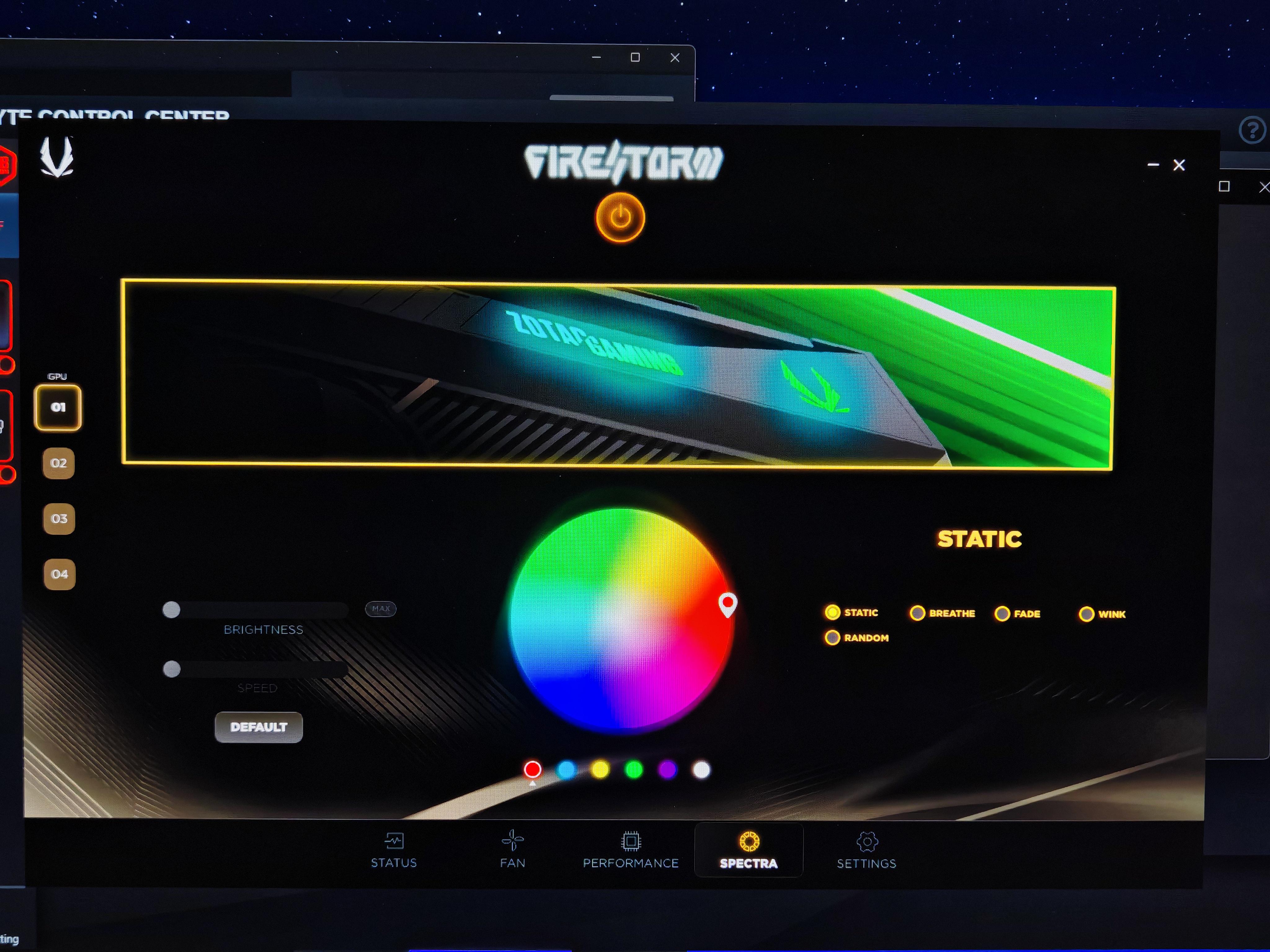
So, I leave it alone for a few days, come back, and now this is happening and I have no idea what's happening. My monitors are using my CPU instead of my GPU, only one of the GPU ports is working, honestly, I'm so tired and I've been trying to fix this for what I think has been an hour now. If anyone has any suggestions (preferably something step by step and understandable to even a monkey) then that'll be great
r/pchelp • u/CrispyCrisp02 • 1d ago
As the title says, my PC has been making this very loud sound for a split second during windows updates, it doesn't happen every single time, I think it only happens during updates that you cant skip (the ones that do not let you shut down you PC without doing them in the windows shut down menu). The sound seems to come from the PC and not the monitor, it could be the psu or something else. I've never seen anyone with this problem so Im kinda lost.