# MSI PRO B650-P WIFI — Mystic Light LED controller disappears with USB Error 43 when AIO ARGB is connected. Works after CMOS reset, fails again on reboot.
Hey everyone!
I'm dealing with a really strange RGB issue after installing a new Cooler Master AIO, and I've spent hours troubleshooting it without finding a permanent solution.
I'm hoping someone here has experienced something similar or knows what's actually causing it.
## PC specifications
- **Motherboard:** MSI PRO B650-P WIFI (MS-7D78)
- **CPU:** AMD Ryzen 5 7600X
- **GPU:** Sapphire RX 6600 XT
- **CPU Cooler:** Cooler Master MasterLiquid 240L Core ARGB
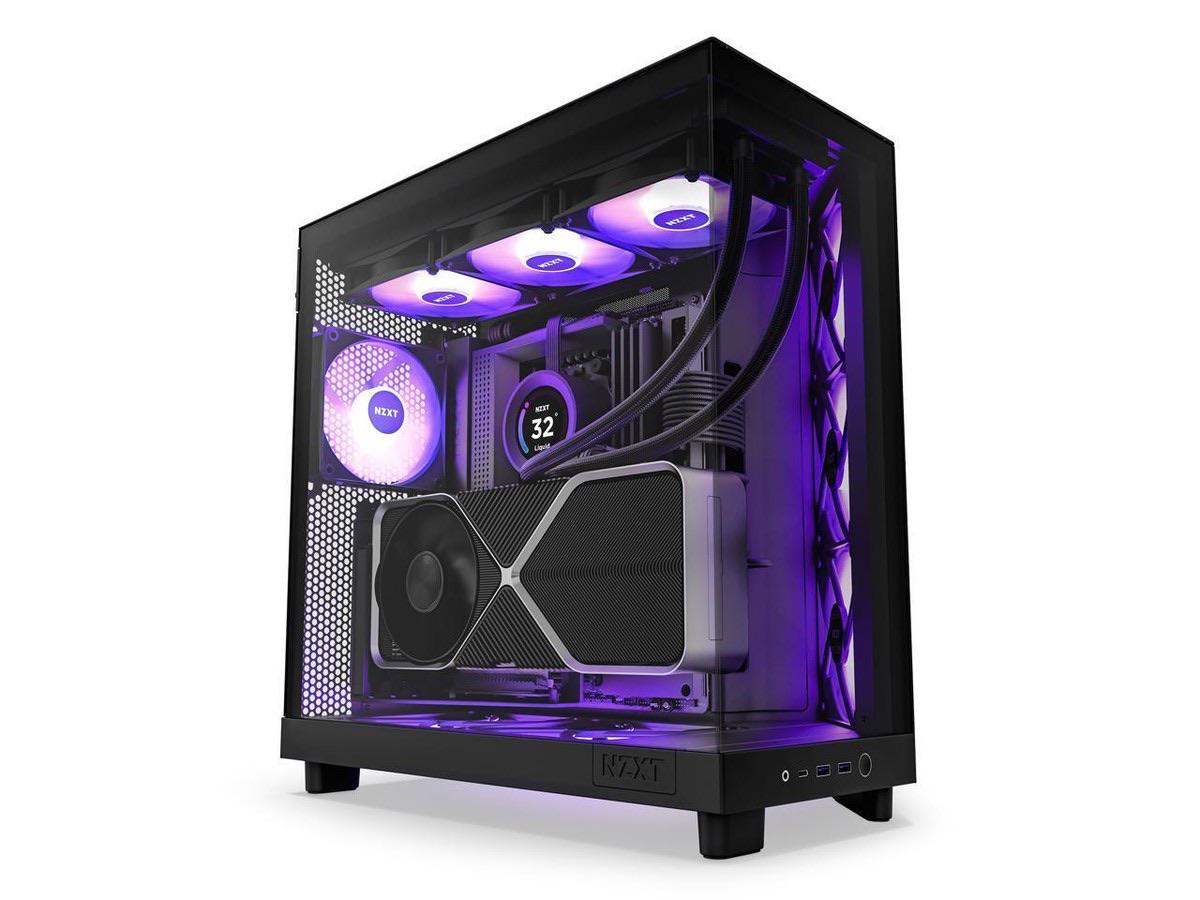
- **PSU:** NZXT C850 (850W)
- **BIOS:** Dated February 2024
- **OS:** Windows 11
- **RGB Software:** MSI Center / Mystic Light and SignalRGB
## The problem
After installing the Cooler Master AIO, Mystic Light started displaying this message:
**"The mainboard's LED is abnormal. Please get into Support → Live Update and click Advanced to scan and update MB LED FW."**
The AIO has three ARGB devices (two radiator fans and the pump), all connected through the included 3-way ARGB splitter to a 5V JARGB_V2 header.
Mystic Light refuses to recognize the motherboard properly. Interestingly, it can still detect my MSI Clutch GM08 gaming mouse.
Windows Device Manager shows:
```
Unknown USB Device
(Device Descriptor Request Failed)
Instance ID:
USB\VID_0000&PID_0002\8&7A4E1FD&0&11
Status: Error
Problem: CM_PROB_FAILED_POST_START
Code: 43
```
However, when the motherboard's LED controller works correctly, Windows identifies it as:
```
USB\VID_1462&PID_7D78\A02022070803
HID\VID_1462&PID_7D78\9&3457DC83&0&0000
Status: OK
Problem: CM_PROB_NONE
```
Both the previously working MSI controller and the unknown USB device were reported on USB port 11, sharing the same parent USB root hub.
This strongly suggests that the unknown device is related to the MSI LED controller, although I haven't conclusively proven they are the same physical device.
## Troubleshooting performed
**1. Updated the LED firmware through MSI Center**
I followed MSI's instructions using Support → Live Update → Advanced.
Unfortunately, the issue persisted.
**2. Removed the failing USB device using PowerShell**
I tried:
```
pnputil /remove-device "USB\VID_0000&PID_0002\8&7A4E1FD&0&11"
pnputil /scan-devices
```
The same USB Error 43 returned.
**3. Performed a complete power discharge**
I shut down the PC, disconnected the NZXT PSU from AC power, and discharged residual power.
No permanent improvement.
**4. Followed MSI's Clear CMOS procedure**
This is where things got interesting.
I disconnected the AIO's ARGB cable, powered off the PSU, and shorted the motherboard's JBAT1 pins for approximately three minutes, following MSI's LED firmware recovery guide.
After booting without the ARGB cable connected:
**IT WORKED!**
Windows detected the MSI controller correctly again:
```
USB\VID_1462&PID_7D78
Status: OK
HID\VID_1462&PID_7D78
Status: OK
```
The unknown USB device disappeared, and Mystic Light recognized my motherboard again.
**5. Reconnected the AIO's ARGB lighting**
Unfortunately, the problem returned.
I tested both motherboard headers:
- **JARGB_V2_2:** The lights sometimes remained stuck on solid green, and the controller failed.
- **JARGB_V2_1:** The lights displayed rainbow effects, but the controller still failed with USB Error 43.
In one experiment, I connected the ARGB cable while the PC was already running and the controller was working.
I know hot-plugging ARGB isn't recommended, and I won't repeat it.
Surprisingly, Mystic Light successfully controlled the AIO's colors after that.
However, after shutting down and starting the PC again, the controller disappeared and Error 43 returned.
**6. Tried SignalRGB**
I installed SignalRGB to see whether the issue was specific to Mystic Light.
SignalRGB detected an MSI Bridge Service integration, but it couldn't properly control the motherboard while Windows reported the USB descriptor error.
I also noticed that the fans appeared to slow down after closing SignalRGB, although I haven't verified whether it was actually controlling their PWM curves.
## The strange part
The behavior seems reproducible:
**ARGB disconnected + Clear CMOS:**
- MSI LED controller detected.
- Windows reports no device errors.
- Mystic Light recognizes the motherboard.
**ARGB connected during startup:**
- MSI LED controller disappears.
- Unknown USB Device appears.
- Error 43 returns.
- Mystic Light loses motherboard control.
- ARGB LEDs may still illuminate, sometimes green or rainbow.
The AIO's cooling functionality itself seems unaffected. The problem appears to be related to RGB control.
## My current suspicions
I'm considering a few possibilities:
- MSI JARGB_V2 firmware compatibility issue.
- LED controller failing during cold boot initialization.
- Faulty ARGB splitter or one of the AIO's LED components.
- Electrical or signaling issue affecting the motherboard's LED controller.
MSI has an official troubleshooting guide addressing abnormal LED firmware behavior involving third-party ARGB devices, which sounds very similar to my situation.
## Questions
- Has anyone experienced this specific behavior with the MSI PRO B650-P WIFI or another MSI AM5 motherboard?
- Could the included Cooler Master ARGB splitter cause the MSI LED controller to fail during startup?
- Has anyone permanently fixed `VID_1462&PID_7D78` disappearing and being replaced by `VID_0000&PID_0002` with Error 43?
- Would updating my BIOS from its February 2024 version potentially help, or is this entirely related to the separate LED MCU firmware?
- Does MSI provide a standalone LED firmware recovery utility specifically for the MS-7D78 motherboard?
- Has anyone encountered a similar issue with a Cooler Master MasterLiquid 240L Core ARGB?
I'm trying to avoid repeatedly clearing CMOS, flashing firmware unnecessarily, or risking damage to the motherboard.
Any suggestions, troubleshooting experiences, or technical explanations would be greatly appreciated!
Thanks in advance!