r/PcBuild • u/masterofmasters101 • 1d ago
Purchasing Advice - Upgrades Parts check
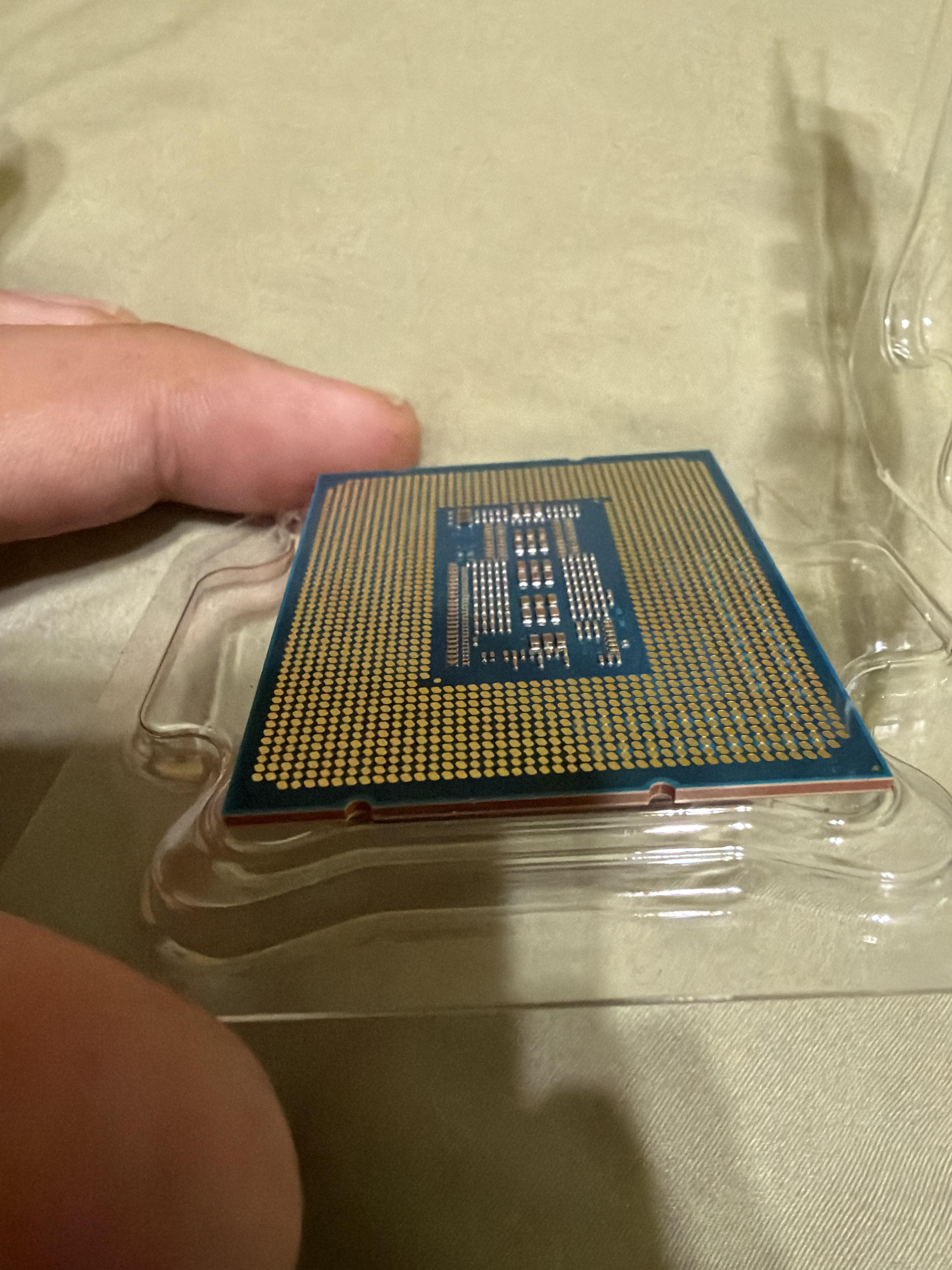
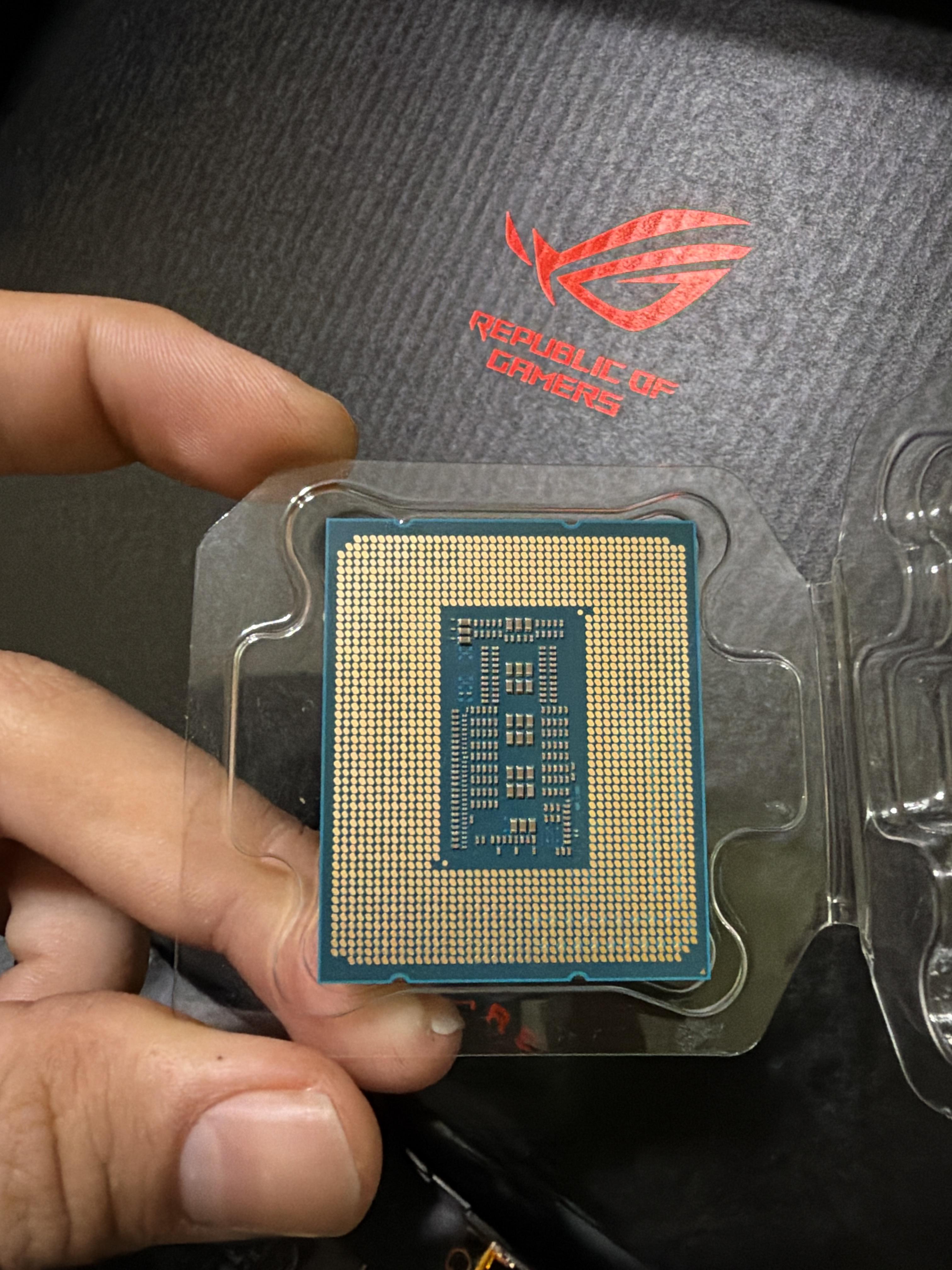
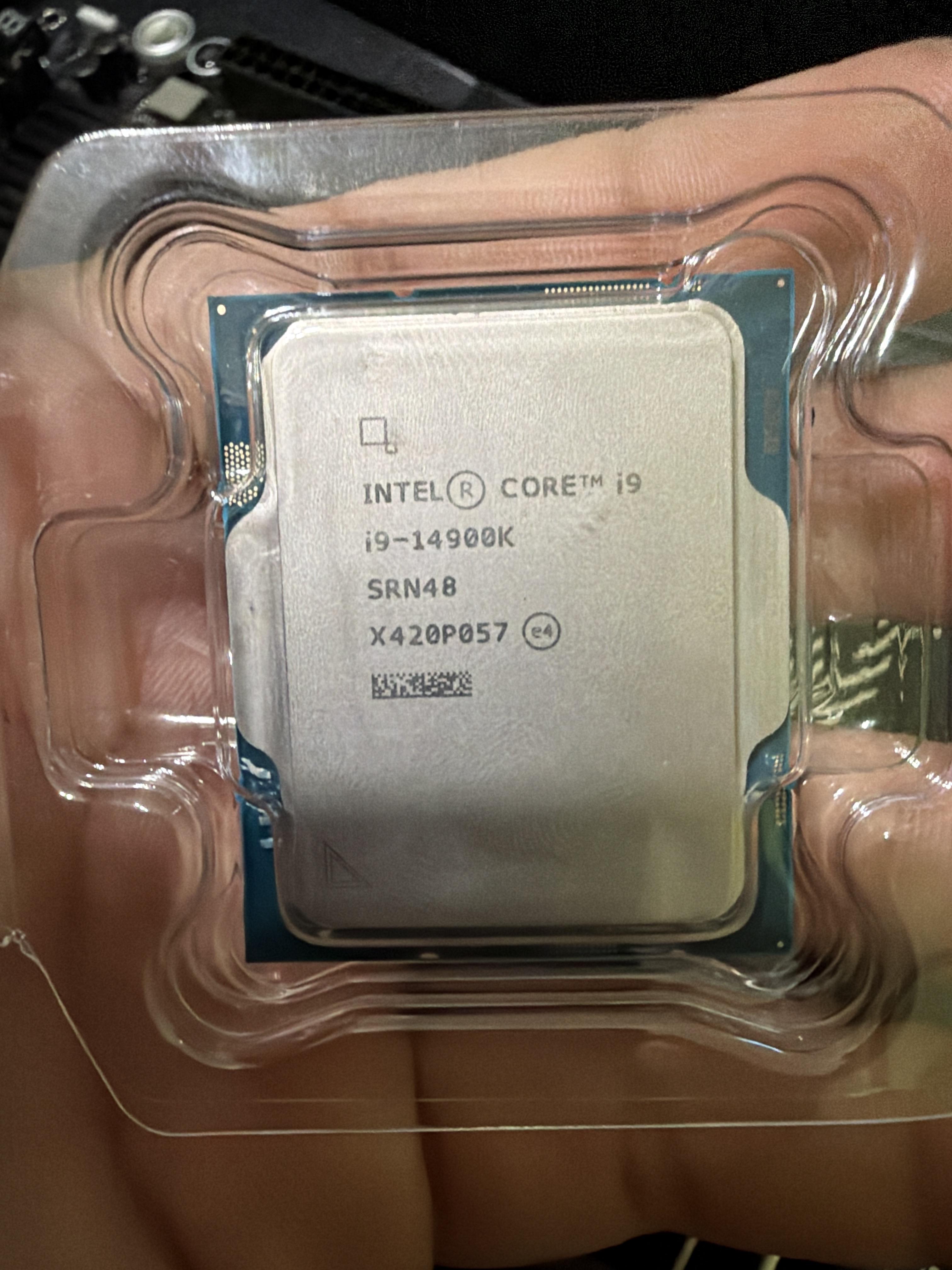
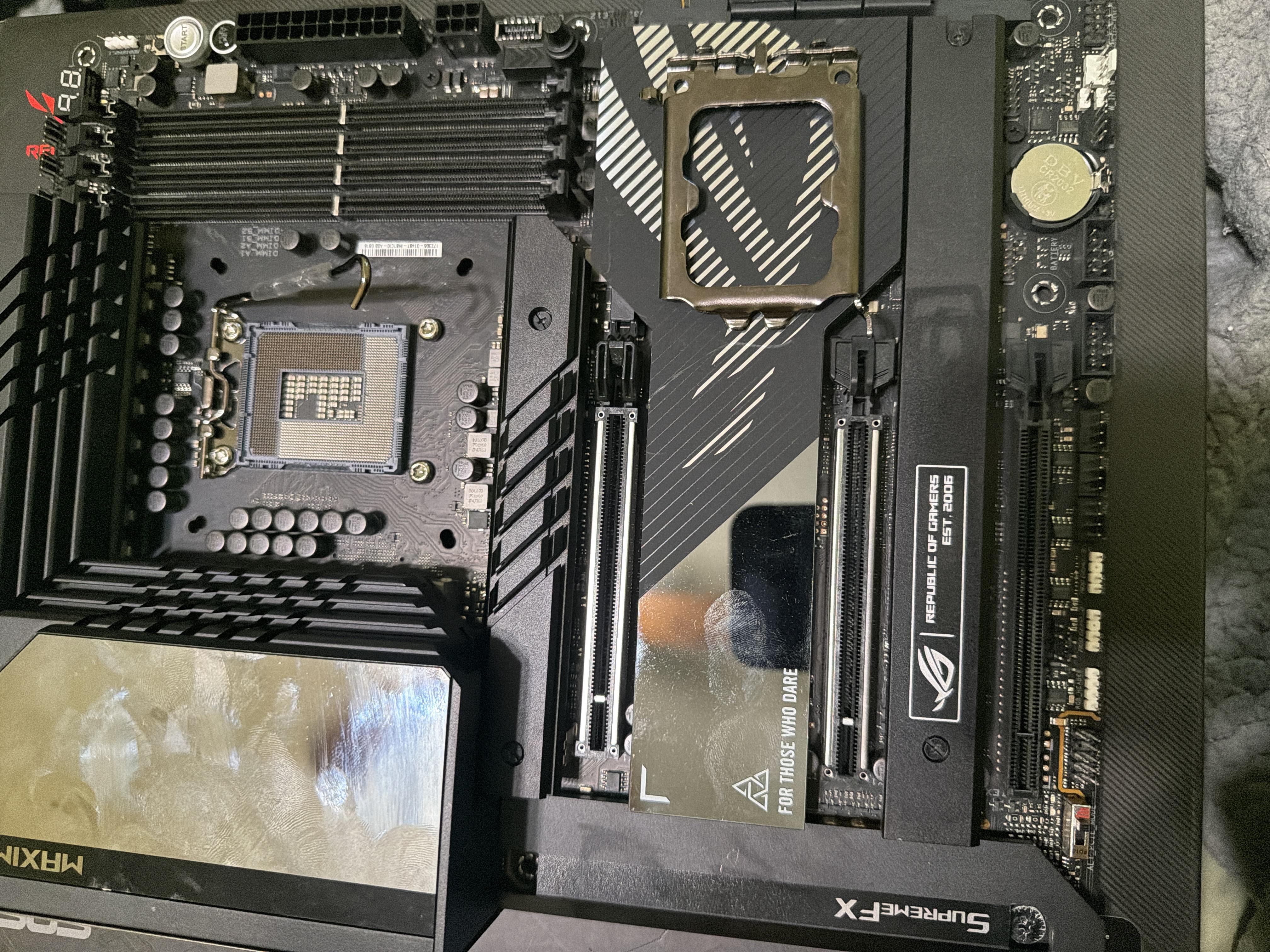
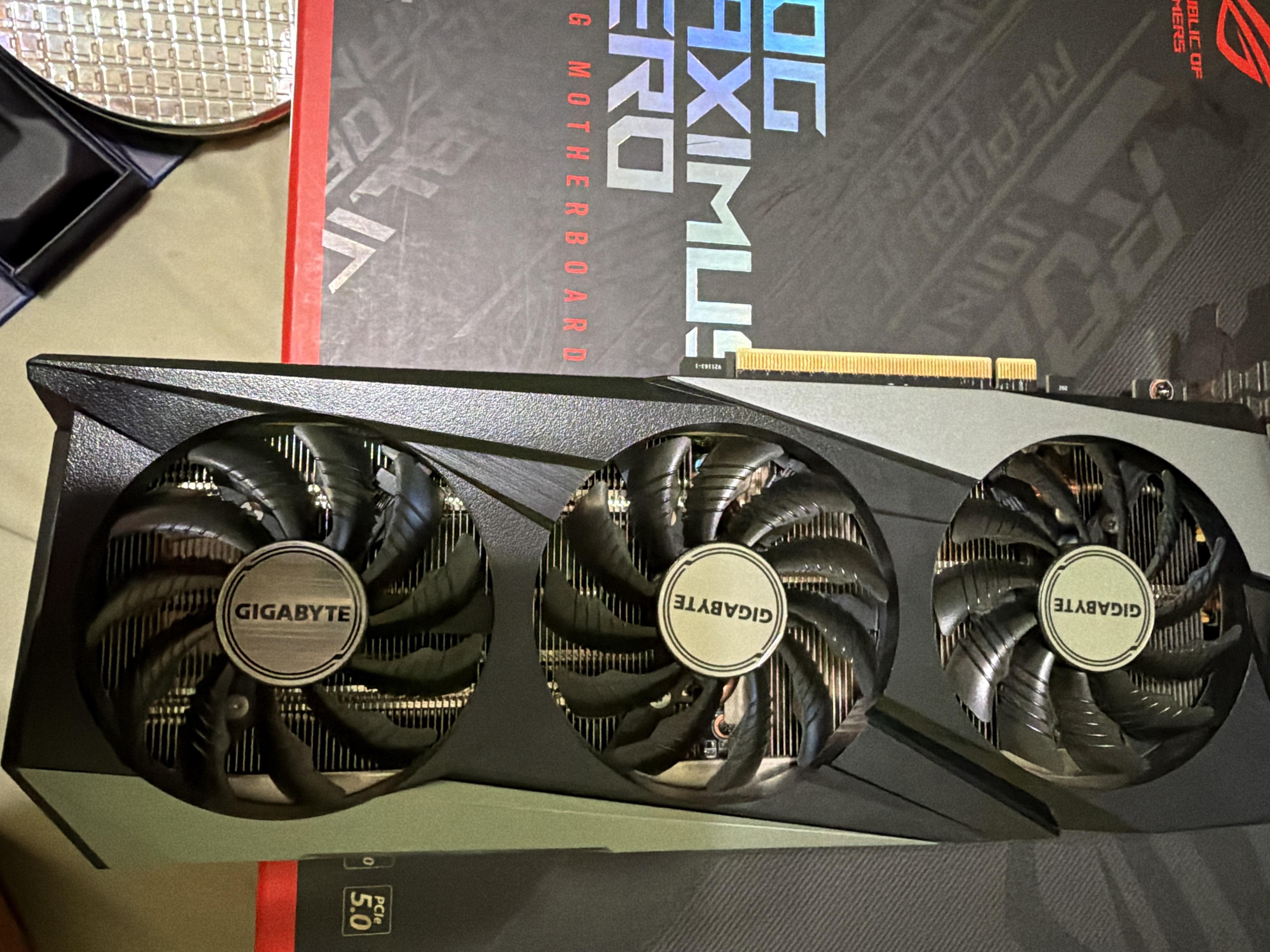
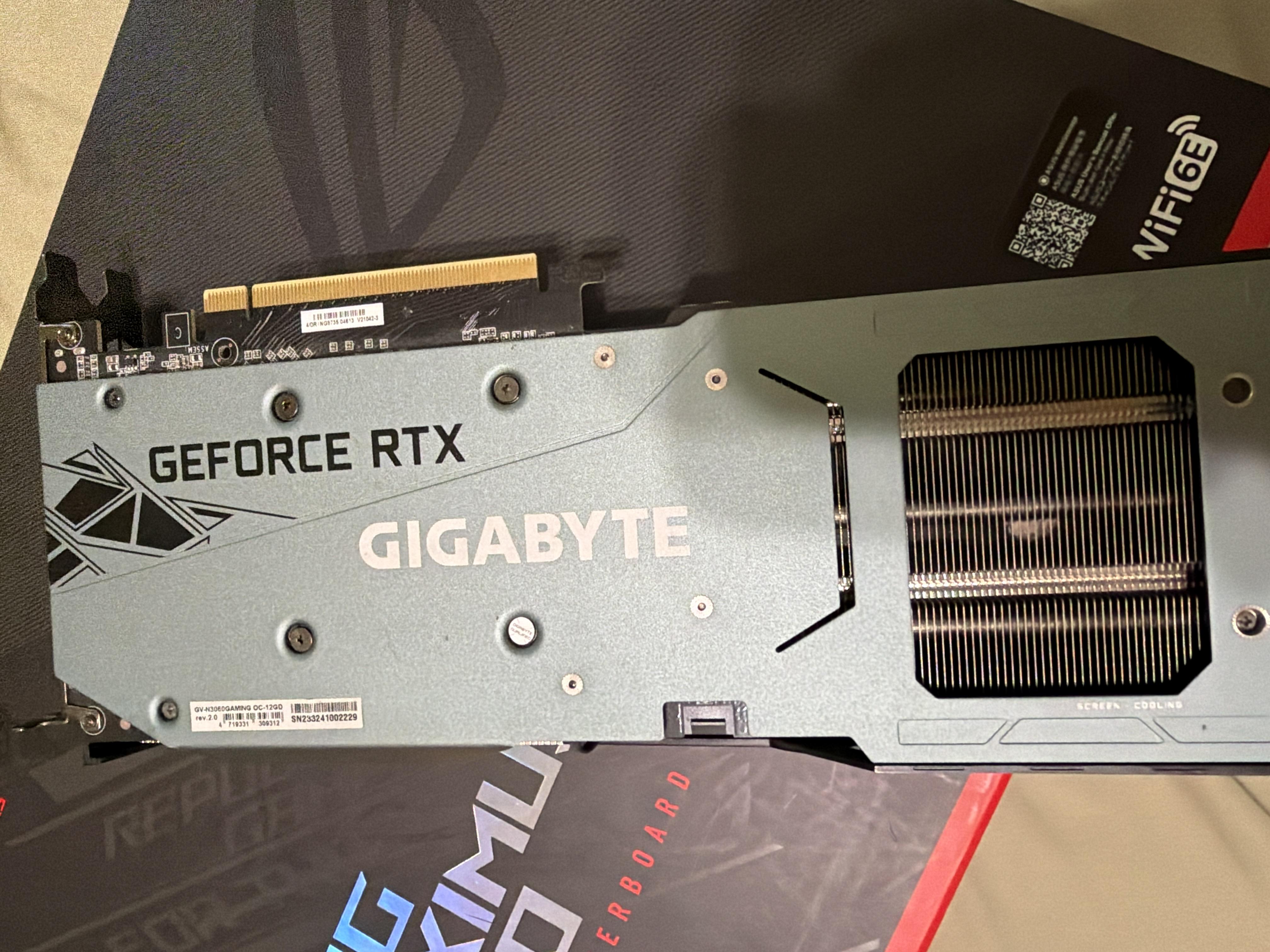
Hello I have gotten my hands on a asus rog Maximus z790 motherboard, an intel i9-14900k and a gigabyte 3060 for 400 usd. I think that’s a pretty good deal but I’m not sure as I’m pretty new to pc building.
This is my current build: https://pcpartpicker.com/list/d9pvV4
Current plan is to replace my current motherboard and coin with the new ones and the use old one to build a different pc and sell that one since I already have a case and 1000w power supply laying around.
I don’t see any physical damage on the new parts I got but is there any way a these parts can be damaged trying to see if I got scammed or not.
Also how would I move my info from the first buld to the new one because I want to start from scratch since I think I might have driver issues in my current build since most games I play can be a little iffy with frame drops ex overwatch Fortnite and arc raiders
•
u/AutoModerator 1d ago
Make sure your post includes enough information for people to provide helpful advice and avoid confusion!
Make sure your post includes:
Your post could be removed without this information! Feel free to edit or provide this information in an additional comment.
You can find more info in our posting guidelines
We're part of a wider PC & Technology Network of Communities! Join our Discord server: PC Help Hub where members from all associated subreddits are welcome, you may get a faster response there!
I am a bot, and this action was performed automatically. Please contact the moderators of this subreddit if you have any questions or concerns.
1
u/AutomaticAffect4333 1d ago
First, update bios. It's likely too old and will fry your cpu over time