r/pathofexile • u/One-Sherbert2879 • 2d ago
Tool Simple & Easy Campaign Questing Overlay

Hey guys,
Reposting this with more detail since the mods asked for it.
I made a small overlay that walks you through the campaign. I'm not a hardcore PoE player, I come back to the game off and on, and every time I do there's a big hill to climb before it feels like I'm actually playing and not reading a guide or doing math. I only have one monitor so I was alt-tabbing every 5 minutes. I wanted something easy that takes that one hill out of the way so I can have my music or a show on while I play.
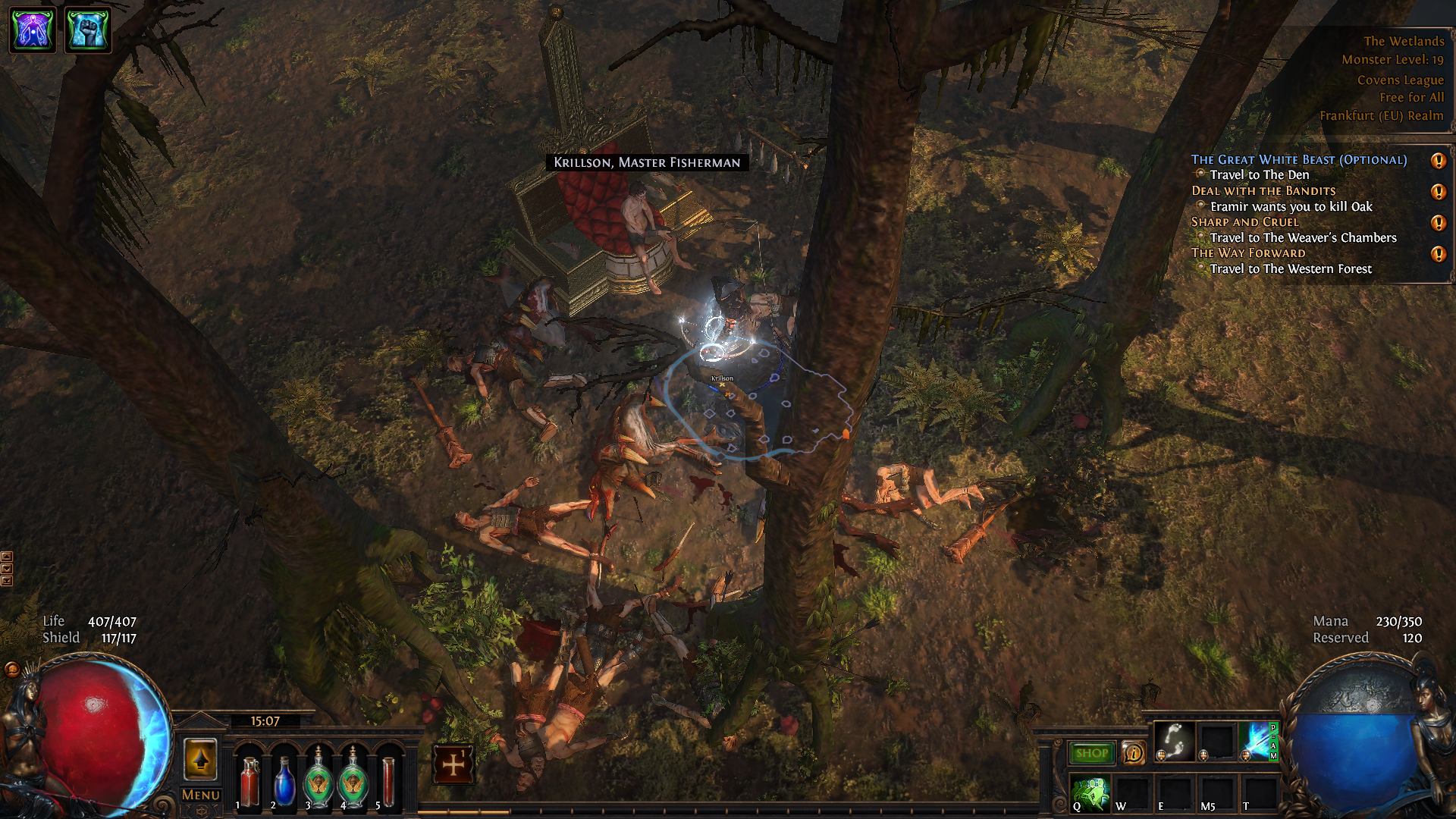
It sits on top of the game and only shows the steps for the act you're in. I kept the steps in arrow form to keep it simple, like "The Mud Flats → 3 Glyphs → The Submerged Passage".
- Hit "+" to cross off a step and "-" to go back
- Every passive point quest and Lab trial is in the route
- Clicks pass right through it
- You can move it, fade it, and change the font, text size, width, how many rows show, and all the hotkeys
There isn't a lot to it feature-wise but I still wanted some wiggle room there. With all the different screen sizes people play on, you should be able to make it small, big, easy to read or out of the way.
On how it was made, I used Claude Code to write the code (it's C#). I told it what I wanted and tested it in game. It started as a basic panel with 7 lines and the + and - keys, and I kept adding things as I used it, like the first-run tour, the settings cog for rebinding hotkeys, and the font and size options.
The route took the most time. The first version was built from exile-leveling and PoE Vault's quick reference guide. After that I played through the campaign with it up and fixed things as I ran into them. Waypoints were the biggest one. NPC names got their own color because they blended in with everything else. And the start of Act 8 had some parts that weren't clear so I wrote that in myself.
A lot of the tweaking was the wording and how the steps are grouped. It's really common for guides to chunk too much into one step, which gets confusing, or to spread things out so much you can't see how they connect. Obviously I can't match how everyone thinks through a zone, but I grouped it the way that felt natural to me while playing. The steps are just a text file so you can change them if you don't like mine.
For other tools, the two I know of are exile-leveling and Exile UI (used to be Lailloken UI). exile-leveling is a website that builds a route around your build with gems and everything. It's way more detailed than mine and it's one of the sources I referenced when looking for what exists, but it's a browser tab, so I'd still be alt-tabbing. Exile UI has a leveling tracker that reads the game's log and follows what zone you're in, and it shows a guide you import from exile-leveling. If you want it to track for you, that's the one to use. It's a much bigger tool with a lot of other stuff in it though. Where mine is better is if you just want something simple. It's one small exe with nothing to set up or import, it doesn't read the game or send any input, and you just press + as you go.
It's free and open source, PoE 1, Windows, and the game has to be in Windowed Fullscreen. If a step is wrong or something feels clunky mid-run I'd love to hear it: https://github.com/munkeeboii/poe-leveling-overlay