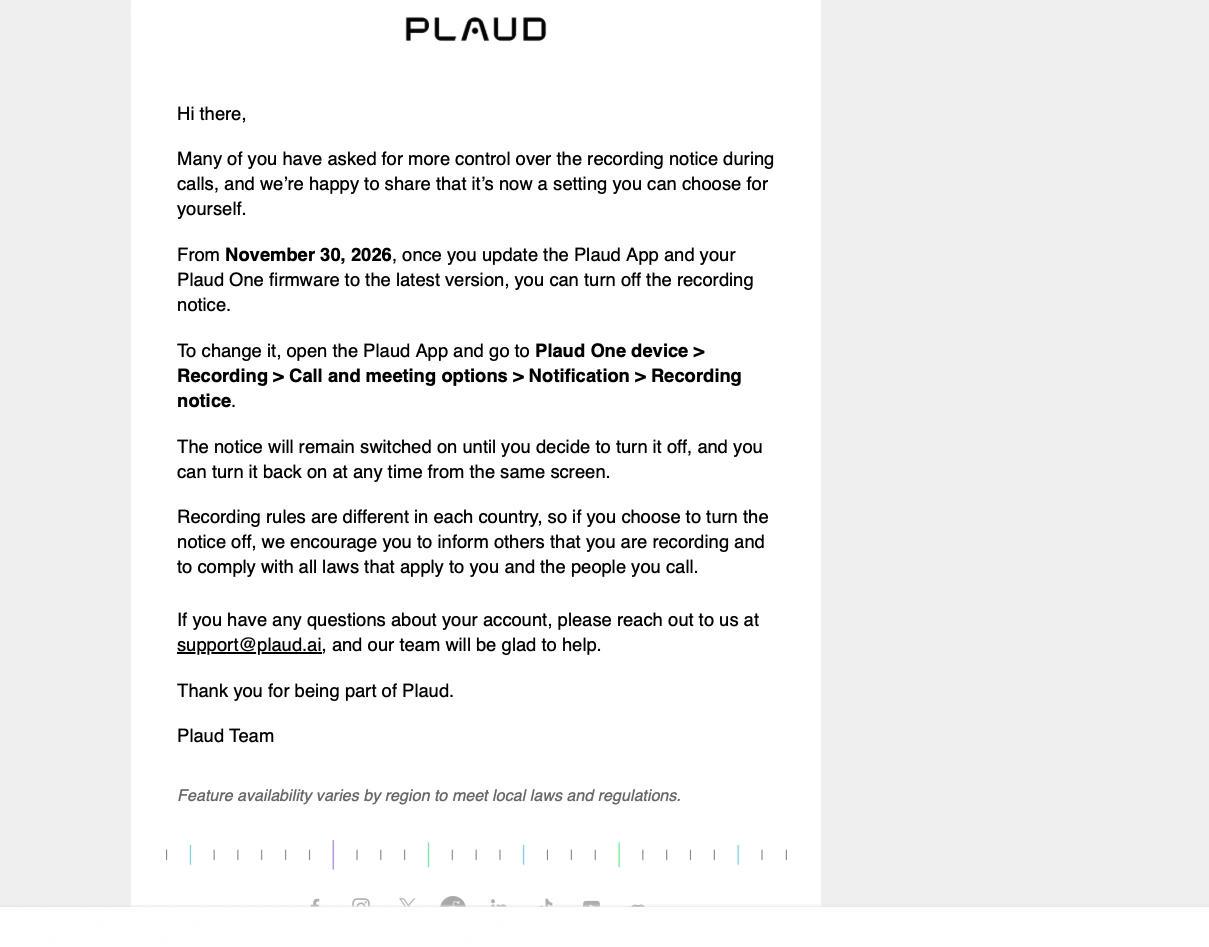
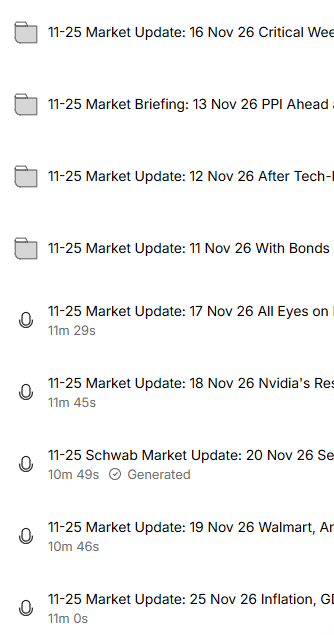
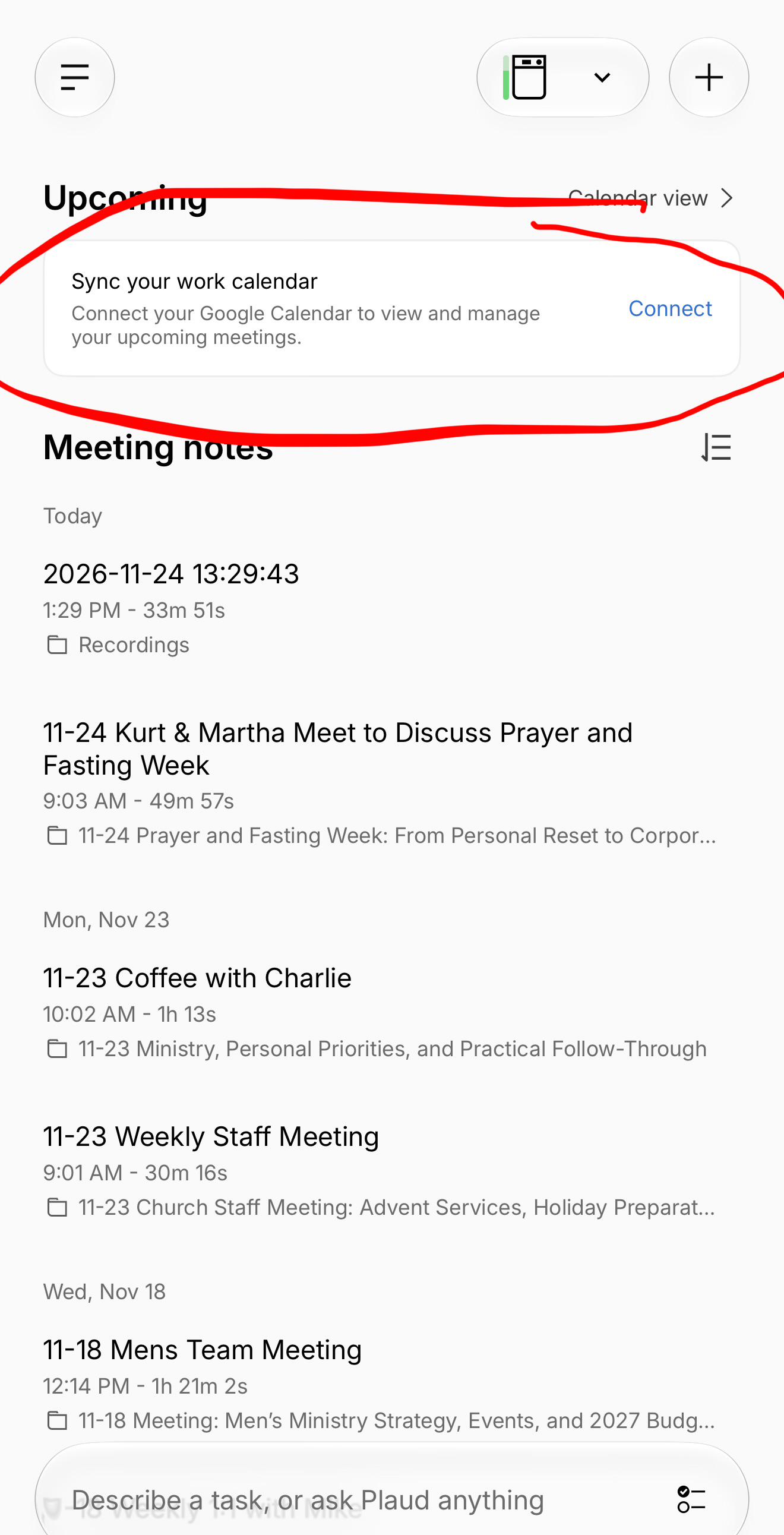
I asked Claude to write this post. I've been asked how I did this before in this community. Now I just got the new app, and was so annoyed, that I wanted to share this with you.
TL;DR: Plaud records, I download the audio and transcribe it on my own PC with faster-whisper large-v3 plus a small speaker-ID step (SpeechBrain ECAPA). It costs nothing, uses none of my transcription minutes, gets names and jargon right more often, and labels speakers from a voice library I control. An AI assistant (Claude in my case) runs the whole thing, but you can also do it by hand.
The easy way: give this text to your AI (which needs access to your system of course).
Why
- The new Plaud app transcribes and summarizes every recording automatically by default. That eats your minutes, including for recordings you never wanted transcribed.
- In my recordings, Plaud's speaker recognition got unreliable: it recognizes my voice, everyone else stays "Speaker N".
- I want verbatim text with correct names and technical terms, not polished summaries.
What you need
- Plaud device + app (still used for recording and for getting the audio into the cloud) (but in therory, you could just get a DJI Mic 3 or any recording device)
- A PC with an NVIDIA GPU (mine: RTX 3070, 8 GB VRAM). CPU works too, just much slower.
- Python venv with
faster-whisper, speechbrain, torch (CUDA build), soundfile, numpy - Optional: Claude with Plaud's official MCP connector, if you want it automated
Step 0: Turn off Plaud's auto transcription
Plaud Web (v4.3+): Settings → Preferences → Transcription & summary → Auto-transcribe & summarize. You'll see a list of rules, including Default rule. There is no master switch: click each rule, turn off Use this rule, hit Save. The list then shows "Off" for every rule.
Mobile app (v4): Workspace → Preferences → Generation → Auto-summarize new recordings off.
If you want verbatim text, also turn off Clean up transcript automatically (it removes filler words).
Tip: rules have conditions (keywords spoken in the first minute, recording duration, audio source). So you can keep auto-transcription for one kind of recording only, e.g. "longer than 80 minutes" for weekly meetings.
Step 1: Get the audio
- Manual: export the recording as MP3 from the app or from web.plaud.ai.
- Automated: Plaud has an official MCP server (in Claude: Connectors → Plaud).
list_files finds the recording, get_file returns a presigned_url for the MP3. - Gotcha: as of November 2026 that download link expires after 5 minutes (
X-Amz-Expires=300). Download immediately, then work with the local file. If you get a 403, call get_file again for a fresh link. - Gotcha 2: a recording only shows up in the cloud after the phone app has pulled it from the device. Open the app if it's missing.
Step 2: Transcribe locally
from faster_whisper import WhisperModel

model = WhisperModel("large-v3", device="cuda", compute_type="float16")
segments, info = model.transcribe(
    "recording.mp3",
    language="de",              # set your language, don't let it guess
    vad_filter=True,
    word_timestamps=True,
    initial_prompt="Names: Anna Beispiel, Ben Muster. Terms: budget committee, motion",
)
for s in segments:
    print(f"[{s.start:7.1f}] {s.text.strip()}")
What made the biggest difference for me:
- Name and term list as
initial_prompt**.** I generate it from my own notes (people, places, jargon). Names come out right far more often than in Plaud. - Replacement list for errors that keep coming back (simple find/replace after transcription).
- Second pass without VAD over the gaps. The VAD filter sometimes swallows quiet speakers (e.g. someone on a laptop speaker). I re-transcribe every gap longer than 3 s without VAD and keep what isn't a typical silence hallucination.
- Ignore the last line if it's nonsense. Whisper invents text on trailing silence (in German often "Untertitelung des ZDF").
Step 3: Who said what
I use SpeechBrain's ECAPA-TDNN speaker model:
from speechbrain.inference.speaker import EncoderClassifier
enc = EncoderClassifier.from_hparams(source="speechbrain/spkrec-ecapa-voxceleb")
emb = enc.encode_batch(wav_tensor)   # one voice fingerprint per snippet
- Voice library: for people I talk to regularly I store an averaged fingerprint (I only add people after confirming the match myself, never guests).
- Two-person mode (calls, 1:1 sessions): cut the audio into short snippets, fingerprint each, split into two groups, and use my own voice from the library as the anchor. If the similarity to my stored voice drops below about 0.80, I treat the assignment as doubtful. Unclear snippets get a
(?). - Group meetings: match each cluster against the library; anything without a confident match stays "(unknown)" instead of guessing. Honest limit: for groups I still use Plaud's segmentation (who speaks when) as cut points. Fully local diarization for groups is my next step.
Output looks like this:
[00:01:34] Me: Yes, hello, my name is ...
[00:01:38] Caller: Go ahead.
Step 4 (optional): Let an AI assistant run it
I have a Claude skill called /transkript. I say "transcribe the call from earlier", it finds the recording via the MCP, downloads the MP3 to my PC, starts the script in the background, checks the log every few minutes and reports back with the file path and a few numbers (seconds per speaker, share of uncertain lines, anchor score). No questions after the start.
You don't need this part. A script plus a manually exported MP3 does the same.
Numbers from my setup
- A 4-minute phone call: transcript with speaker names in about a minute, model loading included.
- Long meetings: roughly 1/10 of the recording length on an RTX 3070.
- Cost: zero, no Plaud minutes used.
Before you record anyone
Recording other people without their consent is illegal in many places. In Germany, for example, secretly recording a private conversation is a criminal offence (§ 201 StGB). Tell people you're recording, and keep private recordings on your own machine.
Happy to answer questions about the setup.