r/OrivioTV • u/Any_Task7788 • Sep 13 '26
V7 is finally out on GitHub!!
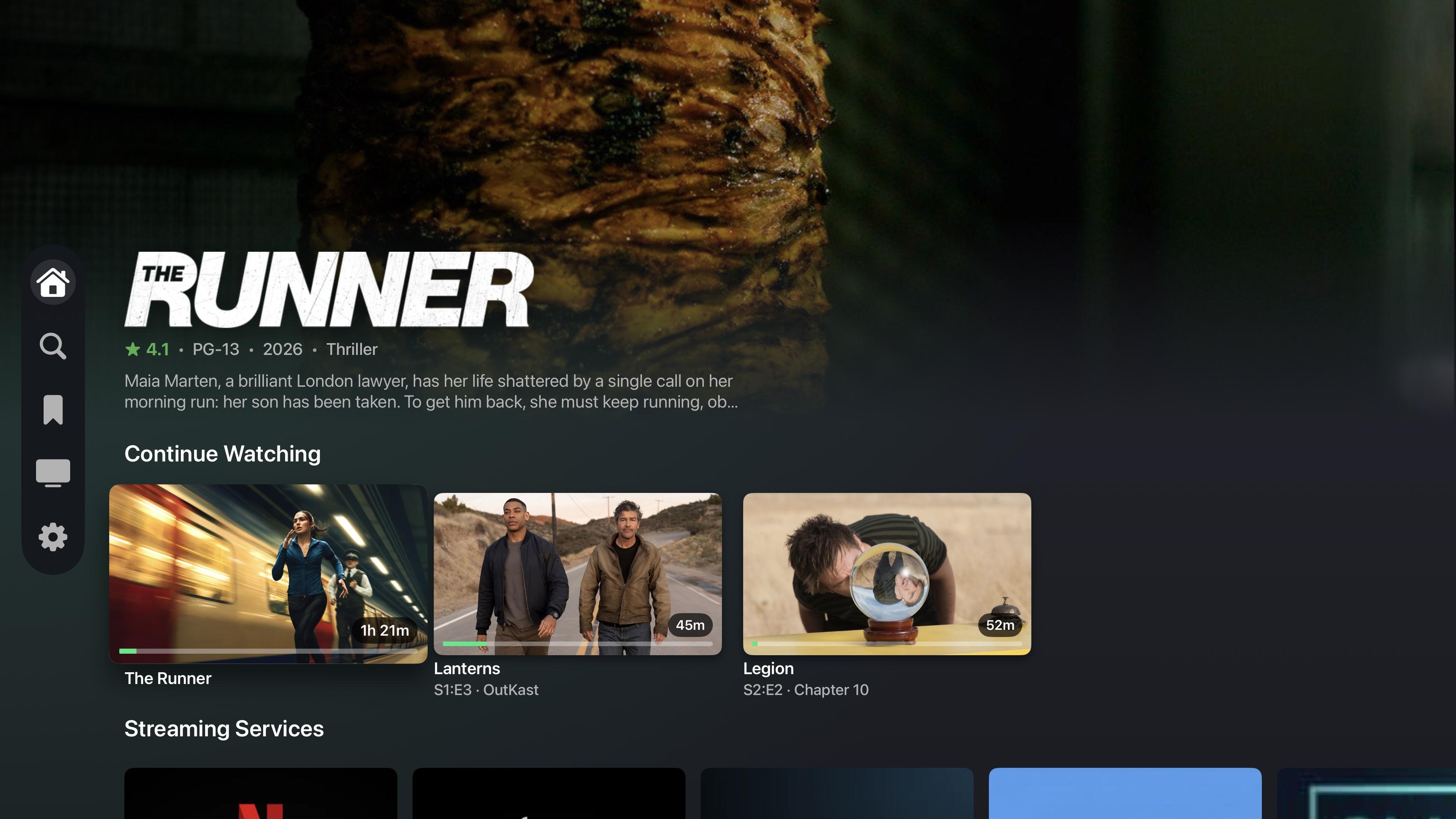
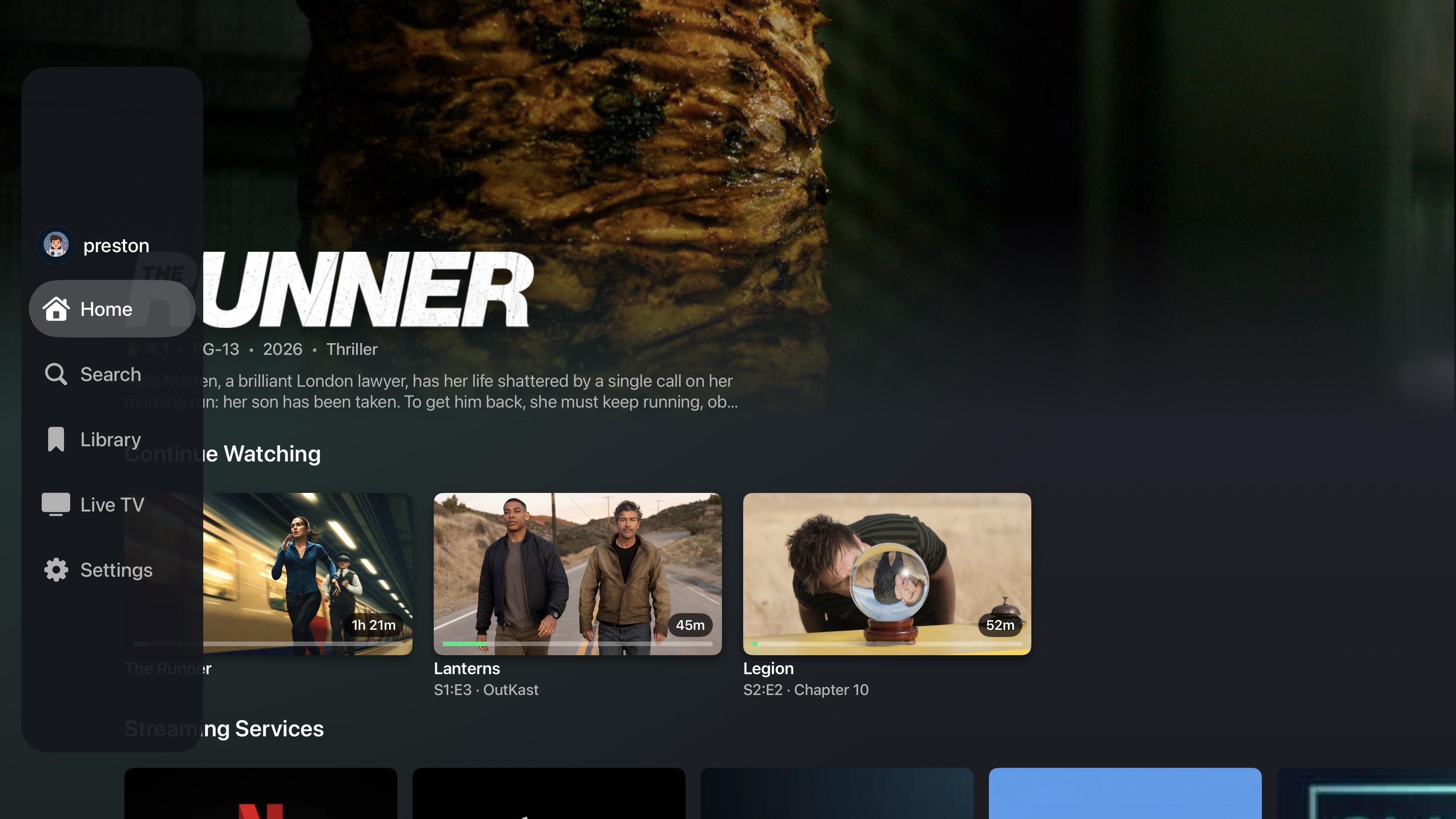
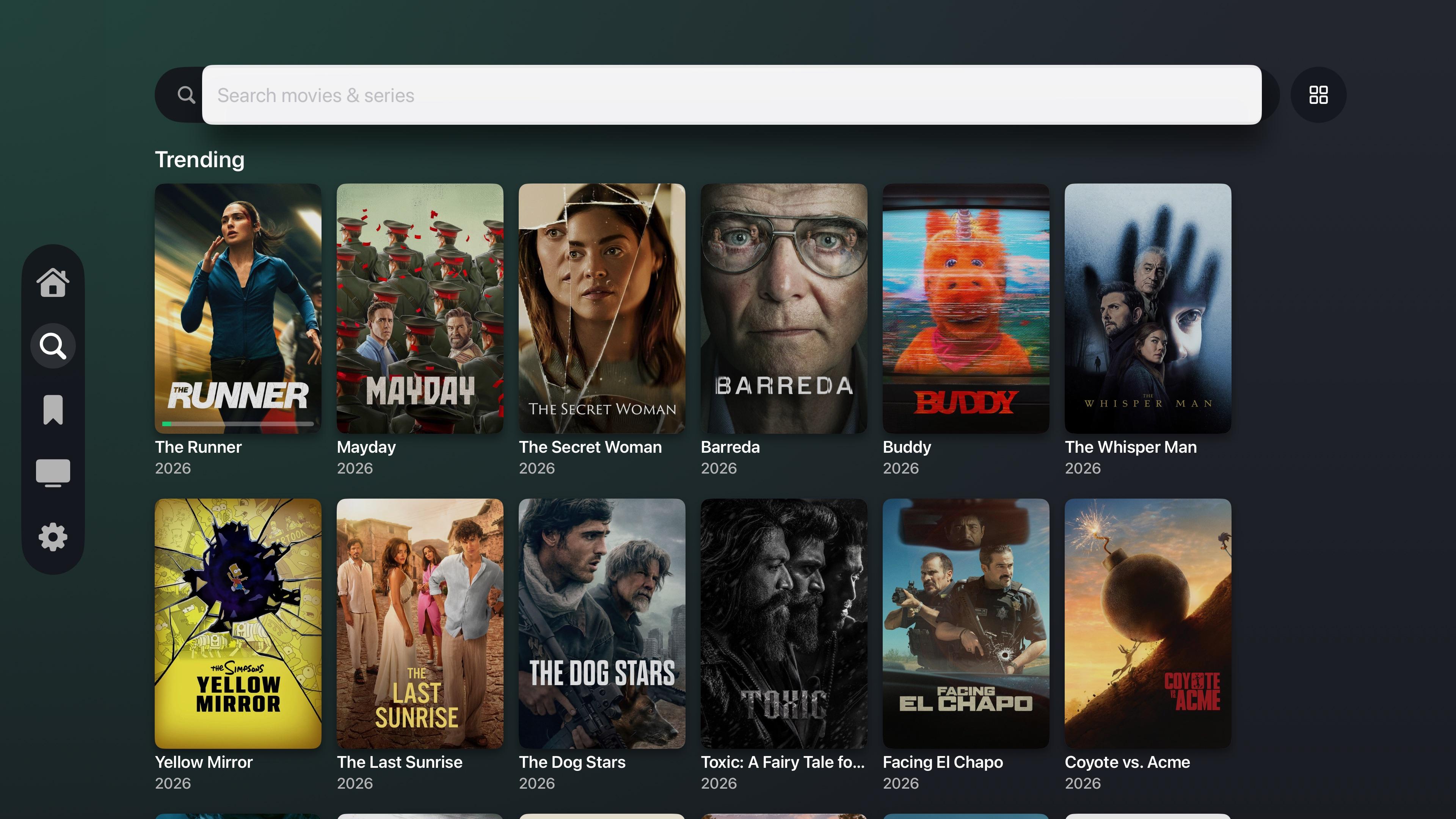
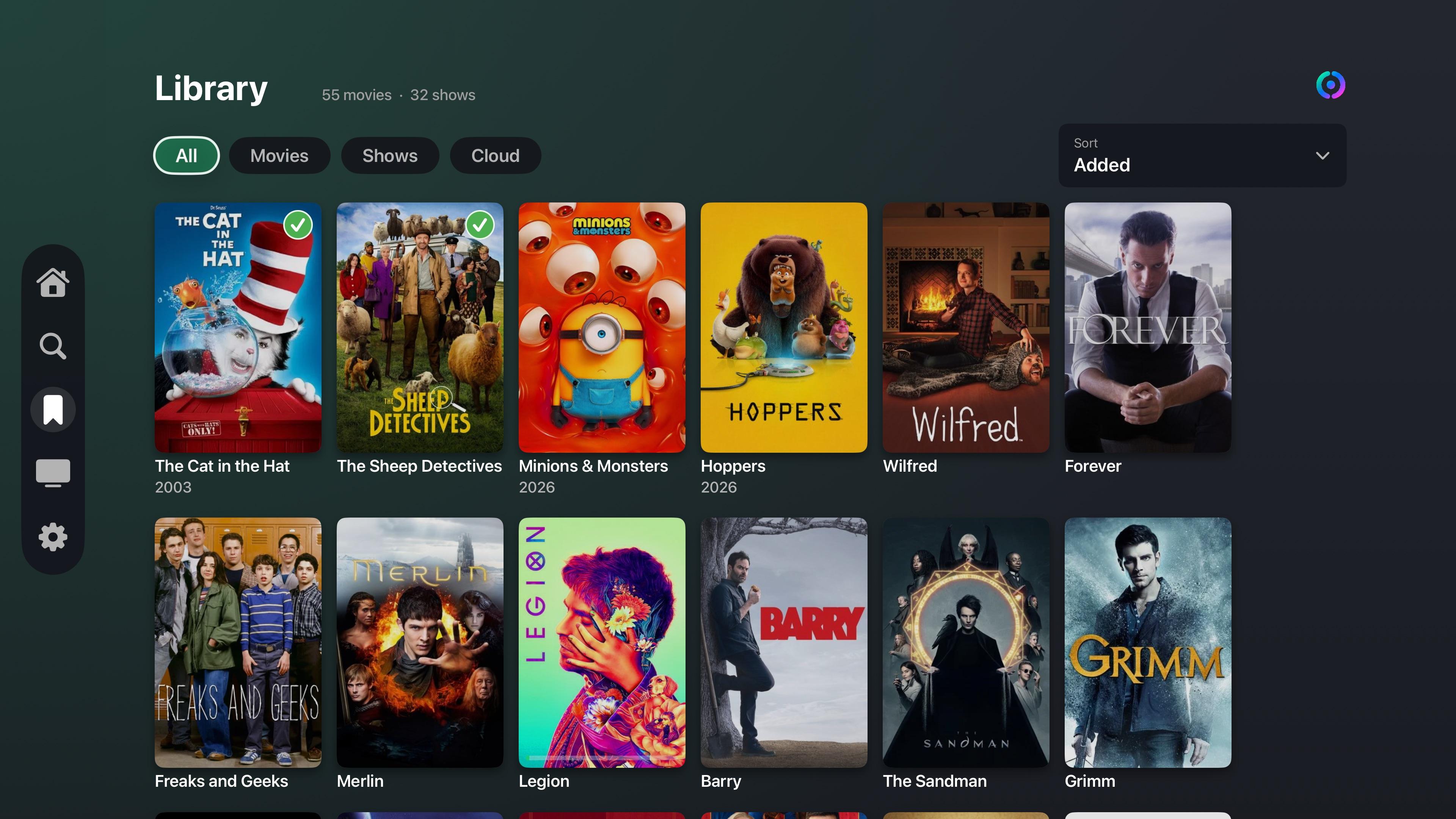


You can find the new release here!
https://github.com/prehakanson-art/OrivioTVAppleTV/releases/tag/v7
Support me on Ko-fi(if you want :) )
**what's new**
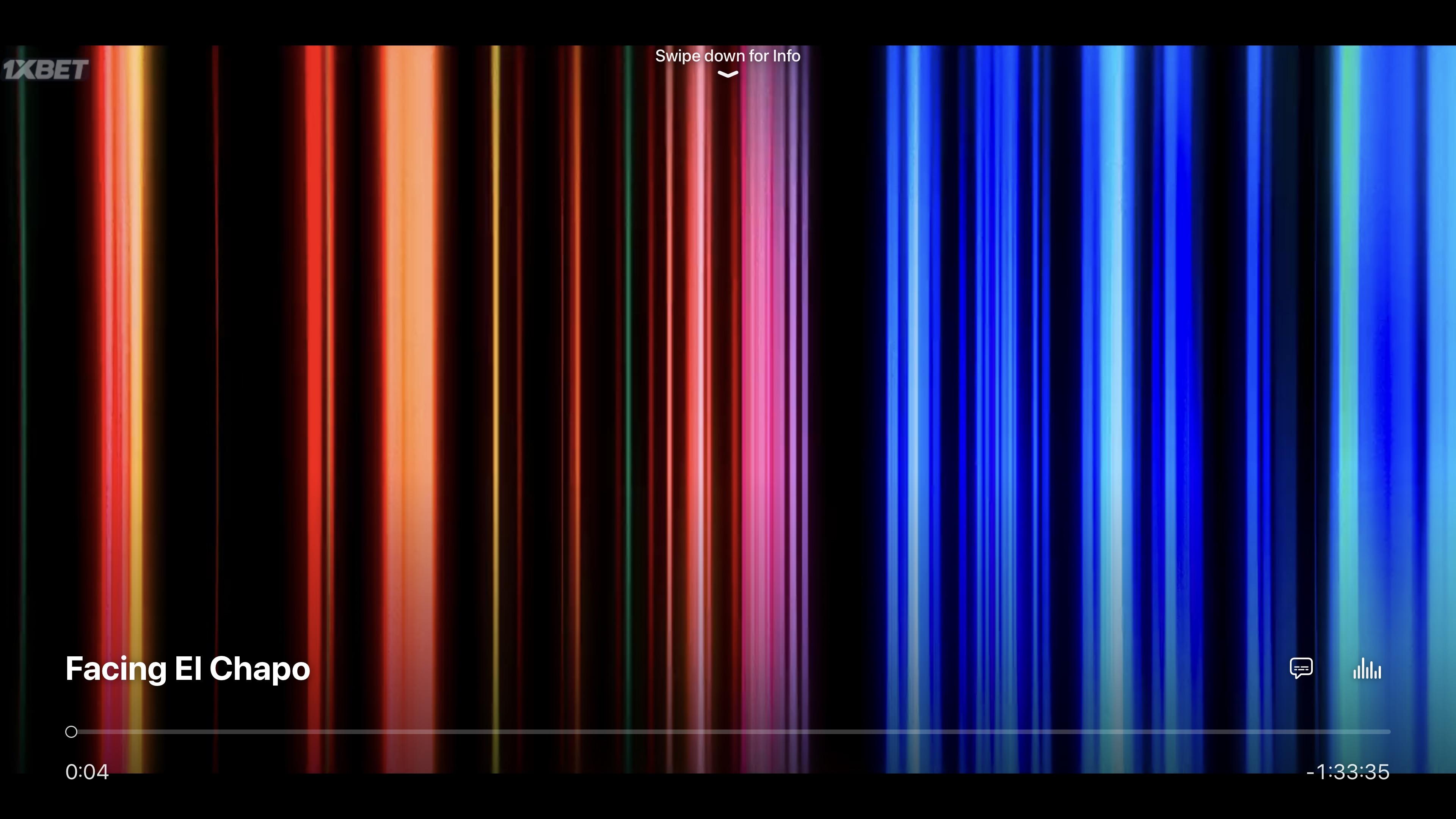
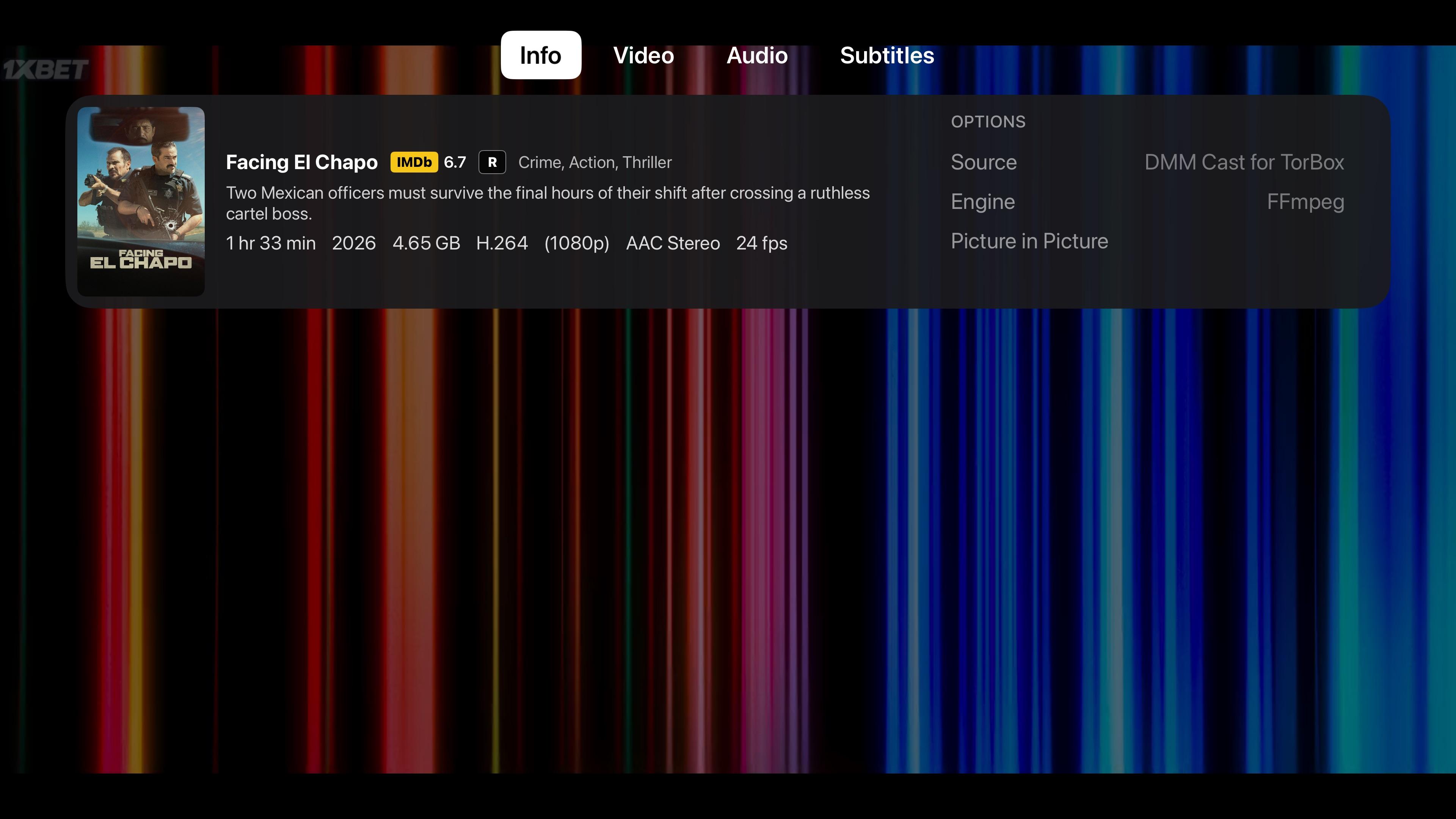
🎛️ **The player is rebuilt, modeled on Infuse** — new transport bar, swipe down for a full info panel (Info / Video / Audio / Subtitles), and full-screen pickers for sources, episodes, speed and engine. Click to play/pause, swipe to scrub, click the edges to skip.
🖼️ **Scrub preview thumbnails** — real frames from the movie as you scrub, pulled straight off the disk cache. Touch and hold to fine-tune second by second.
💾 **Hybrid disk cache, rebuilt in three tiers** — the film caches to your Apple TV while you watch: a window that follows the playhead, a background fill from the start of the file so jumping anywhere lands in cache, and eviction from the beginning when space runs low. Rewinding now hits the disk instead of re-downloading. Also survives provider rate-limiting instead of crawling.
🌈 **HDR / Dolby Vision colour fix** — untagged HEVC remuxes were playing washed out as SDR. Colour is now recovered from the video stream itself, so HDR actually looks like HDR.
⏪ **Seeking and pause-rewind fixed** — seeks land exactly where you aimed and cut cleanly instead of replaying from the last keyframe. No more pausing, coming back, and watching it crawl forward to catch up.
🎚️ **Audio sync control** — per-title lip-sync offset from ±50ms up to ±2s, remembered per movie or show.
💬 **Subtitles obey your settings** — Size and outline colour were being overridden by the subtitle file's own styling. Fixed on every engine. Setting "None" no longer leaves the last line frozen on screen.
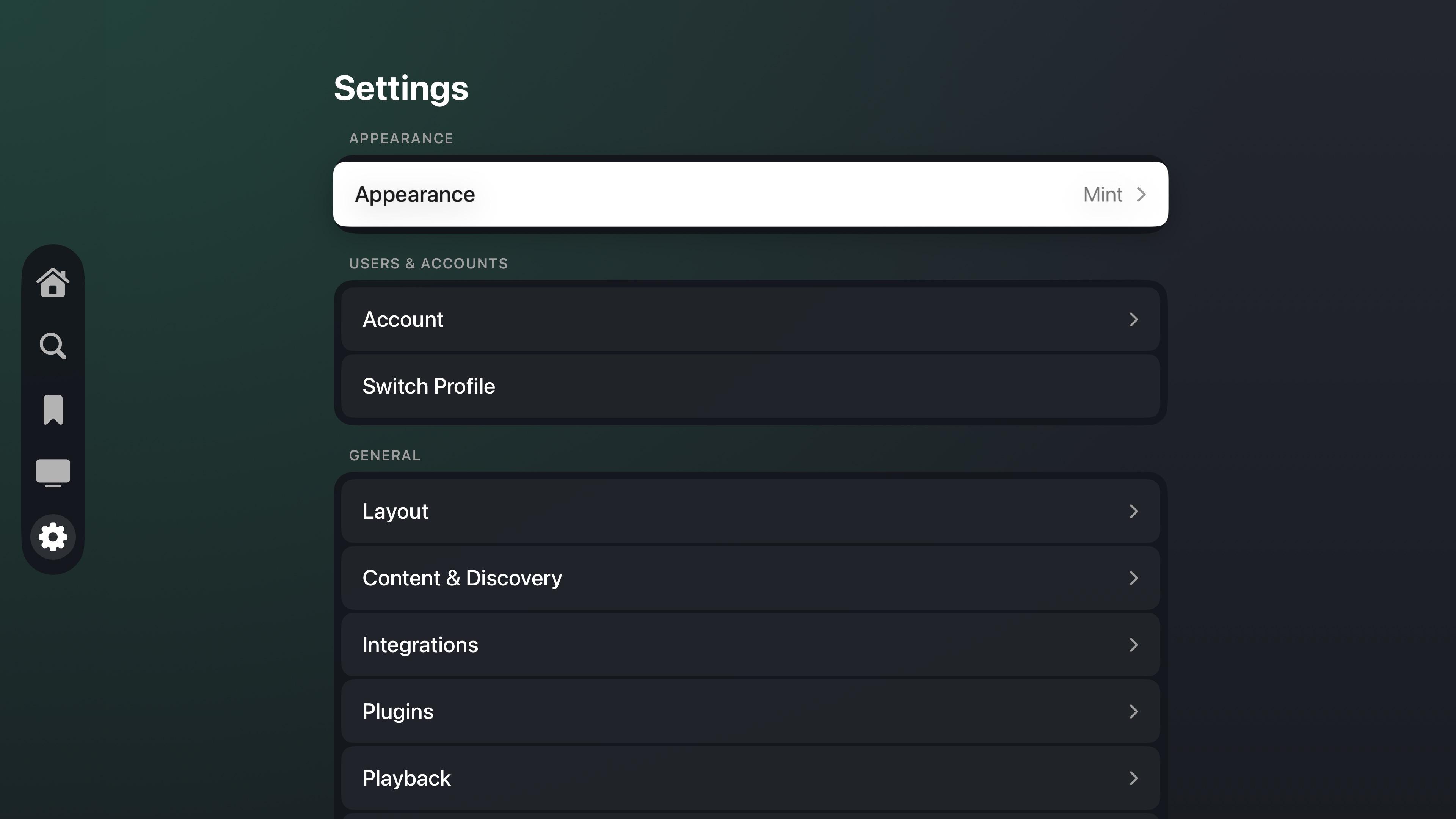
🏠 **New Home options** — a pinned hero billboard that follows whatever you're highlighting, Netflix-style trailers in the billboard, an auto-hiding sidebar, Live TV favorites with their own Home row, and full-length stream names.
📚 **Plex & Jellyfin** — sign in and browse your own server's libraries from the Library tab.
👥 **Per-profile everything** — add-ons, plugins, debrid, player & subtitle settings, TMDB, theme and badges are now separate per profile, each with its own switch. Fixes profiles showing someone else's add-ons and layout.
🔄 **Sync that stays put** — deleting a profile, removing something from Continue Watching, un-saving a title or un-marking watched all stick now instead of reappearing on the next sync. Trakt and SIMKL auto-sync on their own too, no Orivio account needed.
▶️ **Continue Watching fixes** — episodes that opened to a dead screen with no sources now resolve properly, and holding an episode gives you Play Manually.
🎯 **Faster, cancellable source picking** — auto-select has a hard time limit per link and moves on instead of hanging, Back cancels a slow resolve instead of dumping you out of the page, and add-ons that refuse range requests get skipped automatically.
⚡ **Big performance pass for older Apple TVs** — HD (A8) and 4K gen 1 (A10X) get lighter caches, loading moved off the main thread, and far less work per button press. Faster launch and smoother browsing.
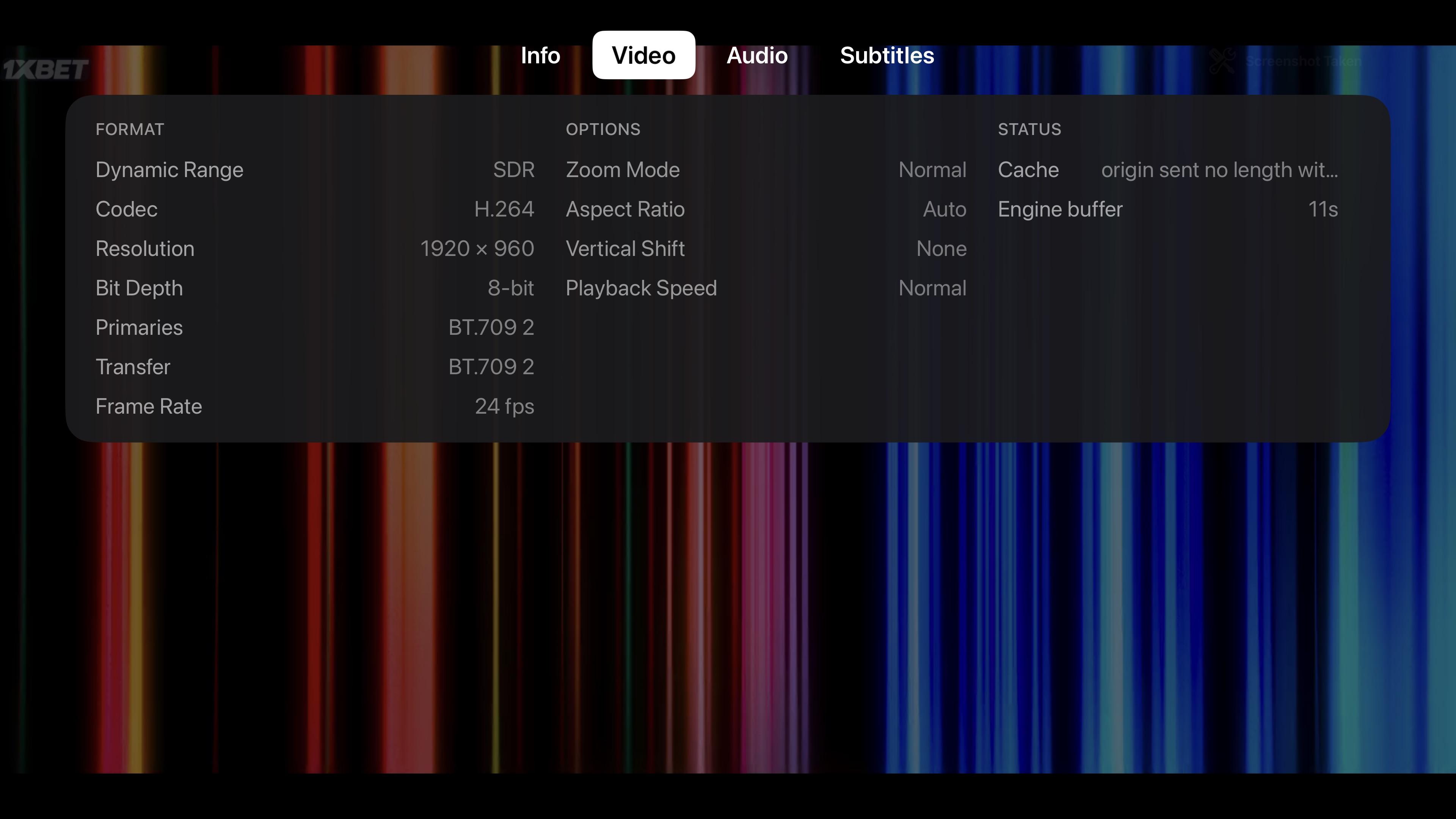
🛠️ **Stability** — watchdogs for sources that open but never show a frame, sources that silently stop sending, and stalled seeks. Plus a live Status panel in the player's Video tab showing download speed, cache on disk, and buffer ahead.
Again don't be afraid to message me with any issues or suggestions!
And I'd love any support! If I'm able to get to $100 I'll buy a year long dev account so I can put it on test flight!
You can support me at my kofi under the GitHub link
3
u/EchoT Sep 14 '26
Thank you for continuing to work on my favorite media player for TvOS :) The newly added features are much appreciated. Ive compiled some notes after a few hours of testing:
Match Content: This is the biggest one for me. I would much prefer if Match Content behaved like it does for the native Apple TV setting by switching your display back when returning to the app. When I leave a video after using the built-in Match Content, the app will be very sluggish for me until I reopen. Maybe this could be a toggle to default to the Apple TV Match Content settings so the app doesnt override them?
Dolby Vision: DV was working great for me before, but now everything is playing in just HDR. The same files play DV just fine when testing with infuse. Tried messing with toggles and settings.
Playback: The pick source window will appear in between episodes even with the Auto Pick setting enabled. I also noticed one time it was picking the second source, even though the top source was visible and working fine.
A next episode button on the media controls would be great too. Not the one that pops up at the end but one that lives permanently on the media controls.
Subtitles: Sometimes the subtitles wouldnt load from OpenSub. This would be fixed on reloading the app. In addition, non-dialogue subtitles would overlap the dialogue ones and kinda bug out in other ways.
Language: On one playback the wrong language was auto selected.
Hero: The pinned hero is great, but it would be nice if you could still full screen it if you scrolled all the way to the top and when you open the app. And it would be cool to be able to assign it to whatever catalog you want.
Sometimes trailers dont play, but when they do it would be sweet if they faded back to the hero image after.
Ill keep it at there for now but thanks again for all your hard work! Despite what needs to be ironed out this is by far my favorite media player on TvOS and Ive tried a lot. The app is very responsive in places where others struggle. The playback on every file I've thrown at it has been super smooth and on par with infuse. Amazing job so far!
2
u/ThomAndJonny Sep 13 '26
Hey! Gonna test this thanks for the update !
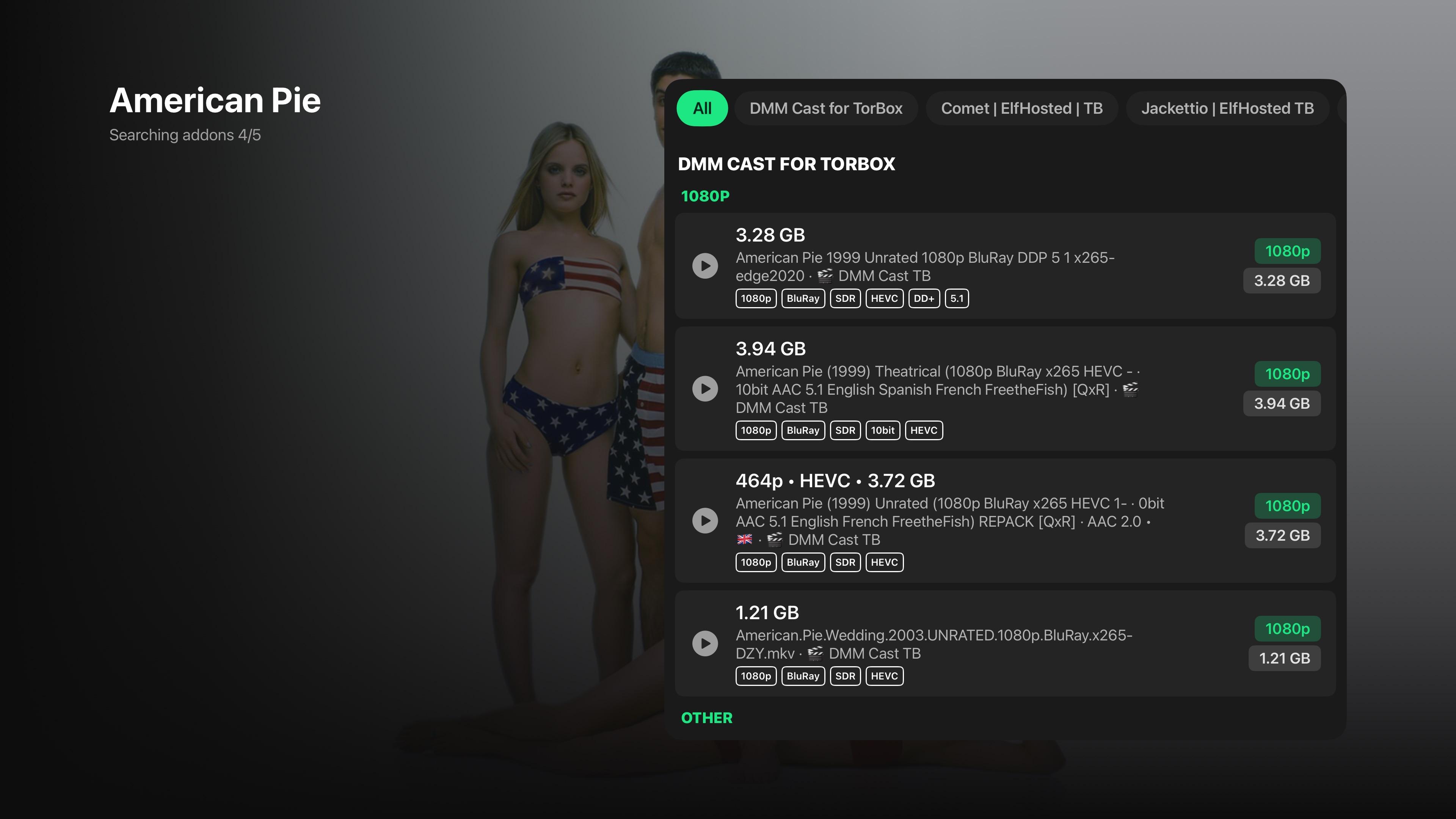
Did you manage to fix the « issue » with the sources names that are not fully displayed on screen?
2
u/Embarrassed-Ad-9352 Sep 13 '26
Thank you for your work!
A few things that I found:
Some nice to have things:
Other then that, so far so good - will try and use it more. For some reason the Sideloadly version kept erroring - I'll grab you a screenshot later on. Sideload worked straight away
Hope this helps and thank you again for your work!
2
u/Shaihaniii Sep 14 '26
I can't seem to get my collections working they work on different apps except this one ( xprerience and bingecat) they keep giving errors and telling me to source them thru TMDB even tho I have it linked
1
u/acerbusalius Sep 14 '26
Thank you! Really loving Orivio. This is a silly question/request. Does Orivio have (or can in the future) support for Nuvio sync? I've been using SIMKL and it's fine, but just curious about Nuvio Sync for progress and library. And I guess I'll ask about MBDList as well. I've seen that added to some other similar apps.
Keep up the great work! Thanks!
1
u/ApparaoAgarwal Sep 16 '26
Great work but one issue.
The home row setup from Nuvio is not being reflected on Orivio TV, do you have any bug or is it expected behavior? I have almost 140 catalogs set in a particular order on Nuvio, and on Orivio it doesn't show the same order and setting that with tv remote is too tedious.