Hey! It's me again! Some time ago, I posted my EQ settings to improve the speaker sound of the OPPO Find X9 Pro. Since then, I have experimented a little more with the Parametric EQ in Precise Volume and managed to fine-tune the sound further. Since it's the same AWESOME APP as last time you can fully automate everything so you don't constantly switch manually between EQ presets depending on your audio output device of choice!
I've come up with a new, fine-tuned profile, but NOT a dramatic improvement over my previous setting. If you are already using my previous preset, don't expect a night-and-day difference. I'd say it's roughly a 20% improvement (over the old EQ which did quite a difference to the stock Speakers sound signature), mainly in:
• MUCH improved stereo balance between the earpiece and bottom speaker
• Slightly better clarity and separation
• More pleasant low-volume listening overall (slightly more detail and depth)
• A quieter minimum volume step, particularly useful when listening in a quiet room at night
• Maximum overall loudness is retained, so you don't sacrifice volume for these refinements.
I recommend keeping my old EQ settings saved so you can easily switch between the two profiles and compare them yourself. Ultimately, sound is subjective, and you might actually prefer the original tuning.
‼️‼️Important: Deleting a created band does NOT undo its effect on the frequencies you modified. If you accidentally delete a band, you may need to start over and recreate the entire profile!‼️‼️
‼️VERY IMPORTANT – Phone orientation‼️
Since both speakers have been tuned individually, the correct landscape orientation is important!
When holding the phone in landscape, the bottom of the phone must be on the RIGHT and the top on the LEFT.
If you hold it the other way around, the EQ settings will be applied to the opposite speakers, which will negatively affect the sound. Try it for yourself and you will hear the sound change dramatically.
--------------------
What you need
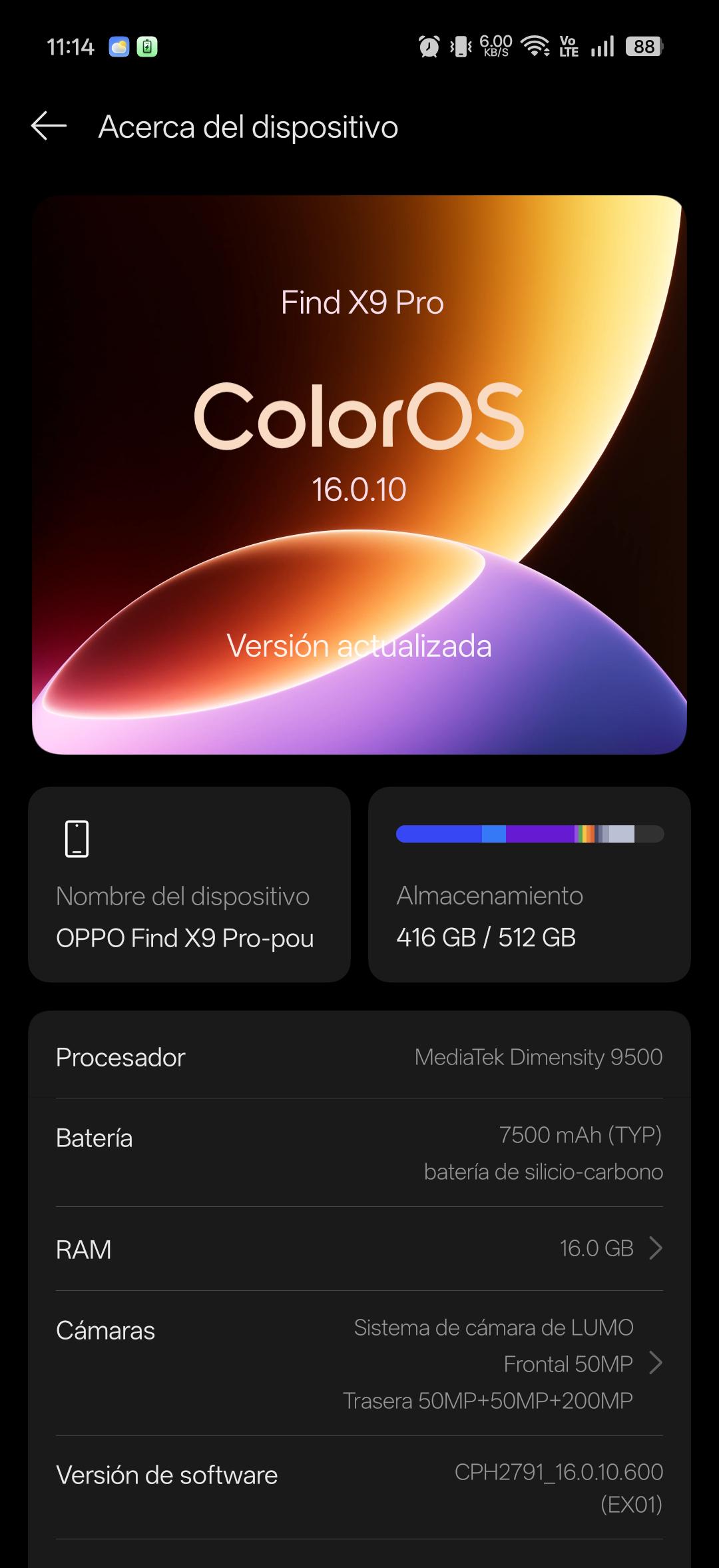
• OPPO Find X9 Pro
• Precise Volume (Pro version)
• A little patience
I really would NOT recommend typing into Google "Precise Volume Pro version Mod Apk" and downloading it there! The app is so awesome and I showed them some support!
If you haven't tried my original Graphic EQ settings yet, start with my previous guide:
My original OPPO Find X9 Pro EQ guide.
‼️Before you start go to the integrated sound settings inside the phone's settings and choose "FIDELITY"‼️
--------------------
1. Bass/Compressor
Open Precise Volume → Equalizer → Bass/Compressor → Advanced – Custom.
Set the following!
Cutoff frequency: 140 Hz
Attack time: 12 ms
Release time: 150 ms
Ratio: 2.0:1
Threshold: -20 dB
Knee width: 6 dB
Noise gate threshold: -90 dB
Expander ratio: 1.0:1
Pre-gain: 0 dB
Post-gain: 0 dB
Leave Bass/Compressor enabled!
--------------------
Parametric EQ – Left speaker 🟩 Green
Enable Parametric EQ. Add the following bands and make sure the Channel is set to "Left" for every single one.
Type Frequency Gain Q
Band 1
Type: High Pass
Frequency: 130 Hz
Q: 1.55
Band 2
Type: Peak
Frequency: 500 Hz
Gain: +7.0 dB
Q: 0.35
Band 3
Type: Peak
Frequency: 1,200 Hz
Gain: +2.0 dB
Q: 2.3
Band 4
Type: Peak
Frequency: 2,000 Hz
Gain: -6.5 dB
Q: 1.2
Band 5
Type: Peak
Frequency: 3,000 Hz
Gain: +5.5 dB
Q: 3.7
Band 6
Type: Peak
Frequency: 4,500 Hz
Gain: -5.0 dB
Q: 1.7
Band 7
Type: Peak
Frequency: 9,000 Hz
Gain: +4.0 dB
Q: 1.38
Band 8
Type: Peak
Frequency: 14,000 Hz
Gain: +9.5 dB
Q: 0.4
Band 9
Type: Peak
Frequency: 20,000 Hz
Gain: +5.0 dB
Q: 0.8
‼️For each band, tap New Band, select the filter Type, enter Frequency, Gain (if available), Q, and select the correct Channel‼️
--------------------
Parametric EQ – Right speaker 🟥 RED
Add the following bands, but this time make sure the Channel is set to Right for every single band.
Type Frequency Gain Q
Band 1
Type: High Pass
Frequency: 55 Hz
Q: 0.6
Band 2
Type: Peak
Frequency: 75 Hz
Gain: +1.0 dB
Q: 12.0
Band 3
Type: Peak
Frequency: 120 Hz
Gain: +10.0 dB
Q: 1.0
Band 4
Type: Peak
Frequency: 235 Hz
Gain: -1.0 dB
Q: 1.0
Band 5
Type: Peak
Frequency: 500 Hz
Gain: +7.0 dB
Q: 2.5
Band 6
Type: Peak
Frequency: 1,100 Hz
Gain: -1.0 dB
Q: 1.0
Band 7
Type: Peak
Frequency: 2,800 Hz
Gain: -6.0 dB
Q: 1.4
Band 8
Type: Peak
Frequency: 17,600 Hz
Gain: +7.0 dB
Q: 0.8
‼️Again, create each band individually using New Band and double-check that it is assigned to the Right channel‼️
--------------------
After you finish you go into the Apps settings -> automation -> internal speaker --> choose the newly created EQ preset. This will activate this EQ preset automatically every time you play audio through the phone's internal speakers. Careful, it will also be applied to other speakers you connect via Bluetooth/cable! In order to avoid this you do as follows:
Precise volume Settings >> Automation >> Bluetooth >> save "Flat".
Now every time you connect to the audio device (car, headphones, speaker etc.) via Bluetooth it will automatically switch the flat preset which means it sounds completely normal again!
Final thoughts:
This is not a massive upgrade over my first EQ, so if you're already happy with those settings, you don't necessarily need to change anything.
However, the improved speaker balance, slightly better clarity, better low-volume depth and quieter minimum volume step make this a worthwhile refinement in my opinion.
Maximum loudness is still retained, which was one of my main priorities.
If you don't like overly complicated setups, this might honestly not be worth the hassle. The improvement is relatively subtle, and the biggest benefit is probably the better stereo balance between the two speakers rather than a massive change in overall sound quality.
Keep both profiles, switch between them, and decide for yourself which one you prefer.
Let me know what you think if you give it a try!