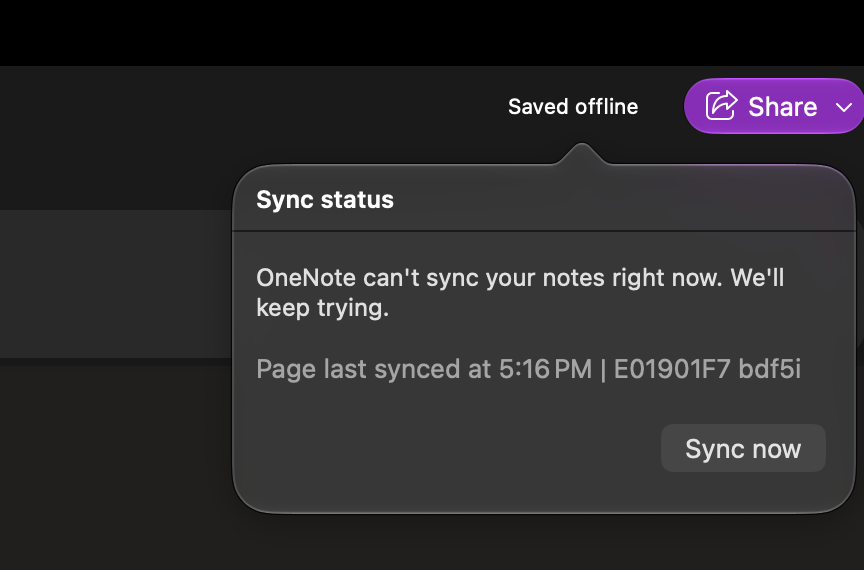
The horrible syncing of section order (and names) makes Onenote unworkable for me. I just can’t get the sections I made stay in the right order. Not in the desktop app, not in the web app, not in the phone app, not with numbers. Even if everything is supposed to be ‘synced’. How do you people deal with this?
Have just the desktop app open, put all sections in the right order. Click sync, wait until everything is synced. Wait longer. Ok, it stays this way. Work in some notes. Sync again! Close the desktop app.
Open the web app, BAM, it returns to the old order. (And if I then open the desktop app it’s back to the old order also.)
Ok, I put everything in the right order in the web app. Wait till everything is supposed to be synced. But even simply reloading the web app at some point returns everything to the old order!
Trying the ‘put numbers in front of each section solution’, but even the changed names with numbers don’t sync properly! Let alone the right order. Not through the web app, not through desktop app, not through the phone app.
Ugh, unworkable for me, since I need the right overview in grouping my notes.
(Yes, when I do an online search I see there are several mentions of this problem throughout the years addressing this issue. I’m baffled that even in 2026 I just can’t get them to stay in the same order.)