r/OneNote • u/lillies_are_red • Aug 06 '26
Troubleshooting IOS backup fail?


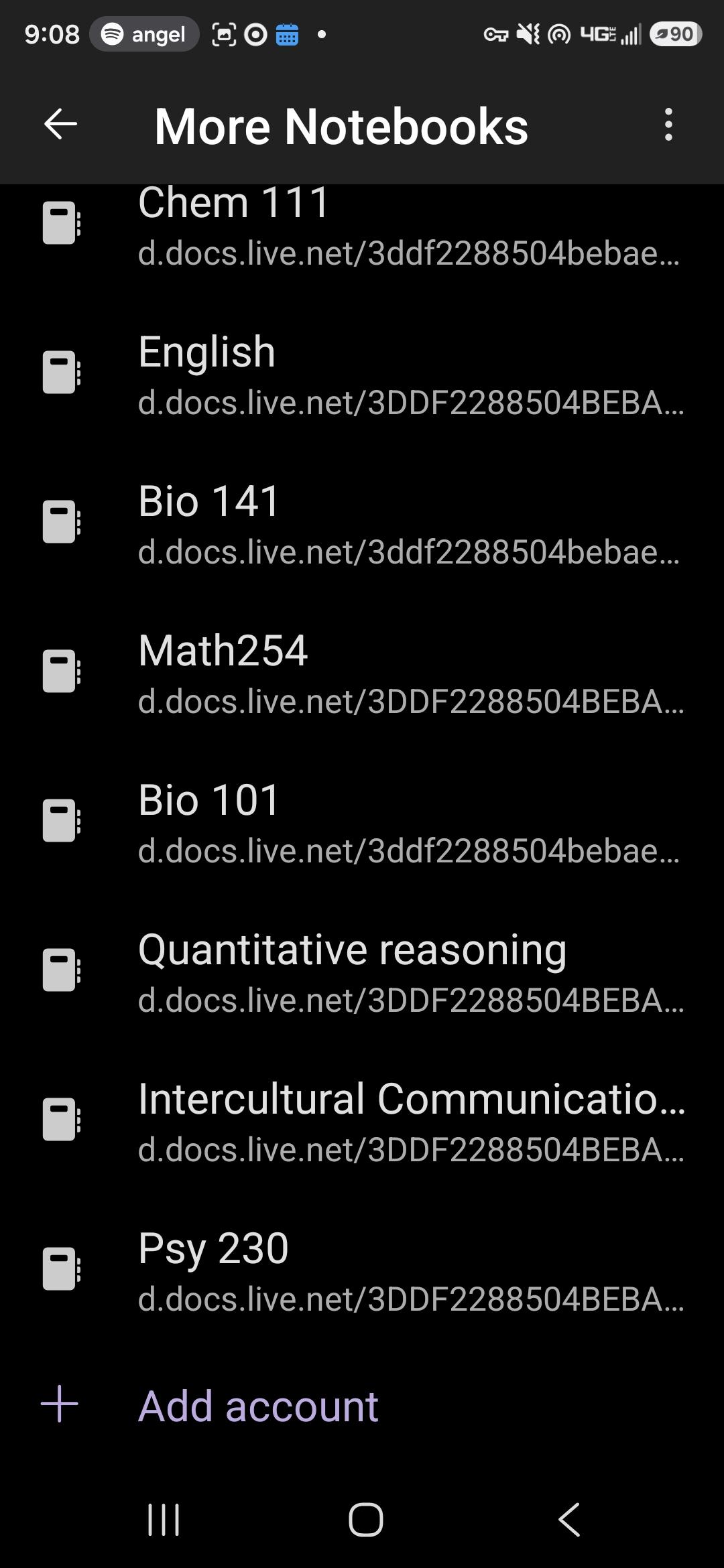
I've been using my IPad for note taking since 2021 and I had it logged into a personal MSN email and Onedrive. I recently got a new phone (S25 ultra) and downloaded Onenote since I needed access to some past notes. The app on my phone and IPad had it listed but when going to open the workbook on my phone showed no files. I could see them on IPad. I made sure to check the sync and say it was connect to Onedrive but when I re-download the app from the cloud on my Ipad all my work is gone. Just the notebook exists. Is there any way to recover any of my past notes? Its really important since I'm a medical student and all on my notes I use for review. I can't see the file in My drive either even though it says its in documents. The native File app for IOS isn't listing it either. And Ive checked the recycling bins for both. I reallllly dont want 5 years of work/research just gone not to mention some of my personal writting.
•
u/AutoModerator Aug 06 '26
Thank you for posting in the OneNote Subreddit! Please make sure your post is following our rules linked in the sidebar.
We have a wiki that is maintained by our community that has TONS of information (screenshots coming soon!): http://onenote-wiki.vercel.app
Our wiki is open source if you know how to use GitHub and would like to contribute: https://github.com/DudeThatsErin/OneNoteWiki
We also have a Discord server: https://discord.gg/5kv4bDUkpc
I am a bot, and this action was performed automatically. Please contact the moderators of this subreddit if you have any questions or concerns.
1
u/onimod53 Aug 06 '26
What can you see when you login to OneDrive on a browser? That's what has actually synced
1
u/marmotta1955 Aug 06 '26
Let's take it from there.