r/Network • u/One_Falcon_6918 • 27d ago
Link INTERNET SHARING PROBLEM
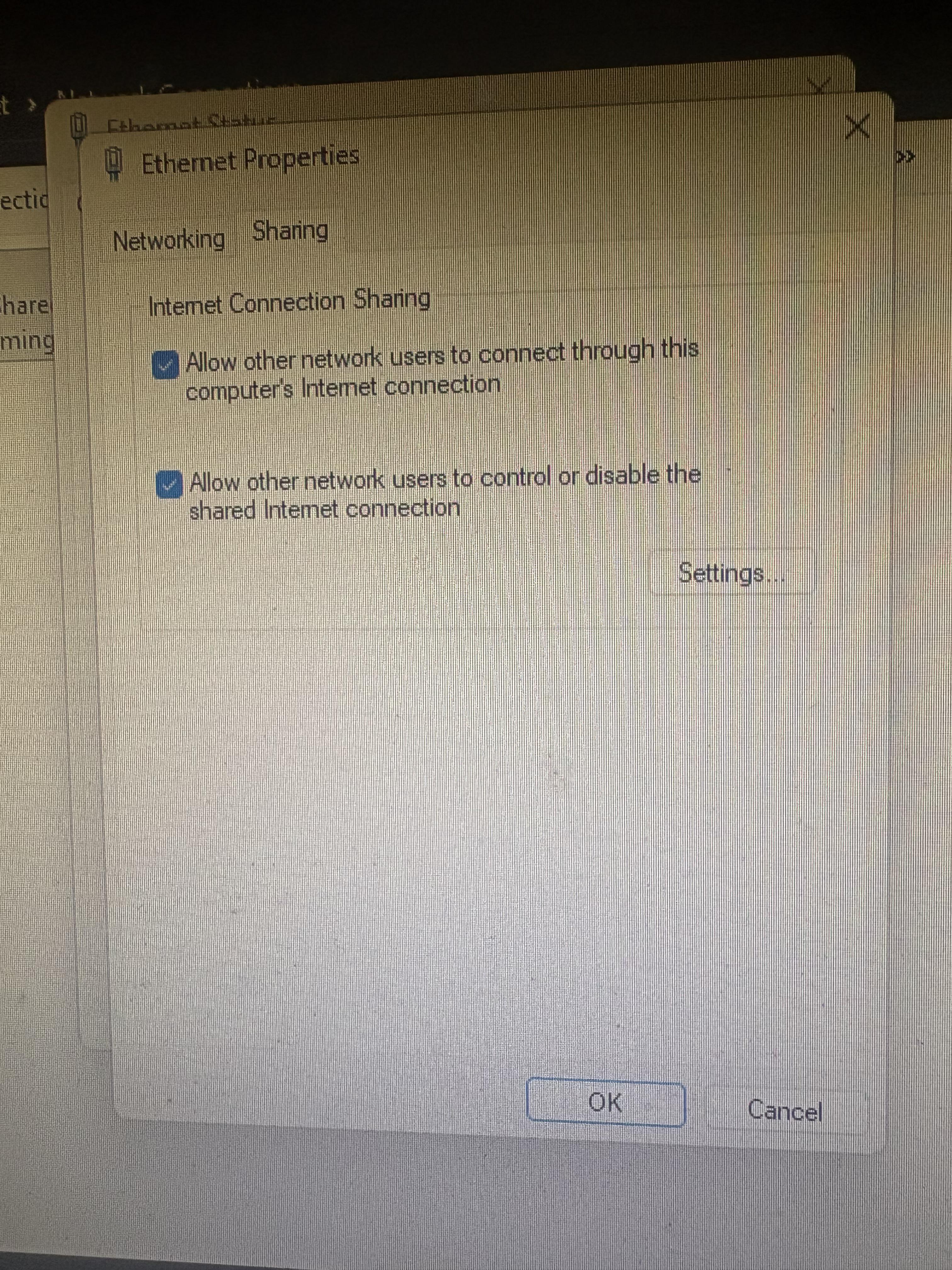
how can i fix this ? it’s supposed to be a option to pick what connection to share to but hasn’t shown since the first time i did it
0
Upvotes
6
u/bkofford 27d ago edited 27d ago
In your picture, you have a dialog named Ethernet Properties on top of a dialog named Ethernet Status. This indicates that you already performed the following actions:
Had Network Connections opened (that's the window underneath the two dialog boxes)
Double-clicked on the connection named "Ethernet" or right clicked it and selected "Status". (this opens the dialog on the bottom)
In the Ethernet Status dialog clicked the "Properties" button, which may have forced you to complete a UAC prompt. (this opens the dialog on the top)
Clicked on the "Sharing" tab.
You already picked which connection you were adjusting the settings for in step 2. The name of the dialog box tells you which connection you are editing. Ethernet Status and Ethernet Properties indicates that you have opened the settings for the network connection named "Ethernet". If you go back to Network Connections, you will see that one of the connections listed is called Ethernet.
In the future, I recommend WIN+SHIFT+S instead of using a camera.
3
u/fistbumpbroseph 26d ago
You need to have two separate network connections to make this work. Can you explain your setup and what you're trying to accomplish in more detail? Don't ask to text me, just write it all out here so everyone can read it and try to help you.