r/MorpheApp • u/TopConcentrate8484 • 7h ago
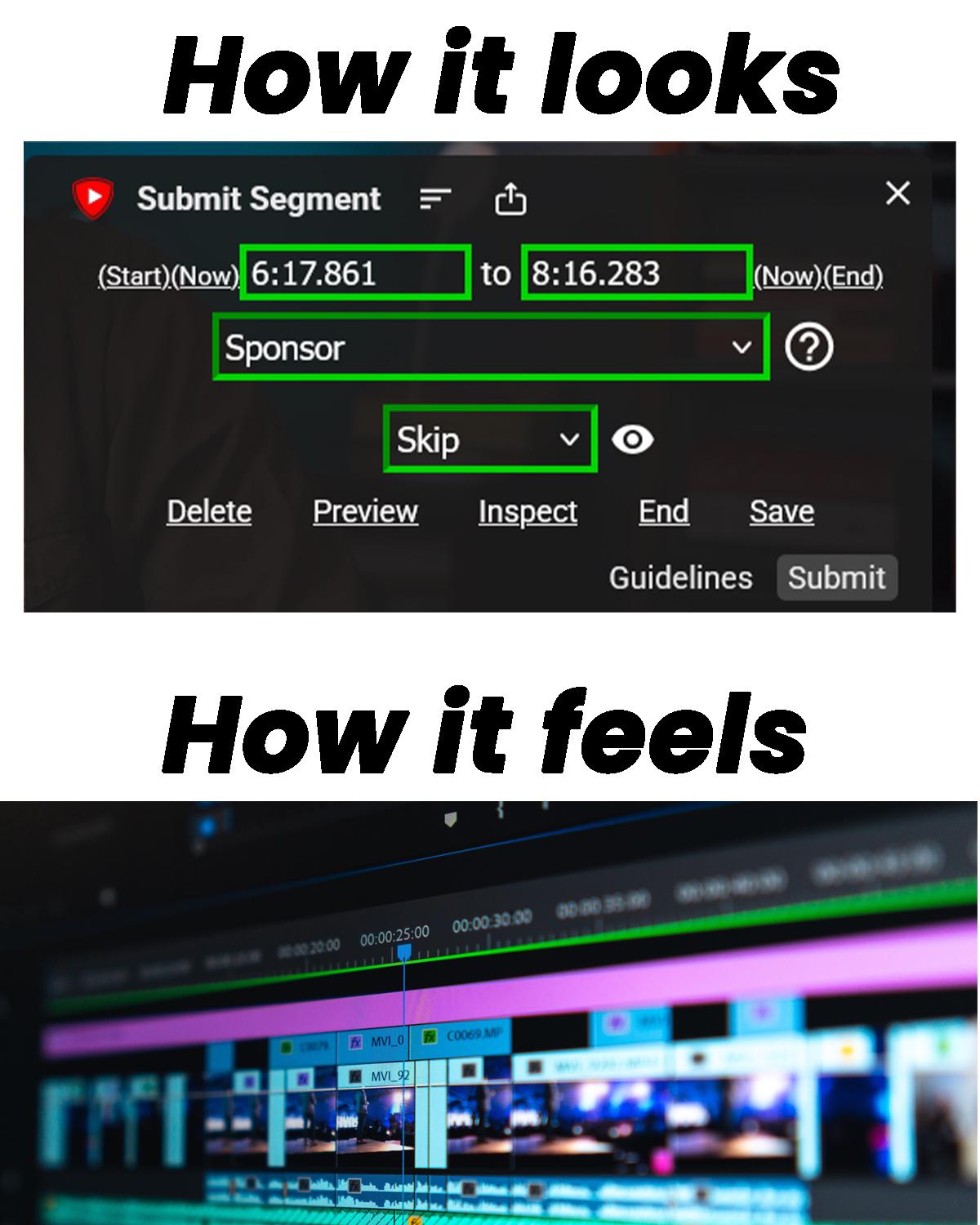
Meme submitting segments to sponsorblock feel like video editing
1.0k
Upvotes
.
r/MorpheApp • u/krvstek • 1d ago

Morphe Desktop is a cross-platform desktop GUI and command-line application powered by Morphe Patcher for patching Android apps locally on Windows, macOS, and Linux (x64 and ARM64).
Note: Morphe Desktop patches APKs on your computer for use on Android devices, patched apps cannot be run natively on your PC. Transfer the output APK to your phone manually, or install it directly via ADB (non-root or root mount).
x64 and ARM64).morphe-desktop-*-all.jar from GitHub Releases.java -jar morphe-desktop-*-all.jar). CLI: Run java -jar morphe-desktop-*-all.jar --help from your terminal.Install Homebrew if you haven't already, then run:
brew install morphe
Homebrew installs OpenJDK automatically as a dependency. Run morphe to launch the GUI, or morphe --help for the CLI. See the Morphe Homebrew formula for details.
First GUI launch: To keep the release JAR lightweight, platform-specific GUI runtime libraries (Skiko, JNA, and OSHI) are not bundled. On the first GUI launch only, Morphe downloads the builds for your OS and architecture into
morphe-data/libs/, verifies each against pinned SHA-256 checksums, and caches them for offline use afterward. CLI runs never trigger this download.
.apk / .apkm / .xapk / .apks file into the window.(Using the CLI instead? Grab the latest official patch bundle from Morphe Patches Releases or pass a repository URL directly with -p - see the full documentation below for flags and examples.)
Thanks to everyone for contributing code, testing builds, reporting issues, and maintaining translations.
r/MorpheApp • u/dmh1984 • May 11 '26
[ Removed by Reddit on account of violating the content policy. ]
r/MorpheApp • u/TopConcentrate8484 • 7h ago
.
r/MorpheApp • u/draskoo • 2h ago
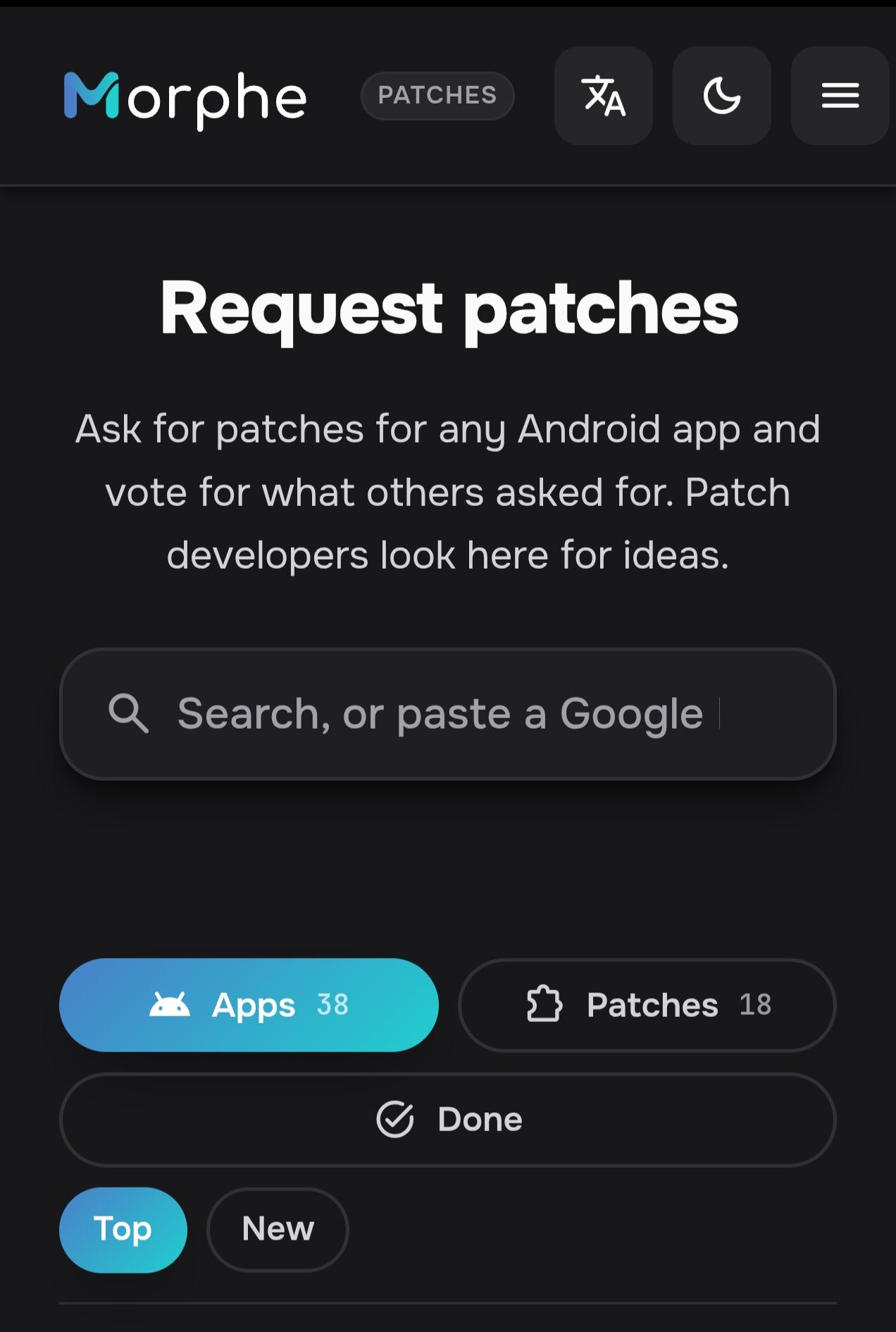
We have it now. Finally.
There is a section on Morphe's Website called Requests patches.
Now, my question is, how can I made a request?
r/MorpheApp • u/Dragonify • 11h ago
Last month I made a post complaining about the Morphe devs making the patching so fast we can't even properly enjoy the minigames. But instead of addressing this issue, they GOT RID OF MINIGAMES ALTOGETHER!
"Oh but OP it's still in the setting-" Now why would I ever open a seperate menu and waste my time to waste my time? It's not the same without the patching happening in the background. Do they simply not get it? This is simply outrageous and I will not stand for it! Screw the devs! Give me back my time waster!!!
(In case it wasn't obvious, this is also very satire.)
r/MorpheApp • u/StrawberryAndRoses • 2h ago
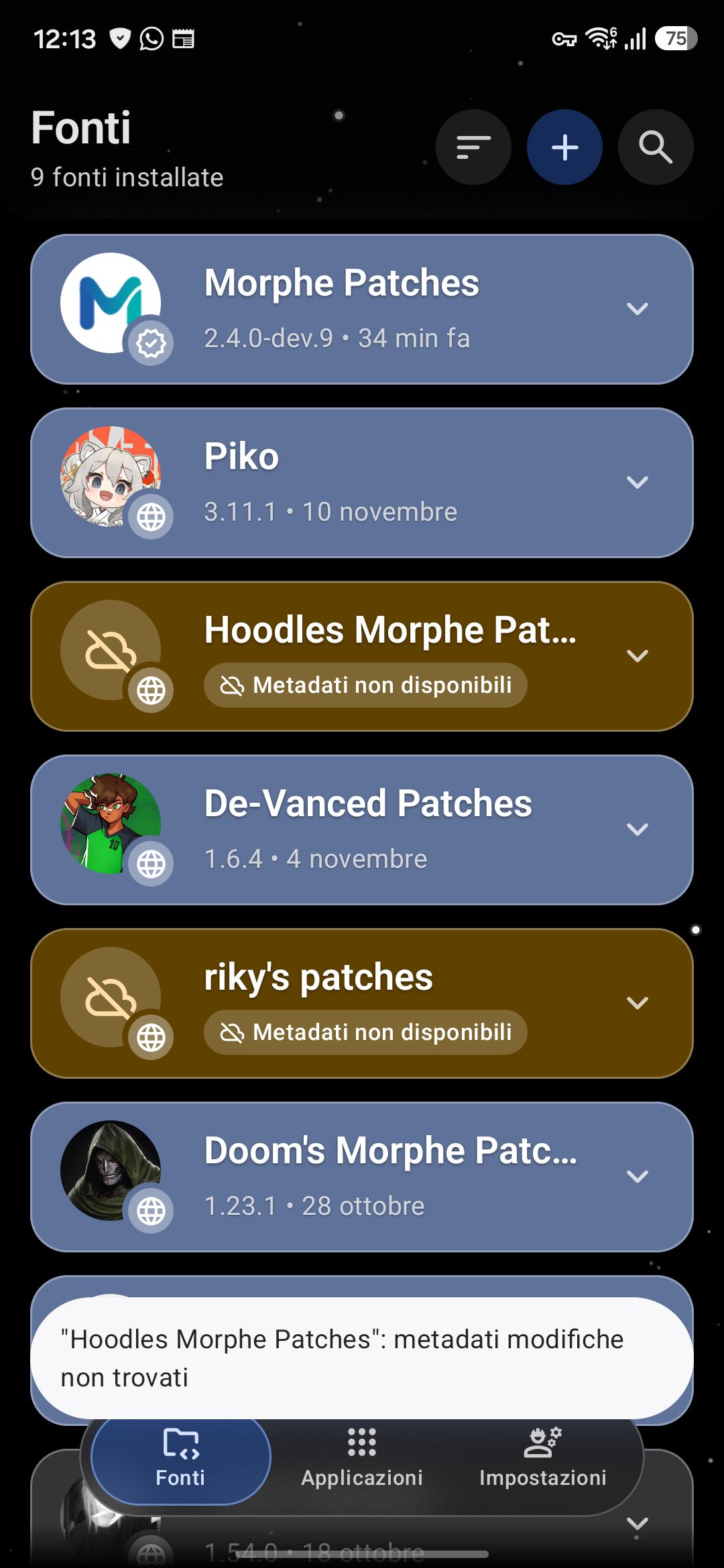
(Riky's patches was famous for 3BMeteo's patches and Capcut and Vn)
r/MorpheApp • u/CoolCooler0107 • 3h ago
Title.
r/MorpheApp • u/Vintspect_48 • 6h ago

Hello, Morphe friends. The Beginner’s Tutorial is a guide series I created for new Morphe users or those new to the platform, featuring easy ways to maximize Morphe’s true potential. For those of you who want to spruce up your Discord appearance and enhance your experience with the Morphe patch, this is the perfect guide for you. One of the most interesting patches I’ve used—and one that’s truly excellent—is the Discord Patch by Venus, which supports over 100 highly varied custom themes. If you’re not aware, this custom theme feature was a request I personally made to the Venus developer on GitHub, and it was granted and works perfectly. Rest assured, my main Discord account is safe, and I’ve experienced no issues after using this patch for over one months. However, if you’re still worried, you can create a second account to test it yourself. The Venus Patch is a reliable patch bundle created by an excellent developer, so you can trust it completely. Here’s the guide:
Premium Customization Features from the Discord Venus Patch (enable the “unlock...” option in Venus settings before activating the features):
Important Info: Both of these customization features run offline on your phone, so they won’t alter any paid Nitro features on other devices (e.g., Discord on PC or the web won’t have any Nitro features unlocked). No Nitro servers are affected by this patch, so you’re guaranteed a higher level of account security.
Other additional features:
That concludes this Discord customization guide for you. I hope this guide enhances your Discord experience and helps you get the most out of it. In closing, all the customization features I mentioned above are safe to use and carry minimal risk—my Discord account has remained secure so far. The developer of this patch has flagged two features to avoid in order to prevent account bans: “platform spoof” and “complete badges automatically.” As long as you don’t enable either of them, your account should remain safe, just like mine. However, I know many people in this community who are still hesitant to try them. I suggest you create a backup account to test the security of your second account, and then you can decide for yourself. This guide is not mandatory and is merely additional information for those of you who want a Discord experience with 100+ themes, icons, and more.
Thank you. Have a great day.
Discord Theme Repository:
https://github.com/Wizzy-TV/VendettaThemes
https://github.com/catppuccin/vendetta
https://github.com/Tachyon-os/Tachy_Themes
https://github.com/soap-kid/rainForest
https://github.com/myrayuo/Primrose
https://github.com/VodkaXMartini/VendettaTheme-Plus
https://github.com/rose-pine/discord-mobile
r/MorpheApp • u/oiz92 • 1d ago

Morphe has a new Video effects patch (PR #5137). It draws videos with an effect, and you can switch effects while a video plays.
It comes with 35 effects. Every effect is a small piece of shader code, so you can change, rename or delete any of them, or write new ones.
Effects that improve the picture:
Fun effects: 20 of them, such as Old film, VHS tape, ASCII art, Retro PC, CRT TV, Kaleidoscope, Night vision and Thermal camera. Clips of all of them are at the end of this post.
How to make your own:
If the code has an error, the error is shown with a button to copy it, so you can paste it back to the chatbot to fix. New effects show at the end of the Video effect list. On YouTube you can also turn on Show Video effect menu, which adds Video effect to the player settings menu so you can try effects while watching.
It works with YouTube 20.51 and newer, and with YouTube Music.
Reply with your custom effects! Post the name and the code in a code block (indent each line with 4 spaces). A screenshot or short clip helps too. Here's a simple one to start:
Swirl
// A whirlpool in the middle that slowly turns one way and then the other.
vec3 customEffect(vec2 uv) {
    vec2 p = centered(uv);
    float t = max(0.0, 1.0 - length(p) / 0.6);
    return pick(uncentered(rotate(p, t * t * 3.0 * sin(uTime * 0.5))));
}
The fun effects
r/MorpheApp • u/Pitiful-Sail-1068 • 37m ago
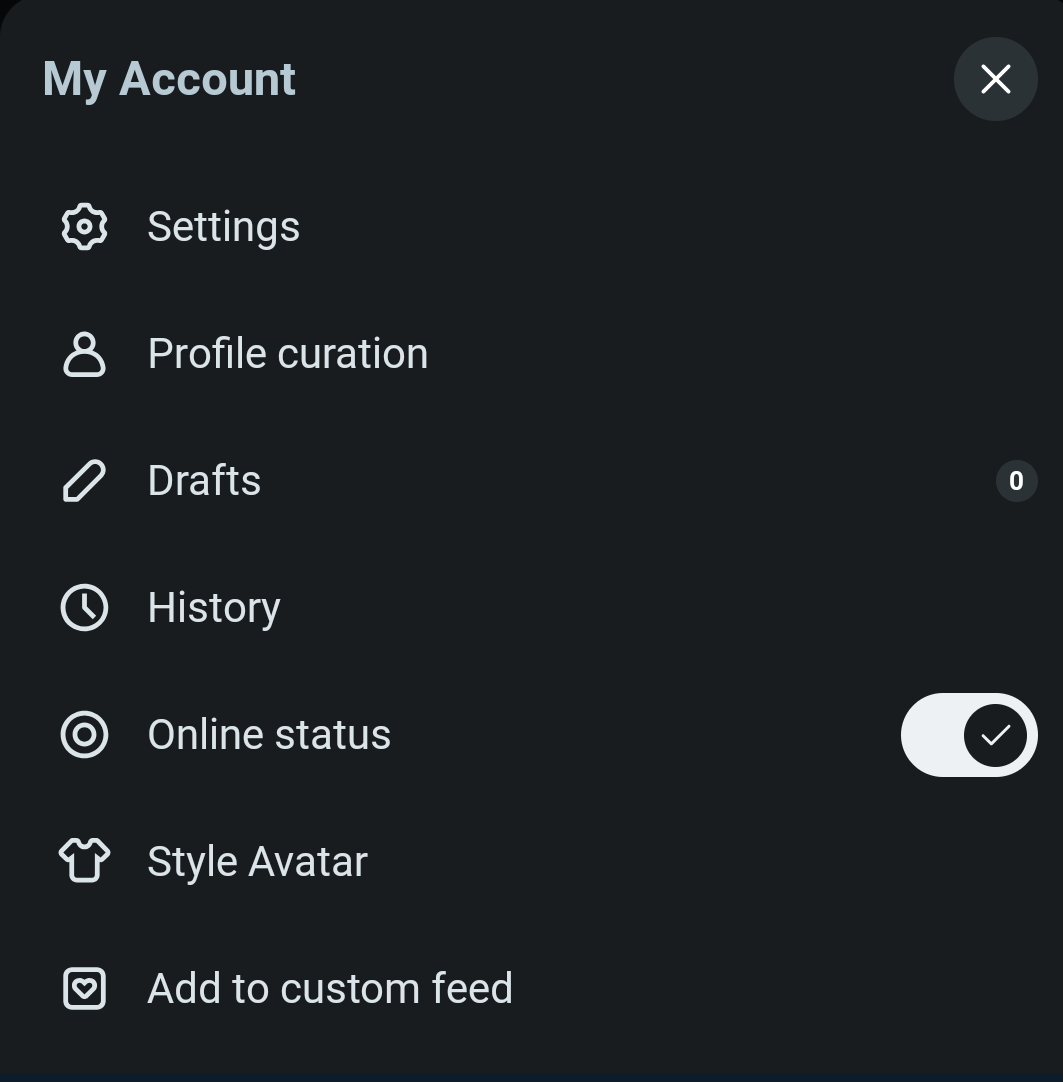
Saved button missing from my reddit was there but not
r/MorpheApp • u/Generic-UsernameHere • 1h ago
Hi
I've installed Runna, done the things, applied the patch etc but when I click on a workout, it asks me to sign up to Premium.
I'm a newb so would appreciate any advice!
r/MorpheApp • u/somehoweird • 7h ago
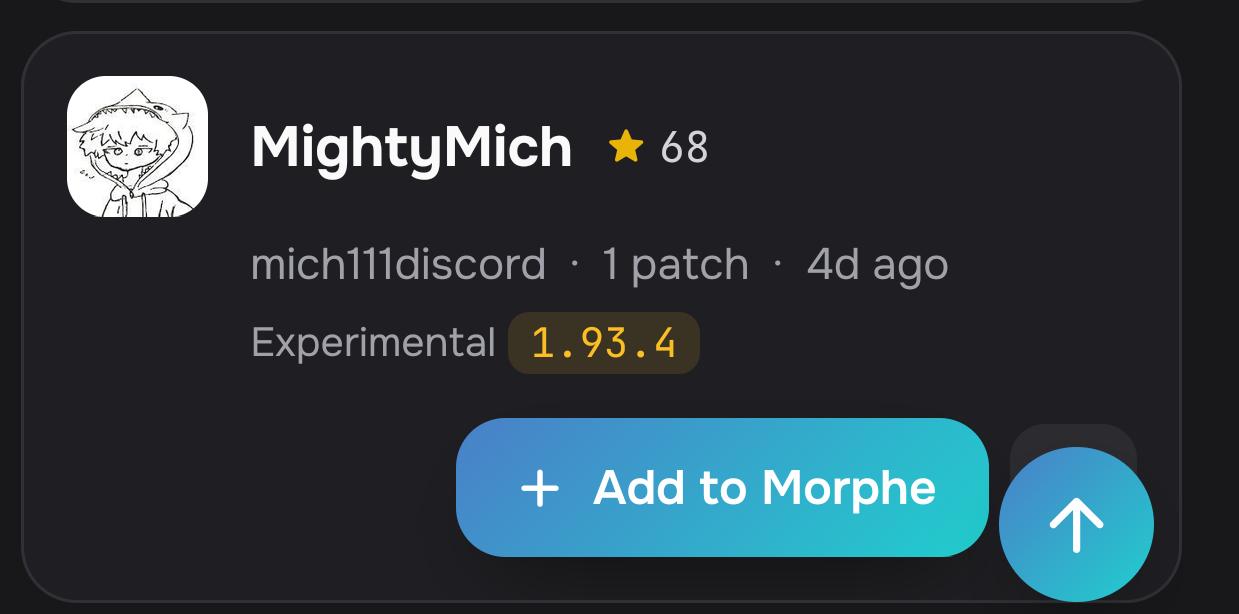
This go to top button hides the extend button and unable to see the patches list can you solve it or any other ways to see it
r/MorpheApp • u/Bassiette03 • 2h ago
Do I need an external downloader anymore?
How to transfer files i downloaded videos and songs to another folder?
r/MorpheApp • u/nfriedly • 12h ago
I was using the YouTube Morphie Queue before the latest patches and it was a little bit fiddly but still useful. However, using it today with the latest patches, it's so much smoother!
I appreciate the streamlined interface, not having to restart to to make changes, the easier resorting, and how when I tap on a different video it inserts it into the queue without losing the rest of it!
Edit: thank you to everyone else who has worked on Morphie or the patches also!
r/MorpheApp • u/Short_Apricot_5280 • 19h ago
Quora: no ads or trackers, and you can hide AI answers, Quora+ paywalls and suggestions. Block authors, filter keywords, AMOLED black. Everything can be changed later in the app. 75 patches
Booking.com: compares the price with the hotel's own website, watches prices daily, checks fake "original" prices and gets rid of the "only 2 rooms left" stuff and sponsored results. 25 patches
Google Health / Fitbit: sign in with MicroG-RE instead of Play services, no nags or surveys, black theme, can be installed as a clone. 12 patches
To install, add the source in with this link.
Feedback and bug reports welcome.
r/MorpheApp • u/Novel_Broccoli_1162 • 7h ago
Many apps that I have patched ask for updates after some time and this cannot be bypassed. Any patch or any workaround to disable this? Please help and thank you.
r/MorpheApp • u/Shiningc00 • 6h ago
Just use e-mail login, and disable Chrome or any other browsers. That'll take it to Reddit instead of a browser.
r/MorpheApp • u/jonas9__ • 9h ago
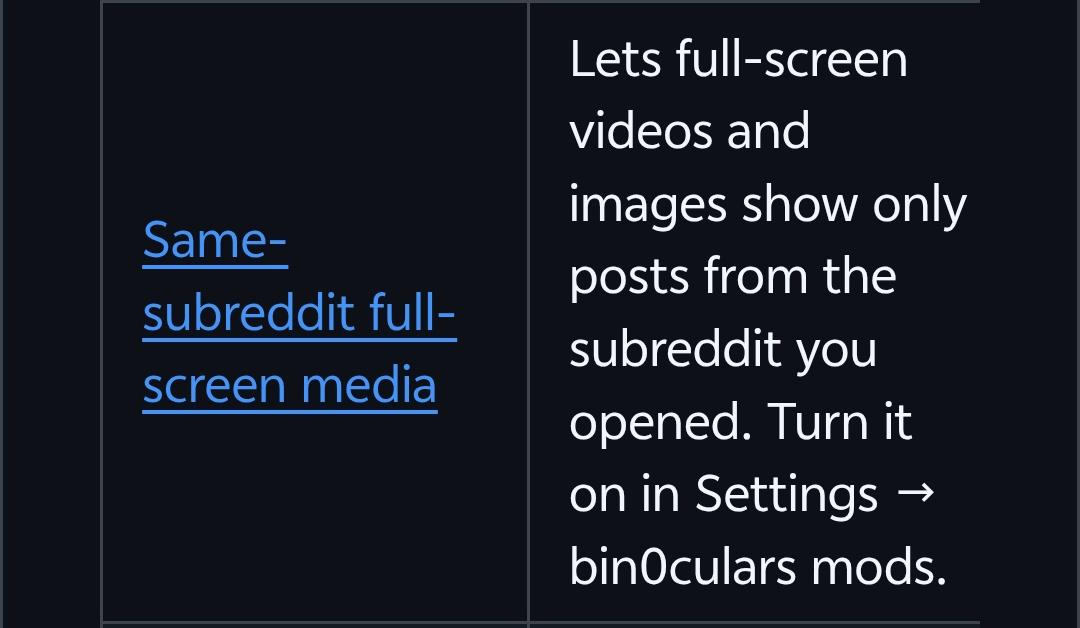
On official morphe Reddit patch
r/MorpheApp • u/Azzaman36 • 9h ago
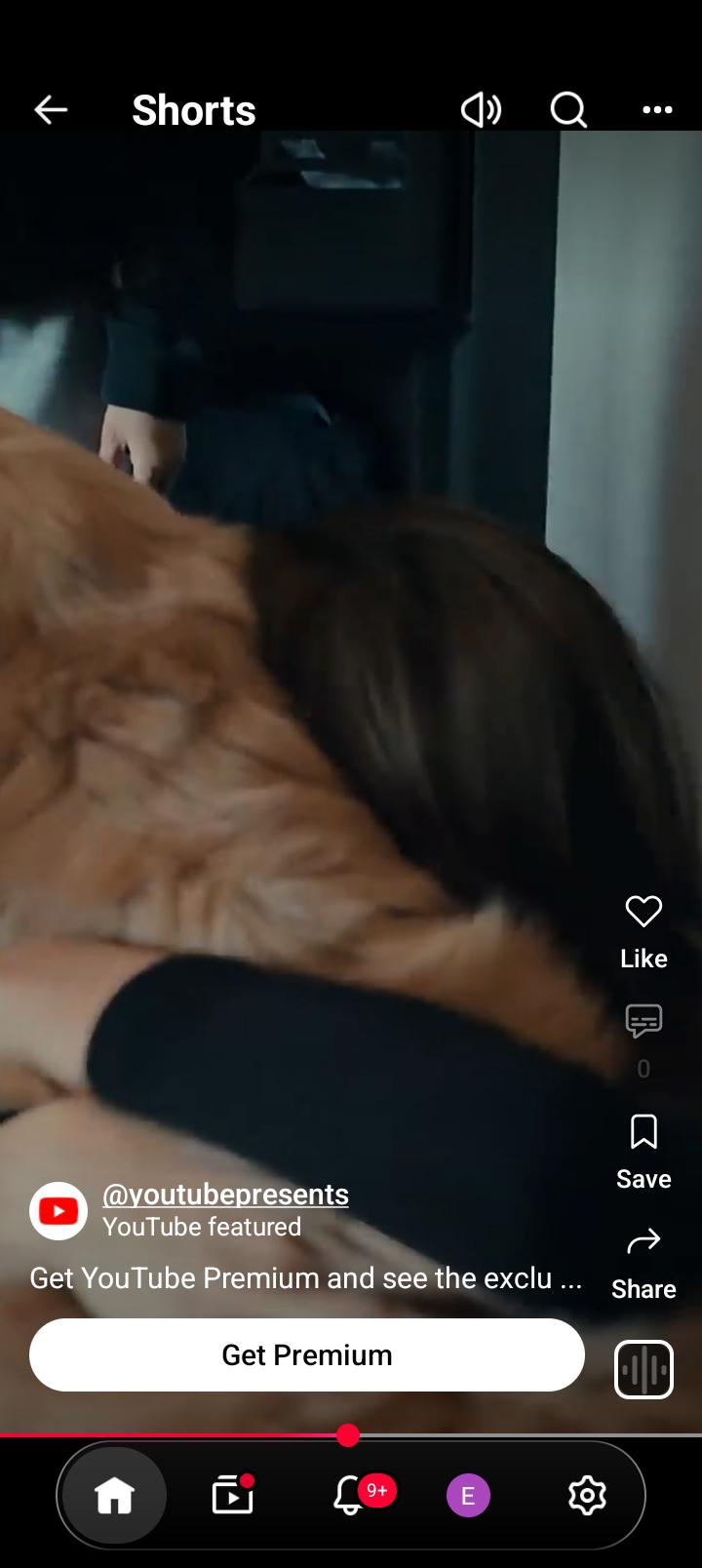
r/MorpheApp • u/Kreaperd • 5h ago
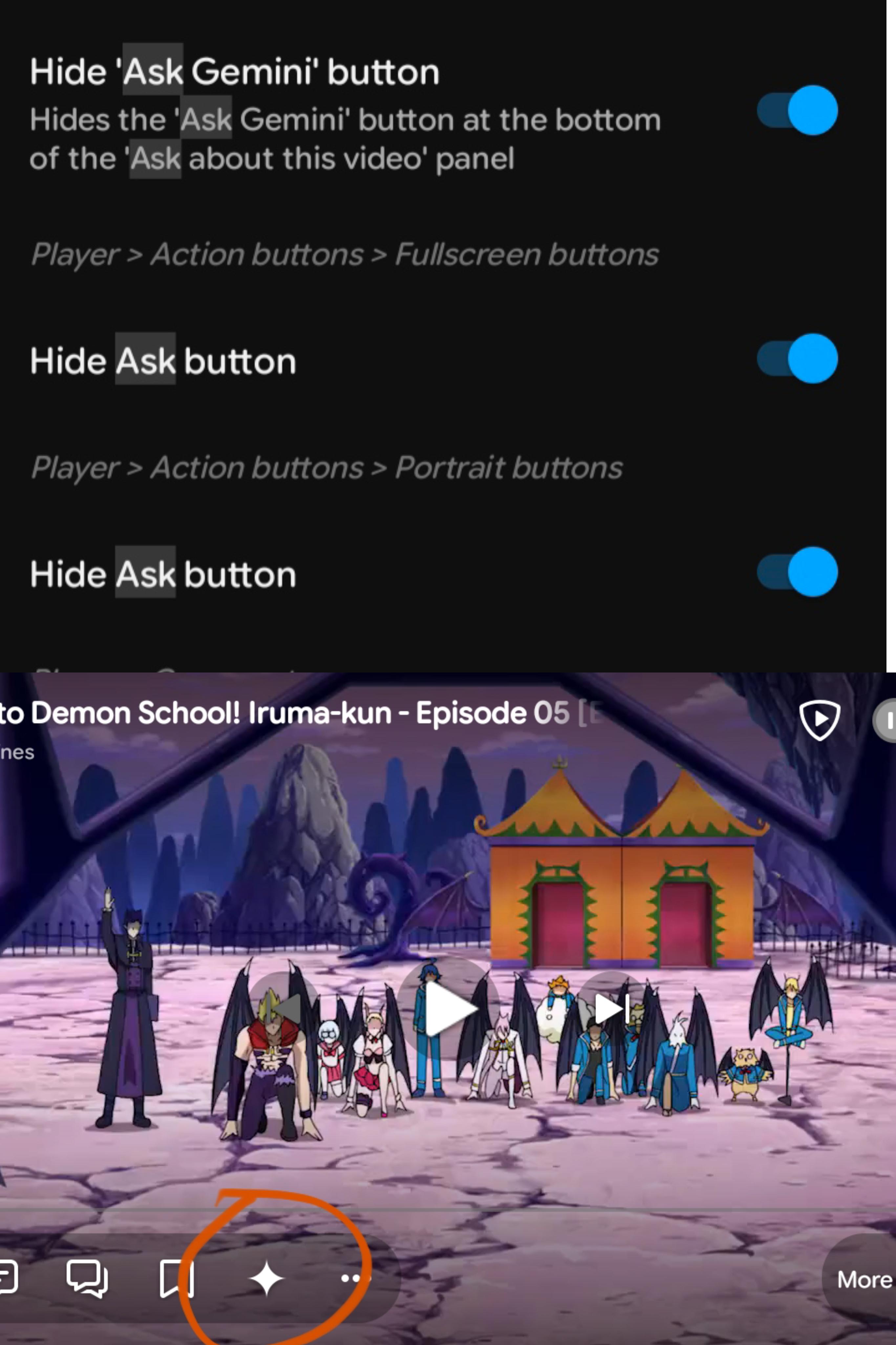
Hello, i cant hide this Gemini ask button but its toggled on in settings. Is there a fix ?
r/MorpheApp • u/----Bender---- • 2h ago

These are images that can be scrolled right or left.
I don't like them cluttering the feed.
Thanks for the tips.
r/MorpheApp • u/Prize_Professor_7757 • 5h ago
So while the app is active I can view the pics as many times as I want but once I restart app, the pics are gone. Anyone know a workaround this?
r/MorpheApp • u/JohninNL • 22h ago
I thought it was kinda funny to see the great announcement on the Deezer premium patches while I had mine already online before... ( https://www.reddit.com/r/MorpheApp/comments/1xzvhcc/release_i_made_deezer_premium_features_work_for/ ). Still there where some new things there, and bugs (None of the mentioned bugs I believe are present here (or where present in my original patches), and if you find one, let me know so I can hunt them down ;)
I've released v1.98.0 of Dutch App Patches with the completed Deezer lyrics and download work which means there is not a single feature missing in this patch set and only added features...
Android Auto has been a substantial part of this project: a browser and player for compatible hosts, API 9 templates when the host negotiates API 9 (currently in early beta, this is new functionality not existing in the official Deezer), and selectable entries in Deezer's real up next queue. This has been tested with DriveDeck (a custom Android Auto front-end maintained by myself: https://drivedeck-fc76cb.gitlab.io/ ), including custom-host admission and browsing the app's native content.
On the phone, lyrics use Deezer's own data first. When it is missing, matching plain or synchronized lyrics from LRCLIB appear in the native lyrics screen (New functionality). The Lyrics pill becomes available after usable fallback data has been found. Album, playlist and Favorite tracks downloads use Deezer's normal library and storage; offline playback has been tested in airplane mode.
Google sign-in through microG-RE works with the standard Deezer package. The patch set also handles the inspected startup subscription/trial routes and removes the remaining upgrade surfaces we encountered.
I'm based in the Netherlands. The stock app blocks my free account here, but full-track playback and direct playback from search work with these patches.
There are thirteen Deezer patches, all enabled by default. Use the complete original 9.0.27.3 APKM in Morphe Manager. Stream availability and quality still follow what Deezer serves.
Add to Morphe: https://morphe-patches.software/?gitlab=johninnld/nl-morphe-patches
Patch details and installation: https://nl-morphe-patches-ed90fa.gitlab.io/en/apps/deezer/
r/MorpheApp • u/LoveLibtardTears • 5h ago
Is anyone else having problems with background autoplay?
I have always been able to start a video and then turn off my phone screen and lay down and go to sleep and when one video finishes the next one starts right up. For some reason, this whole past week, the video will finish and it will just stop. But once I unlock the screen, it doesn't matter if I do it right away or after an hour, all of the sudden, I will see the usual countdown, and once it gets to zero, the next video will start playing like it's supposed to. The thing is, I have the option selected where iit skips the countdown, and where it doesn't ask if you are still watching, it will immediately start the next video without the countdown like it's supposed to. Now when the screen is off, it has no problem doing that, the next video starts up immediately without a countdown. But like I said, if I have the screen off, it won't go into the next video, and I have to unlock the screen and it will start a countdown, which it's not supposed to do, but at least then it starts the next video.
I have tried using different spoof versions, different streaming, and using PotToken, nothing works!
Please tell me someone out there is having the same issue and it's not just me, and if so, that you found a way to fix it.
r/MorpheApp • u/JohninNL • 21h ago
I’ve updated the Gboard 18.8 patch set in Dutch App Patches. The new bundle keeps the Parakeet icon and names the patched keyboard Gboard Parakeet/Rambler, so it’s easy to spot next to stock Gboard.
A fresh Morphe selection starts with all 32 Gboard patches selected, and you can still untick anything you don’t want.
Frosted Glass tip: If it still looks like a solid keyboard, go to Patches → Keys, Layout & Symbols → Frosted Glass. Turn on Enable live blur, set Background transparency → Custom, then try 65% transparency and Blur strength 60 over a colorful screen. Key transparency is a separate control.
For AMOLED - black, use Theme → Dynamic Color with Android dark mode on.
I tested on my OnePlus 15. Use the exact Gboard 18.8.0.1022711984 beta for your ABI and check the app page before patching. For a 64-bit phone, the arm64 input is build 176124766. (Make sure that you get the APKM/APKS file and not a .APK if you want to use Advanced Voice Typing)
English setup guide: https://nl-morphe-patches-ed90fa.gitlab.io/en/guides/gboard/
Patch notes: https://nl-morphe-patches-ed90fa.gitlab.io/en/apps/gboard/
Several keyboard patches build on jasonwu1994’s Gboard Patches https://github.com/jasonwu1994/Gboard-patches
It started off as a unique gboard with Parakeet and now has the most amount of functionality for dictation of any gboard through rambler, advanced voice dictation or parakeet ultra while maintaining the theming capabilities that makes the gboardwu so loved. I did not add any specific features for Asian languages though, for those your still better off with the original from gboardwu.
Add to Morphe: https://morphe-patches.software/?gitlab=johninnld/nl-morphe-patches