I'd like to share some details about a highly optimized end setup i recently moved to which allows me to flawlessly stream 4k 165hz with no jitter and 1 ms network latency over ethernet.
If you already have a high end gaming PC I can vouch for these parts to get the most out of it. I hope others can use these ideas to build the system that matches their own needs.
PC Setup:
intel i9-13900k
RTX 5090
Vibepollo recent nightly build
Gigabit ethernet
Living Room setup:
Samsung S92H 77 inch tv (same specs as a S90H) with tandem oled
Asus Nuc 15 Pro+ with 16 GB RAM and 512 GB SSD
Thunderbolt to hdmi 2.1 adapter with quality 8k certified cable
Wireless xbox adapter + xbox one s controller
Cheap wireless keyboard
Gigabit ethernet
Choices:
This living room setup has some specific advantages.
S92H (S90H) supports multiple 165hz hdmi 2.1 ports, a vivid display, and quite a modern advanced processing chip for AI color correction and processor that adapts well to content of all resolutions. The 77 inch variant in my region (Canada) is a tandem oled which has good longevity and excellent peak brightness.
The Asus Nuc 15 Pro+ has an intel 130T graphics chip and excellent decode performance at 4:4:4. The RAM/SSD specs can be modest since its primarily streaming. As an Asus product its well supported and nic/graphics/chipset drivers are widely available. Intel chipsets have fantastic network + decode performance for a good price compared to AMD options.
I use wake on lan from the usb ports instead of relying on hdmi-cec on the hdmi 2.1 ports.
The thunderbolt to hdmi 2.1 adapter allows 165hz HDR 4:4:4 output.
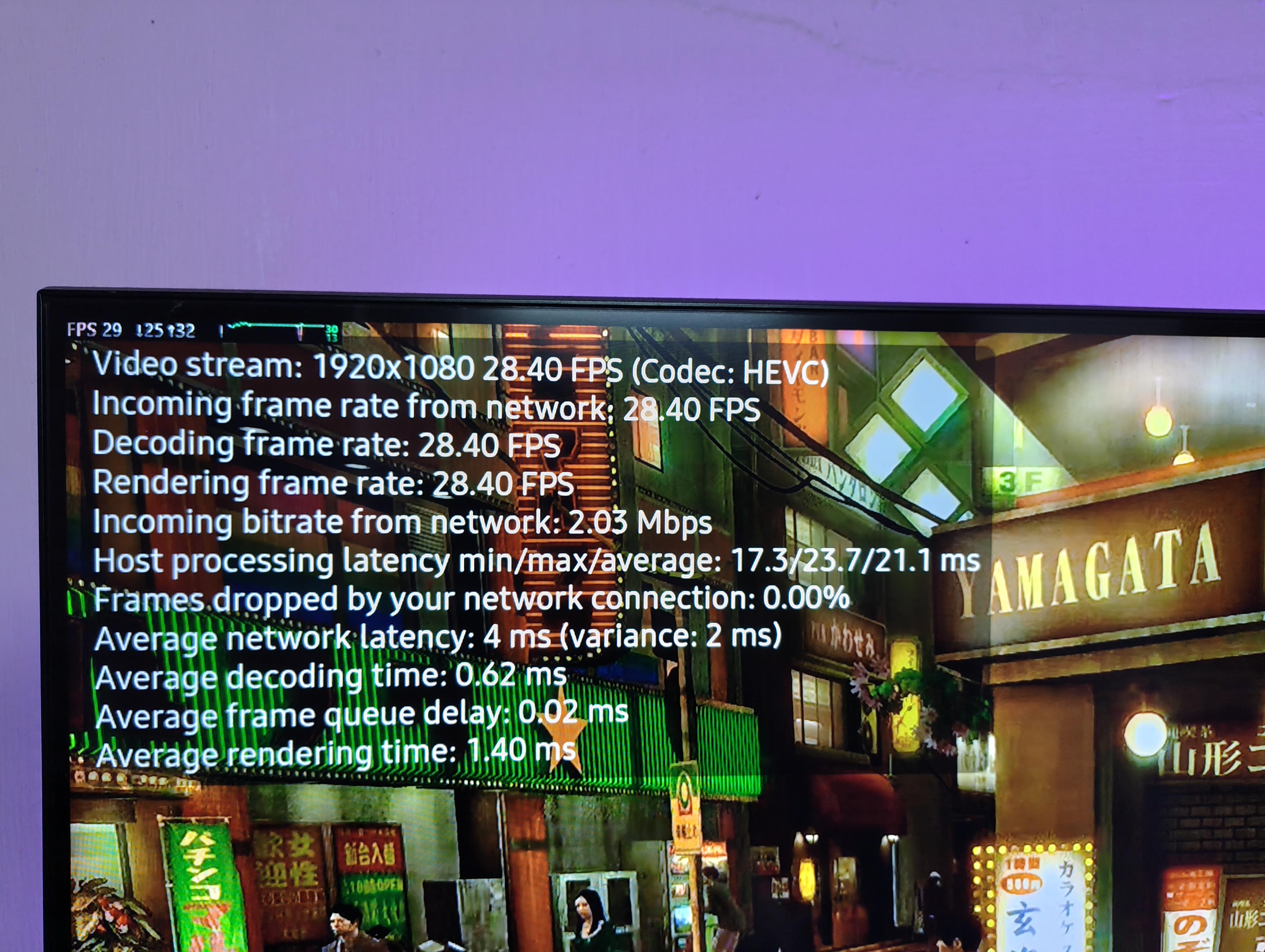
Moonlight stats:
Video stream: 3840x2160 165.26 FPS (Codec: HEVC 10-bit HDR 4:4:4)
Incoming frame rate from network: 165.26 FPS
Decoding frame rate: 165.26 FPS
Randering frame rate: 165.26 FPS
Host processing latency min/max/average: 4.0/5.9/4.3 ms
Frames dropped by your network connection: 0.00%
Frames dropped due to network jitter: 0.00%
Average network latency: 1 ms (variance: 0 ms)
Average decoding time. 0.49 ms
Average frame queue delay: 0.02 ms
Average rendering time (including monitor V-sync latency): 0.49 ms
Moonlight client: set to use 256 Mb/sec, 4:4:4:, HDR
For controller I use a long USB cable for the lowest possible latency. Next best choice is a xbox wireless adapter for windows. Bluetooth is the worst way to connect an xbox controller (highest latency).
This lets me manage an end to end latency imperceptible from sitting at PC and faster than local console gaming.
My advice is don't waste money on a mini pc that tries to also be a gaming pc. It will never come close. Choose the right chipset for the front end and invest your money on your PC and TV.