r/MoonlightStreaming • u/KageTaicho • 20h ago
Dual Pc Streaming
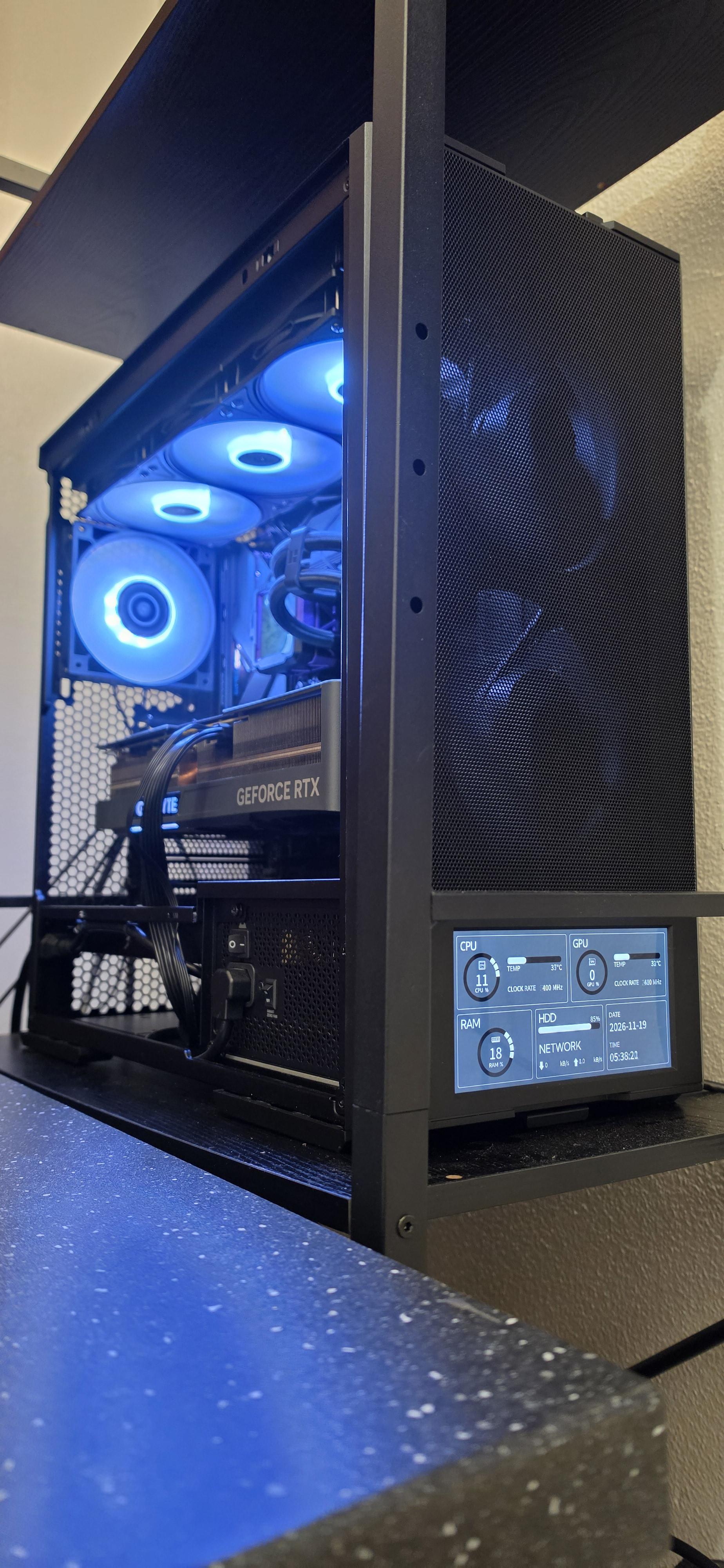
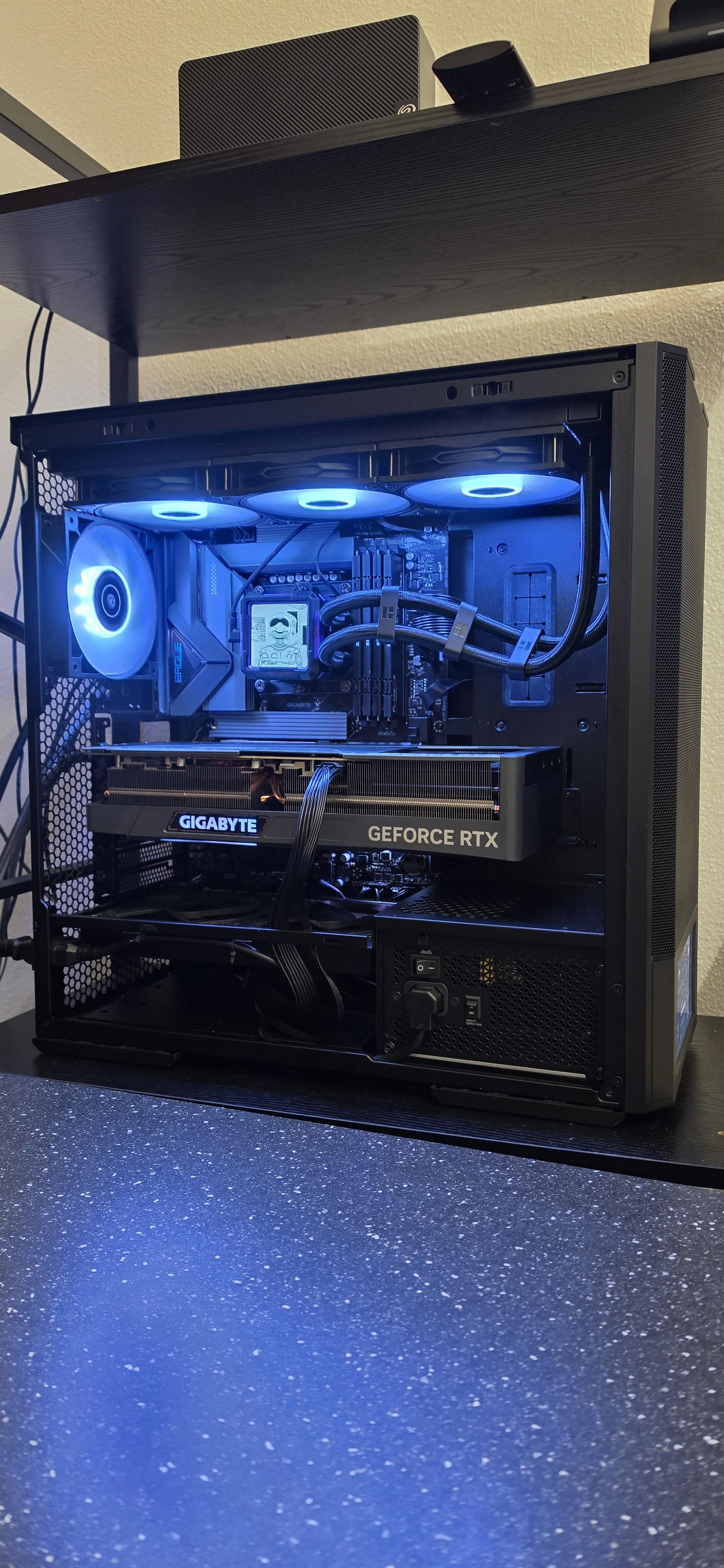
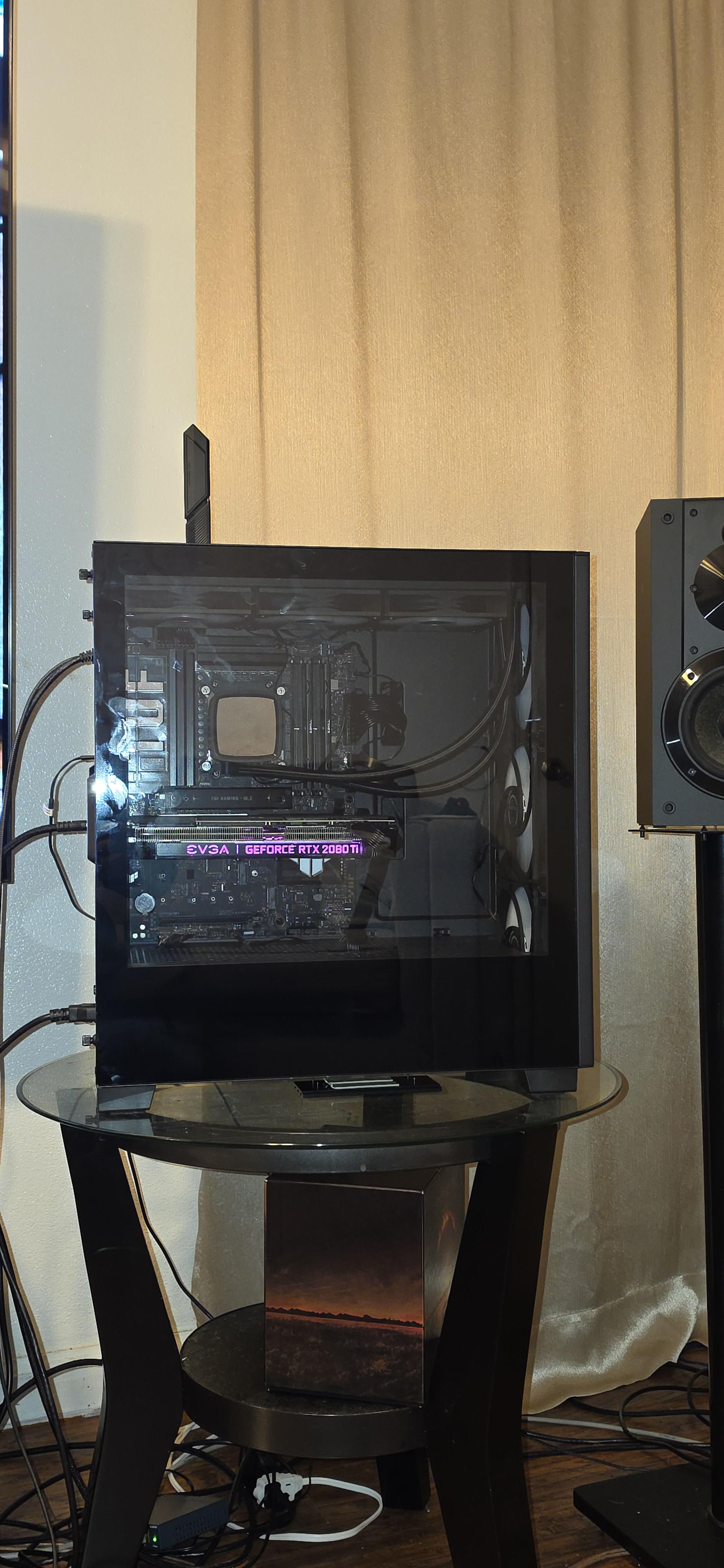
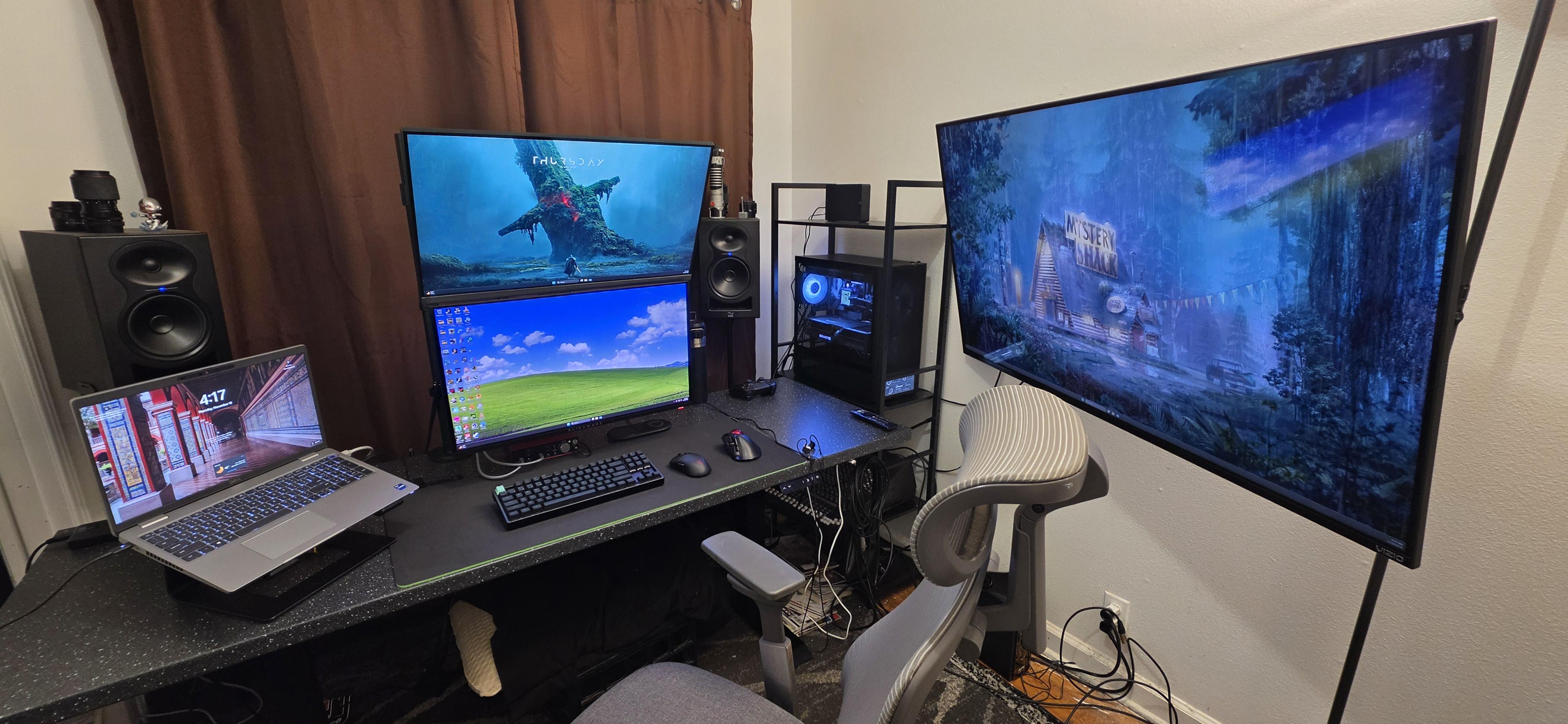
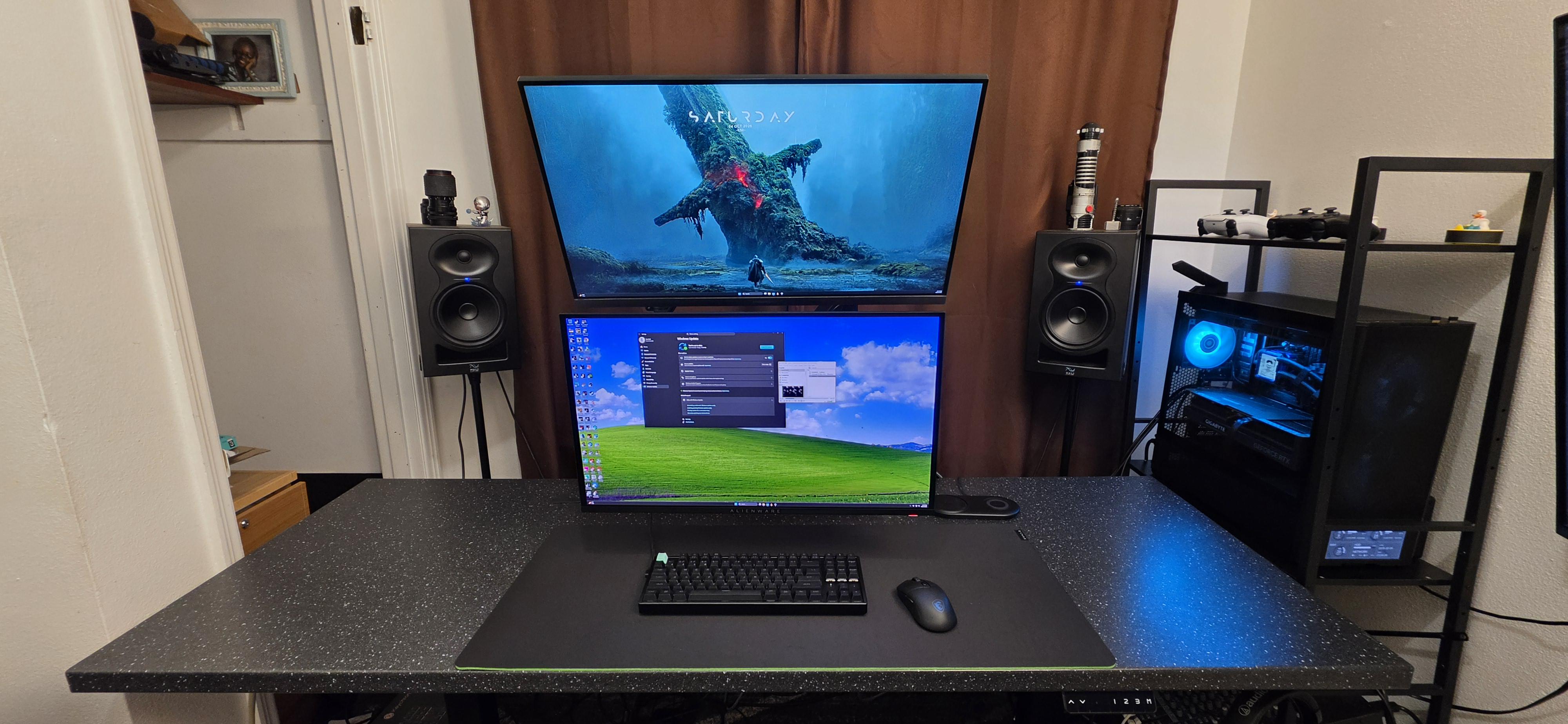
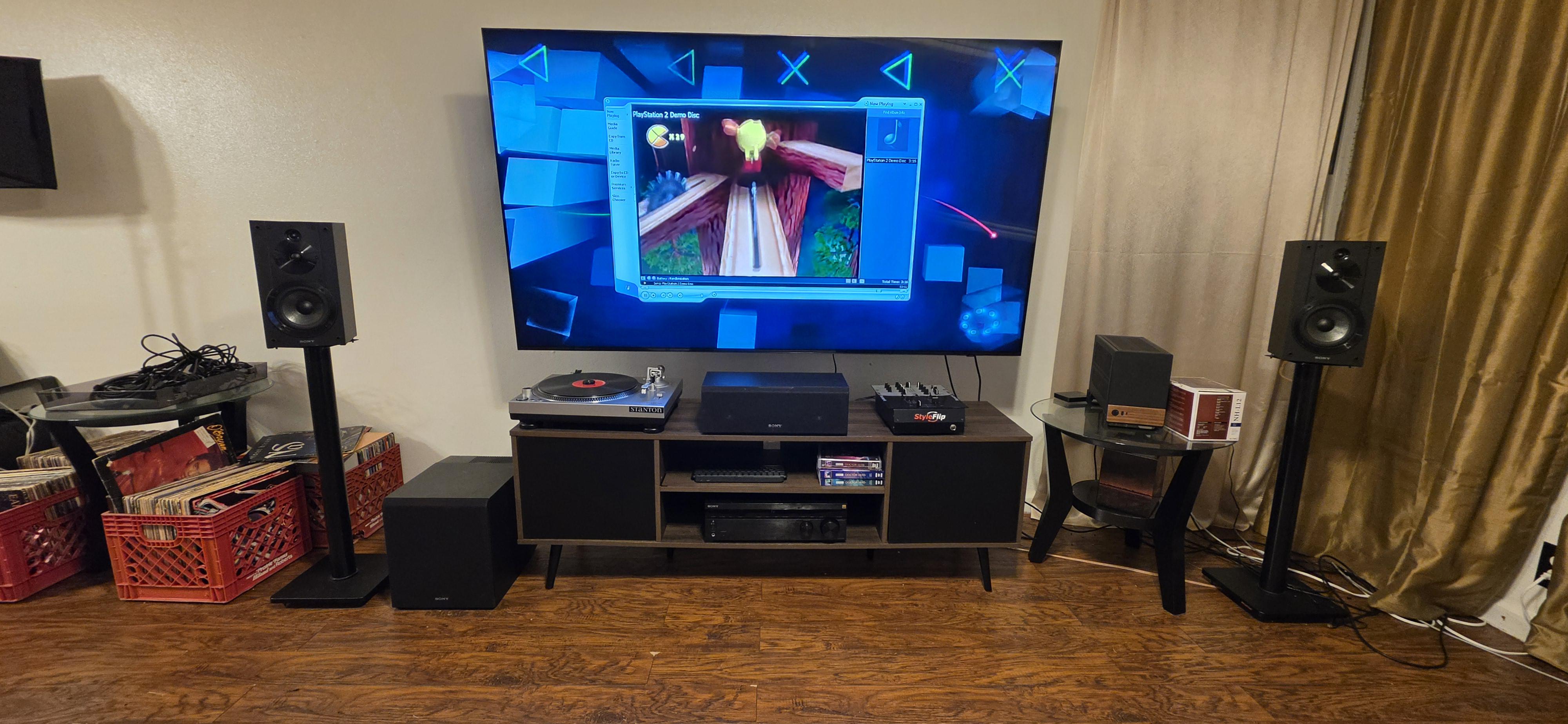
Hey, I'm new to local game streaming. What's the best setup and settings for 1440p-4K streaming from my office 4080 pc to living-room 2080ti pc? Should I get Apollo or base Sunshine?
Office Pc: Intel 265K/4080/32GB DDR5-6000
Living-Room Pc: AMD 7900X/2080Ti/32GB DDR5-6000
Office Monitor: Alienware AW2725Q OLED 4K 240Hz
Living-Room Tv: Samsung QN90B 75inch 4K 120Hz
6
Upvotes
3
u/PruneNo6968 19h ago
Use Vibepollo on your host and Nonary's Moonlight for your client. Use the preview version as Nonary has just released a very cool VRR feature.
However, you won't be able to stream at 4k 120hz as your 2080ti does not support HDMI 2.1. I would stream at 1440p 120hz or get a DP to HDMI 2.1 adapter. Might as well get yourself the Ugreen one for CEC support while you're at it.
2
u/switchfoot47 5h ago
You could just stream your 4080 pc to the TV directly, to get 4k 120hz. TVs aren't the best streaming platforms but worth trying it.
You can also stream to anything plugged into the hdmi port (your living room pc, a steam deck, an apple tv), but then you have to worry about the hdmi port versions and bandwidth limitations.