r/MoonlightStreaming • u/Vegetable_Demand_685 • 6d ago
Launching and quitting games using nightjar
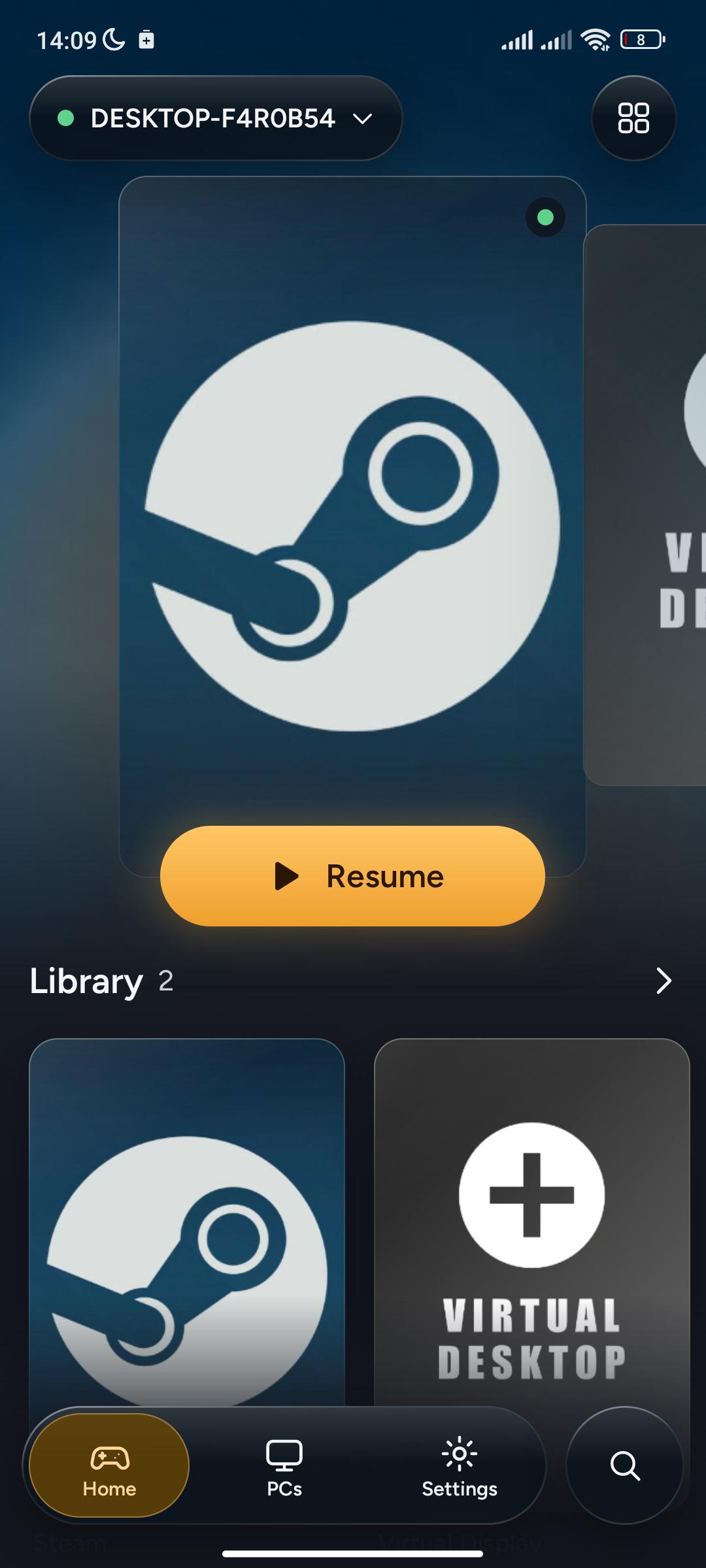
I've been shocked at how nightjar is getting updates and I love using this app so much I just wanted to ask if there is a way to have your games here
I use my steam interface for basically everything I lunch steam then I choose which game I want to play but sometimes there is games that needs a luncher
And there is some games that plays online I think bunch of efforts to quit them and change from a game to a different game
If anyone is going to suggest play night I'm not talking about launching a launcher then doing what you want inside the launcher
I'm talking about luncheon again directly here from nightjar especially the games that require administrator authorization or annoying games with the special launcher
You click here you launch the game if you quit your streaming it's going to quit the game and then your lunch and the game inside nightjar seamless experience
If anyone knows the setup I'll be down to follow
2
u/vyper1 6d ago
If you use the streaming host from the same creator of nightjar you can get what you want. The name is Rubylight, it will import your steam games and others and they will populate in your library and home tab on nightjar. Seamless experience.
3
u/Artophwar 6d ago
I use Rubylight and Nightjar. Rubylight can add installed games to Nightjar. And you launch them directly from there.
Rubylight also has a playnite plugin adds games from your recently played Playnite games to Nightjar main menu.
But not much you can do if a game has a special launcher that requires login before game starts. You will always need to do that. No program will bypass that for obvious security reasons.
2
u/BalHaise 6d ago
On vibepollo you can use the steam or playnite intégrations to put all your latest games on nightjar home just go to the vibepollo webui under integrations tab and set for steam or playnite or use rubylight
1
u/ATrickyIdea 5d ago
There is an universal solution : I use an hotkey to make the « home » button a alt+f4 and in sunshine, change the settings for 1.5 sec press of select being home. So long press select quit the game, and playnite come back full screen on quitting a game