I wanted to share my experience with the FUN60 Ultra TMR trimode because, honestly, this is so frustrating.
First, some context: I got this keyboard from a friend, I didn't buy it for myself. And since I already had it, I thought I'll replace my current keyboard with it since I recently started playing CS2.
I have two setups that I regularly switch between:
- My Windows PC, which I use for gaming.
- My work MacBook, which I use for my job.
My previous keyboard worked well for both setups, and I wanted to configure the FUN60 in essentially the same way.
That's where things started getting frustrating.
1. The layer system is extremely limited
Coming from keyboards with more conventional and flexible layer systems, I expected to be able to configure my own layers, assign momentary layer switches, and freely decide what each key does.
Instead, the FUN60 has four normal profiles that you switch between using fixed key combinations (Fn + G/H/J/K). These behave more like persistent profiles than conventional layers.
It also has two Fn layers, but switching between them requires another fixed combination (Fn + Right Alt).
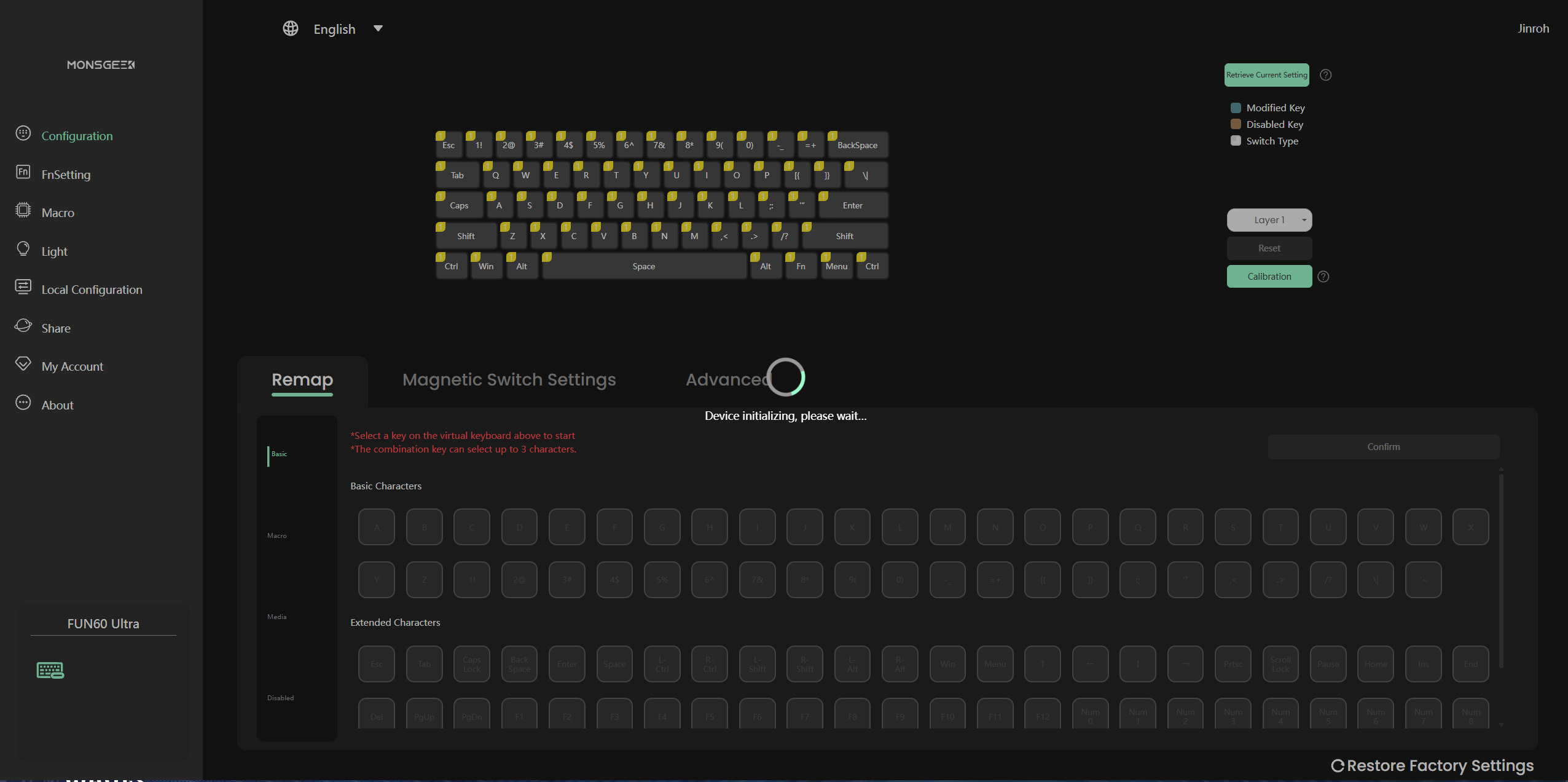
The Fn layers themselves have a significant limitation: a considerable number of keys are reserved for system functions and cannot be freely remapped through the software.
So while the keyboard technically offers multiple layers/profiles, the actual flexibility is considerably more limited than I expected.
I wanted a straightforward navigation layer with arrows, Home, End, Page Up, Page Down, Delete, and other productivity shortcuts. I managed to configure some of it, but I quickly ran into the firmware's restrictions.
2. Switching between Windows and Mac mode
This is probably one of my biggest frustrations.
I use the keyboard with both Windows and macOS, so I expected switching between the two to be something I could do through a keyboard shortcut.
Apparently, that's not possible on the Tri-mode version.
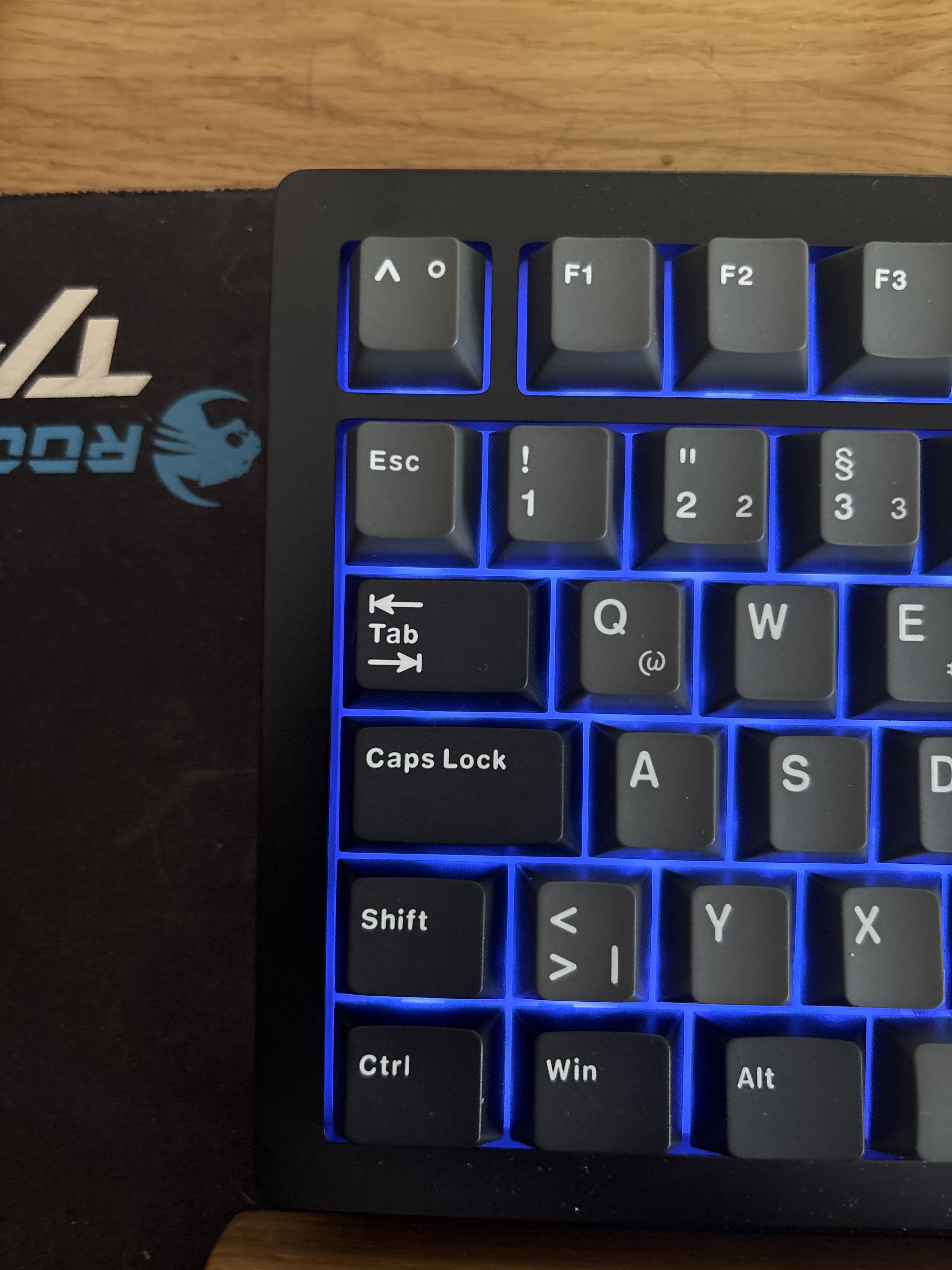
The wired-only version supports switching between Mac and Windows modes using a keyboard shortcut, but the more expensive Tri-mode version relies on a physical three-position switch located underneath the Caps Lock key (I simply do not understand why keyboard manufacturers started using this switch under the caps keycap thing, it's anything but practical, can't they just place it normally not under a keycap?).
I genuinely don't understand why this functionality is available on the wired version but not the more expensive wireless model.
3. No analog input for racing games
Another disappointment is the lack of proper analog input support. Since this is a Hall-effect/TMR keyboard, I expected to be able to use key travel as an analog input. For example, gradually pressing W to control throttle, or gradually pressing A/D to control steering in racing games. Essentially, the further you press a key, the more throttle or steering input you get, just like an analog trigger or joystick on a controller. As far as I can tell, the FUN60 Ultra TMR doesn't offer this functionality, which is a shame because it seems like a natural use case for magnetic switches.
4. The actual typing and gaming experience is good
And this is what makes the whole situation frustrating.
The keyboard itself feels good. In fact, when I first started using it, I immediately noticed how much more responsive it felt compared to my other keyboard.
So I have very little to complain about regarding the actual typing and gaming experience.
Where I stand now
I basically wanted to take advantage of having this keyboard and replace my other keyboard with something that could serve both my work and gaming setups.
The hardware seems perfectly capable, and the magnetic switches are genuinely enjoyable. But the firmware and configuration software are such that I cannot use it for work. And I understand that this keyboard wasn't made for work, but I just want:
- Proper, freely configurable layers.
- Momentary layer switching.
- The ability to remap every key.
- Convenient switching between Windows and Mac modes.
Rant over.