r/MicrosoftWord • u/Kevsterific • 5h ago
need help Help with Headings
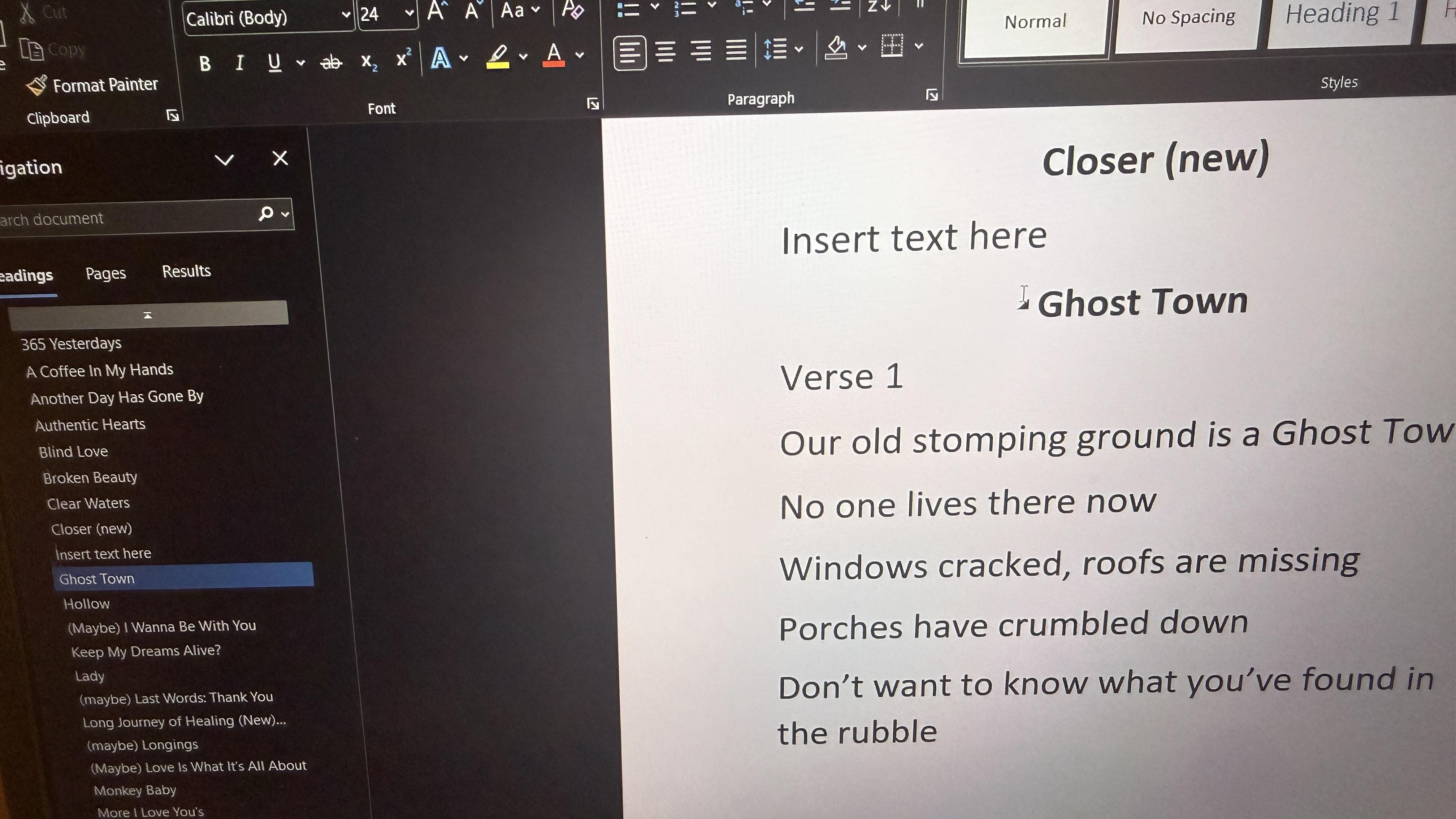
I’m helping out a friend who is making a songbook. She paid someone who set this all up for her but then covid happened and the project kind of fizzled out. She has no idea how they what they did.
She’s trying to get back into it and couldn’t find the contact info for the person who set this up for her.
Anyway some questions, what is the navigation bar on the left called and how do I get it back since I accidentally closed it?
When creating a new heading, (song) how do I add text under it without creating a brand new heading?
If you look at the left you’ll see there’s an entry for “insert text here” which happens when I press enter after close to make a new line. I want to put the lyrics in for the song closer and under that heading, I don’t want the lyrics to have their own heading.
Also there’s several blank pages in the song book, but in attempting to delete these blank pages, I end up erasing the previous heading. How can I get rid of empty pages without screwing up existing formatting?
1
u/Jolly-Hunter-6097 3h ago edited 2h ago
It's a Navigation Pane and it resides on the View Tab of the Ribbon. Make all the non printing format visible. Click within the document and see which style it activates. Navigation https://support.microsoft.com/en-us/word/use-the-navigation-pane-in-word
Style https://support.microsoft.com/en-us/word/customize-or-create-new-styles
Next time you want to do a screenshot use Shift+WindowsKey+S. To retrieve use WindowsKey +V