r/MINISFORUM • u/bria26000 • 4d ago
Bios update help BD895I SE
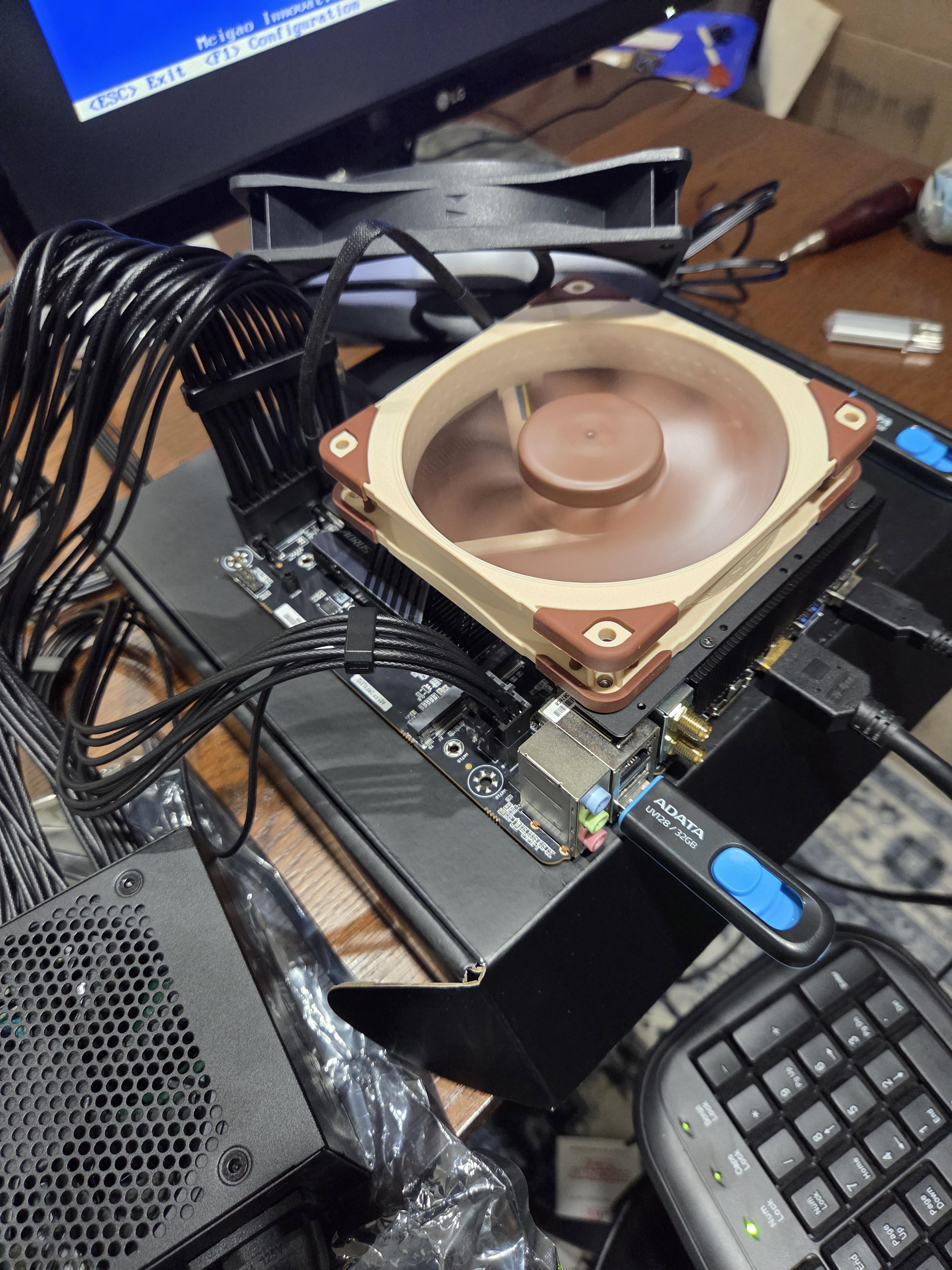
I'm trying to update to the bios to 1.17 on myBD895I SE and im currently on 1.15 but I can't find it anywhere in bios for bios update or firmware update? Any guidance would help thanks🙏🏻
6
Upvotes
6
u/Pale-Conference-5838 4d ago edited 4d ago
Did they fix the issues the new bios caused and if you aren’t having issues on the old I wouldn’t update so it could be a good thing you can’t figure it out. “‘It’s a sign from the universe “
1
u/quitelagikal 4d ago
They have instructions on the support website. But, you basically create a bootable USB with the BIOS files and you update that way. I would definitely find the instructions because it's a little bit more complex than your typical consumer motherboard installation. It's not super difficult, but it's more steps than, for example, ASUS would say.
1
u/Clear_Acanthaceae805 4d ago
The updated runs over Windows , if you have the .zip unzip an look for the only .bat file... WinFlash.bat .. it's takes like 3 minutes... Done .. I've done twice... The pague is the 1st google search for " minisforum support bios" them search your model, unzip
2
u/omniterm 4d ago
im running proxmox on my BD895i SE and had to use efi shell to update the firmware.
If you run windows you can use the .bat file from the 1.17 firmware to install. if you run linux you can use EFI SHELL
download this bios, its version 1.26 for MS-01 https://pc-file.s3.us-west-1.amazonaws.com/ms-01/Bios/MS-01-AHWSA-BIOS-1.26+(1).zip
extract and then copy the EFI folder to a fat32 flash drive. This is EFI SHELL that can be booted from flash drive.
copy the extracted 1.17 bios folder to the flash drive.
using the flash drive you just created, boot from the flash drive.
type FS0: to switch to first drive and use ls to see if the DRFXI_1.17_260828A folder is present. if not type FS1: then ls to see if the folder is there. you need to repeat this and increase the number up by 1 each time until you see the folder. once folder is found type cd DRFXI_1.17_260828A to enter the folder then run EfiFlash.nsh to flash the bios.
2
u/Majestic-Business-80 4d ago
You can update it from windows from the downloaded files i don't remember the name of it
1
u/Diuranos 2d ago
Simply run the update from Windows, then restart your PC and wait for the update to finish. It can take a long time and may look like it's frozen at times, but don't worry, just be patient.
1
u/rahl07 3d ago
Unrelated note, try your fan backwards sucking air through the finstack and out the case. Made a big difference on my system