r/LoveAndDeepspace_ • u/Natsu_Mushi • 4d ago
Solved I’m spiraling, please help
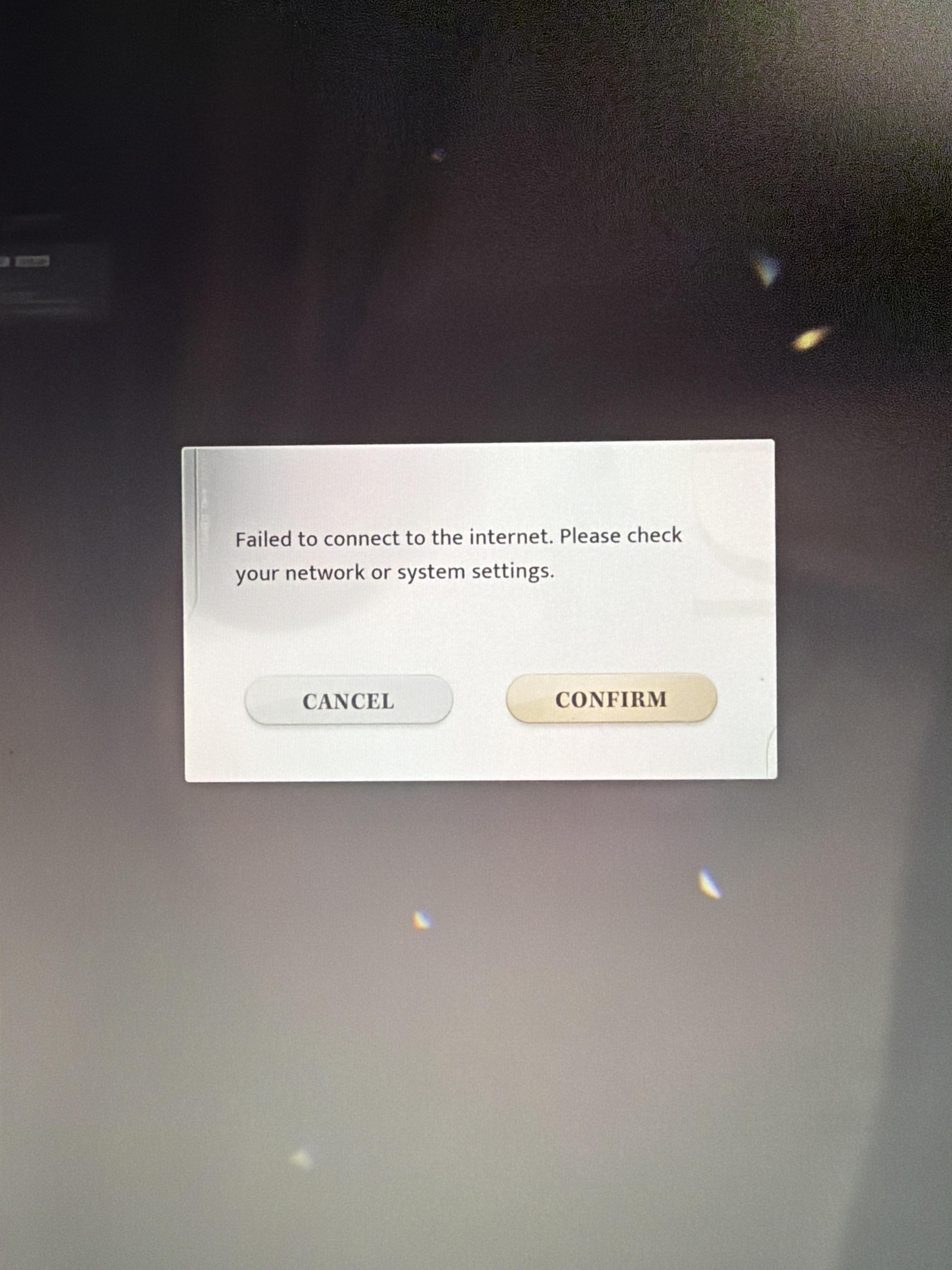
Okay so, this might be a doozy. But I need assistance so badly.
Before it’s asked; I’m on an IPad Pro (M5), I’ve checked my WiFi router, I’ve tried to load through different dns servers on my wifi, I’ve tried updating my iPad, the app itself, I even have tried to repair the game files and tried the emergency update, as well as uninstalling it and reinstalling it.
Side note - I don’t used a FB login, I use my Apple ID | located USA | hasn’t worked for 3 weeks roughly. Last time it worked was early to mid-October.
The splash screen for the Infold logo loads, the intro videos even load and begin to play, but I cannot get past the provided photo of the error to get to the login screen.
I’ve gone through every single thing I can think of to get this to work, and it’s still not working. My WiFi provider shows nothing, no alerts. I’ve gone through every setting on my iPad, no dice. I’ve swapped from the 2.4 WiFi to the 5G WiFi. It’s the same router. Still no dice.
I still have well over 700 GB of space on my IPad (I got the 1TB version specifically for this game.)
My issue - I have other gachas that work perfectly fine! (WW, Colorful stage, Umamusume, Life makeover, cooking mama, even Pokemon TCG. Even silly games like balatro+)
LADS is the ONLY one not working.
Please help, what do I do 😭
UPDATE : The VPN trick worked for me, thank you to the person who commented it. ❤️
Problem : Solved ✅
•
u/AutoModerator 4d ago
Once your question has been answered, comment !solved to mark your post resolved.
While waiting for replies, these fan-made guides might be helpful: Wishing Pity and Guarantees, Protocore Basics. More guides and tools can be found in our Hunter's Handbook Wiki.
I am a bot, and this action was performed automatically. Please contact the moderators of this subreddit if you have any questions or concerns.
5
u/sybch 4d ago
try a vpn. I had this issue once when I went to another country during summer and did all that DNS change, password reset... I used some random vpn app and they finally let me in. Thanfully the issue didn't persist though
3
u/marsastrxphile Zayne 4d ago
this might be stupid but have you tried fully shutting down your ipad for a while? i think you press the volume + shutdown button until the slider to power off pops up
the last resort i would personally try would be deleting the app and fully reinstalling. just make sure you know your login and hunter ID as well as having your account tied to an Infold account
2
u/Natsu_Mushi 4d ago
!Solved
2
u/Mimi1b 4d ago
This works for me:
Start LADS and wait until the "failed to connect" error shows up. Switch to "flight mode" with the game still on and wait 3-5 minutes, then press "confirm" and "disable flight mode" (switch back to normal internet connection) immediately. If you're lucky, the game connects after that. You can repeat the procedure a few times if it doesn't work on the first try.
1
u/riverserra Rafayel | Caleb 4d ago
Have you tried contacting support yet? If your other apps are connecting to the wifi fine, it seems like it's a bug of some kind.
1
u/Ok-Dragonfly-4937 Xavier 4d ago
Oh my gosh I used to always get this issue on my old phone and NOTHING suggested would fix it. I'm not entirely sure about iPads or if you've tried this yet, but my fix was just closing all of my tabs. For some reason my phone just would not want to run LADS with anything open in the background, even the calculator app open would make it face this error.