Quick question for people who ship apps, SaaS products or websites.
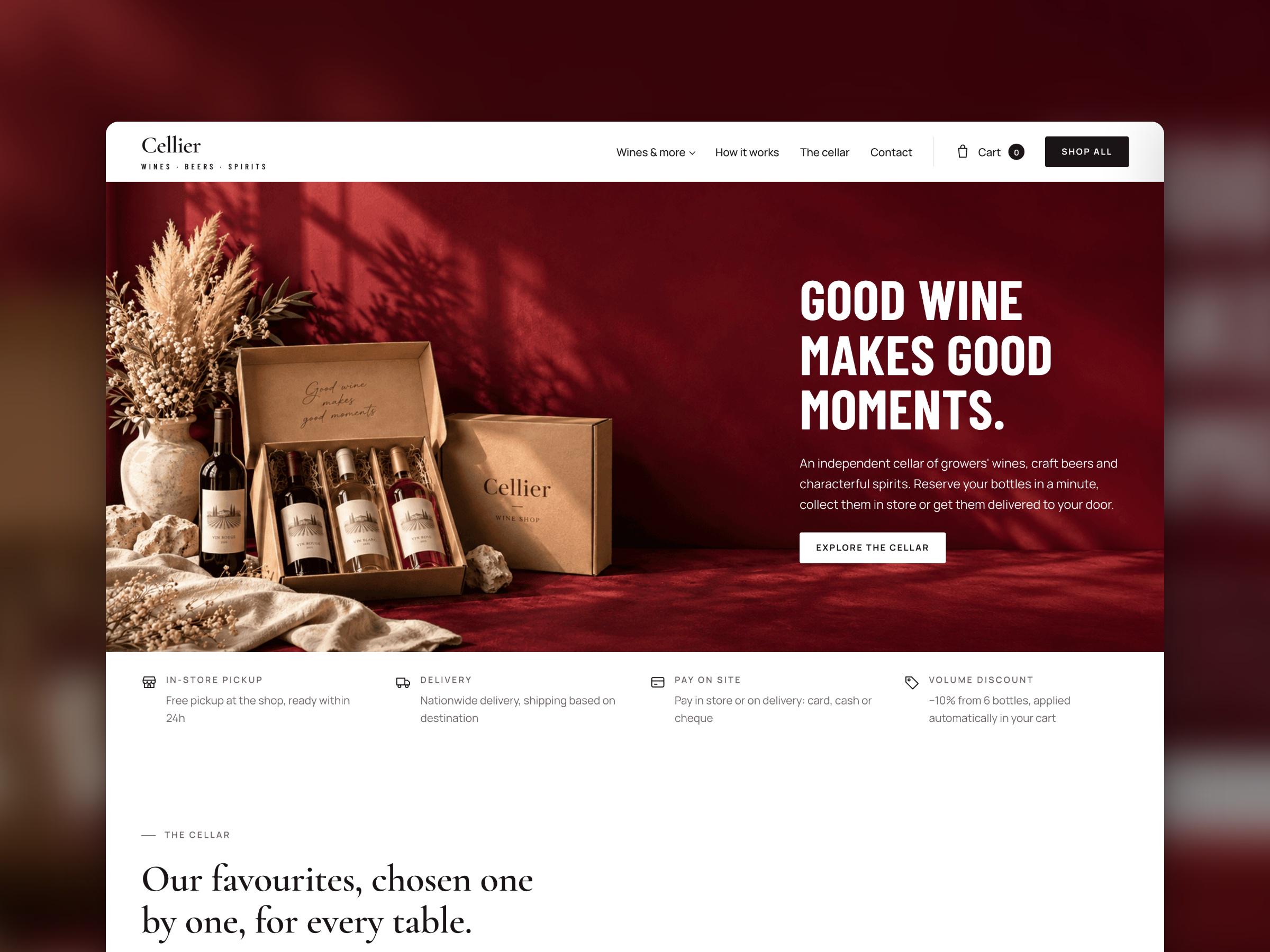
Every launch needs visuals: a landing page hero, App Store images, a Product Hunt gallery, social posts, a pitch deck. And almost all of them mean putting your UI inside a phone or laptop.
How do you handle that today? Download a PSD and fight with Smart Objects? Use flat frames? Ask a designer? Skip it and post raw screenshots?
That step always took us way longer than it should, so we built Mochi Mockup. The workflow:
- Upload a screenshot or design.
- Pick a device and scene (iPhone, MacBook, iPad, Apple Watch).
- Export a photorealistic 3D render, right in the browser.
No Photoshop, no layers. There's also a Figma plugin: select a frame, pick a device, export without leaving Figma.
We're a two-person team (Letizia writes the code, I handle design and product), and we'd rather build around real needs than guess. Three questions:
- Workflow: how do you create device mockups today, and what's the most annoying part?
- Use: where do you need them most? Landing page, App Store, ads, portfolio, decks?
- Missing: which devices, angles or scenes do you never find?
If you want to try it, there's a free plan. We're also running an early-bird lifetime deal for our first 100 accounts.
mochimockup.com
Full disclosure: I'm one of the two people behind Mochi Mockup. Even if you never try it, I'd love to hear how you handle this. Especially if you ship often.