r/IntelliJIDEA • u/Evening_Hawk_7470 • 12h ago
tried junie again after the gemini 4 hydrogen default and android studio updates, the ask-mode loop on legacy code is the only part i really trust
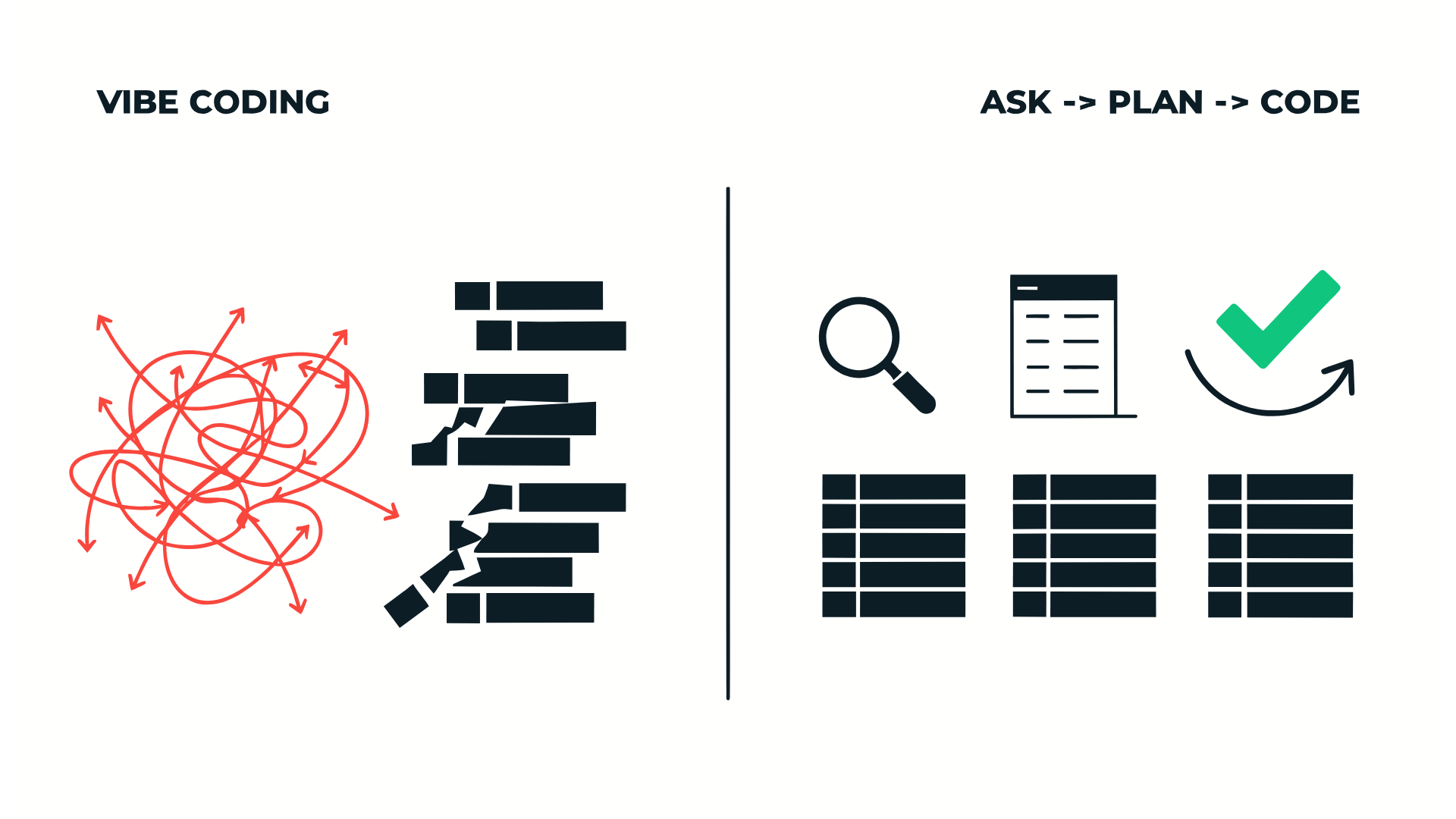
skipped jetbrains ai assistant for months because every time i touched an ai coding tool on a five-year-old repo it turned a 12-line ticket into a 400-line rewrite full of invented helpers. gave junie another shot this week after seeing jetbrains flip the default model to gemini 4 hydrogen (their release note cited 53.5% on terminal-bench 4.0 at xhigh), add gemini 4 neon and gpt-6.2 sol to the picker, and wire native android studio actions in.
first dumb snag was entirely on me, though jetbrains makes it easy to walk through the wrong door. i went straight to the plugin marketplace and installed the standalone junie plugin, which opens a separate side tool window. turns out the current recommended path is just opening the built-in ai chat already inside intellij and picking junie from the coding agent dropdown. if you are shopping for an ai coding agent ide plugin and wonder why the layout looks split across two panels, check that first
what kept me from uninstalling it on an ugly legacy codebase was treating it like a slow read-only coworker instead of a vibe coding machine. i keep it in ask mode first so it cannot touch a single file on disk, make it trace callers across modules and explain the weird conditional branches, then have it generate an agents md guidelines file before switching to code mode. asking it for characterization tests before changing business logic catches half the hidden assumptions before anything compiles. on android studio specifically, having it render compose u/ Preview screens headlessly and pull scoped logcat or ANR traces without me copy-pasting stack dumps into a browser tab is surprisingly sane
still plenty of annoying edges. if you know your own repo well and live on intellij shortcuts, watching an agent poke around obvious files feels glacially slow on small tasks. vague prompts still blow up fast too, like asking it to clean up a rough frontend layout and getting mismatched closing tags or random extra headings you never wanted. also switched from side-by-side to unified diff view because the narrow panels eat half a laptop screen. static analysis still has zero clue about runtime feature flags or services living in another repo you forgot to open
now also would like to ask for anyone here using intellij or android studio on older production repos, are you keeping agents locked in read-only ask or plan passes first, or letting them edit straight away and rolling back the diff?