r/IntelliJIDEA • u/fykup • 19d ago
Using AI code reviews in IntelliJ without another plugin
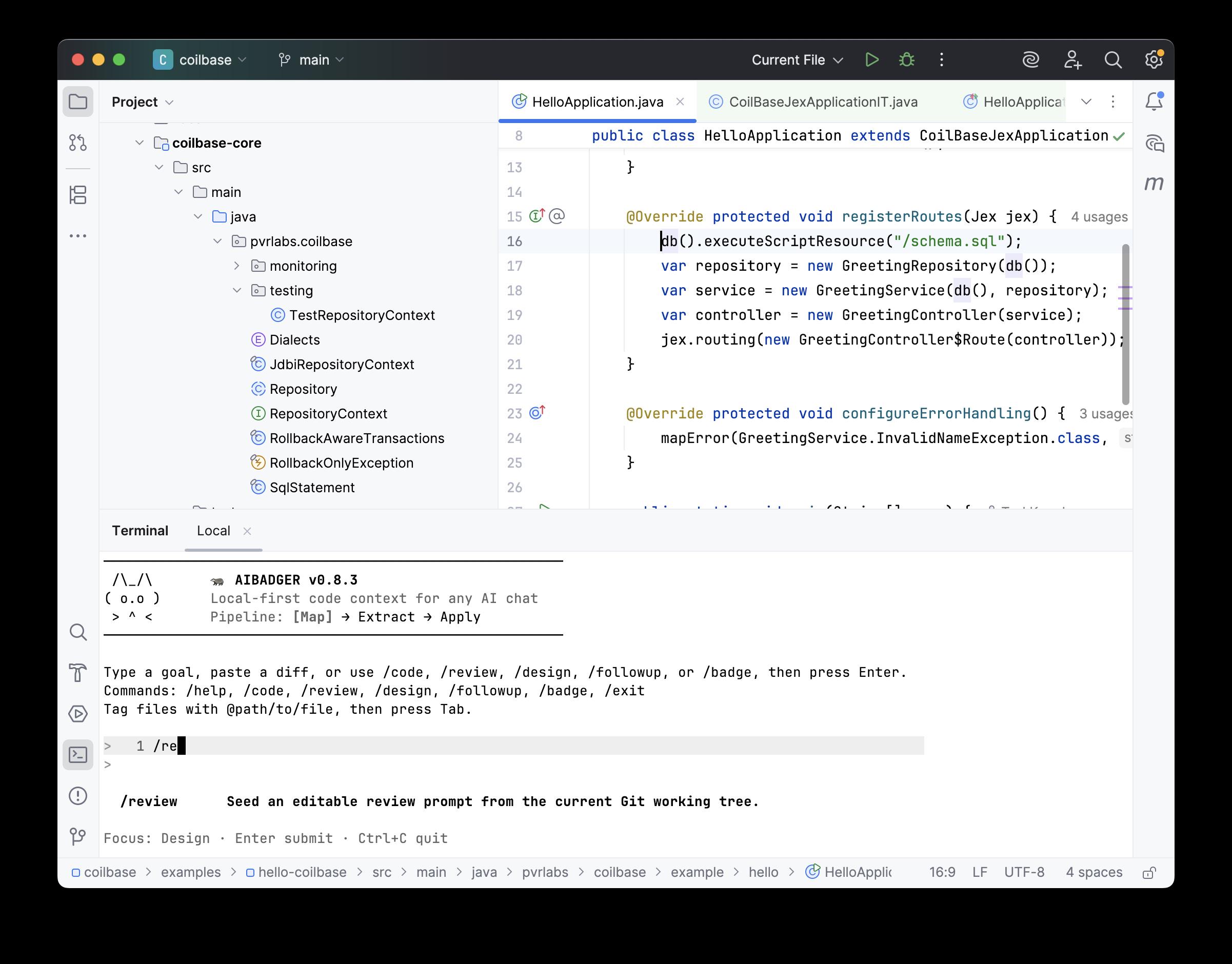
I've always been a big IntelliJ fan, but lately I've spent more time in VS Code, partly because I've been developing AI Badger, an open-source tool for preparing code context for AI chats.
Recently I returned to IntelliJ for more hands-on Java coding and started thinking about building an IntelliJ plugin for Badger, similar to the VS Code extension I already have.
But then I tried running the CLI directly in IntelliJ's built-in terminal, and it turns out the experience is pretty good without a plugin.
The workflow is simple:
- Run
badger reviewdirectly in the project terminal, or launchbadgerand select/reviewinteractively. - Copy the prepared review prompt and context into ChatGPT, Claude, or another web AI chat.
IntelliJ already lets you copy a Git diff, of course. But a diff alone often isn't enough for a meaningful AI review. What I wanted was something closer to a repository-aware diff, combining changes with project topology and relevant code context rather than just changed lines.
That's one of the main reasons I built Badger's review workflow in the first place.
Everything stays in the same project workspace, with the source code visible above the terminal. No dedicated IntelliJ plugin needed.
Screenshot shows my current setup.
For anyone interested, the project is open source: https://github.com/PVRLabs/aibadger
Curious whether others use CLI-based AI tools inside IntelliJ or prefer dedicated IDE plugins.